
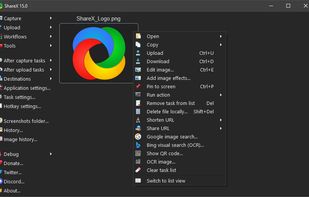
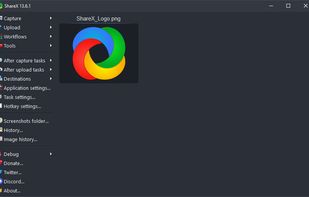
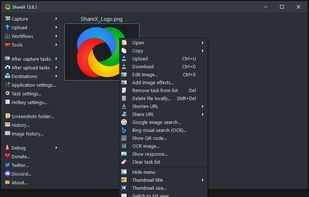
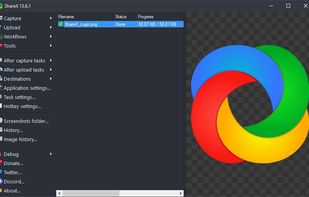
Open-source screen capture and file sharing tool with recording, editing, and annotation features. Supports 4K, dark mode, theming, offline use, and offers a lightweight, ad-free experience without tracking user data.
 United States



+9





The best Screen Recorder alternative to Greenshot is ShareX, which is both free and Open Source. If that doesn't suit you, our users have ranked more than 100 alternatives to Greenshot and loads of them are Screen Recorders so hopefully you can find a suitable replacement. Other interesting Screen Recorder alternatives to Greenshot are Snipping Tool, macshot, FastStone Capture and Snagit.
Open-source screen capture and file sharing tool with recording, editing, and annotation features. Supports 4K, dark mode, theming, offline use, and offers a lightweight, ad-free experience without tracking user data.
United States
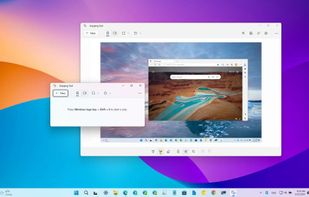
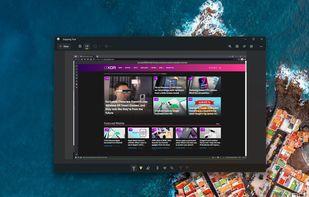
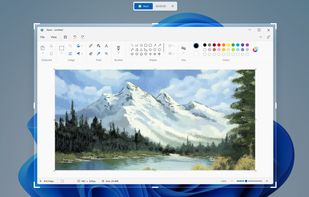
Snipping Tool is a screen capture utility that allows users to take screenshots of specific objects or full screens, annotate them, and save or share the captured images or videos.
United States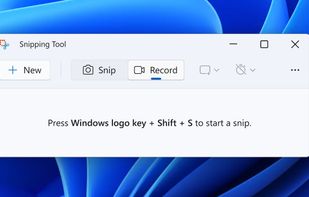

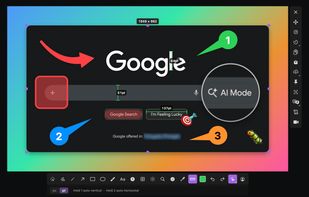
Feature-packed native macOS screenshot tool — annotate, auto-redact PII, record GIFs, OCR + translate, scroll capture, beautify, and more. No Electron, no subscription.
 Portugal
 EU

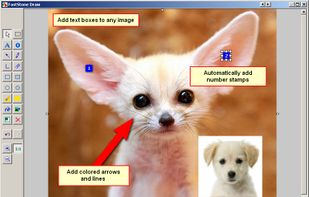
A powerful, lightweight, yet full-featured screen capture tool that allows you to easily capture and annotate anything on the screen including windows, objects, menus, full screen, rectangular/freehand regions and even scrolling windows/web pages.
 Canada



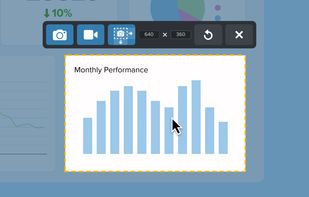
Advanced screen capture and recording tool enabling image or video captures directly from your screen. Includes editing features like callouts, transparency, and effects to enhance visuals. Organize and easily share creations through documents, presentations, or favorite applications.
United States
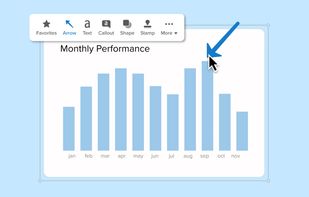
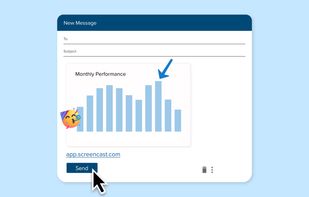


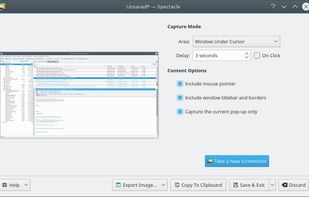
Spectacle is a simple application for capturing desktop screenshots. It can capture images of the entire desktop, a single monitor, the currently active window, the window currently under the mouse, or a rectangular region of the screen.
 GermanyEU


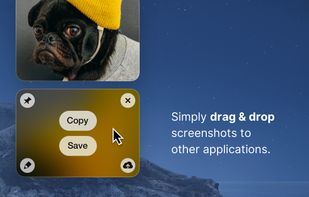
Capture and record screens on Mac with CleanShot X, featuring seamless recording, custom keyboard shortcuts, customizable wallpapers, Quick Access Overlay, and Desktop icon toggle for a tidy user interface.
 SwedenEU
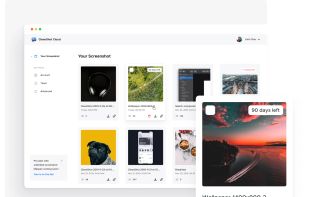
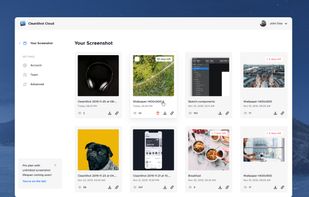
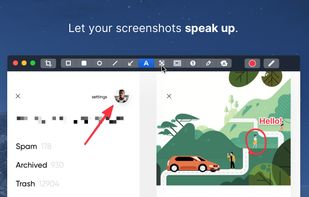


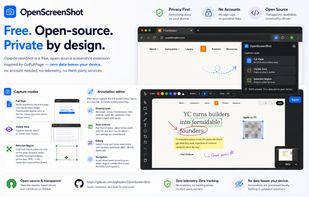
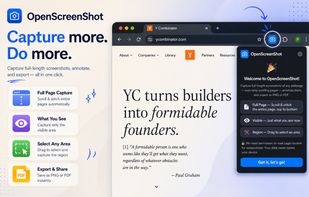
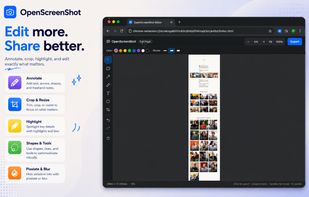
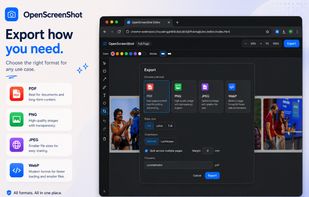
Browser extension for full, region, and visible-area screenshots, local annotation, PDF and format export, customizable, free, open source, fully offline, no account or telemetry, zero ads, no third parties, using only needed permissions, privacy-focused.
 Japan


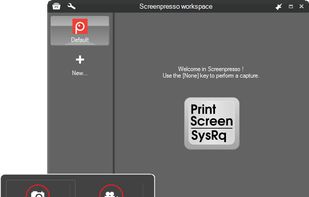
Comprehensive screenshot and screencast tool offering full-screen, window, or region captures with a built-in editor. Supports cropping, resizing, labels, and effects, with integration for popular services. Free version includes some branding and is limited to 15s screen casts.
 FranceEU
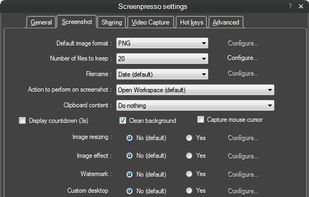
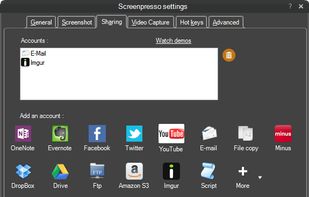
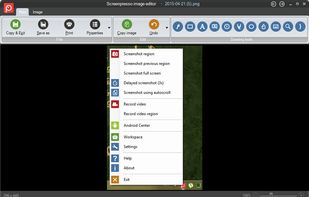


Gyazo lets you instantly grab the screen and upload the image to the web. You can easily share on Chat, Social, Email, or anywhere!
United States


Vibrantsnap turns one rough screen recording into the tutorials and product demos your customers need. Record a tab, a window or your whole screen with the Chrome extension, or import a video you already have, and talk through your product however it comes out.
Canada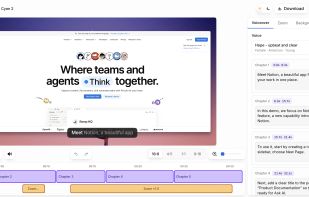


Capture the whole page or any portion, annotate it with rectangles, circles, arrows, lines and text, one-click upload to share.
United States