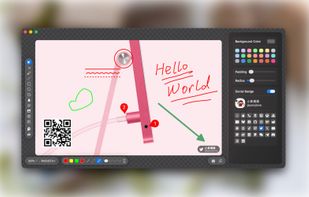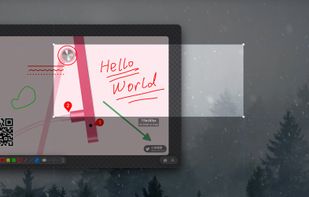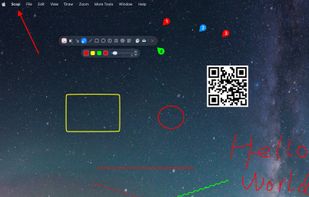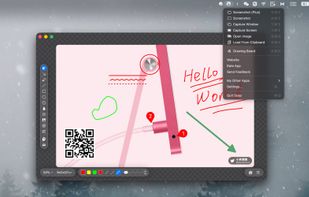


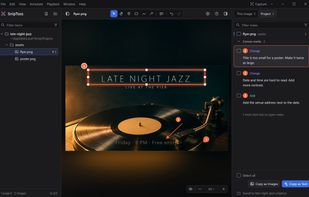
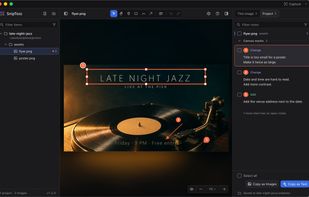
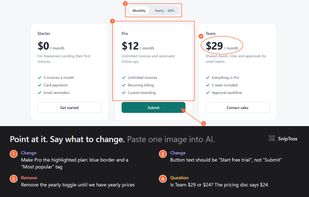
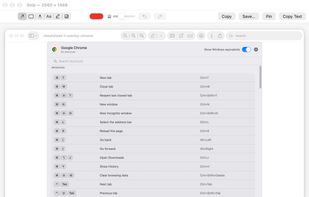
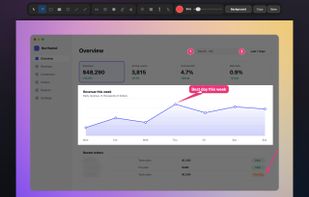
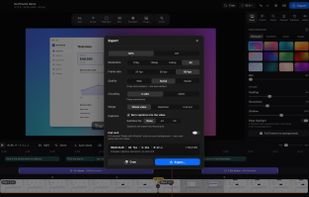
SnipToss is a free tool for reviewing what AI makes. Draw a pin, box or arrow on an image, a video or any part of your screen, write what should change, and hand the notes back.







There are many alternatives to Greenshot for Mac if you are looking for a replacement. The best Mac alternative is Flameshot, which is both free and Open Source. If that doesn't suit you, our users have ranked more than 100 alternatives to Greenshot and loads of them are available for Mac so hopefully you can find a suitable replacement. Other interesting Mac alternatives to Greenshot are macshot, Ksnip, Snagit and Lightshot.
SnipToss is a free tool for reviewing what AI makes. Draw a pin, box or arrow on an image, a video or any part of your screen, write what should change, and hand the notes back.
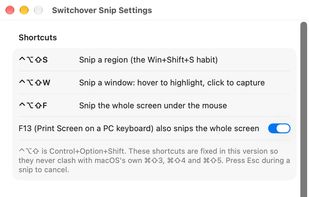
Switchover Snip is the Windows Snipping Tool rebuilt for the Mac, for people who keep reaching for Win+Shift+S out of habit.
 Australia

Socorin is a free, open-source desktop app for taking screenshots, annotating images and recording your screen. It runs in the menu bar or system tray and supports configurable keyboard shortcuts.
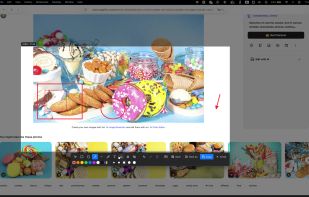


Captures regions, windows, full screens and scrolling pages, then provides arrows, shapes, text, numbered badges, blur, pixelation and pixel-precise cropping. OCR copies image text, while pinned snippets and searchable local clipboard history retain text and images.
 Germany
 EU
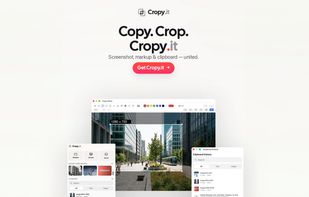
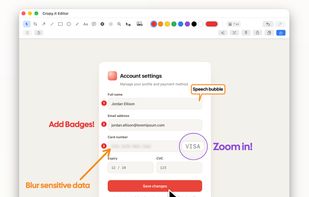
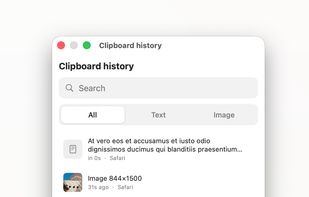


HashShot captures, marks up and records your Mac screen, then polishes the result for you. Everything runs on your Mac with no account and no cloud.
 United Arab Emirates
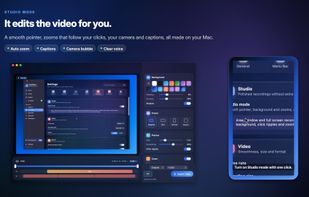
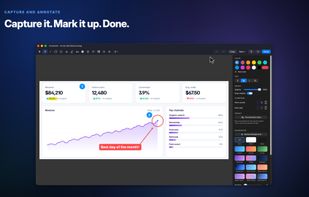

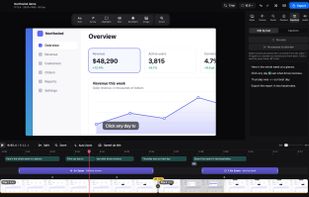
Free, open-source screenshot tool, screen recorder, and video editor for Mac. Auto-zoom, smooth cursor, captions, OCR, scrolling capture, and annotations. Native, private, no account.
GermanyEU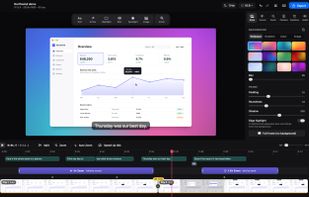


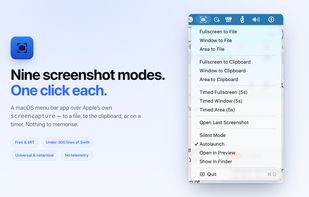
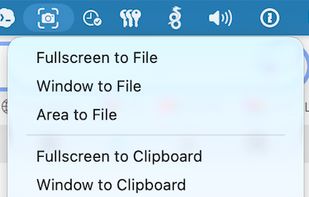
ScreenshotMenu is a small menu bar app that puts all of macOS's screenshot modes into one menu, so you don't need to remember keyboard shortcuts.
 CzechiaEU


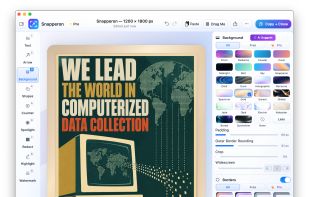
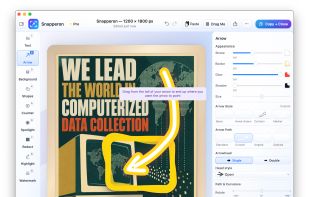
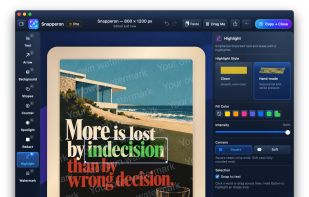
Snapperon is a native macOS app for capturing screenshots, annotating images and PDF pages, and preparing clear visuals for documentation, feedback and presentations. Add styled arrows, text banners, numbered steps, highlights, shapes, spotlights, freehand marks and redaction.


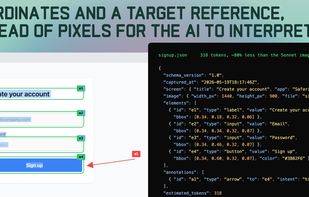
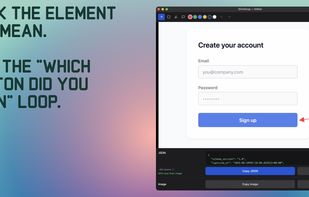
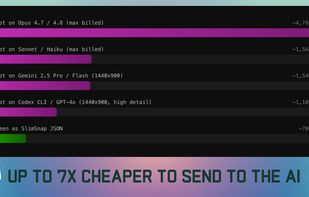
SlimSnap is a Mac app that turns a screenshot into structured JSON instead of an image. It captures the screen, runs OCR locally, and outputs the text, elements, colors, and bounding boxes, so terminal AI coding agents (Claude Code, Aider, Codex CLI) can act on the exact element...

Capture any part of your screen and turn it into a floating card. On-device OCR, scroll capture, dock-to-edge gestures. Runs entirely on your Mac.
 Ukraine


Capture macOS screenshots with a floating thumbnail for quick actions like renaming, copying, extracting text, scrolling capture, and local background removal. Supports custom folders, virtual desktops, Apple Silicon, temporary stashing, privacy, and customization.
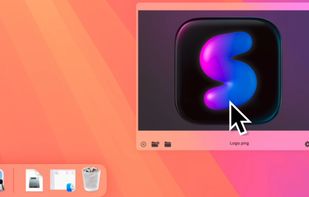

Enables macOS users to capture screenshots, annotate images, draw on a blank canvas, overlay image layers, use blur, mosaic, spotlight, QR code, watermark tools, add social badges, manage high-resolution export, and quickly share visuals via clipboard or file.
 China