


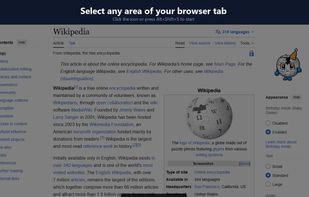
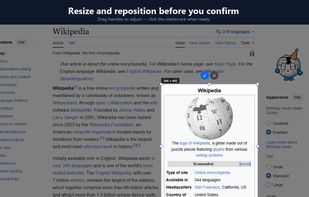
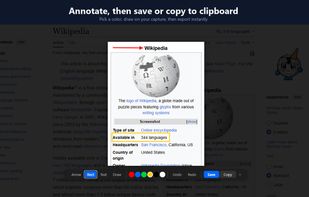
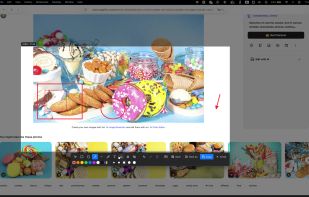
ClearShot captures any area of your browser tab, lets you annotate with arrows, rectangles, text, and freehand drawing, then saves as PNG or copies to clipboard. Everything stays on your device — no upload, no account, no tracking.
 United States







Apps similar to Greenshot include ShareX, which is free and open source. Other options are Flameshot, Snipping Tool, PicPick and macshot. You're spoiled for choice with Screenshot Capture Tools like Greenshot: we list more than 100 alternatives for Windows, Mac, Linux, the web and Android.
ClearShot captures any area of your browser tab, lets you annotate with arrows, rectangles, text, and freehand drawing, then saves as PNG or copies to clipboard. Everything stays on your device — no upload, no account, no tracking.
United States
AInotate gives AI agents annotated screenshots. Ask an agent where a setting is and it captures the page or window, finds the elements by text or role, and draws numbered steps, Skitch-style arrows, boxes and labels placed where they cover the least content.
United States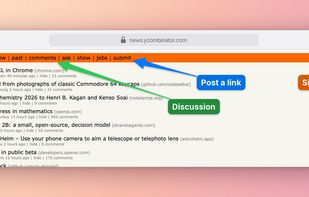


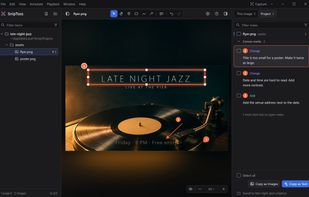
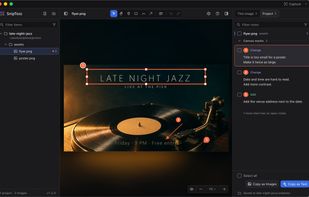
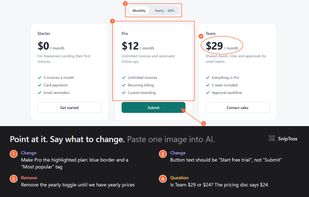
SnipToss is a free tool for reviewing what AI makes. Draw a pin, box or arrow on an image, a video or any part of your screen, write what should change, and hand the notes back.

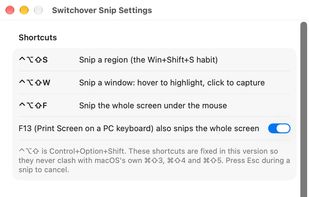
Switchover Snip is the Windows Snipping Tool rebuilt for the Mac, for people who keep reaching for Win+Shift+S out of habit.
 Australia
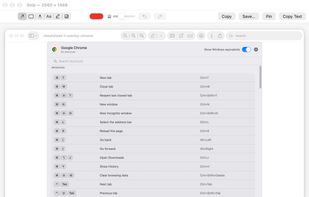


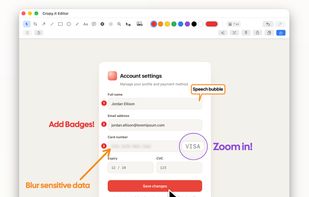
Socorin is a free, open-source desktop app for taking screenshots, annotating images and recording your screen. It runs in the menu bar or system tray and supports configurable keyboard shortcuts.


Captures regions, windows, full screens and scrolling pages, then provides arrows, shapes, text, numbered badges, blur, pixelation and pixel-precise cropping. OCR copies image text, while pinned snippets and searchable local clipboard history retain text and images.
 Germany
 EU
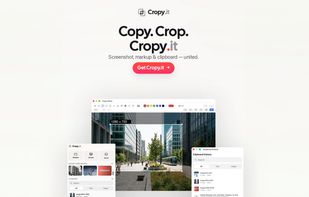
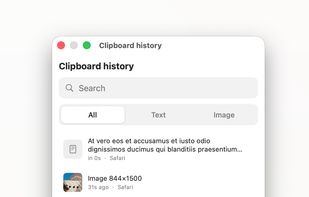
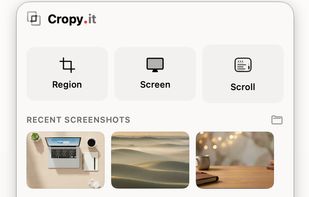


HashShot captures, marks up and records your Mac screen, then polishes the result for you. Everything runs on your Mac with no account and no cloud.
 United Arab Emirates
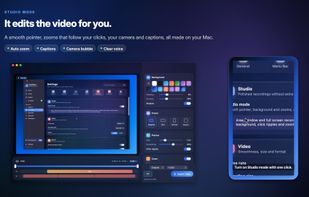
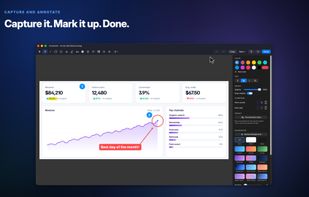
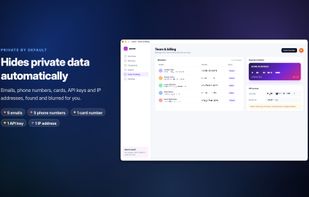

Free, open-source screenshot tool, screen recorder, and video editor for Mac. Auto-zoom, smooth cursor, captions, OCR, scrolling capture, and annotations. Native, private, no account.
GermanyEU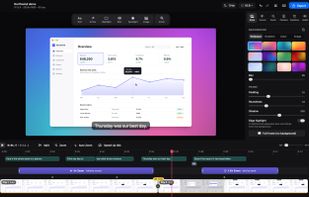
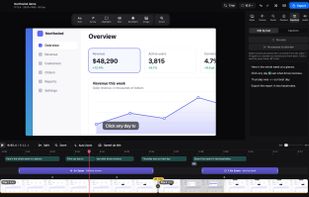
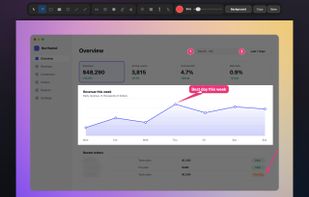
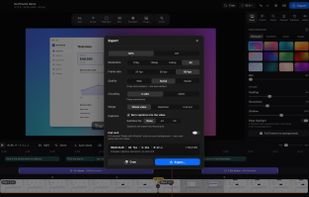

Screenshot and screen recording tool for Windows designed for fullscreen, area, or window captures, with audio recording, advanced annotation editor, and text-based search. Pro features add scrolling capture, text extraction, webcam, replays, and cloud sharing.
United Arab Emirates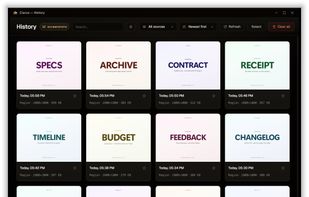
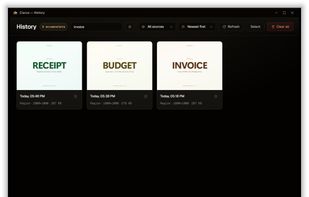
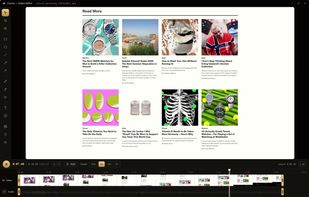

Fast, lightweight and offline-first Snipping tool for Windows with integrated high-accuracy OCR. Capture any screen area and extract text instantly without any cloud processing.
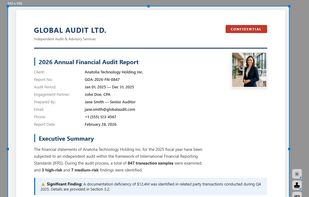


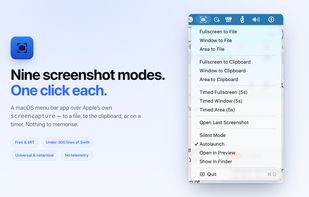
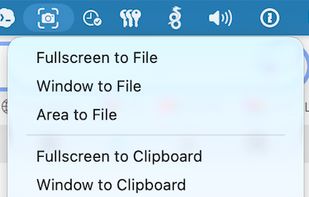
ScreenshotMenu is a small menu bar app that puts all of macOS's screenshot modes into one menu, so you don't need to remember keyboard shortcuts.
 CzechiaEU

Hardcopy allows you to take screenshots, mark them and save them.
Standard Hardcopy: The key [Print] prints out the current screen. The key [Alt+Print] prints out the current window. A click onto the Hardcopy - symbol in the System Tray prints out the current screen. In additio.


