Path Finder is a standalone Finder replacement that takes the Finder's familiar interface and adds numerous powerful features and interface innovations to help anyone be more productive on macOS.
 United States


FreeCommander is not available for Mac but there are plenty of alternatives that run on macOS with similar functionality. The best Mac alternative is Double Commander, which is both free and Open Source. If that doesn't suit you, our users have ranked more than 100 alternatives to FreeCommander and many of them are available for Mac so hopefully you can find a suitable replacement. Other interesting Mac alternatives to FreeCommander are Spacedrive, SquirrelDisk, Midnight Commander and Thunar.
Path Finder is a standalone Finder replacement that takes the Finder's familiar interface and adds numerous powerful features and interface innovations to help anyone be more productive on macOS.
United States
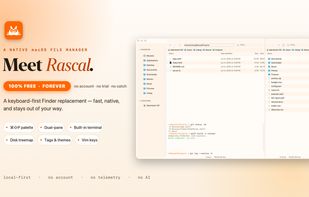
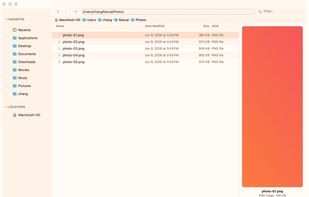
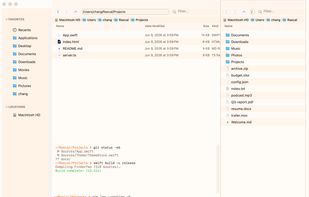
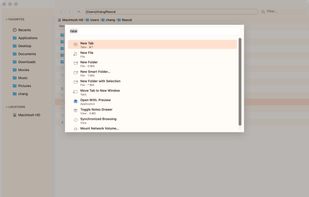
Keyboard-centric macOS file manager featuring dual panes, vim navigation, command palette, inline terminal syncing with folders, disk usage treemap, macOS tag support, multi-view modes, 17 themes, smart folders, Homebrew install, free and open source on macOS 13+.
 Canada




 Russia


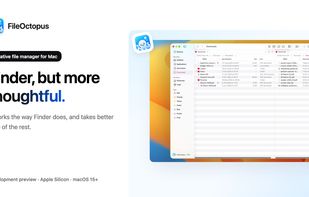
FileOctopus is a native file manager for Mac. The same views, shortcuts and Quick Look as Finder, with more care for everyday file work.
 Vietnam
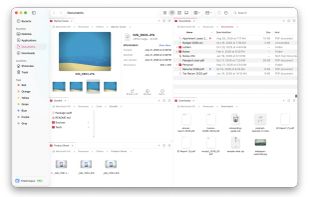


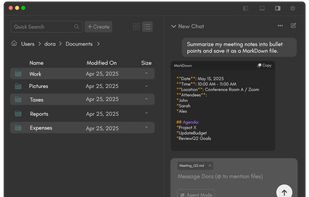
Finding files and organizing your computer just go a lot easier. Dora is the smart file explorer designed to save you time and frustration.
United States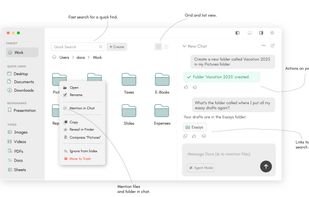


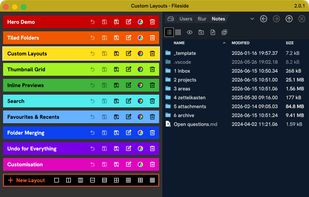
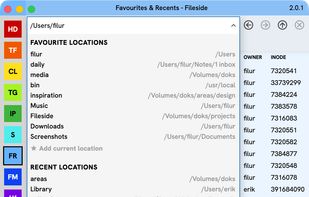
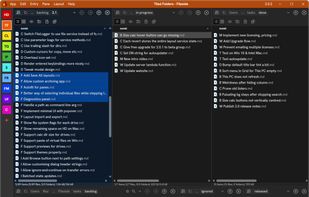
Fileside is a modern file manager for Mac and Windows with a twist. Create workspaces for your projects — build layouts of your folders. Everything you need will never be more than a click away, and staying organised becomes a breeze.
 Germany
 EU
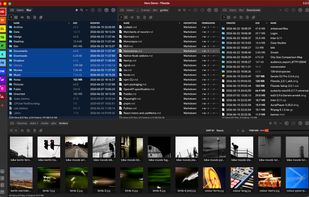


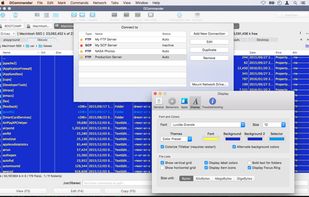
DCommander is a two-pane file manager that gives you full control over your computer's filesystem.
 AustriaEU
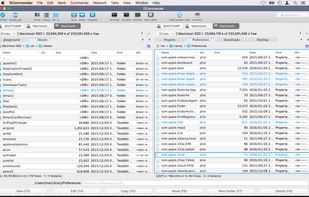
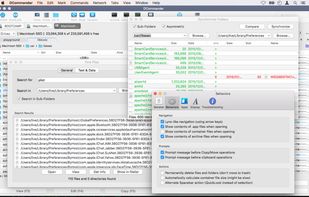
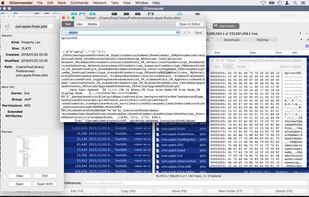


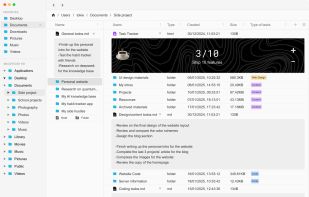
Efficient macOS file manager with native SwiftUI offers familiar Windows-style cut and paste, tabs, multi-panel browsing, deep sidebar navigation, Quick Look, file previews, conflict handling, external drive support, advanced search, and multi-language localization.
GermanyEU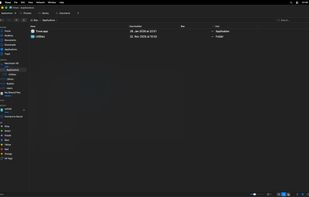

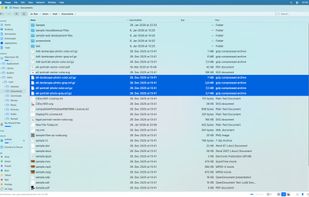
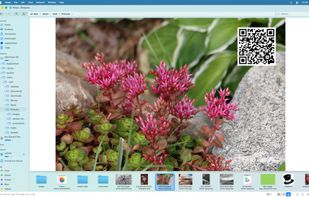


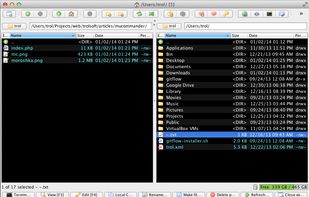
Manage your files the way you always do, using two panels and the keyboard (and sometimes the mouse). Introducing the MaxCommander.
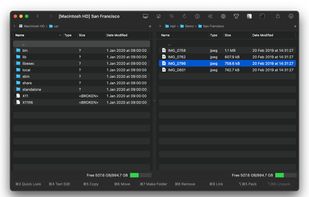
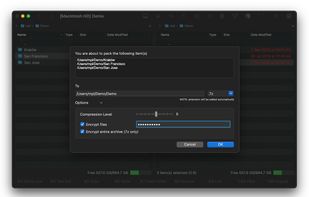
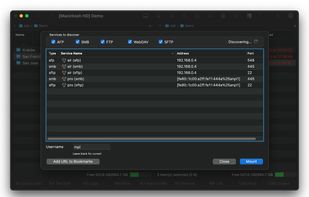
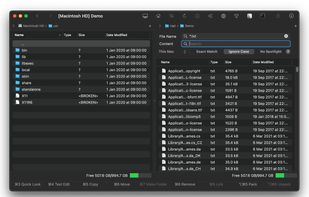


DoubleXplorer is a dual-pane file manager for macOS with a range of features, including a Command Palette, rich archive support (7z, Rar, Tar, Zip), file comparison, connection to servers (Dropbox, Microsoft OneDrive, SFTP, FTP), and more.
 PolandEU


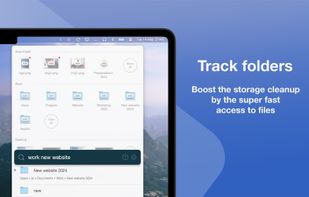
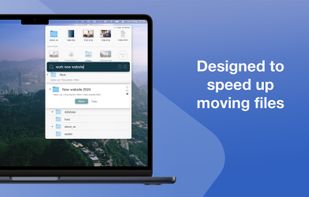
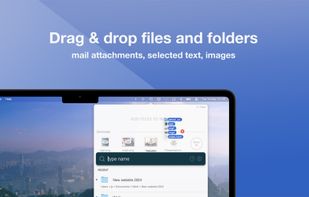
Introducing Fover, a fresh approach to file management on your macOS device. With Fover, moving files and folders becomes a breeze, taking just three simple steps: drag and drop files into the app, specify the destination folder, and click the move button.