S


There are many alternatives to Flameshot for Windows if you are looking for a replacement. The best Windows alternative is ShareX, which is both free and Open Source. If that doesn't suit you, our users have ranked more than 100 alternatives to Flameshot and loads of them are available for Windows so hopefully you can find a suitable replacement. Other interesting Windows alternatives to Flameshot are Greenshot, Snipping Tool, Ksnip and PicPick.

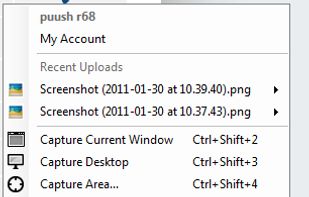
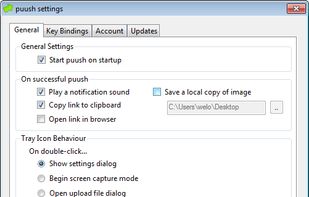
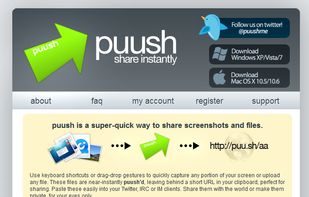
puush is a super-quick way to share screenshots and files. Quickly capture any portion of your screen, upload any file, and share them with a short URL automatically placed in your clipboard. Share them with the world or make them private, for your eyes only.
 Australia


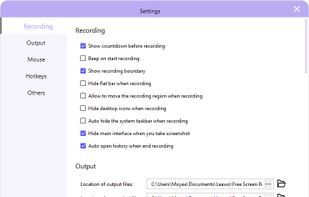
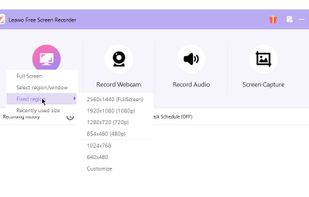
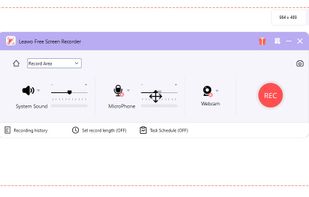
Leawo Free Screen Recorder is a 100% free screen recorder combo, allowing you to record videos with up to 4K quality from screen, webcam, system sound or/and Microphone.
 China


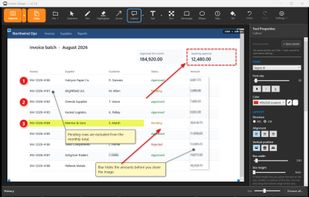
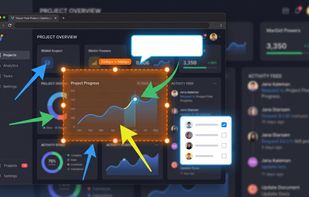
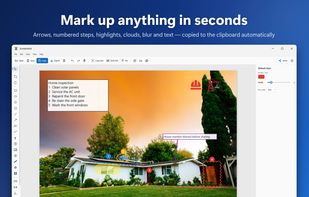
Screenshot app for capturing regions, windows and scrolling pages, marking them up with arrows, steps and blur, and copying or sharing the result.
 Canada
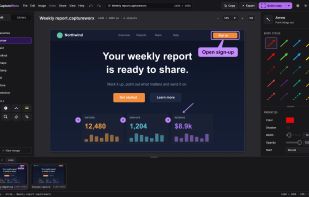
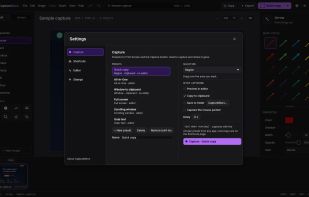
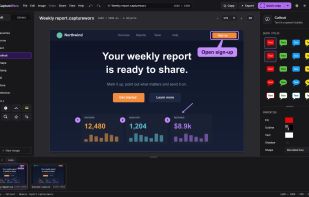
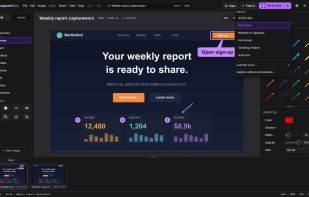


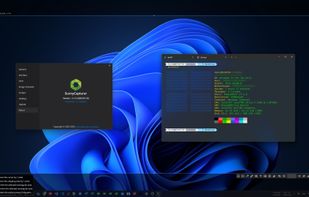
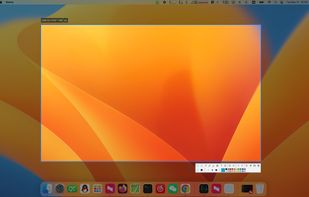
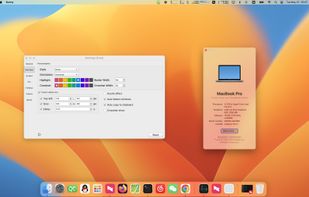
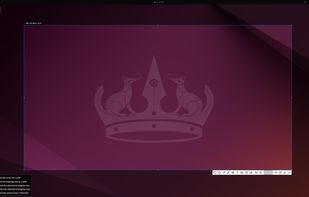
SunnyCapturer is a simple and beautiful cross-platform screenshot software that supports OCR for extracting text from images, image translation, custom stickers, and pinning images to the screen. Supports Windows, MacOS, Linux operating systems.


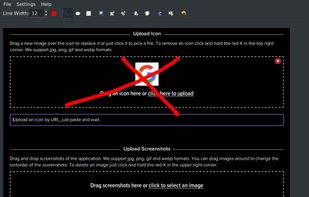
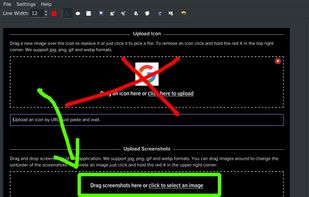


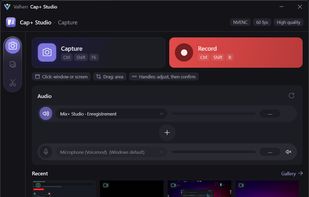
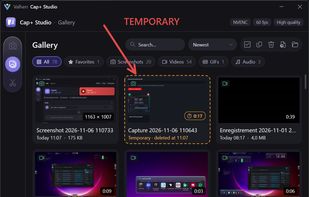
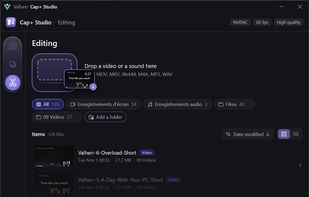
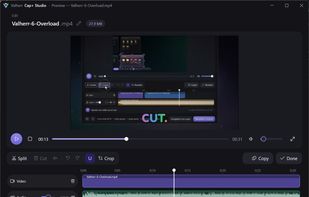
Screen capture, recording and quick editing photo, audio, video and gifs for Windows, with independent audio source selection.
 France
 EU


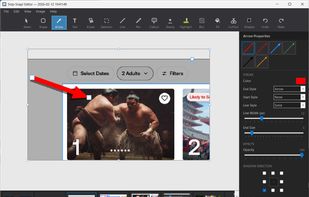
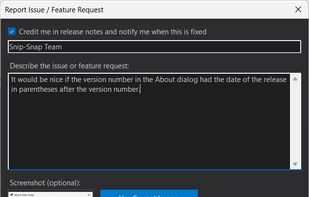
Snip-Snap! is a lightweight, privacy-focused screenshot utility for Windows 10/11. Capture regions, windows, or full screens with pixel-perfect precision using a built-in magnifier. Features a powerful editor with annotations (arrows, text, shapes, highlighters), quick styles...
 United States
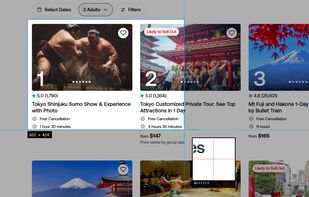
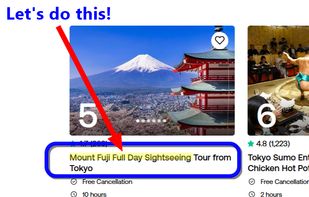


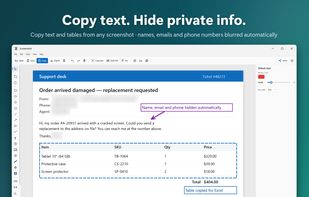
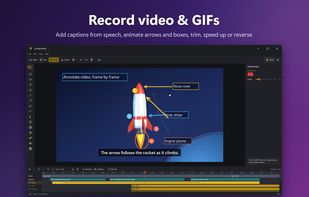
Screenshots, GIFs and screen recordings with editable annotations, automatic blurring of personal info, text copy and real measurements.
Canada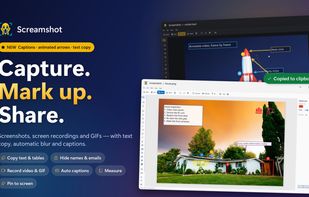


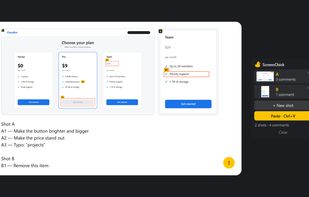
Annotated screenshots for AI chats: circle a spot, add a comment, paste it all with one Ctrl+V. Windows, offline, free and open source.
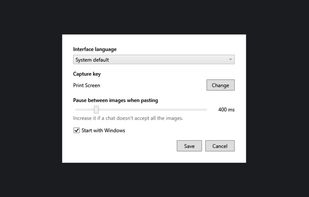


Fast, private screenshot and screen recording tool for Windows 11 — capture, annotate, record MP4/GIF and OCR, all fully offline.
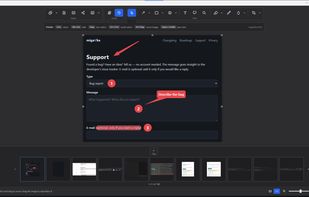
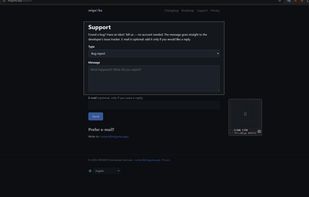
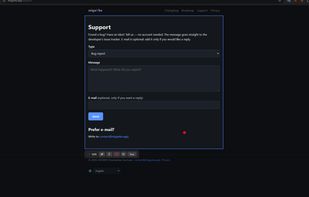
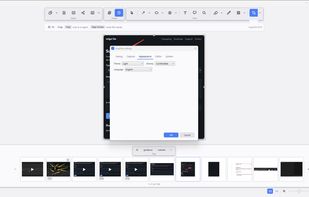


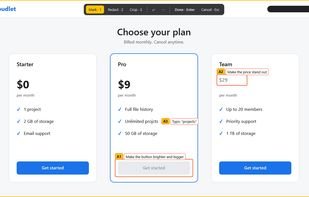
Screenshot tool for Windows 10 and 11 that lets users capture regions or scrolling pages and add editable annotations, arrows, callouts, and auto-numbered steps. Save undo history, securely redact images, works fully offline, no telemetry, supports multiple languages.