

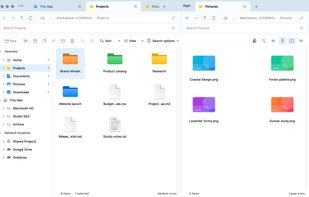
A free, open-source macOS file manager inspired by Windows Explorer, with tabs, a folder tree, dual panes, filename search, Quick Look previews, and Finder color tags.




Apps similar to Finder include Double Commander, which is free and open source. Other options are Files, Spacedrive, Total Commander and Dolphin File Manager. There's no shortage of File Managers like Finder, with more than 100 alternatives for Windows, Mac, Linux, Android and iPad.
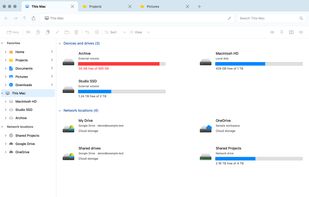
A free, open-source macOS file manager inspired by Windows Explorer, with tabs, a folder tree, dual panes, filename search, Quick Look previews, and Finder color tags.
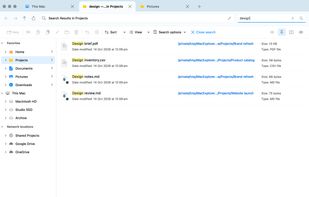
SADFinder is a fast, customizable file manager for Mac. Keep several folders open in tabs, jump anywhere with an editable path bar, filter the current folder, or search filenames and Spotlight-indexed document contents without losing your place.
 Romania
 EU
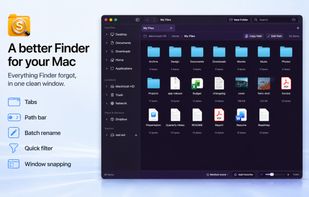
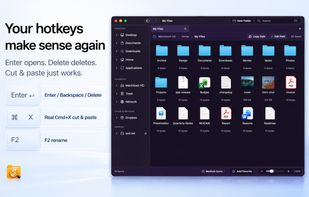
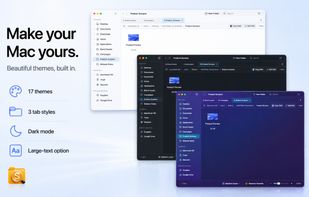


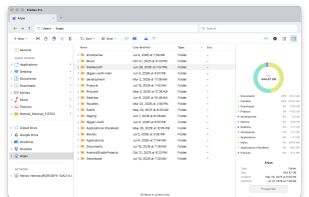
Switched to Mac and can't make peace with Finder? FileNav is a native macOS file manager that brings back the Windows Explorer workflow your hands already know — Enter opens files, real cut & paste, an editable address bar, and an always-visible folder tree.
 Indonesia


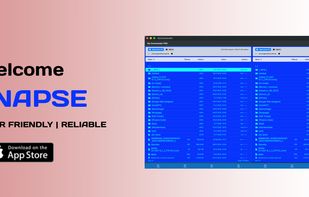
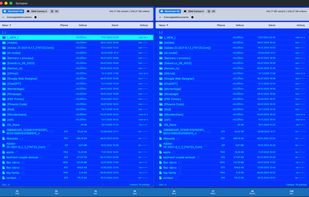
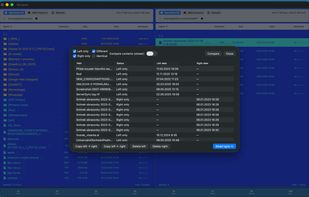
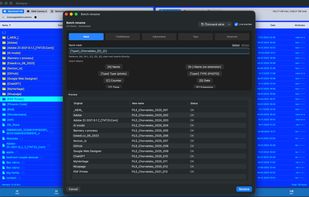
Synapse Commander is a dual-pane macOS file manager that lets you work with local disks and network servers side by side, supporting FTP/FTPS, SFTP, SMB/WebDAV, smart sync, batch rename, and keyboard-driven workflows.
 CzechiaEU


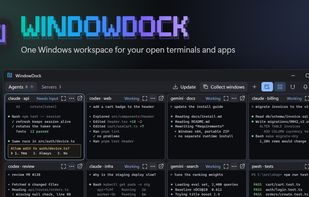
Group open Windows application windows and live Codex, Claude Code and Gemini CLI terminals into a tabbed workspace. Free and open source.


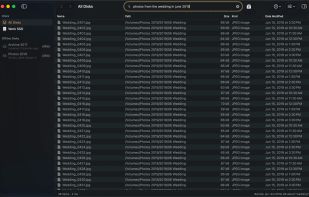
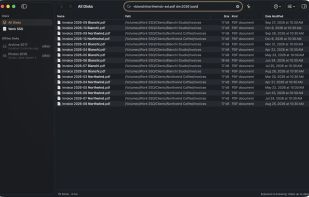
Espresso is an instant file search app for macOS that works by indexing your entire disk/disks (inspired and syntax-compatible with Everything by voidtools).
 ItalyEU
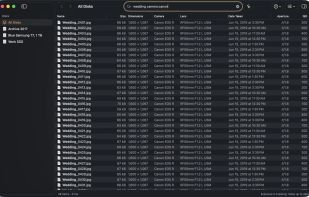

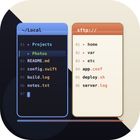
Empiric Commander is a professional dual-pane file manager for macOS, iPadOS, and iPhone, inspired by the classic Norton Commander workflow and built 100% in SwiftUI with Swift 6.
 Moldova
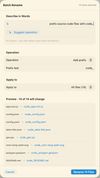
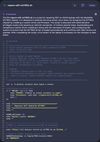


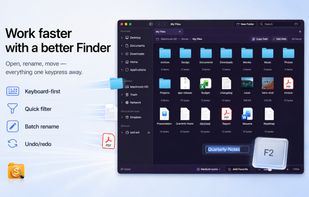
Native macOS file manager and Finder alternative for faster browsing, previews, archives, folder sync, remote files, and bulk media work.
 Türkiye
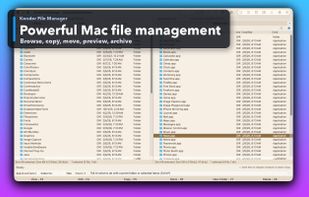
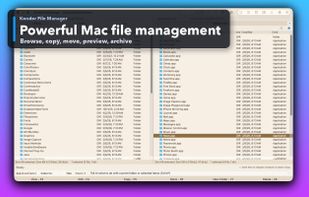
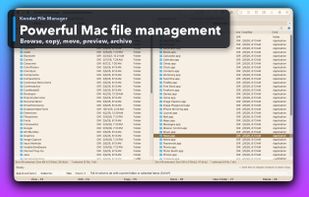
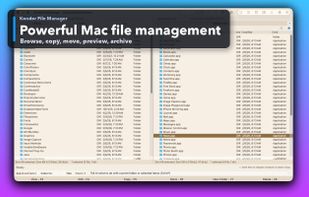

I used Windows for years. When I moved to a Mac, the thing I missed most was File Explorer: typing a path into the address bar, cutting and pasting files, a folder tree on the left, an item count in a status bar. Finder hides most of that or doesn't have it.
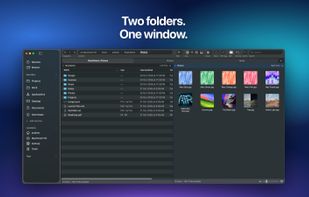
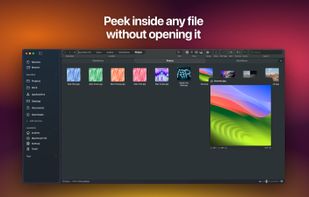
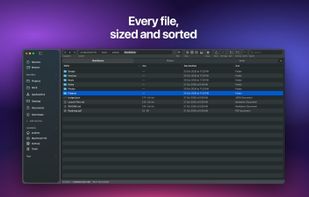
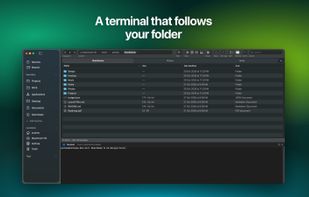


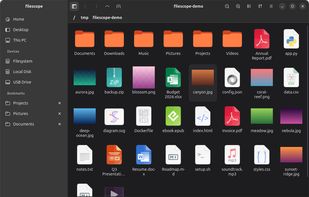
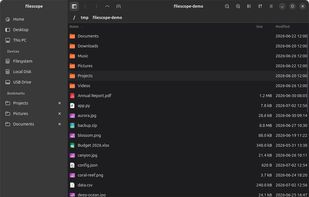
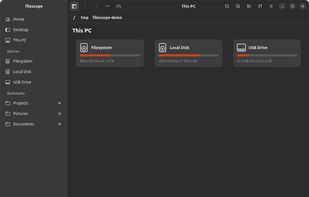
A fast, nice-looking file manager for Linux. Browse your files as a spacious icon grid or a detailed list, open tabs, preview with Space, mount drives (NTFS included), and manage files — all with a native GNOME look that follows your GTK/icon theme.


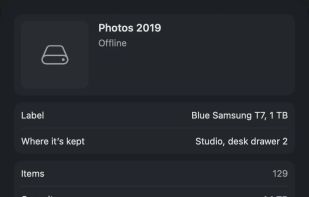
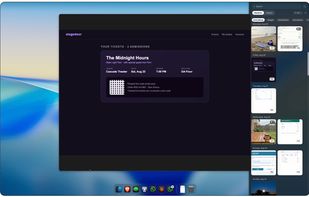
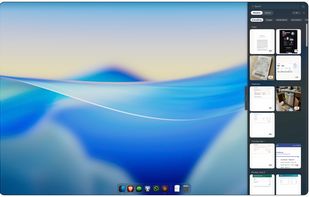
Displays files from selected folders in a visual drawer at the screen edge, letting you find them by their contents, scanned text, receipt amounts and dates, or words spoken in audio and video. It keeps an encrypted index, groups duplicates, and supports drag-and-drop.
 United States


 Poland