United Kingdom



+8




Far Manager is not available for Mac but there are plenty of alternatives that run on macOS with similar functionality. The best Mac alternative is Double Commander, which is both free and Open Source. If that doesn't suit you, our users have ranked more than 100 alternatives to Far Manager and many of them are available for Mac so hopefully you can find a suitable replacement. Other interesting Mac alternatives to Far Manager are GNOME Files, Midnight Commander, Thunar and ForkLift.
United Kingdom
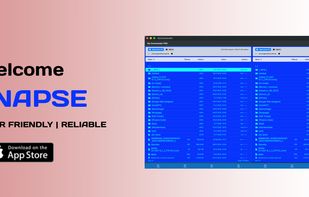
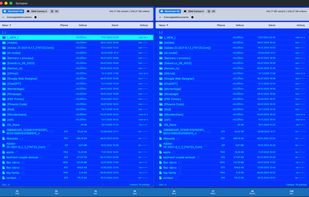
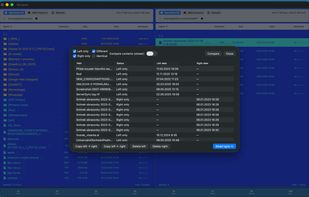
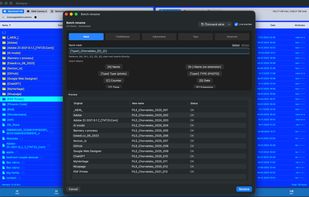
Synapse Commander is a dual-pane macOS file manager that lets you work with local disks and network servers side by side, supporting FTP/FTPS, SFTP, SMB/WebDAV, smart sync, batch rename, and keyboard-driven workflows.
 Czechia
 EU


Iruka is a fast, native macOS file manager inspired by KDE's Dolphin - with a terminal that follows your folder, dual pane browsing, one-click SSH & SCP, git integration, beautiful Markdown and code previews, in-place editing, and Power Search with grep & regex.
 Singapore
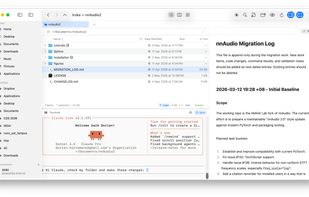
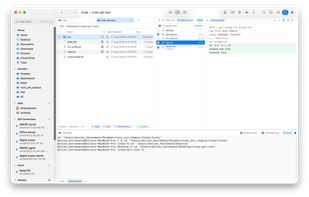
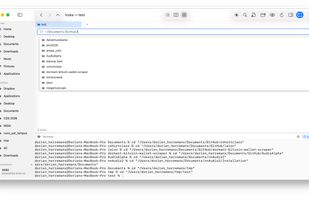
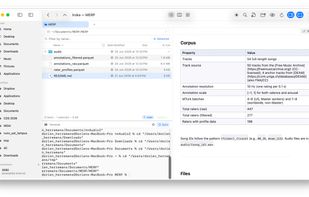


Desktop workspace for running multiple AI coding agents beside a keyboard-driven dual-pane file manager. Includes diff review, chat search and forking, scheduled jobs, SSH/S3/SQL access, archive panels, previews, plugins and encrypted phone control.
 Australia
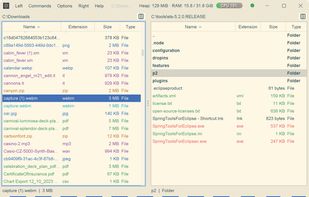
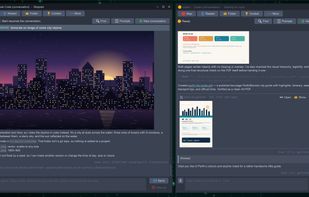
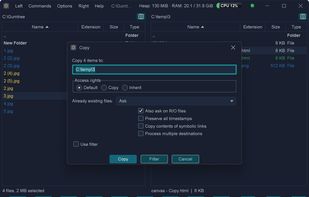
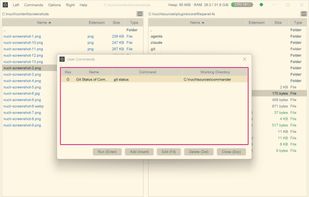


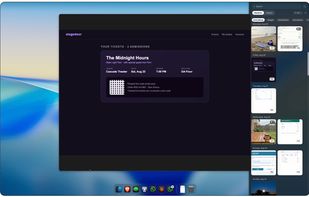
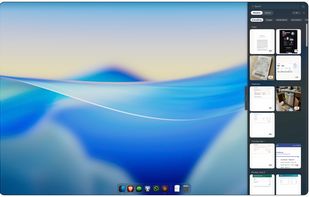
Displays files from selected folders in a visual drawer at the screen edge, letting you find them by their contents, scanned text, receipt amounts and dates, or words spoken in audio and video. It keeps an encrypted index, groups duplicates, and supports drag-and-drop.
 United States

Free, open-source two-panel file manager in the style of Total Commander, with archives as folders, Google Drive, Dropbox, Synology NAS and SSH/SFTP.
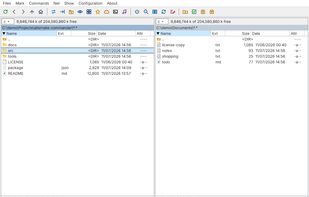
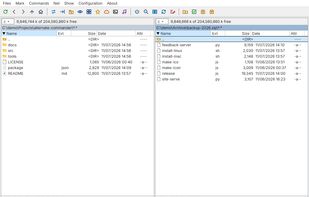
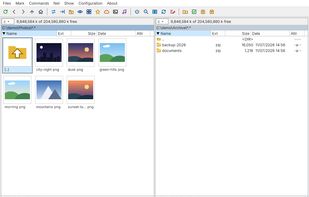

Empiric Commander is a professional dual-pane file manager for macOS, iPadOS, and iPhone, inspired by the classic Norton Commander workflow and built 100% in SwiftUI with Swift 6.
 Moldova
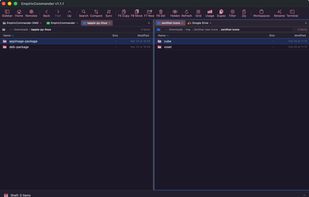
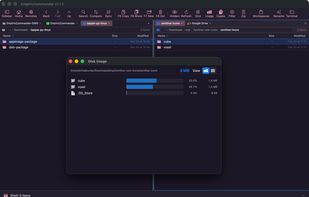
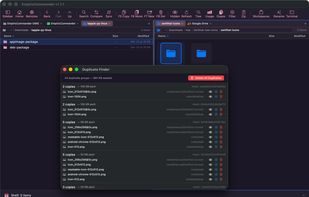
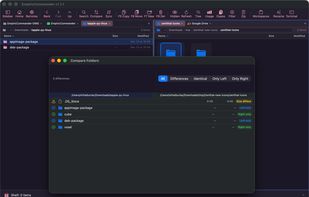


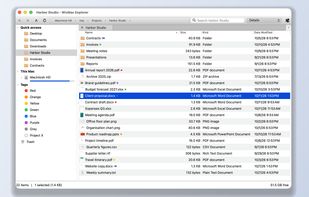
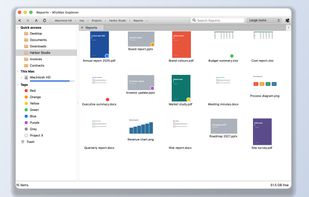
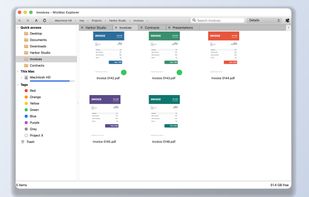
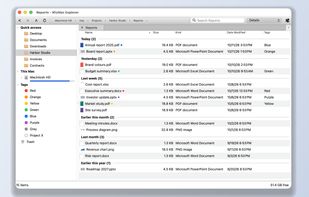
A macOS file manager for users who prefer Windows Explorer conventions, with a folder tree for local, network, cloud, and Trash locations. It supports Delete, F2, F5, Alt+Left, cut/copy/paste, tabs, previews, Spotlight search, archives, and undo or redo for file actions.
 Switzerland