





DropToss
1 like
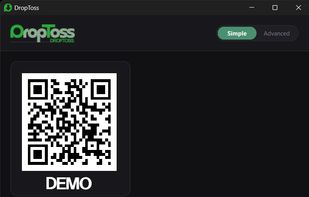
Send files from any phone to Windows by scanning a QR code. No mobile app, account, USB cable, or Wi-Fi router required. DropToss automatically uses local transfer, direct hotspot connection, or cloud relay.

Cost / License
- Pay once
- Proprietary
Platforms
- Windows

Features
Highlights All activities
DropToss News & Activities
Recent activities
- MITSUHIRO MOTOMURA updated DropToss
![Quick Share [Google] icon](https://img.alternativeto.net/icons/40/jpeg/nearby-share_234437.png) MITSUHIRO MOTOMURA added DropToss as alternative to Quick Share [Google]
MITSUHIRO MOTOMURA added DropToss as alternative to Quick Share [Google] MITSUHIRO MOTOMURA added DropToss as alternative to OnionShare, SendGB.com, Wormhole, SpeedyShare.app and 2 more
 MITSUHIRO MOTOMURA added DropToss as alternative to Tresorit Send, KDE Connect, Flying Carpet, RetroShare and 4 more
 MITSUHIRO MOTOMURA added DropToss as alternative to Bitwarden Send, Lufi, Send Anywhere, GNOME Warp and 14 more


![Quick Share [Google] icon](https://img.alternativeto.net/icons/70/avif/nearby-share_234437.png)


Developed by
 system32recordings
 Licensing
Proprietary and Commercial product.Pricing
One time purchase (perpetual license) ranging between $9 and $10.Alternatives
43 alternatives listedBadge
Get an embeddable badge for DropTossSupported Languages


No comments or reviews, maybe you want to be first?