
Clipcroft icon
Clipcroft icon

Clipcroft

 2 likes

Send anything between devices with a real-time online clipboard in your browser: text, links, and files, even on different networks. No signup, no install, no file size limits.
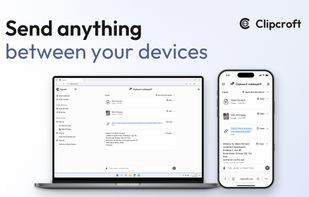
Clipcroft screenshot 1

Cost / License

  • Free
  • Proprietary

Since

  • New

Platforms

  • Online
2likes
0articles
Save

Features

Properties

Features

Highlights All activities

Clipcroft News & Activities

Recent activities

Clipcroft information

AlternativeTo Categories

File Sharing, Security & Privacy
Clipcroft was added to AlternativeTo by Víctor C. on and this page was last updated .

No comments or reviews, maybe you want to be first?

Official Links

What is Clipcroft?

Link devices in two steps with this free online tool: create a clipboard on one, open it on the other. No signup, nothing to install. Send text, links, and files of any size with zero caps. Devices don't even need to be on the same Wi-Fi.

Files travel encrypted peer-to-peer (P2P) and are never uploaded to or stored on any server. Always encrypted: files use DTLS and text uses TLS, and an optional password adds end-to-end encryption on top.

Key features:

  • Text and links: appear on the other device in real time.
  • Unlimited file count: no limit on how many files you can send.
  • Folders: send a whole folder with its structure kept.
  • Save all: save every received file at once, or export them as a ZIP with the folders rebuilt.
  • Multi-device: multiple devices can join one clipboard.
  • Cross-platform: any modern browser on Windows, Mac, Linux, ChromeOS, iPhone, iPad, and Android.
  • Dark mode: light, dark, or match your system.
  • Languages: English and Spanish.

Transfers are fastest when both devices are on the same network: files go directly from one to the other at local network speed, without touching the internet.

Clipcroft Videos