

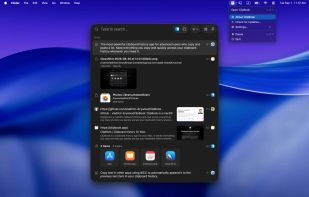
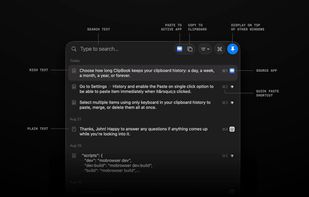
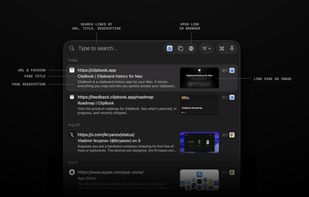
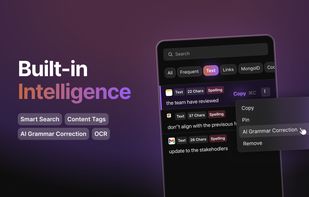
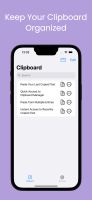
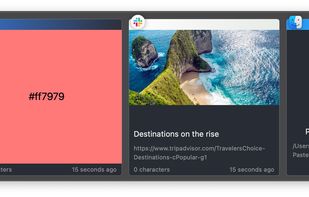
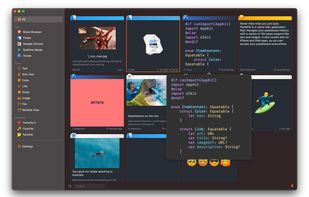
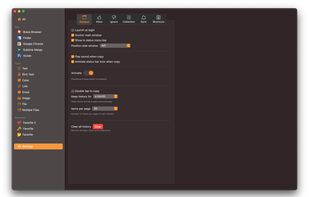
ClipBook runs in the background and remembers everything you copy, so you can easily find it and copy it again or paste directly into the current active application.
Cost / License
- Paid
- Source Available
Application type
Platforms
- Mac



+6
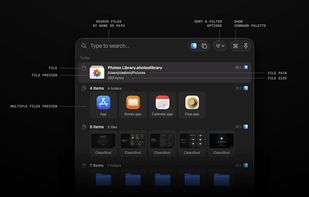


ClipBook runs in the background and remembers everything you copy, so you can easily find it and copy it again or paste directly into the current active application.

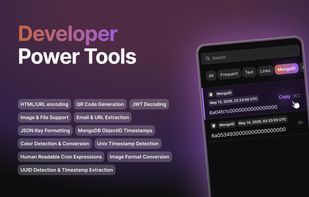
ClipBear is a smart macOS clipboard manager for developers. It detects and transforms developer content — JWTs, JSON, colors, cron, timestamps, ObjectIDs — inline and on-device. Free to use; Pro ($15/yr) unlocks unlimited history. 14-day Pro trial.
 Germany
 EU
EU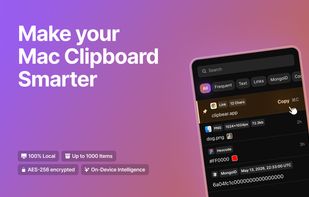


Annotate screenshots on macOS with drawing tools, brushes, shapes, text, and pointer emojis. All processing is local for privacy. Preview and export in JPEG, PNG, or WebP, downscale high-res images, set export paths, and enjoy a small, responsive app.
GermanyEU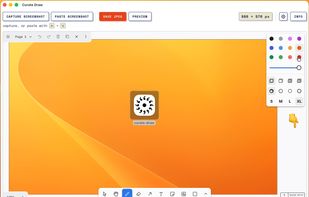


iCliper is the ultimate tool for managing your clipboard. With iCliper, you can access and organize clipboard history across different apps. No more copying and pasting the same text repeatedly.




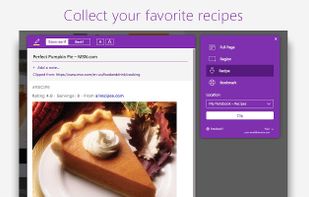
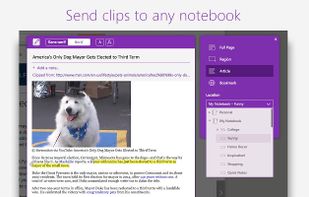
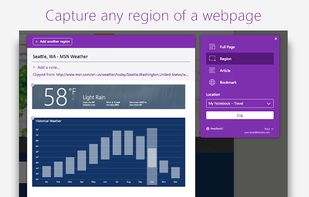
You're busy. OneNote Web Clipper lets you quickly clip all or part of a web page to OneNote, and save it for later. Clip images, pdfs, videos, or a visual bookmark of a page. Best of all, you can access them from any computer, tablet, or phone - even when you're offline.


PastePal is a native macOS application that allows us to easily manage pasteboard history, notes and shortcut.
 Vietnam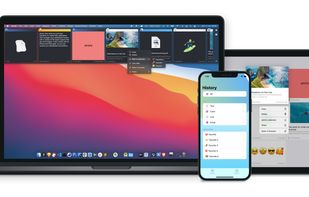


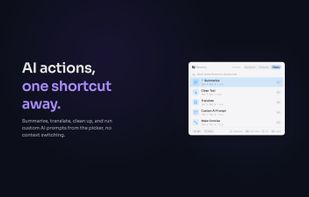
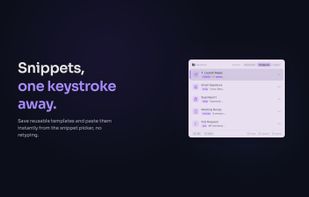
NanoClip is a fast, minimal Mac clipboard utility that combines clipboard history, snippets, and automation flows in one lightweight menu bar app.
 United States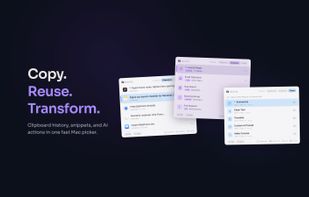



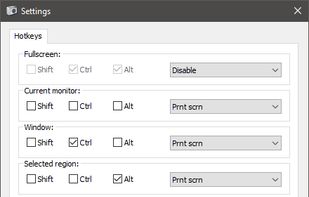
Freeware tool for taking fast and simple screenshots of the entire screen, windows and regions.
 Kazakhstan


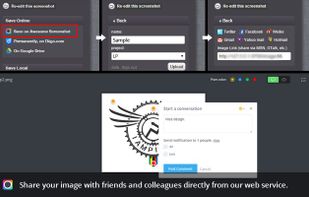
Capture the whole page or any portion, annotate it with rectangles, circles, arrows, lines and text, one-click upload to share.
United States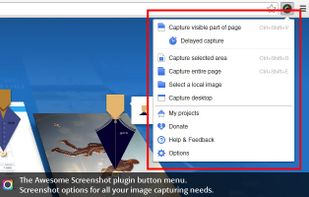



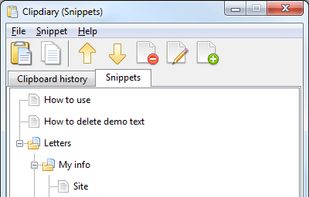
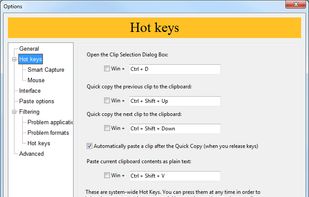
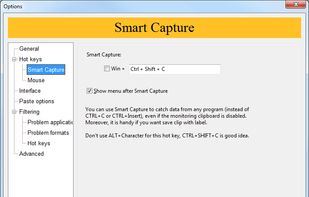
Clipdiary clipboard manager saves the complete clipboard history. With this windows clipboard manager you can reuse everything you were once copying - text, pictures, html links and even files!
 Ukraine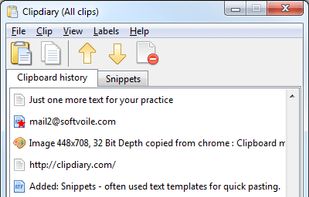


XMenu adds one or more global menus to the right side of the menu bar. They give you access to your preferred applications, folders, documents, files, and snippets. Launch any application, or insert text snippets or URLs into your email messages or Pages documents with a single...
GermanyEU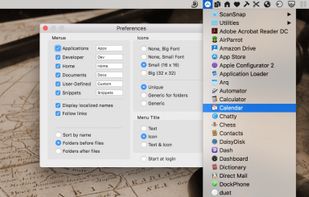


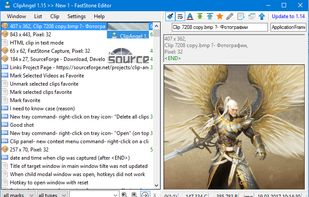
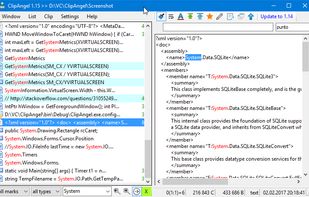
ClipAngel is an extension to the standard Windows clipboard. It saves each item placed on the clipboard allowing you access to any saved item at a later time. It saves main types of data that can be put on the clipboard: text, images, html, files.
 Russia