


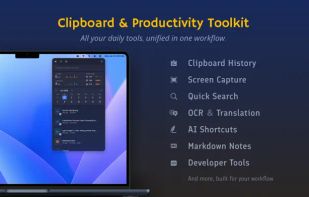
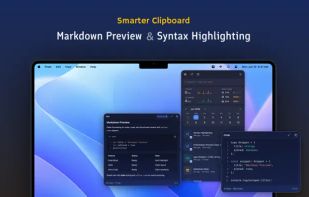
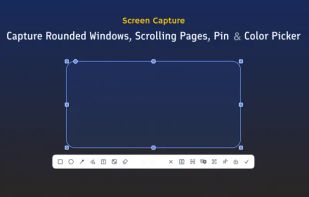
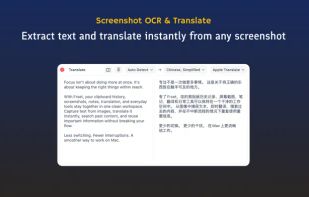
Frset is an all-in-one macOS productivity app combining clipboard management, screenshots, OCR, translation, AI shortcuts, and useful utilities in one place.
Cost / License
- Freemium
- Proprietary
Application typeApplication types
Platforms
- Mac



+9




Cropper has been discontinued. Similar apps include ShareX, which is free and open source. Other options are Greenshot, Flameshot, macshot and Snipping Tool. There's no shortage of Screenshot Capture Tools like Cropper, with more than 50 alternatives for Windows, Mac, Linux, the web and Android.
Frset is an all-in-one macOS productivity app combining clipboard management, screenshots, OCR, translation, AI shortcuts, and useful utilities in one place.

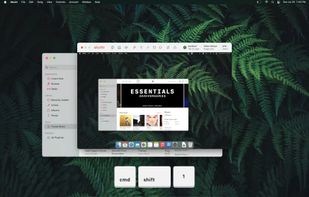
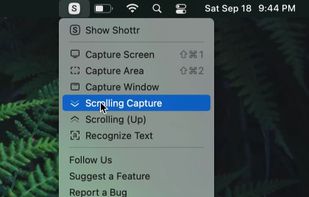
Shottr is a compact screenshot app designed for pixel precision and optimized for macOS Silicon devices.
 United States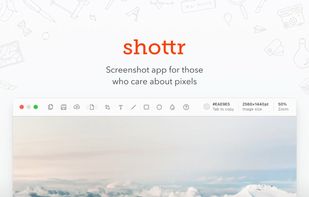


Capture and record screens on Mac with CleanShot X, featuring seamless recording, custom keyboard shortcuts, customizable wallpapers, Quick Access Overlay, and Desktop icon toggle for a tidy user interface.
 Sweden
 EU
EU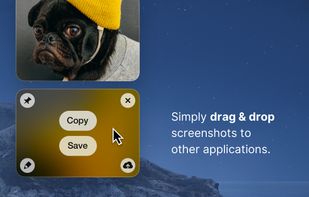


Save anything you see online - including text, links and images - into your Evernote account with a single click.
United States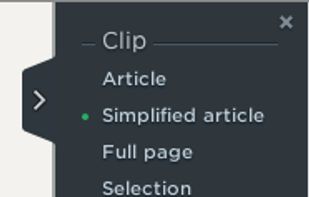


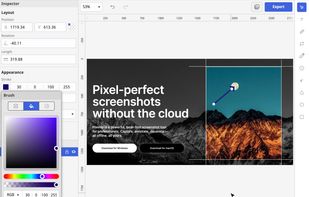
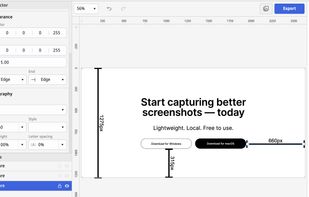
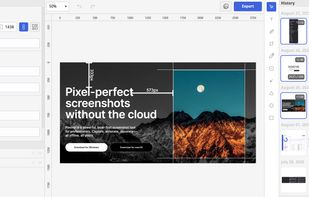
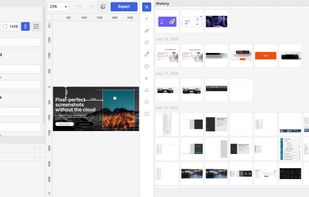
Privacy-focused screenshot utility with local-only storage, capture and post-editing, precision tools like rulers and color picker, grouping, collage and card creation, full history, an intuitive interface, and no cloud or login required for secure offline workflows.


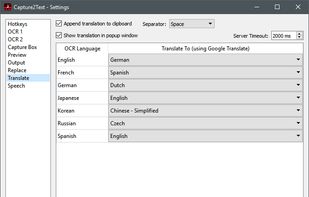
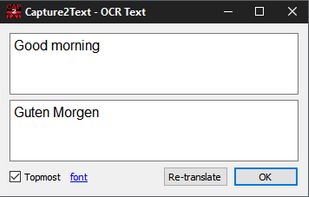
Capture2Text enables users to quickly OCR a portion of the screen using a keyboard shortcut.
United States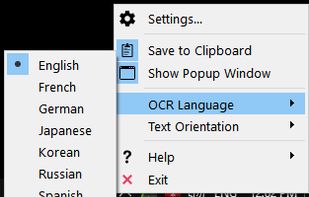


Comprehensive screenshot and screencast tool offering full-screen, window, or region captures with a built-in editor. Supports cropping, resizing, labels, and effects, with integration for popular services. Free version includes some branding and is limited to 15s screen casts.
 FranceEU


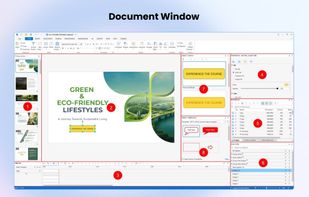
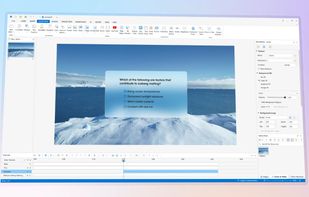
Authoring solution enabling interactive eLearning course creation, flexible project layouts, advanced screen recording, video editing tools with annotation, timeline-based adjustments, and export to video, image, HTML5, SCORM, xAPI, office, or PDF formats.
 Vietnam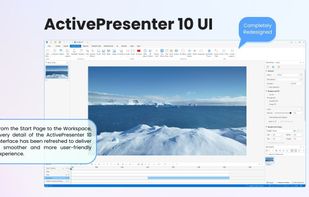


Imagine is an Image & Animation Viewer for Windows with screen capture function.
 South Korea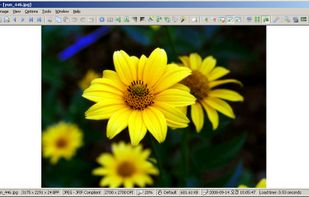


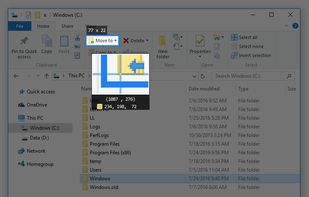
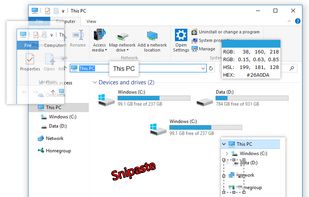
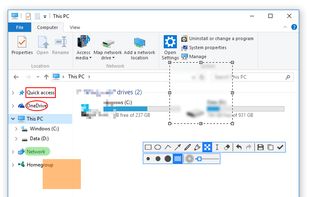
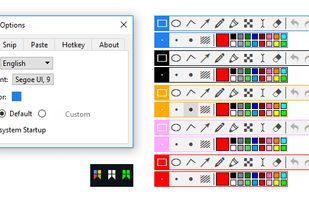
Snipaste is a simple but powerful snipping tool, and also allows you to pin the screenshot back onto the screen. Snip. Then paste. Free. Customizable. Portable.


Capture the contents of your entire desktop at the same time as your video camera, microphone and computer's audio. Sophisticated editing tools allow you to create incredible screencasts in no time.
United States


Wink is a Tutorial and Presentation creation software, primarily aimed at creating tutorials on how to use software (like a tutor for MS-Word/Excel etc). Using Wink you can capture screenshots, add explanations boxes, buttons, titles etc and generate a highly effective tutorial...
 India
India


