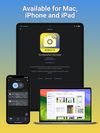
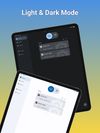
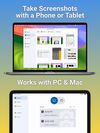
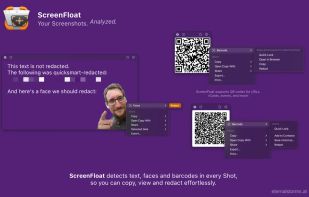
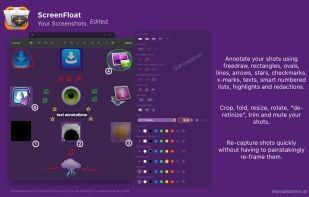
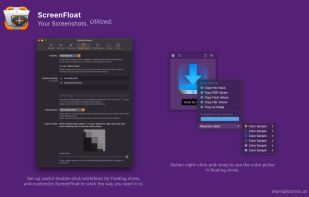
Maximize productivity on Mac with intuitive screen captures, Picture in Picture, and versatile annotation capabilities.
Cost / License
- Paid
- Proprietary
Application typeApplication types
Platforms
- Mac
 Austria
 EU
EU



+7


Cropper has been discontinued. Similar apps include ShareX, which is free and open source. Other options are Greenshot, Flameshot, macshot and Snipping Tool. There's no shortage of Screenshot Capture Tools like Cropper, with more than 50 alternatives for Windows, Mac, Linux, the web and Android.
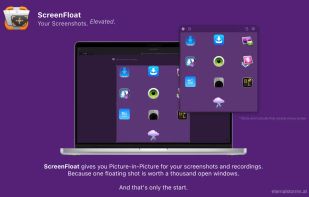
Maximize productivity on Mac with intuitive screen captures, Picture in Picture, and versatile annotation capabilities.
AustriaEU
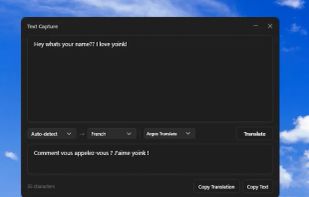
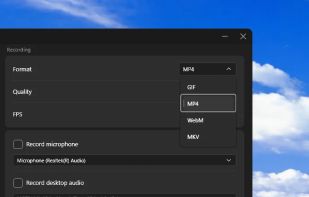
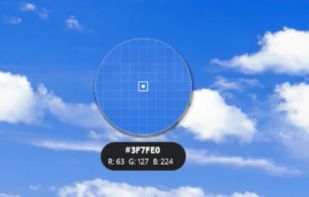
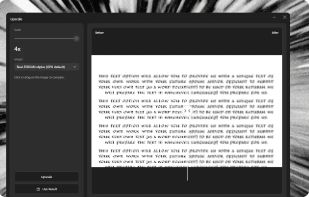


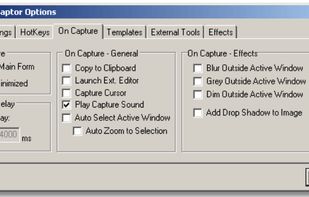
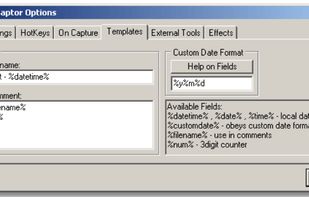
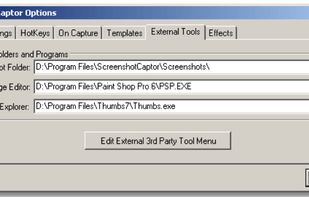
Screenshot Captor is a program for taking screenshots on your computer. Its different from other screenshot utilis in several notable ways:
 United States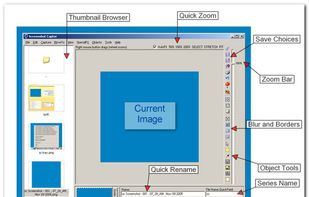


If you are using Windows, SnapInker is an easy way for beautifying your screenshots with effects such as Background Images, Shadow effects, and more.
 United Kingdom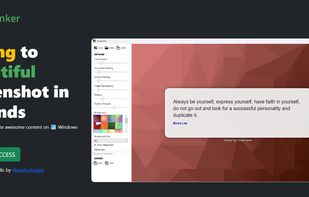


ScreenshotX is a new, lightweight app for Windows for creating beautiful screenshots. It's freeware, it doesn't come with any spyware and you can also share your screenshots without the need to register or any other nonsense.
United States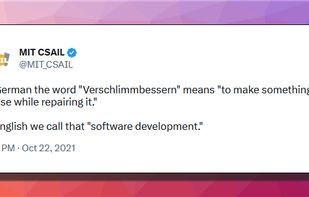
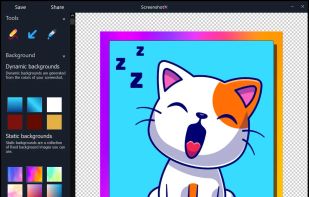


Monosnap allows you to save screenshots easily, conveniently, and quickly, sharing them with friends and colleagues at once.
 CyprusEU


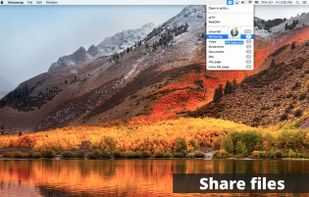


Capture, Customize, and Share Effortlessly with PixEase. We understand the value of your time, which is why we've designed our app to make the process of creating stunning visuals quick and seamless.
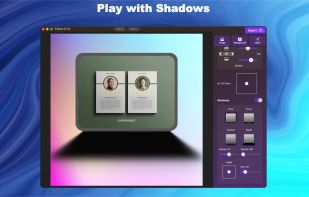
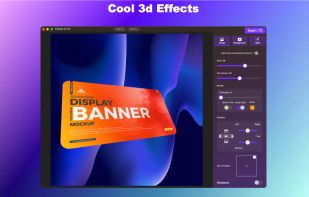
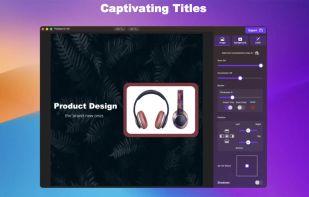
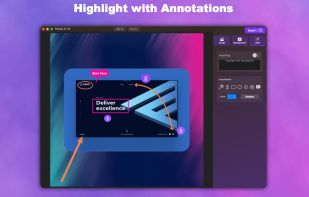


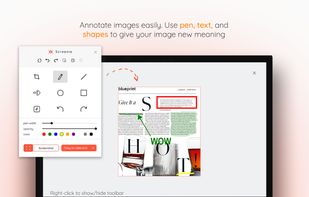
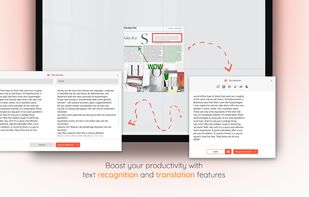
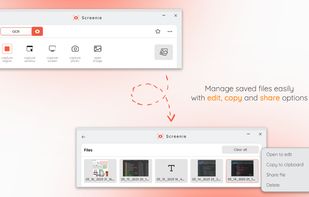
💥 Capture and share your ideas quickly and easily with Screenie - the ultimate screenshot tool for designers, developers, and anyone who needs to share information efficiently. Simply take a snap, annotate it, and copy it to the clipboard in seconds.
 Canada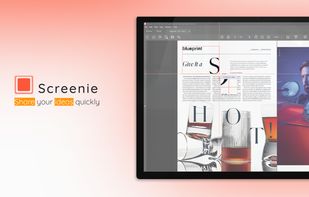


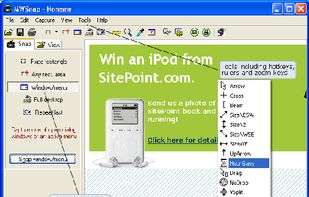
MWSnap is a small yet powerful Windows program for snapping (capturing) images from selected parts of the screen.
 PolandEU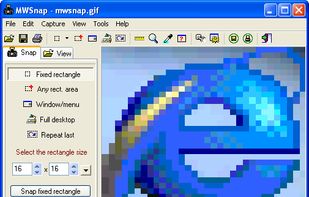


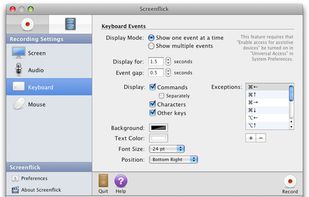
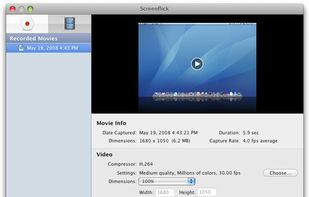
Screenflick features high performance screen capturing for smooth, fluid motion up to 60 fps. Screenflick can record any portion of the screen, simultaneously recording audio from internal or external microphones and the system audio.
United States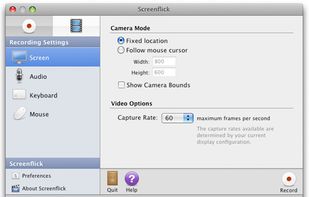




Screenshot Remote enables a seamless and secure way to capture and manage screenshots across multiple platforms and devices. Users can take screenshots on remote computers using their phone, tablet, or another computer via a local network connection or Wi-Fi.
United States