

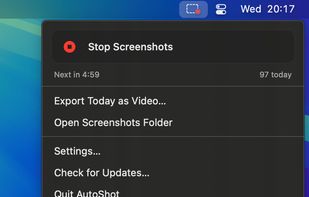
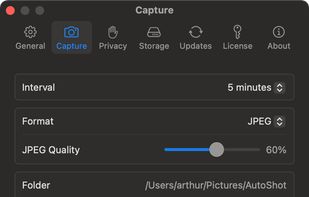
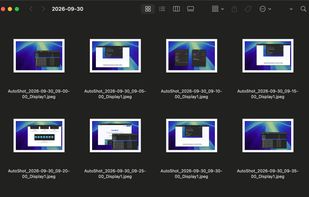
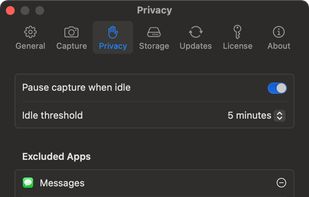
Menu bar app for Mac that takes a screenshot of every display on a timer, sorts them into a folder per day, and turns any day into a timelapse video.
Cost / License
- Paid
- Proprietary
Application type
Platforms
- Mac



+2


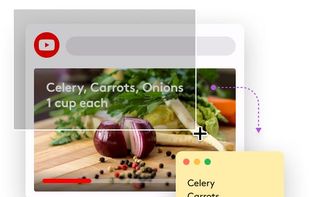
Apps similar to ClipAce include ShareX, which is free and open source. Other options are Greenshot, Flameshot, OSS Document Scanner and Snipping Tool. There's no shortage of Screenshot Capture Tools like ClipAce, with more than 50 alternatives for Windows, Mac, Linux, the web and iPhone.
Menu bar app for Mac that takes a screenshot of every display on a timer, sorts them into a folder per day, and turns any day into a timelapse video.

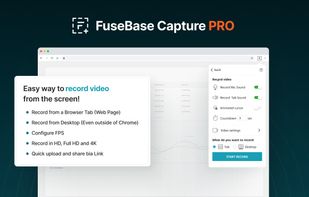
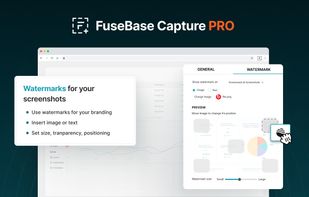
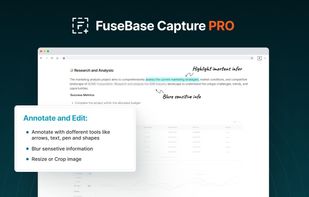
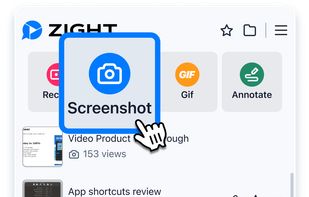
Capture full and partial screenshots, record screen or webcam videos with extensive editing tools, including annotations, video conversion to gif/mp4, and sharing options. Create step-by-step guides enhanced by AI, save in multiple formats, and utilize cloud storage integration.
 United States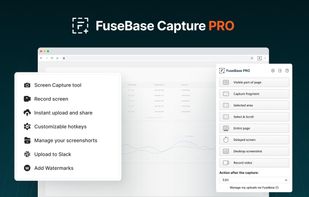


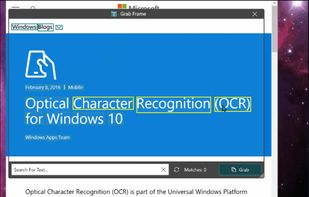
Text Grab is a minimal optical character recognition (OCR) utility for Windows 10/11 which makes all visible text available to be copied.
United States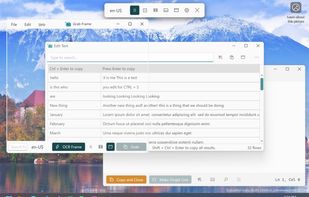

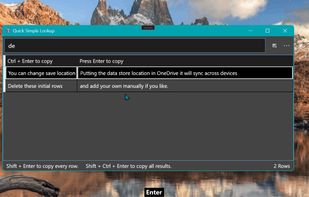


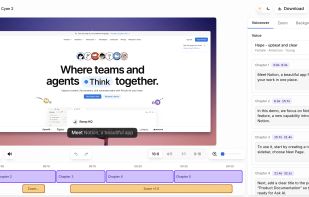
Vibrantsnap creates studio-quality product demos, training videos, and guides that speed up onboarding and drive adoption. Record your screen with the Chrome extension or import your own video, then let AI turn the raw footage into a polished video.
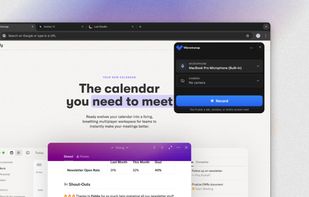


TextSniper is a super useful app to quickly capture unselectable text. Use it to capture and recognize text from presentations, trainings, screencasts,images, pictures, webpages, video tutorials, photos, PDFs etc. Literally from anywhere on your mac's screen.
United States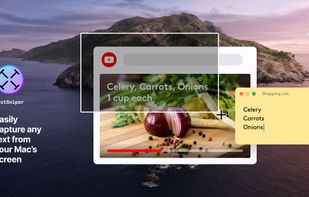


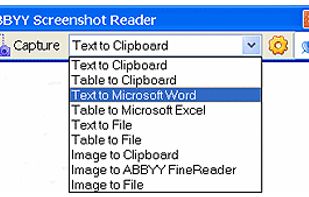
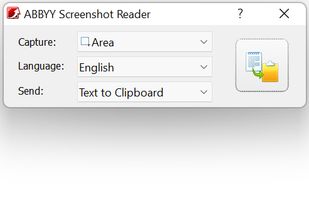
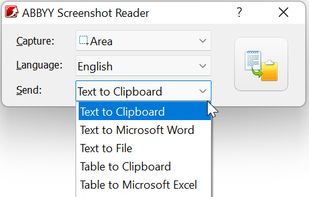
Screenshot Reader is a smart OCR-screenshot application for capturing text and images from any area on your PC screen and extracting text from them or just saving as an image. Prize: 9.99 USD.
 Russia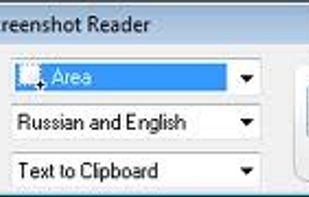


Scan Thing is the quickest way to capture and save anything around you. Scan Thing is available on iOS, iPadOS, and MacOS.
United States



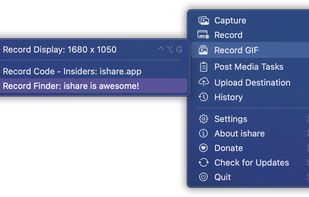
The definitive screen capture utility for macOS, designed with simplicity and efficiency in mind.


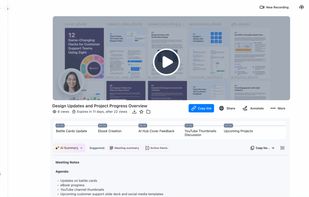
Enables screen and webcam capture, detailed video and screenshot editing, organized meeting notes, AI-powered transcription, and cloud-based instant sharing of annotated visual content via direct links or drag-and-drop integration with communication apps on Windows and Mac.
United States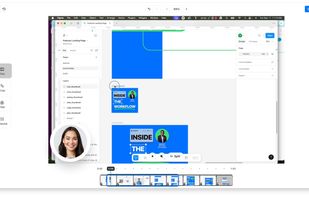


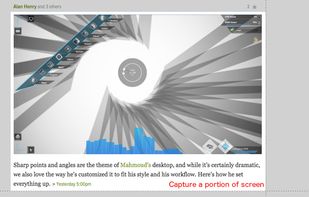
Easy Screenshot is an easy to use screen capture tool. Simply press one of the context menu items to capture entire or a portion of your screen.
United States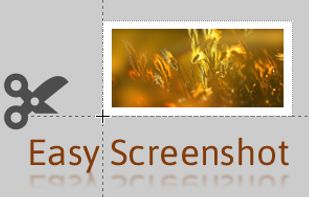



Free version Records up to 15 minutes, premium is $20/year or $48/year depending on features (as of January 2020).
United States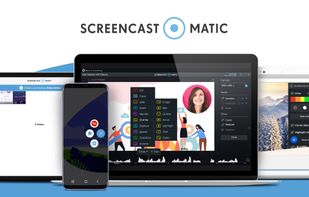
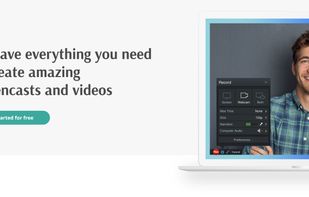


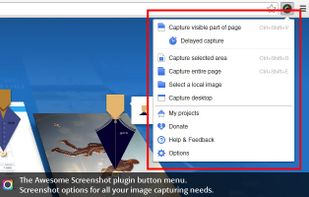
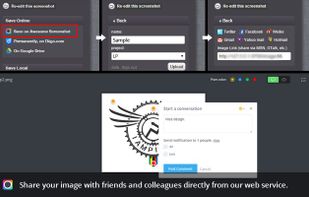
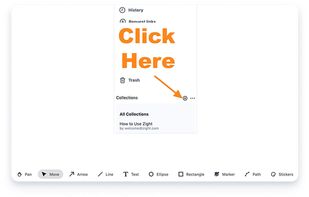
Capture the whole page or any portion, annotate it with rectangles, circles, arrows, lines and text, one-click upload to share.
United States