


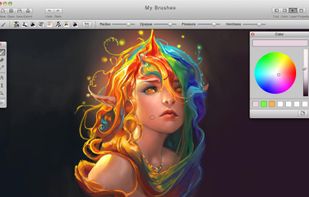
MyBrushes Paint for Mac app allows you to paint on infinite canvas and PLAYBACK whole drawing.
 United States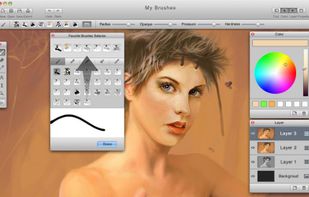



Adobe Photoshop serves as a professional raster graphics editor for Windows and macOS, handling advanced image editing, retouching, and digital art. Users praise its extensive feature set for graphics and design, though many complain about high pricing compared to other editors.
GIMP tops the rankings as the leading Photoshop alternative, offering broad image-editing and retouching tools completely free and open-source. Many users switch to GIMP specifically to escape Photoshop's cloud licensing and subscription model. Affinity Photo ranks second with its polished interface and one-time purchase model, repeatedly highlighted as a cost advantage over subscription pricing. Luminar Neo brings AI tools like GenErase and GenExpand plus focus stacking and HDR merging for photographer-centric workflows.
Krita ranks third, focusing on digital painting with advanced brush control and animation support for artists. The alternatives landscape splits between pro photo editors and art-first painting apps, with Photopea standing out as a free, install-free option with PSD support and a familiar interface.
For open source transparency, GIMP and Krita lead with community-driven development and no proprietary licensing restrictions. Linux users have native options in GIMP, Krita, and MyPaint without relying on Windows or macOS-only tools. Windows-only picks include Paint.NET and Corel PaintShop Pro for desktop editing with layers, effects, and selection tools.
Web-based editors like Photopea, Pixlr, and Sumo Paint work in browsers when you can't install software on school or locked-down computers. Users avoiding subscriptions can choose Affinity Photo and Affinity Designer for predictable one-time licensing. For PSD workflows, Photopea, Affinity Photo, and Pixelmator open Photoshop-format documents to maintain collaboration compatibility. iPad workflows benefit from Affinity Photo, Pixelmator, and Pixlr for editing on tablets rather than desktop-only setups.
MyBrushes Paint for Mac app allows you to paint on infinite canvas and PLAYBACK whole drawing.

SharpShot is a multi-platform picture editing software. It is meant for people who think Adobe Photoshop or GIMP are too cumbersome for everyday picture editing, while other simpler software like...



Presets and filters for Lightroom to enhance your photos. Make stunning photos easily in just few clicks.

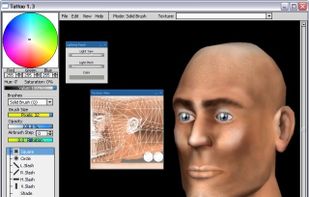

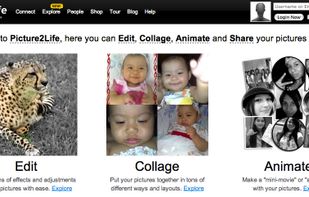
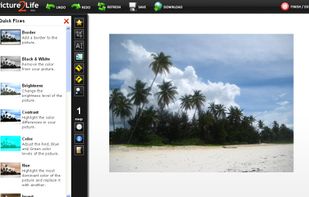
Picture2Life allows you to edit, collage, animate and share your pictures online.


Create and share your own film-like photographic images with this fun and easy to use photo app.

AI Paint Cleaner is a Windows desktop image editor designed for cleaning up, finishing and organizing AI-generated and other images. It combines inpainting, object replacement, mosaic, blur, fill, SAM2-assisted masking, AI correction, background removal, resizing, upscaling...
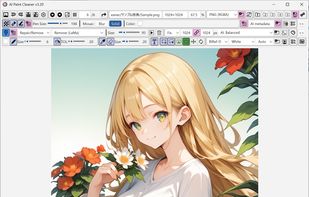
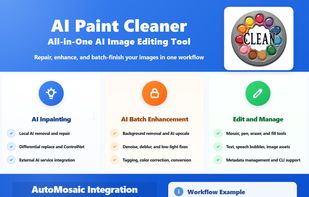
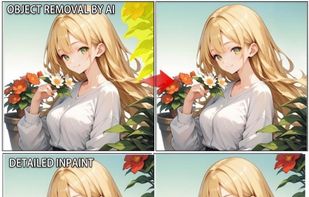
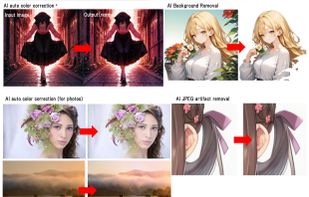


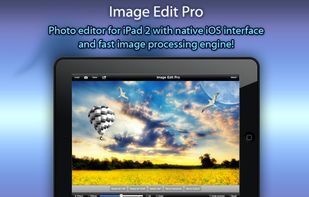
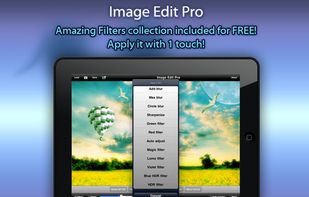
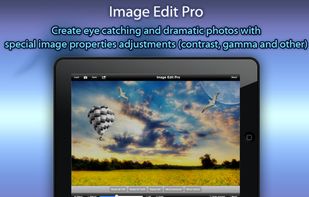
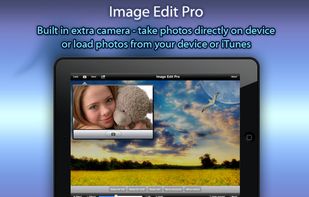
Image Edit PRO for iPad 2 is powerful photo editor with native iOS interface and both (landscape and portrait) interface orientations support!


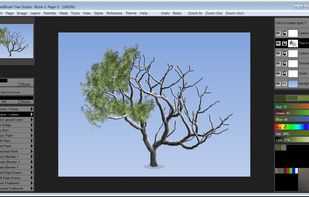
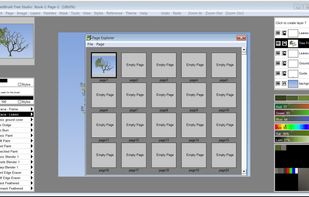
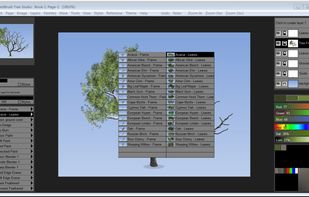
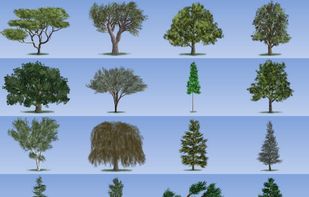
Tree Studio is a product born from TwistedBrush Pro Studio but with a focus on 2D tree creation with a simpler, streamlined interface. Tree Studio has pairs of brushes for each tree type - one for the frame and one for the leaves.


Polarfox lets you post images to multiple social networks and blogs at once! It's super fast, beautiful, easy to use and a must have for people who love to share images with their friends, fans and followers.


Fotowall is an opensource creative tool that lets you play with your pixels as you've ever wanted! Make the perfect arrangement with your photos, add text, live video from your webcam and the best internet pictures.
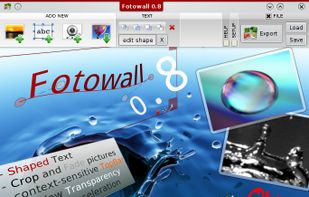
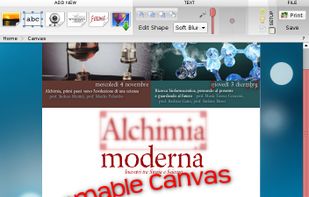
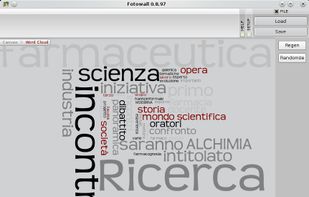


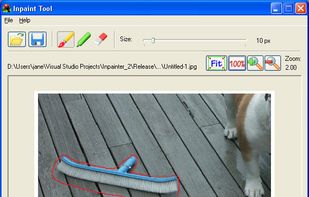
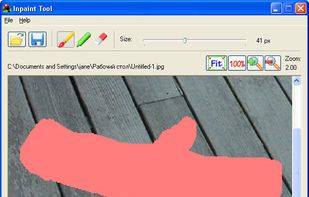
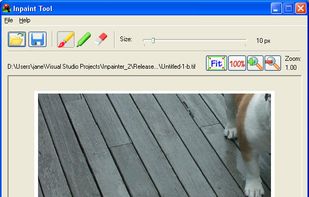
Photo Objects Eraser (formerly Inpaint Tool) is inteded for image retouching or for removing unwanted objects from the photo.



 United Kingdom


 Japan
Japan


 Germany
 EU
EU


