Adobe Acrobat DC AlternativesOnly apps categorised as PDF Readers

The best PDF Reader alternative to Adobe Acrobat DC is PDF-XChange Editor, which is free. If that doesn't suit you, our users have ranked more than 100 alternatives to Adobe Acrobat DC and loads of them are PDF Readers so hopefully you can find a suitable replacement. Other interesting PDF Reader alternatives to Adobe Acrobat DC are PDF24 Creator, Nitro PDF , PDFgear and Master PDF Editor.

filter to find the best alternatives

Adobe Acrobat DC alternatives are mainly PDF Readers, but if you're looking for PDF Editors or E-signature Tools you can filter on that. Other popular filters include Free, Open Source, Windows + PDF Editor, Windows + Free, Windows, Android and Linux. You can also filter by region, for example EU-based alternatives if you prefer software developed in the European Union. These are just examples - use the filter bar below to find more specific alternatives to Adobe Acrobat DC.
Copy a direct link to this comment to your clipboard
Adobe Acrobat DC alternatives page was last updated

Alternatives list

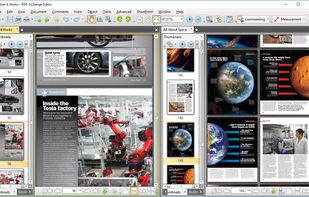
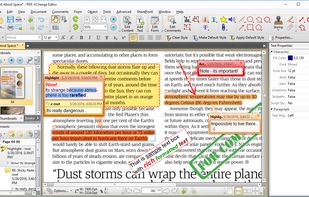
  1. Feature-rich PDF editor offering direct content editing, ABBYY OCR, viewing, annotation, form filling, PDF merging, compression, and encryption. Operates efficiently offline, requiring no registration and no ads, while providing privacy-focused features and convenient portability.

    176 PDF-XChange Editor alternatives

    Cost / License

    • Freemium
    • Proprietary

    Application types

    Platforms

    • Windows
    • PortableApps.com
    • Wine
     
    |
    15
    PDF-XChange Editor vs Adobe Acrobat DC Comments
    Top Positive Comment
    munteanzeno
    3

    Can make small edits for free (comments, extra text). Search bar is simple and works well.

    Top Negative Comment
    Guest
    0

    A lot of things that you can't do. Didn't worked well enough for me at all.

    Alternative User
    Positive
    0

    Adding signature and adding text is available for free.

    3 of 15 comments
    • PDF-XChange Editor is Freemium and ProprietaryAdobe Acrobat DC is Paid and Proprietary
    • PDF-XChange Editor is a PDF Editor Adobe Acrobat DC is a PDF Reader
    • PDF-XChange Editor is Customizable, Lightweight and Privacy focusedAdobe Acrobat DC is not according to our users
  2. PDF24 Creator icon
     153 likes

    PDF24 Creator is free and feature-filled PDF creation, merging and conversion tool for Windows. Its unique feature among the free PDF printer tools is an editor, which allows to easily assemble, create and modify PDF files with Drag & Drop.

    200 PDF24 Creator alternatives

    Cost / License

    • Free
    • Proprietary

    Application types

    Platforms

    • Windows
     
    |
    3
    PDF24 Creator vs Adobe Acrobat DC Comments
    zlelmefs
    Positive
    0

    It's actually free and has done everything I've needed it to do.

    G Downs
    Positive
    0

    PDF Creator is a great alternative to Adobe Acrobat DC. It has all the tools that the Adobe has but does it without trying to put a hole in your head! A great piece of work!

    Guest
    Positive
    3

    PDF editing features also available!

    • PDF24 Creator is Free and ProprietaryAdobe Acrobat DC is Paid and Proprietary
    • PDF24 Creator is a PDF Editor Adobe Acrobat DC is a PDF Reader
    • PDF24 Creator is LightweightAdobe Acrobat DC is not according to our users
  3. Nitro PDF  icon
     74 likes

    Nitro offers comprehensive PDF solutions for editing, creating, and converting, alongside OCR and e-signature tools. Supports Mac, Windows, and iOS, providing a user-friendly interface with industry-standard security features. Ideal as an Adobe Acrobat alternative.

    184 Nitro PDF alternatives

    Cost / License

    • Paid
    • Proprietary

    Application types

    Platforms

    • Mac
    • Windows
    • iPhone
    • iPad
     
    |
    2
    Nitro PDF vs Adobe Acrobat DC Comments
    Bob Henry
    Negative
    -1

    This is by far the worst software purchase I can remember making. OCR sucks and is hardly useable. Reorganizing and merging documents are confusing and difficult.

    Stay well away from this one is my advice.

    chrisrosetech
    Positive
    0

    I have been using NitroPDF for several years. I think it is the best alternative to Adobe Acrobat software.

    The software has almost all the features, if not better features than Acrobat itself.

    I can create form fill documents, place stamps, edit and do much more with NitroPDF.

    The OCR function has worked really well for me on a second generation scanned document.

    I highly recommend NitroPDF and feel it's well worth the money.

    • Nitro PDF is Paid and ProprietaryAdobe Acrobat DC is also Paid and Proprietary
    • Nitro PDF is a PDF Editor Adobe Acrobat DC is a PDF Reader
  4. PDFgear icon
     73 likes

    Read, edit, convert, merge, and sign PDF files across devices, for completely free and without signing up.

    86 PDFgear alternatives

    Cost / License

    • Free
    • Proprietary

    Application types

    Platforms

    • Mac
    • Windows
    • Online
    • Android
    • iPhone
    • Android Tablet
    • iPad
     
    |
    4
    PDFgear vs Adobe Acrobat DC Comments
    Shaz Shah
    Positive
    0

    It does an excellent job of converting my M$ docs. The OCR capabilities are really good and the ability to arrange pages (including splitting and merging with other PDFs) is another bonus. The install is lightweight in comparison to Adobe Acrobat and I've not had any stability issues... yet

    Ahmed Gamal
    Negative
    0

    The app does not support the Arabic language.

    Guest
    Positive
    0

    Professional standard pdf editors & tools.

    3 of 4 comments
    • PDFgear is Free and ProprietaryAdobe Acrobat DC is Paid and Proprietary
    • PDFgear is LightweightAdobe Acrobat DC is not according to our users
  5. Master PDF Editor is complete solution for editing PDF and XPS files. You can insert, edit, remove, copy, add images or graphics. Export, import, remove and change page layouts. Also Master PDF Editor provides full functionality for changing PDF information, including author...

    157 Master PDF Editor alternatives

    Cost / License

    • Freemium
    • Proprietary

    Application types

    Platforms

    • Mac
    • Windows
    • Linux
    • Flathub
     
    |
    4
    Master PDF Editor vs Adobe Acrobat DC Comments
    Guest
    Negative
    24

    Free version for windows will include watermark on saved documents.

    Guest
    Positive
    4

    Has all the basic features such as merge, split, delete and it is in active development and it is available for LINUX :)

    Guest
    Positive
    -1

    It has more festures in the payed version and thus suites my usecase and it actually works on linux and does not just say it does and then it doesnt, at least that was the case with pdfsam in the extended version.

    3 of 4 comments
    • Master PDF Editor is Freemium and ProprietaryAdobe Acrobat DC is Paid and Proprietary
    • Master PDF Editor is a PDF Editor Adobe Acrobat DC is a PDF Reader
  6. Stirling PDF icon
     64 likes

    Locally hosted web application offering an interactive GUI to merge, split, reorganize, convert, compress, watermark, secure, sign, flatten, repair, extract images, detect blanks, apply OCR, set permissions, and enable file processing or API integration for PDFs.

    123 Stirling PDF alternatives

    Cost / License

    • Freemium
    • Open Source

    Application types

    Platforms

    • Mac
    • Windows
    • Online
    • Self-Hosted
    • Cloudron
    • Docker Hub
     
    |
    1
    Stirling PDF vs Adobe Acrobat DC Comments
    KimiBCN
    Negative
    0

    It lacks many features and has bugs. The PDF open button sometimes disappears.

    • Stirling PDF is Freemium and Open SourceAdobe Acrobat DC is Paid and Proprietary
    • Stirling PDF is a PDF Editor Adobe Acrobat DC is a PDF Reader
    • Stirling PDF is Privacy focusedAdobe Acrobat DC is not according to our users
  7. BentoPDF icon
     21 likes

    BentoPDF is a PDF Toolkit that works fully offline with no sign ups. It's fast, secure and forever free. In an era where data is a commodity, we take a different approach. All processing for BentoPDF tools happens locally in your browser.

    85 BentoPDF alternatives

    Cost / License

    Application types

    Platforms

    • Online
    • Self-Hosted
     
  8. PDF-XChange Viewer is an alternative viewer for PDF files that enables you to view and annotate PDF files. You can add text, sticky notes, and other annotations and save them to the file, which will be compatible with the standard Adobe Acrobat Reader.

    81 PDF-XChange Viewer alternatives

    Cost / License

    • Freemium
    • Proprietary

    Application type

    Alerts

    • Discontinued

    Platforms

    • Windows
    • PortableApps.com
     
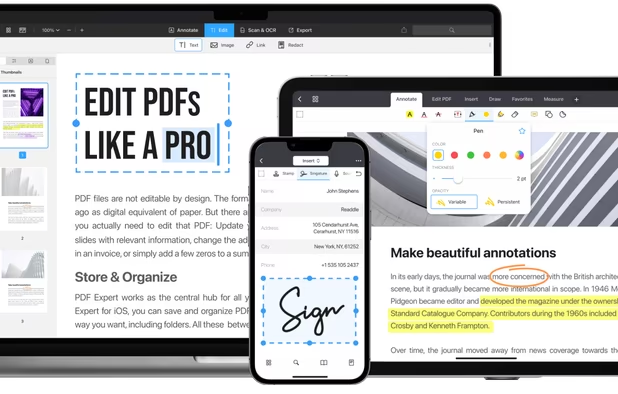
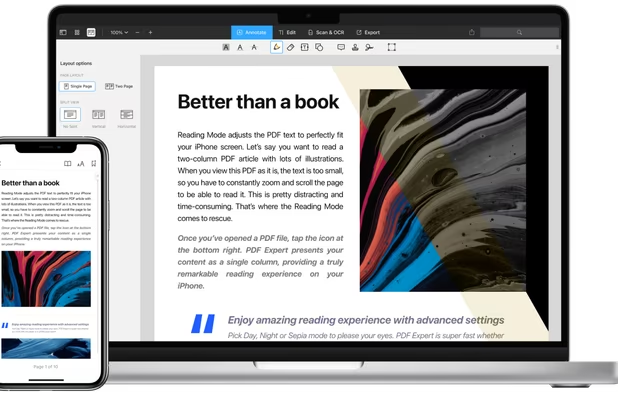
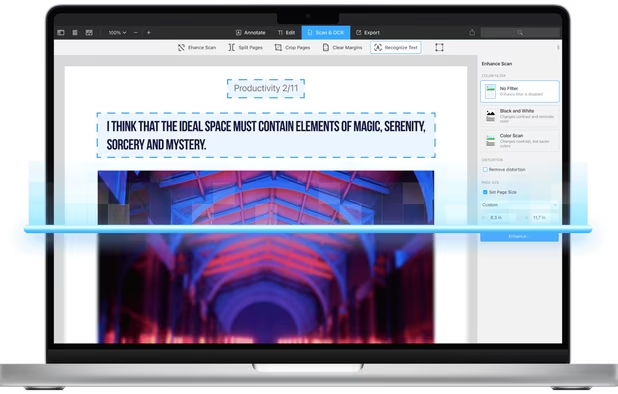
  9. PDF Expert icon
     39 likes

    Read, annotate, and highlight PDFs, fill interactive forms with saved input, underline or strike through text, manage bookmarks, sync files from cloud services, and share documents. Compatible with Preview and Adobe Acrobat annotations, supporting extensive iOS features.

    157 PDF Expert alternatives

    Cost / License

    • Paid
    • Proprietary

    Application types

    Platforms

    • Mac
    • iPhone
    • iPad
     
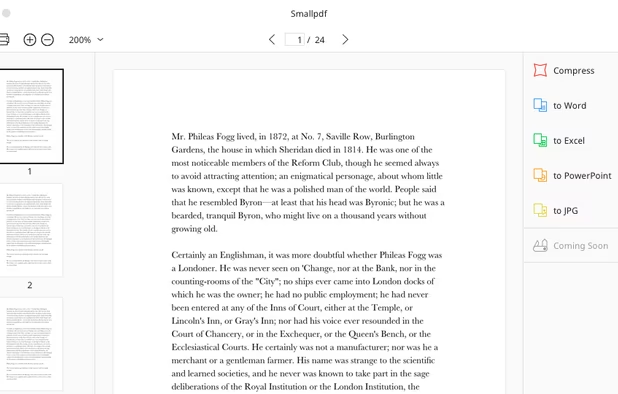
  10. Smallpdf icon
     64 likes

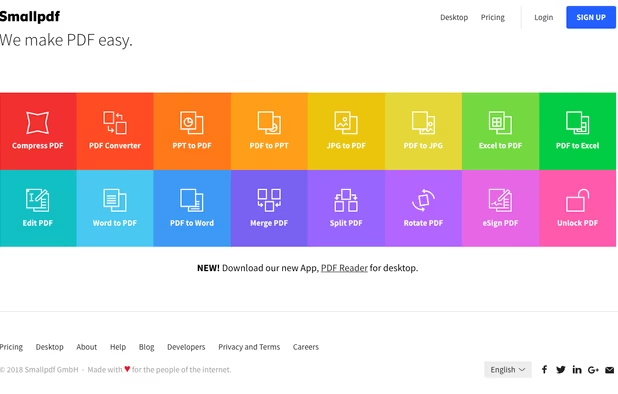
    Smallpdf is the first PDF Software you will actually like. The perfect gateway to productive, portable and cost-efficient document management solutions in your everyday life.

    212 Smallpdf alternatives

    Cost / License

    • Freemium
    • Proprietary

    Application types

    Platforms

    • Windows
    • Online
    • Android
    • Software as a Service (SaaS)
    • iPhone
    • iPad
    • Android Tablet
     
  11. LEKTRA icon
     19 likes

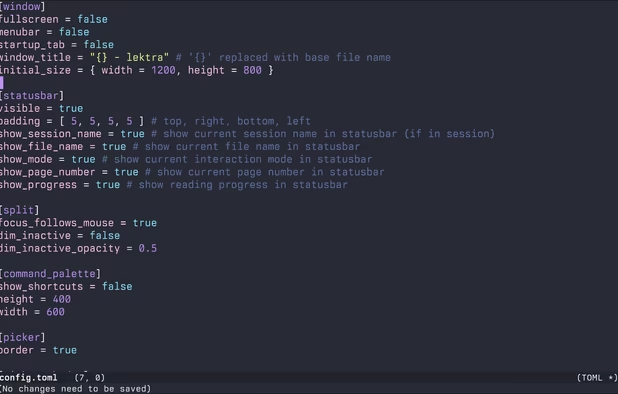
    High-performance viewer for documents and images offering split tabs, customizable single or book layouts, portals for side-by-side sections, instant search, line highlight, annotation tools, link hints, searchable highlights, session management, and TOML config.

    Cost / License

    Application types

    Platforms

    • Mac
    • Windows
    • Linux
     
  12. Create, Convert, Review and Edit PDF Documents on Windows, macOS, and Linux.

    Cost / License

    • Paid
    • Proprietary

    Application types

    Platforms

    • Mac
    • Windows
    • Linux
    • Chrome OS
     
    |
    2
    Qoppa PDF Studio vs Adobe Acrobat DC Comments
    bunnyhero
    Positive
    0

    Much easier than Acrobat for advanced features.

    Guest
    Positive
    0

    It does most of the things DC does. It doesn't look good on 4K I'm afraid.

    • Qoppa PDF Studio is Paid and ProprietaryAdobe Acrobat DC is also Paid and Proprietary
    • Qoppa PDF Studio is LightweightAdobe Acrobat DC is not according to our users
12 of 81 Adobe Acrobat DC alternatives