Create, Convert, Review and Edit PDF Documents on Windows, macOS, and Linux.
 United States
+6


There are many alternatives to Adobe Acrobat DC for Windows if you are looking for a replacement. The best Windows alternative is PdfCraft, which is both free and Open Source. If that doesn't suit you, our users have ranked more than 100 alternatives to Adobe Acrobat DC and loads of them are available for Windows so hopefully you can find a suitable replacement. Other interesting Windows alternatives to Adobe Acrobat DC are PDF-XChange Editor, PDFgear, Stirling PDF and PDF24 Creator.
Create, Convert, Review and Edit PDF Documents on Windows, macOS, and Linux.
United States
Comprehensive suite offering eSign, OCR, multi-platform editing, cloud integration, and robust security. Ideal for professional or personal use, facilitating collaboration while protecting content.
United States
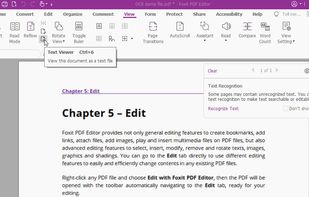


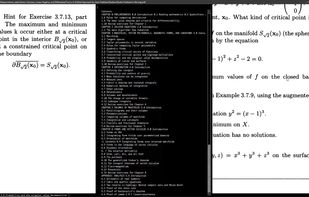
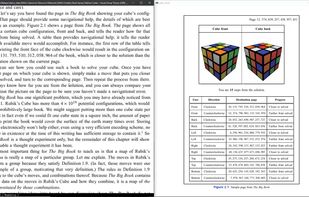
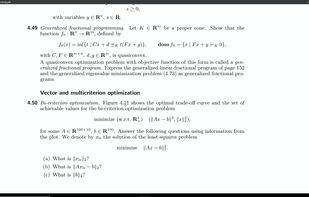
Sioyek is a PDF viewer with minimal interface optimized for reading research papers and technical books.
United States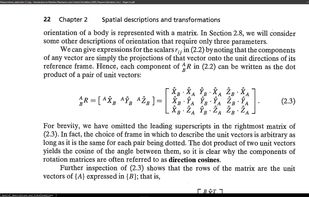


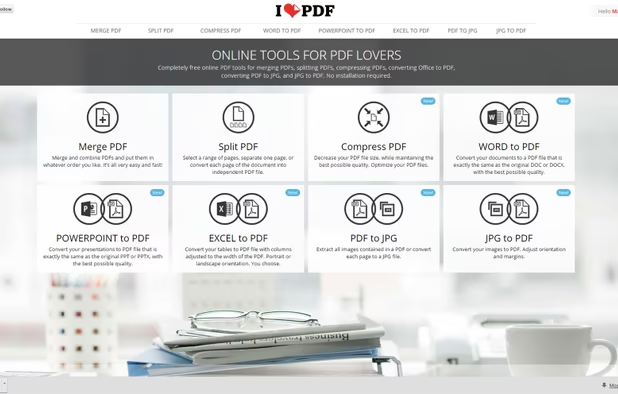
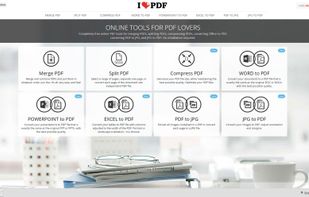
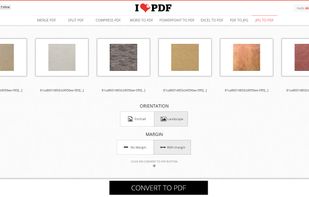
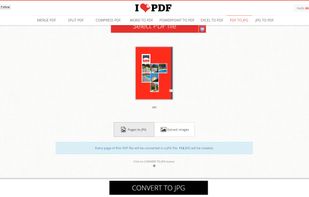
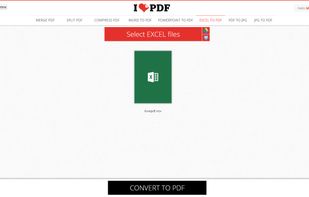
iLovePDF is an online service to work with PDF files completely free and easy to use. Merge PDF, split PDF, compress PDF, office to PDF, PDF to JPG and more!
 Spain
 EU


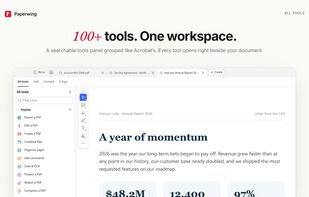
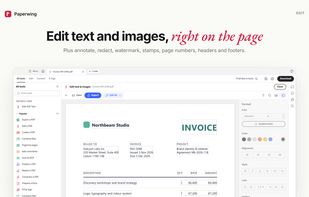
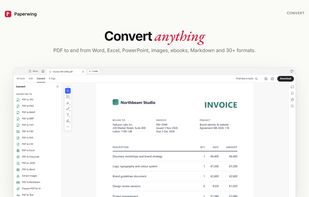
A free, open-source alternative to Adobe Acrobat for Windows and macOS. Built on BentoPDF.
United States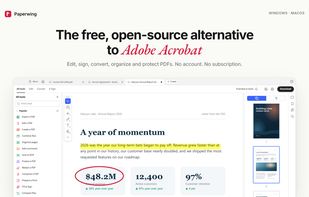


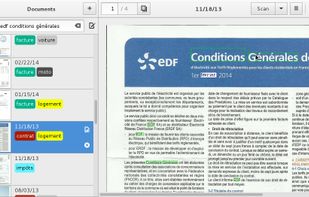
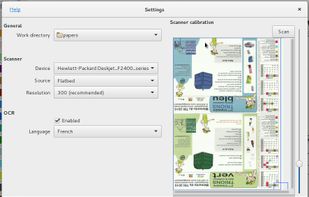
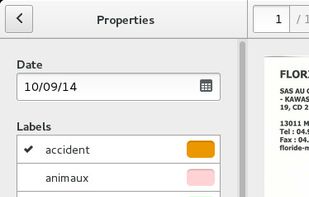
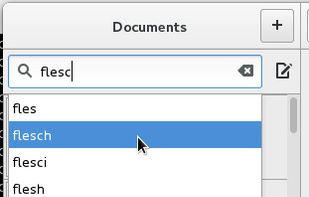
Paperwork is a personal document manager for scanned documents (and PDFs).
 FranceEU

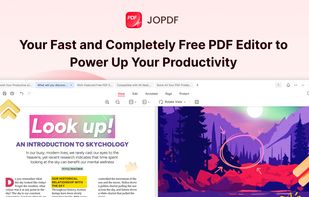
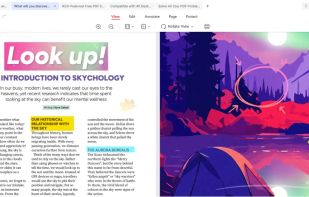
JOPDF is a 100% free PDF editor for Windows, Mac, and Linux. Edit, compress, merge, convert and annotate PDFs with no watermark or signup required.

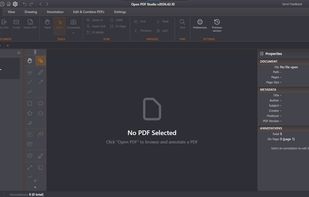
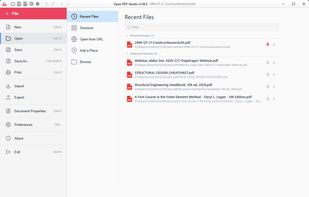
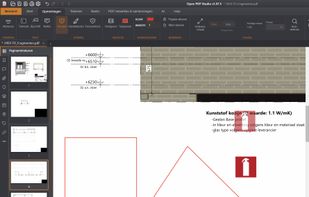
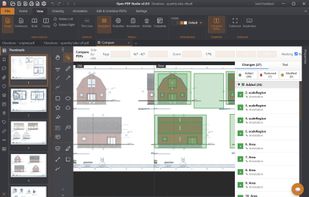
Open PDF Studio is a lightweight, native desktop application that provides professional-grade PDF annotation, markup, and editing tools without subscriptions, telemetry, or bloatware. Built with Tauri 2 and web technologies, it delivers a fast, modern experience with a Microsoft...
 NetherlandsEU


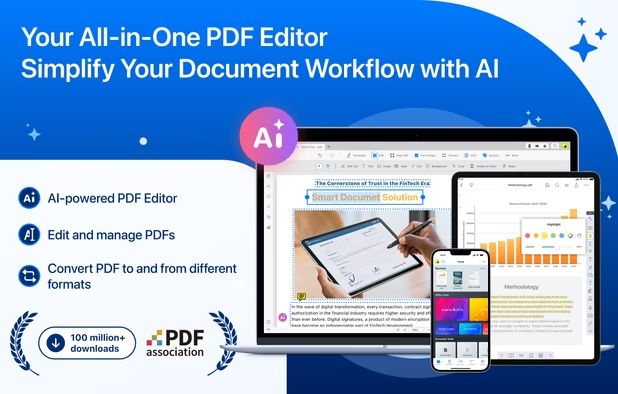
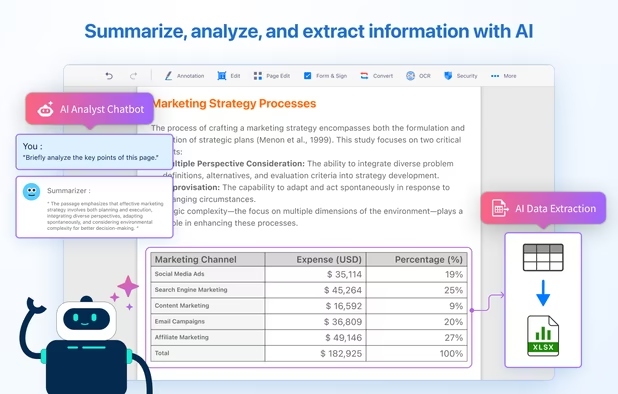
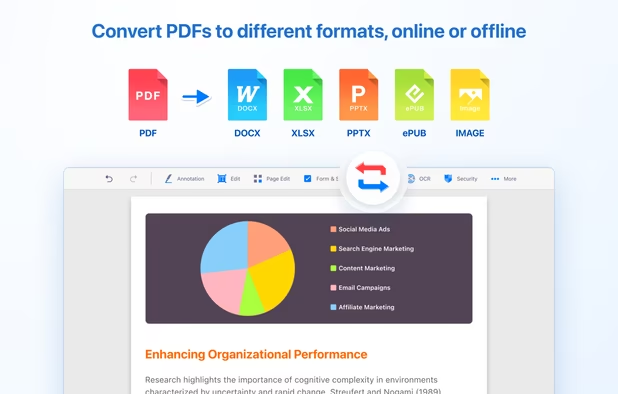
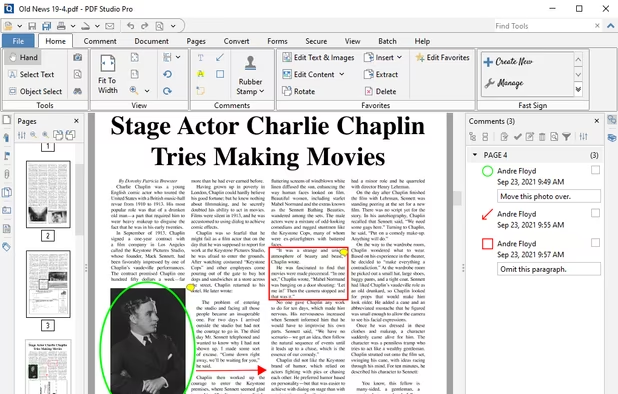
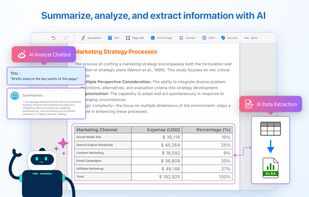
Comprehensive solution for editing, signing, form filling, OCR scanning, commenting, converting, and redacting PDFs, with AI-driven analysis and content extraction, data export to spreadsheets, text-to-speech, seamless use across desktop and mobile, and batch processing.
 Taiwan
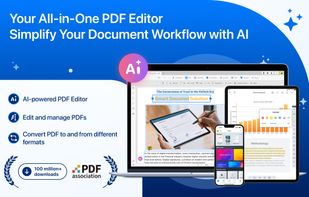
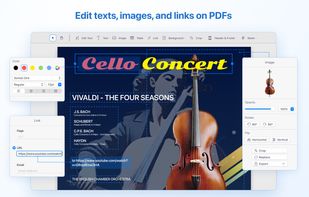
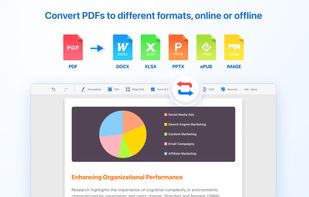


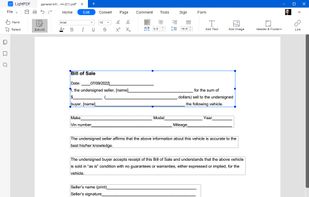
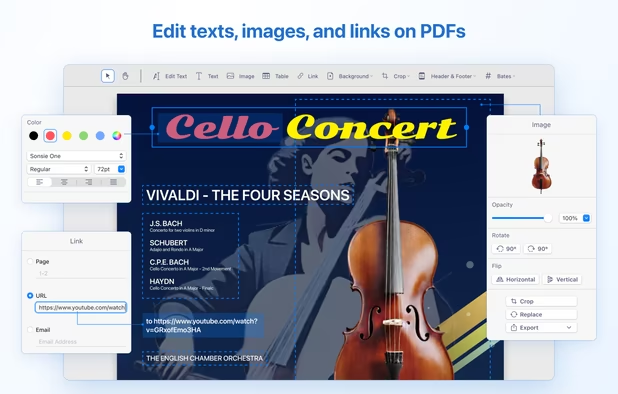
Provides editing of text, images, and objects in PDFs, annotation options, OCR for scanned files, conversion to multiple formats, form filling and signing, page management, merging and splitting, cloud integration, camera to PDF functionality, and sharing tools.
 China
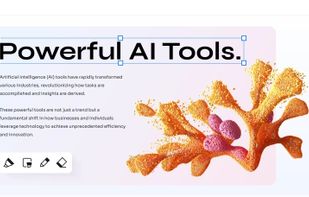

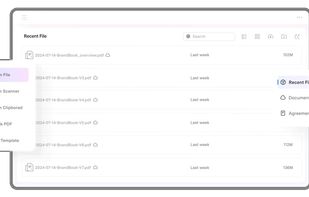
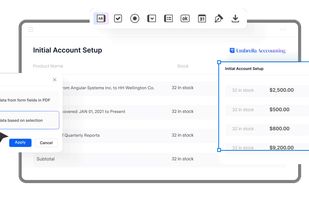


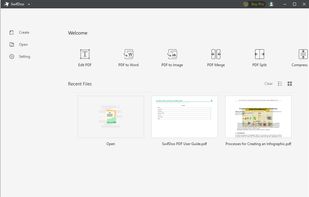
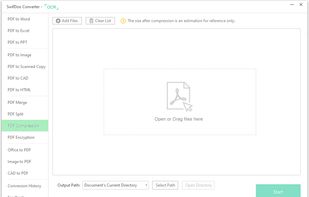
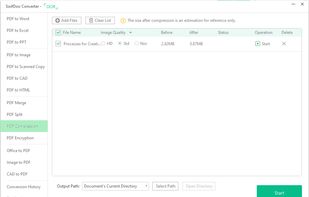
Looking for methods to edit, merge,split,convert,rotate,annotate and other related manipulate on PDF? SwifDoo PDF will match your needs and handle most of your PDF-related jobs.
China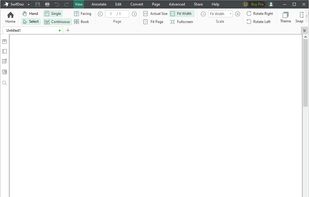


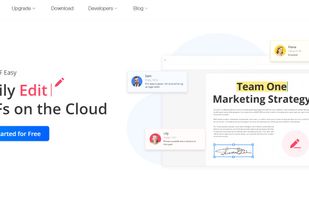
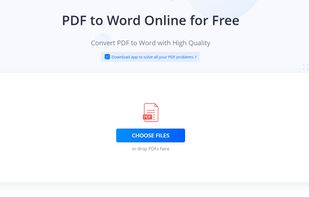
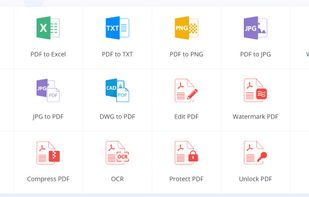
Cloud PDF toolkit provides over 20 tools for editing, conversion, OCR, merge, split, annotation, batch processing, and signatures, with free online access, cross-platform usability, no watermarks, no size limits, and options for mobile and desktop integration.
 Hong Kong