gImageReader is a simple Gtk/Qt front-end to the Tesseract OCR Engine.
Cost / License
- Free
- Open Source
Application type
Platforms
- Windows
- Linux
 Switzerland


Apps similar to Adobe Acrobat DC include PDF-XChange Editor, which has a free version. Other options are PDFgear, Stirling PDF, PDF24 Creator and PDF-XChange Viewer. There's no shortage of PDF Editors like Adobe Acrobat DC, with more than 100 alternatives for Windows, the web, Mac, Linux and iPhone.
gImageReader is a simple Gtk/Qt front-end to the Tesseract OCR Engine.
Switzerland
Create, Convert, Review and Edit PDF Documents on Windows, macOS, and Linux.
 United States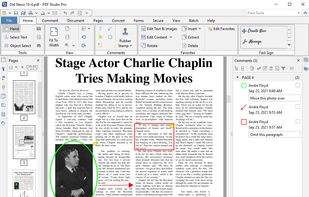
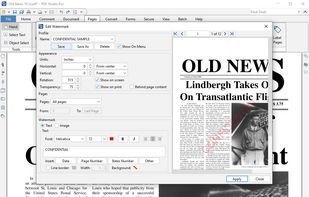
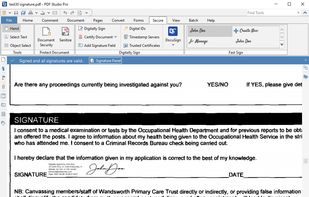

Read, organize, combine, split and secure PDFs in a fast, native app written in Rust from the ground up. No account, no telemetry, no cloud.
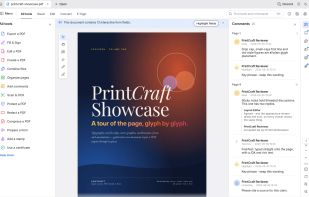
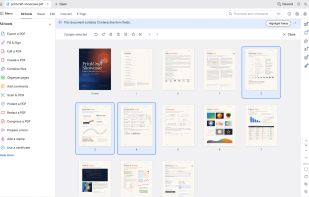
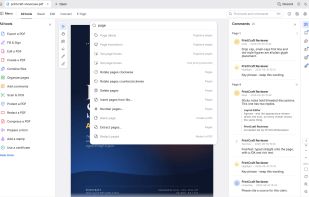
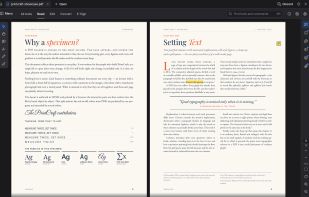


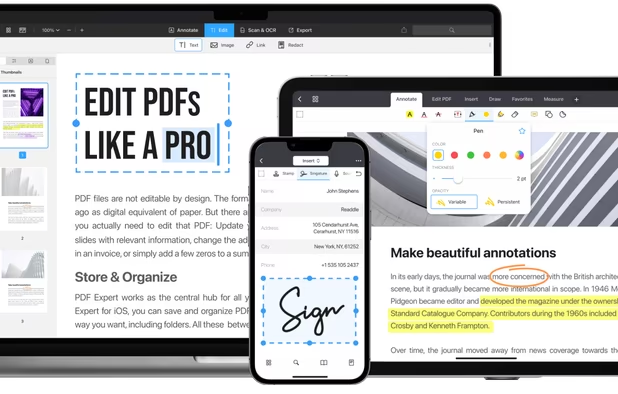
Read, annotate, and highlight PDFs, fill interactive forms with saved input, underline or strike through text, manage bookmarks, sync files from cloud services, and share documents. Compatible with Preview and Adobe Acrobat annotations, supporting extensive iOS features.
 Ukraine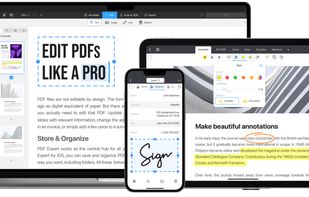
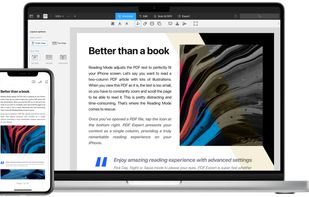
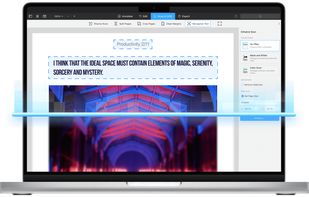


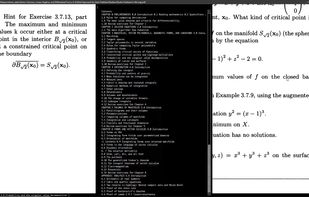
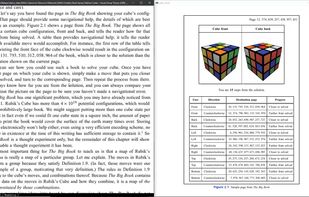
Sioyek is a PDF viewer with minimal interface optimized for reading research papers and technical books.
United States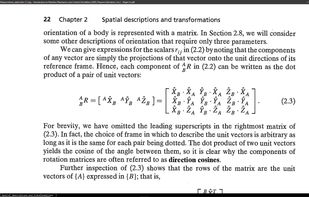
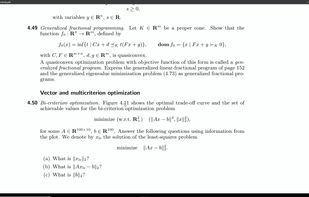


Comprehensive suite offering eSign, OCR, multi-platform editing, cloud integration, and robust security. Ideal for professional or personal use, facilitating collaboration while protecting content.
United States


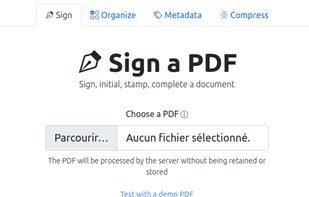
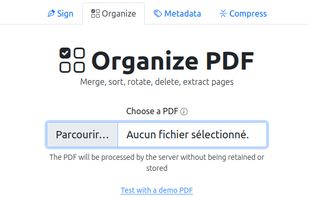
Free open-source web software for signing (alone or with others), organizing (merge, sort, rotate, delete, extract pages, ...), editing metadatas or compressing PDFs.
 France
 EU
EU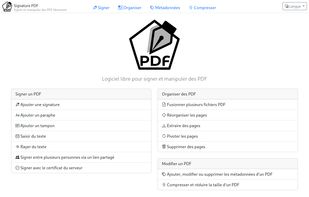
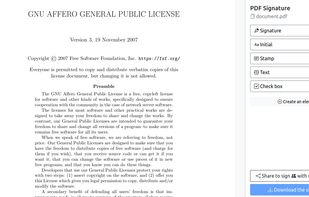


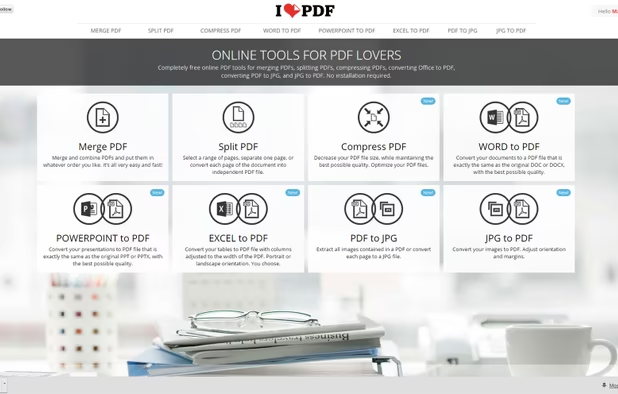
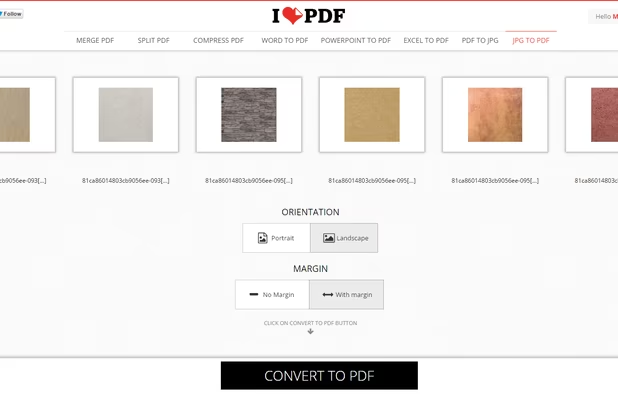
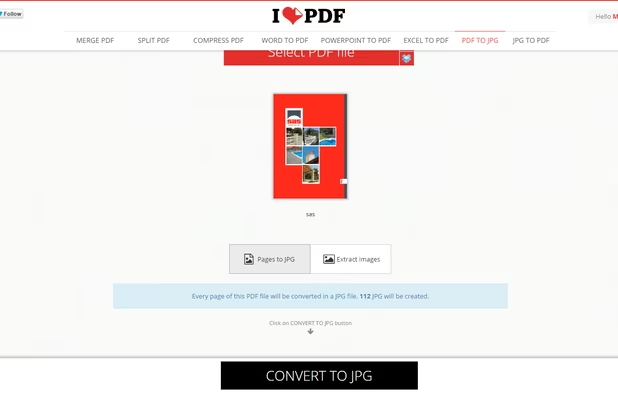
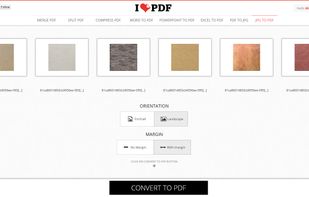
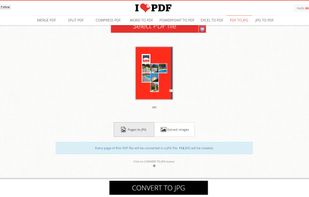
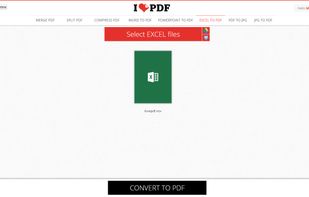
iLovePDF is an online service to work with PDF files completely free and easy to use. Merge PDF, split PDF, compress PDF, office to PDF, PDF to JPG and more!
 SpainEU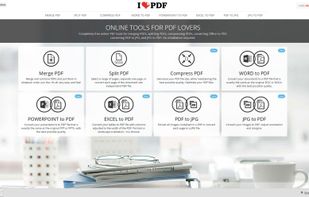


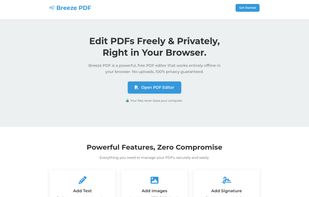
Breeze PDF is a powerful, free PDF editor that works entirely offline in your browser. No uploads, 100% privacy guaranteed.

 FranceEU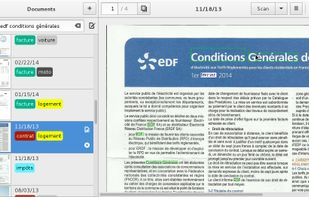

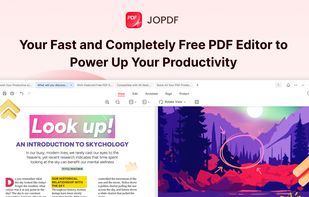
JOPDF is a 100% free PDF editor for Windows, Mac, and Linux. Edit, compress, merge, convert and annotate PDFs with no watermark or signup required.


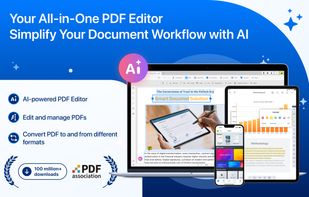
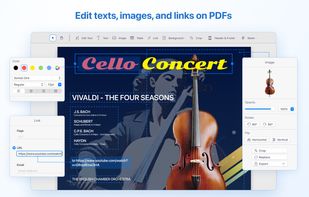
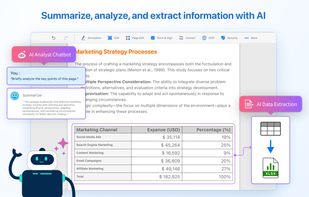
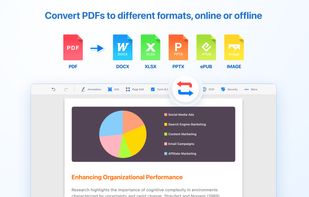
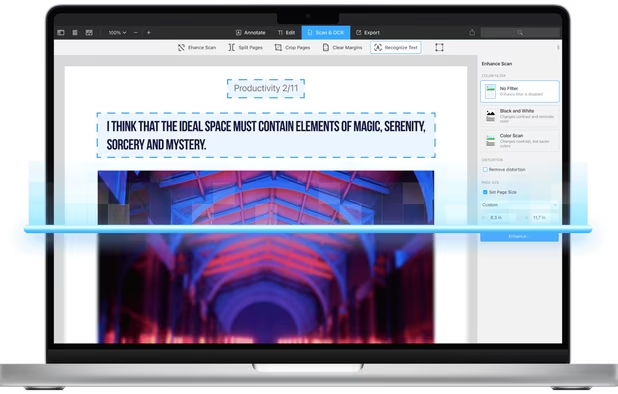
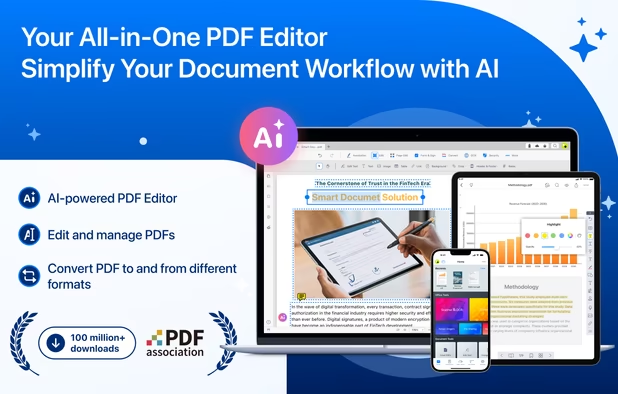
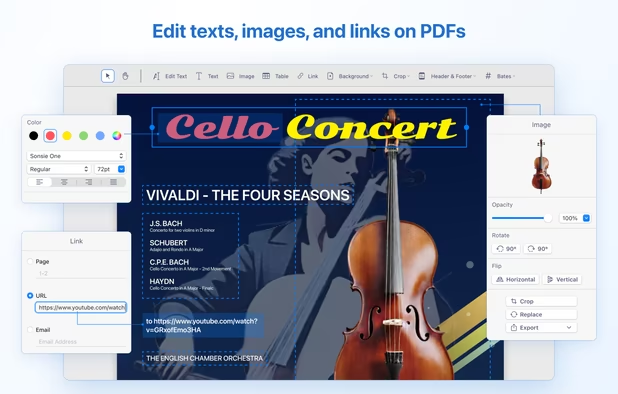
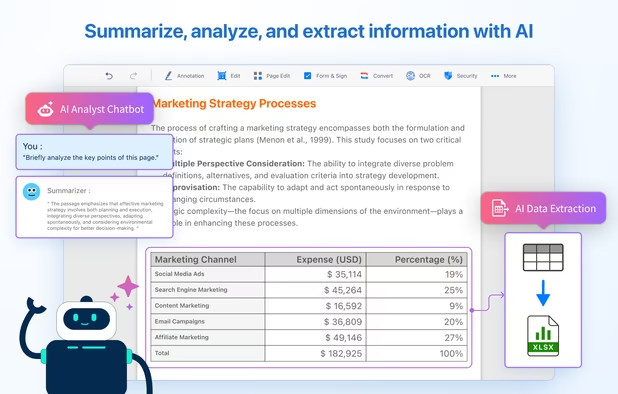
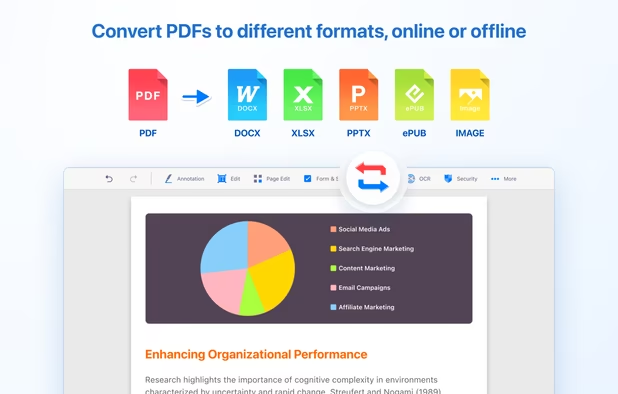
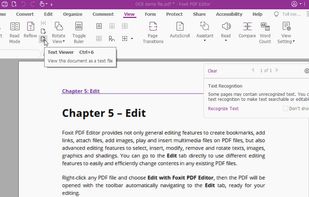
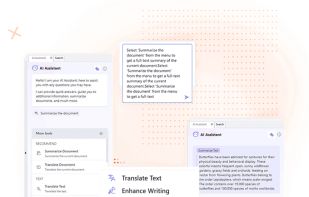
Comprehensive solution for editing, signing, form filling, OCR scanning, commenting, converting, and redacting PDFs, with AI-driven analysis and content extraction, data export to spreadsheets, text-to-speech, seamless use across desktop and mobile, and batch processing.
 Taiwan