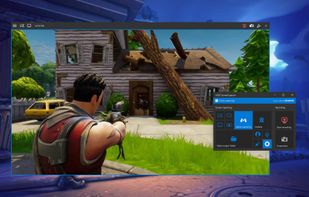
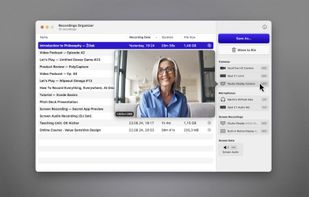
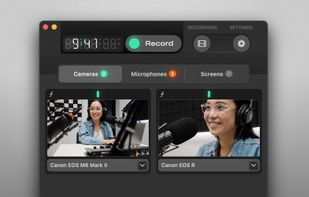
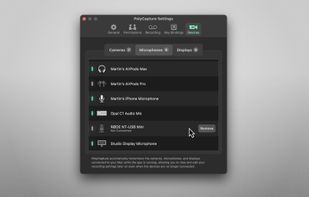
PolyCapture allows you to record cameras, microphones, screens, and apps — individually or multiple at once.
Cost / License
- Freemium
- Proprietary
Application type
Platforms
- Mac
 Germany
 EU
EU



+7


Apps similar to ActivePresenter include OBS Studio, which is free and open source. Other options are GPU Screen Recorder, Camtasia, Bandicam and VokoscreenNG. You're spoiled for choice with Screen Recorders like ActivePresenter: we list more than 100 alternatives for Windows, Mac, the web, Linux and Android.
PolyCapture allows you to record cameras, microphones, screens, and apps — individually or multiple at once.
GermanyEU
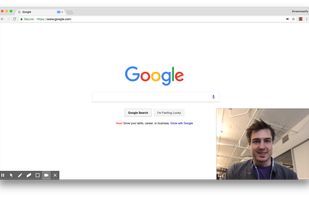
A Chrome extension for capturing, editing and sharing screencasts. Save recordings automatically to your Google Drive or publish directly to YouTube.
 United States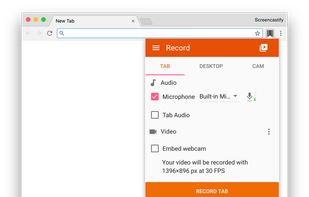
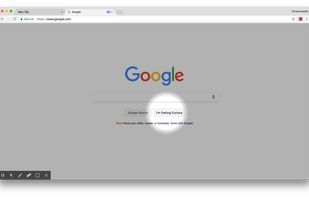
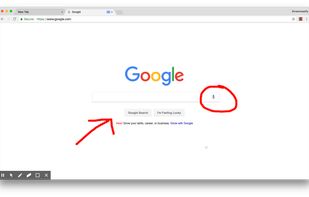


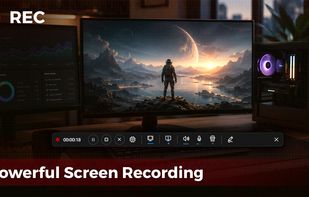
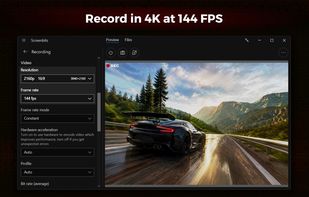
Fast, flexible, and easy-to-use screen recorder for gameplay, tutorials, product demos, and more. Record your screen, system audio, microphone, and camera in high-quality HD or 4K with smooth performance.


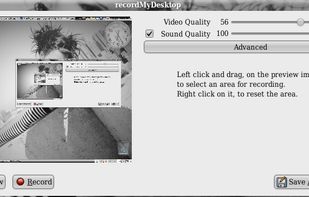
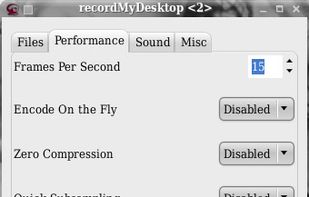
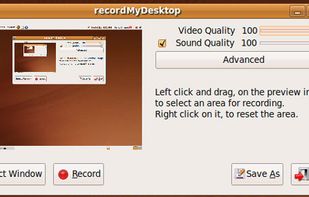
recordMyDesktop is a desktop session recorder for GNU / Linux that attemps to be easy to use, yet also effective at it's primary task. As such, the program is separated in two parts; a simple command line tool that performs the basic tasks of capturing and encoding and an...


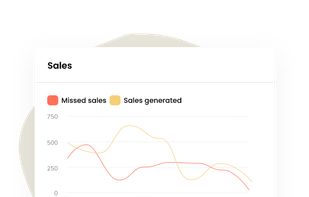
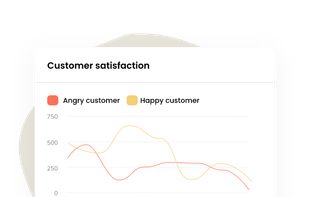
Saufter is a Customer engagement platform that automatically studies your user behavior and their journey stages to make campaign related recommendations. You receive fully drafted marketing emails in your inbox and you simply have to approve for the campaign to go live.



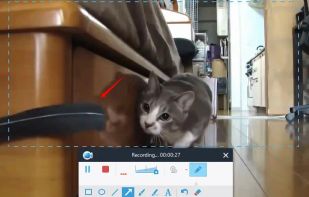
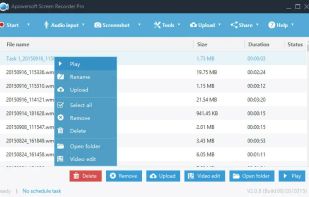
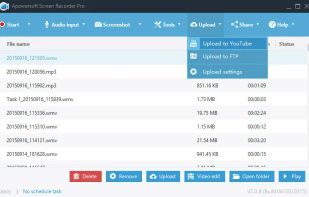
Apowersoft Screen Recorder captures screen and audio activity, saving it as WMV video files. It includes a converter for transforming WMV files into formats like AVI, MP4, FLV, SWF, and more. The software records PC screen activity with audio, webcam videos, external device...
 Hong Kong SAR China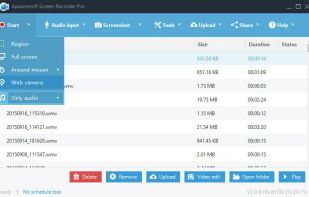

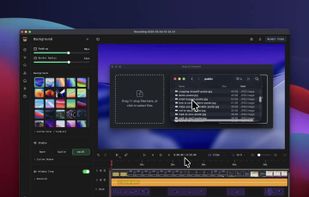
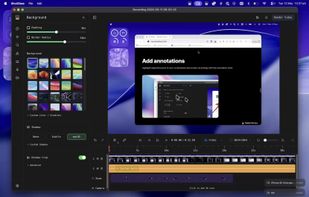
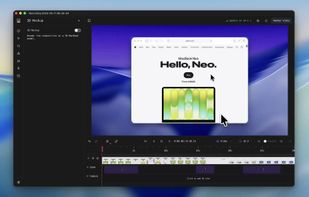
Screenshot and screen recorder app for macOS. One app instead of four. Capture multiple windows, annotate, zoom, add transitions, and drop your recording onto a 3D MacBook with a simulated lens. Everything stays local.
 Australia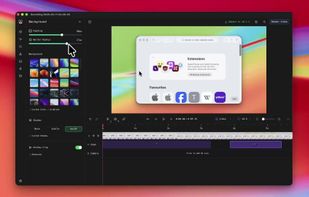


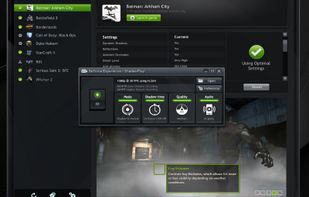
ShadowPlay is a graphics-accelerated overlay to record and share high-quality gameplay videos, screenshots, and livestreams.
United States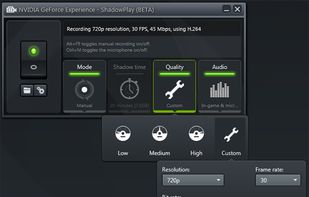


Boom is an AI screen recorder and video editor for async updates, demos and walkthroughs you share by link. It removes filler words and bad takes automatically, adds captions and dubs into 50+ languages.
 PortugalEU



Capture screenshots or record videos with Ashampoo Snap’s efficient tools. Enjoy easy editing, multi-display support, OCR for 180 languages, and instant sharing capabilities. Revamp your projects with video cutting, annotations, and custom capture options.
GermanyEU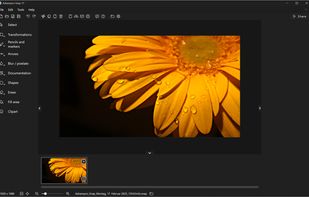

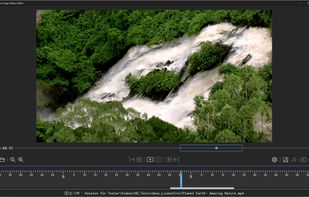
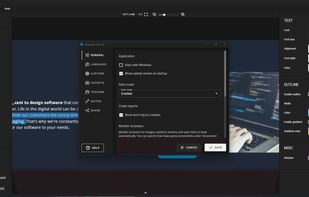


A screen recorder comes with automated editing. Automatically track cursor movement, apply dynamic zoom and click effects, add a pleasant background, and generate a professional-looking video/gif that is ready to use.
 China
China


VSDC Free Screen Recorder is an easy-to-use lightweight screen recorder software that lets you capture your PC screen and save it in the MP4 format. It lets you capture the entire desktop screen, a selected area or even a videogame window of any resolution.
United States