xenmaster's linux distro master list

I have noticed in general that the recommendation list for alternatives on this site is broken when it comes to Linux Distros. Often times when looking for a server distro or gaming distros, I will get generic recommendations. This list seeks to provide true alternatives based on use-cases for the most popular Linux distributions out there!

Alex Ruiz
Alex RuizList by Alex Ruiz, last updated 
Copy a direct link to this comment to your clipboard
  1. Basic Desktop Distros

    These distributions are best for people who are starting out in their linux journey. Each one is specifically for the desktop and many are rolling-release, meaning you update regularly without having to reinstall. All work out of the box, function well as single-user systems, and make installing packages a breeze without significant stability issues. They also all come with a desktop environment and while learning the command line is useful, you do not need to very much to get the most use out of these systems.

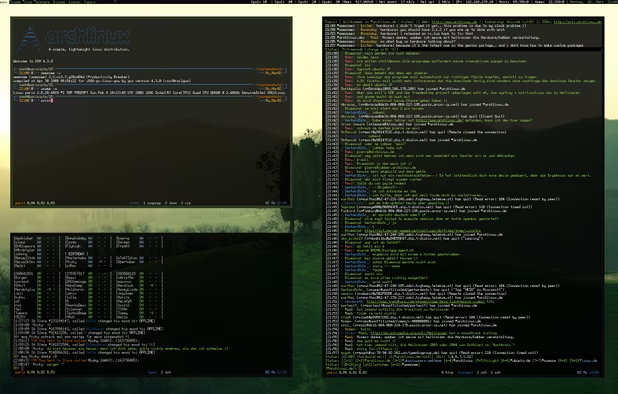
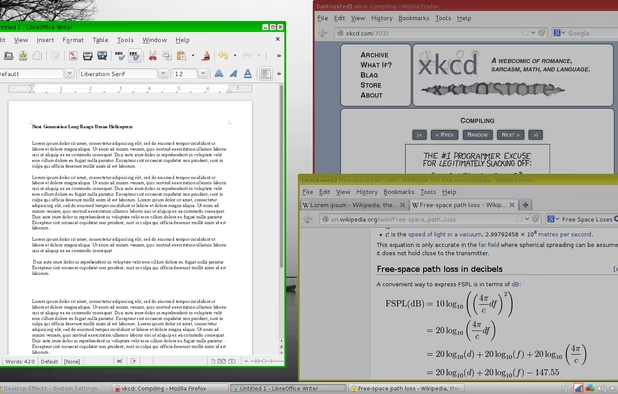
  2. Ironically based on Arch, one of the more advanced distributions, Manjaro makes installation and maintenance easy. Its repository has a huge selection of software and allows the user to use AUR packages from the Arch repository as well, offering an extensive catalogue of applications while making the desktop experience relatively stable and easy to manage. The support community is also fantastic. Probably my favourite distribution I have been using as a desktop for the last 7 years.

    Cost / License

    • Free
    • Open Source

    Platforms

    • Linux
    • Arch Linux
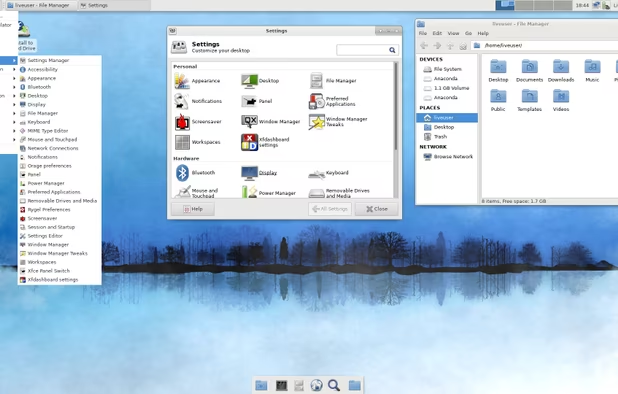
    Manjaro 19.0 Kyria (Xfce)
    Manjaro 17.0 Gellivara (KDE)
    Manjaro 17.0 Gellivara (I3)
    +5
    Manjaro 17.0 Gellivara (I3)
  3. MX Linux icon
     Like

    A relative newcomer and based on Debian, it also hosts a wide variety of software options. One of my favourite elements are MXTools, which allow a person to take a snapshot of their current system to build an ISO that can either be burned to a USB to use as a live environment, or as an installer onto a different machine. I have not worked with this one too much yet, but so far, so good!

    Cost / License

    • Free
    • Open Source

    Platforms

    • Linux
    MX Linux screenshot 1
    MX Linux screenshot 1
    MX Linux screenshot 2
    +1
    MX Linux screenshot 3
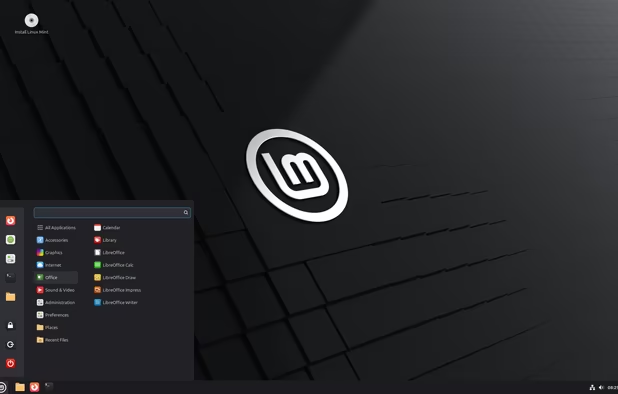
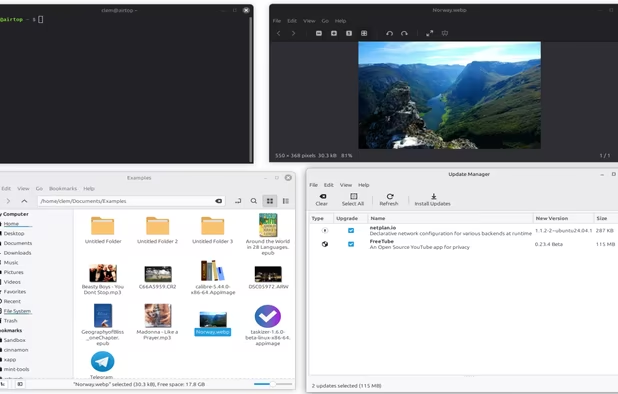
  4. One of the most popular distributions out there, it is based on Ubuntu, which itself is based on Debian, making it relatively stable while still offering a great desktop experience. Apparently particularly popular with people who are coming from a MacOS environment.

    Cost / License

    • Free
    • Open Source

    Platforms

    • Linux
    Linux Mint 22.2 "Zara"
    Linux Mint screenshot 1
    Linux Mint screenshot 2
    +4
    Linux Mint screenshot 3
  5. Ubuntu icon
     Like

    Definitely the most popular and well known names in beginner distributions, Ubuntu is responsible for making the linux desktop experience a mainstream appeal. I have never used it that much, but many people I know got their start with their professional linux career by practising with Ubuntu linux. Has a great repository full of great software and also allows fully portable Snap applications as well.

    Cost / License

    • Free
    • Open Source

    Platforms

    • Linux
    • Ubuntu
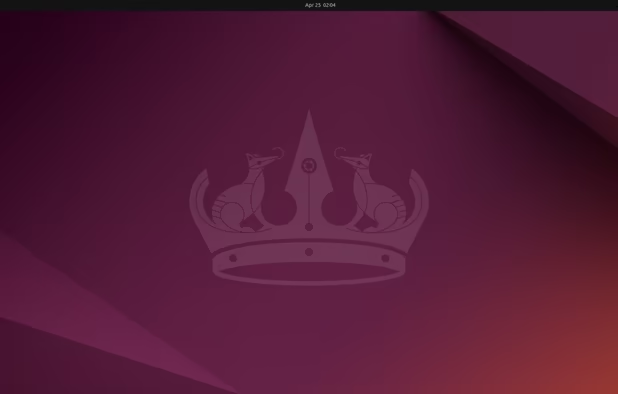
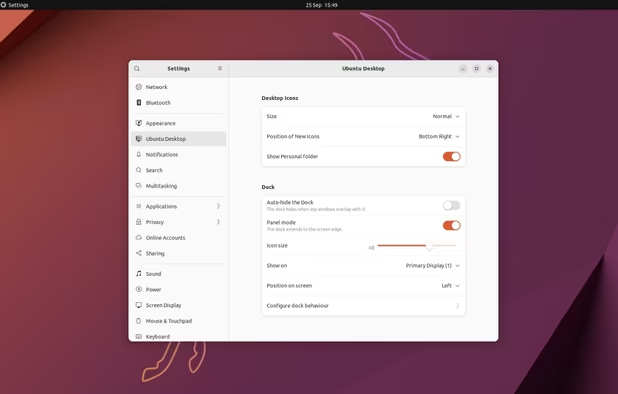
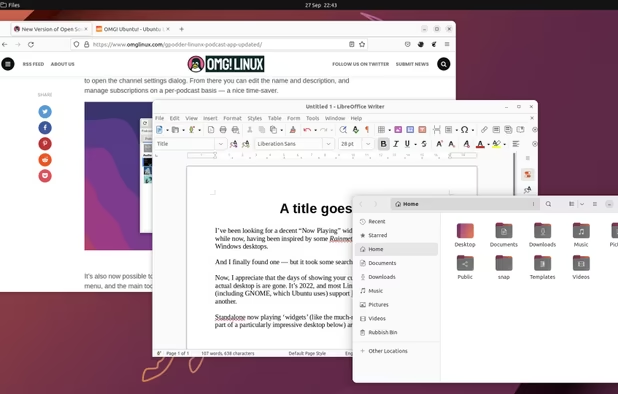
    Ubuntu 24.04 with Gnome 46
    Ubuntu screenshot 1
    Ubuntu screenshot 2
    +1
    Ubuntu screenshot 3
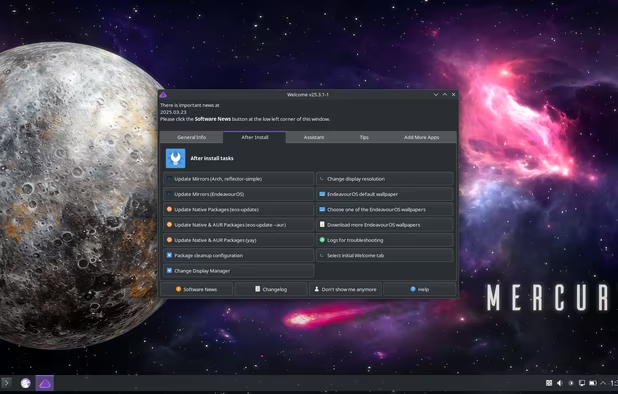
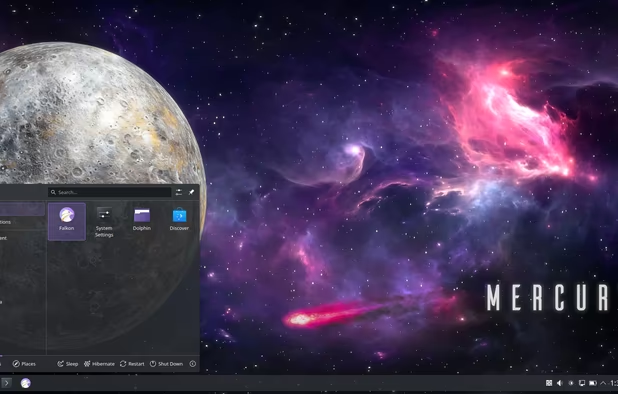
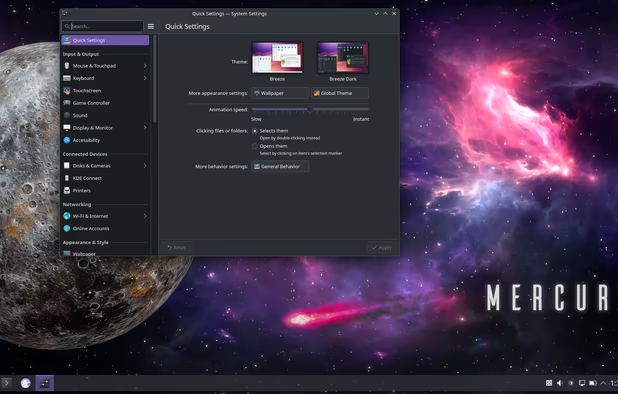
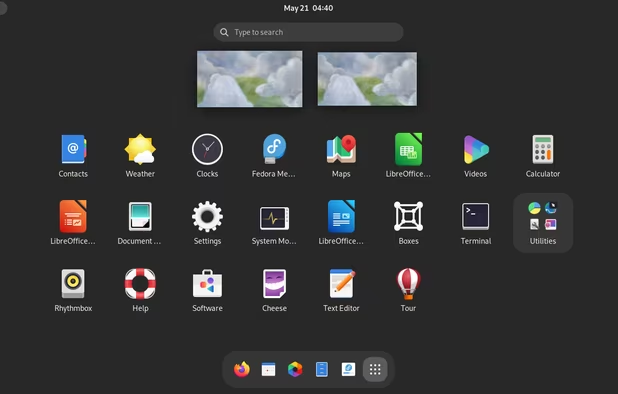
  6. Similar to Manjaro, but uses the GNOME desktop, making it very touch-screen friendly version of an easy to use Arch based distribution.

    Cost / License

    • Free
    • Open Source

    Platforms

    • Linux
    Welcome window
    Application menu
    KDE System Settings panel
  7. Intermediate Desktop Distros

    This distributions are ideal for someone who is familiar with linux and no longer afraid of the commandline, but also looking for a relatively simple desktop experience. I feel both of these products offer a very decent balance between utility and ease of use. Both have very different use cases, however!

  8. Fedora icon
     Like

    My favourite offline distro, it has probably the most software options available. It has some stability issues so I always recommend using one version behind what is currently been released. Also suffers from not being a rolling release, so to upgrade, you have to reinstall from scratch, and older versions do lose support relatively quickly compared to some of the server-based distros. I get around this by simply using this as a desktop option for offline computers so the lack of updates and support does not result in security issues. Still, for folks looking to get a better understanding of the Red Hat environment, a great start! Similar to Ubuntu, it has the Flatpak software capability, allowing the user to install applications beyond what is in the standard repositories.

    Cost / License

    • Free
    • Open Source

    Platforms

    • Linux
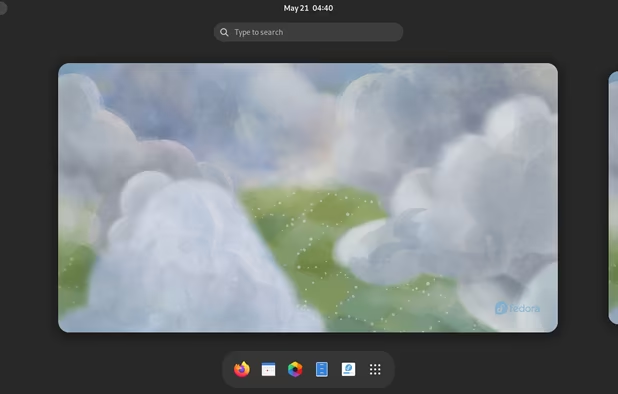
    Fedora 38
    Fedora screenshot 1
    Fedora screenshot 2
    +9
    XFCE spin
  9. Qubes OS icon
     Like

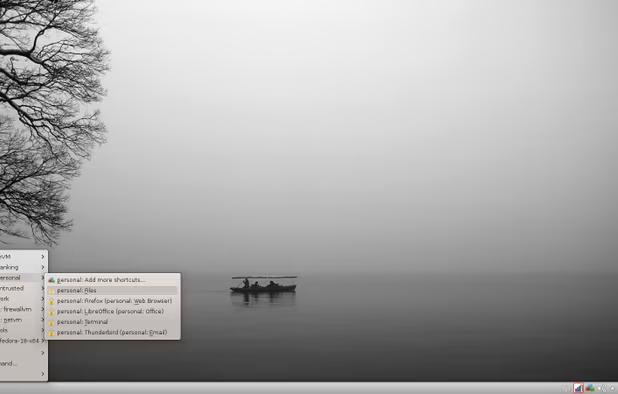
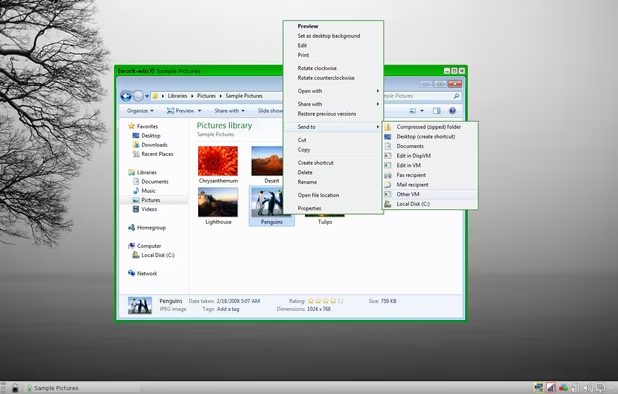
    I use this almost entirely for online computing (I am typing this from a qubes laptop). Unlike the other distros on here, QubesOS is actually a host environment for multiple virtual machines, each of which can launch their own applications. This comes in handy when I want to be logged into AlternativeTo and into my banking software while being comfortable that both browsers do not know what is happening to each other because they are secured in their own VM compartments. It takes a while to set up and to learn how to configure, but the peace of mind that comes with it is well worth the effort.

    One important thing to note is that when using this distro, you will often be using Fedora, Debian and Whonix distros as VM domains inside the qubes infrastructure, so it is good to know how those work first before diving in!

    Cost / License

    • Free
    • Open Source

    Platforms

    • Linux
    • Fedora
    • Xen
    Qubes OS screenshot 1
    Qubes OS screenshot 1
    Qubes OS screenshot 2
    +9
    Qubes OS screenshot 3
  10. Server Distros

    These distributions are best designed for ease of use, but also for stability and longevity. They will not have the most cutting edge software out there, but they are robust and hard to break, compared to alternatives. It is a good idea to be fully familiar with the command line by the time you start getting into this aspect of linux use since administrating a server is impossible without knowing how to use the command line. They function well as desktop distributions too, but if you are building a server, definitely consider one of the below.

  11. Debian icon
     Like

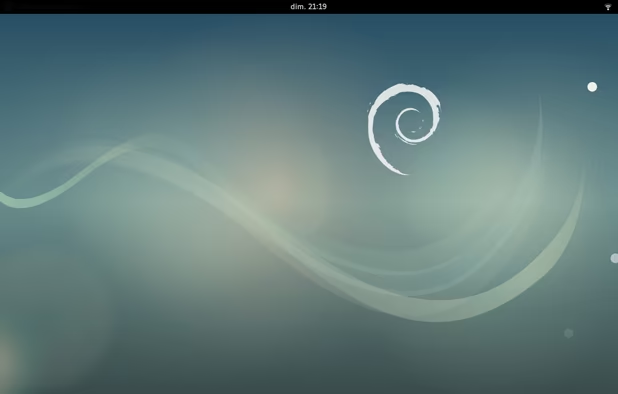
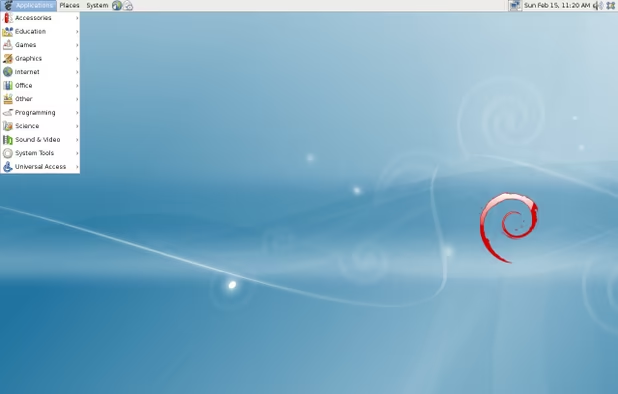
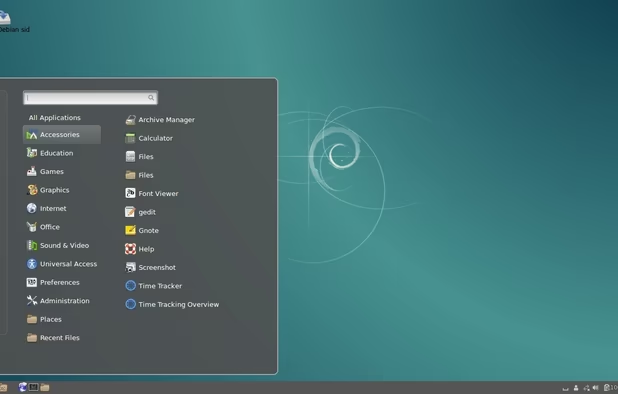
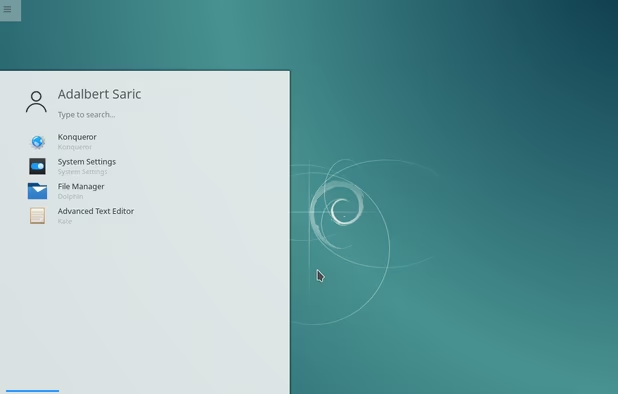
    Debian is a very good desktop distribution as well (I am typing this from a Debian based VM), but as a server, it truly shines. Very robust, stable, 100% free, and very well supported by the Debian team. Also non-corporate compared to the Red Hat Supported CentOS/Fedora, so you can be confident in the values of those who support this project. Debian is a major influence and underlying technology around many of the other distributions here, including Ubuntu, Whonix, and others!

    Cost / License

    • Free
    • Open Source

    Platforms

    • Windows
    • Linux
    • BSD
    • Self-Hosted
    Debian 9 gnome.
    Debian screenshot 1
    Debian screenshot 2
    +2
    Debian screenshot 3
  12. CentOS icon
     Like

    This is the server-based version of Fedora, built for long-time use and stability. Technically, it is a fully free and full binary rebuild of the Red Hat Enterprise Linux (RHEL) environment. A great distribution to practice your RHEL administration training! Sadly, it is about to be retired thanks to the corporate sponsor (Red Hat) kicking it to the curb.

    Cost / License

    • Free
    • Open Source

    Platforms

    • Linux
    The logon screen
    The desktop and the menu
    Firefox and LibreOffice come with this linux distribution
    +2
    The "Activities" screen
  13. AlmaLinux icon
     Like

    An opensource RedHat Linux Fork, essentially what CentOS used to be. By an established brand CloudLinux, totally free, and supported by big names like AWS, Equinix, CPanel, and ARM. Posting this instead of Rocky Linux (created by the original CentOS founder) since that OS isn't ready for prime-time.

    Cost / License

    • Free
    • Open Source

    Platforms

    • Linux
    AlmaLinux Desktop Environment
  14. Basically what it says on the box. Ubuntu has a server and desktop version. This is the server version so if you got your start learning Ubuntu Desktop, learning how to use Ubuntu Server is a great way to learn how to administrate servers. I have not seen it used so often in the corporate field so it is often a good stepping stone to learning things like Red Hat or Debian.

    Cost / License

    • Free
    • Open Source

    Application type

    Platforms

    • Linux
    Ubuntu Server screenshot 1
  15. Security Focused Distros

    These are good distributions to learn when learning more about white hat hacking and security your network environment. They are built on more up-to-date versions of Debian and come fully stocked with great security tools meant for security and digital forensics

  16. The OG in the linux security world when it was formerly known as BackTrack, Kali Linux has hundreds of security tools pre-installed and ready to go for the aspiring security professional.

    Cost / License

    • Free
    • Open Source

    Platforms

    • Windows
    • Linux
    Kali Linux screenshot 1
    Kali Linux screenshot 1
    Kali Linux screenshot 2
    +8
    Kali Linux screenshot 3
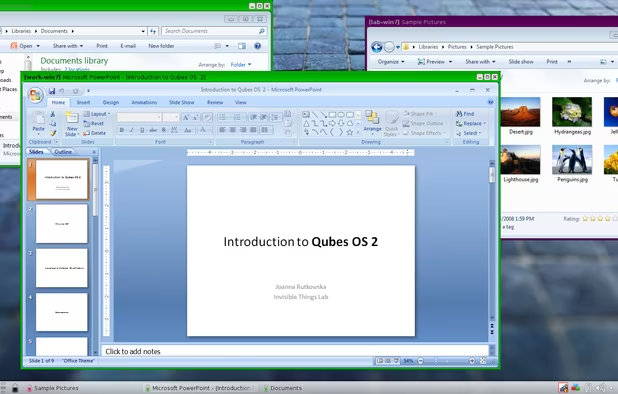
  17. A recent newcomer to the linux security world and while not as well known or well stocked as Kali, still comes with fantastic tools and a great reputation so far!

    Cost / License

    • Free
    • Open Source

    Platforms

    • Linux
    Parrot Security OS screenshot 1
    Parrot Security OS screenshot 1
    Parrot Security OS screenshot 2
    +5
    Parrot Security OS screenshot 3
  18. Tor Focused Distros

    Using the TOR Browser Bundle on a Windows computer to go on the dark web is not the best way to go. You want your entire operating system to be fully secured and well configured to avoid any leaks and issues. That is where these distributions come in. Both are very different in how they work, but both serve the same purpose - giving you access to the internet anonymously and supporting your privacy.

  19. Tails icon
     Like

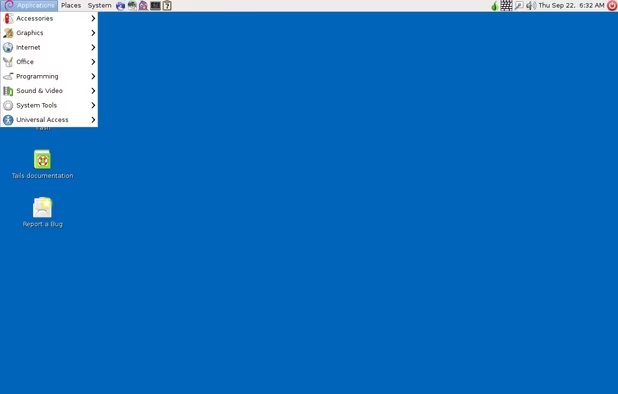
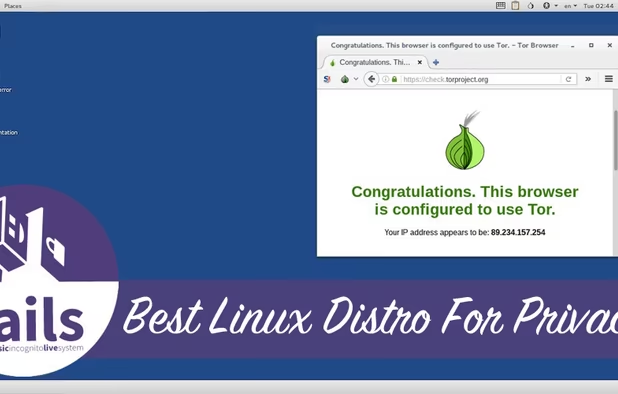
    TAILS is a Debian based distribution that is designed specifically to be used as a Live USB. The idea is that once you shut down, all traces of what you were doing are erased from the machine you were working on - it forgets everything that you did. The design of the system ensures that all traffic is routed through the TOR Network and minimizes how you can potentially expose your real identity to the rest of the internet by having a small number of limited applications to minimize attack surface and not allowing connections through a non-TOR connection, except in very specific circumstances you have to jump through hoops to activate. Bottom line, this is the gold standard for TOR network access!

    Cost / License

    • Free
    • Open Source

    Platforms

    • Linux
    • Tor Browser
    • GNOME
    • Tor
    • Thunderbird
    Tails screenshot 1
    Tails screenshot 1
  20. Whonix icon
     Like

    Whonix is also based on Debian, but rather than being used in a Live USB, it is used as a Virtual Machine. It can be run in Oracle VirtualBox on a desktop or it can reside in a Qubes domain, just like any of the other VMs used by that system. In either case, this OS isolates the work you are doing from the host OS in the hopes that your host machine or other VMs are peeking in on what you are doing and that anything nasty in your Whonix VM cannot break out and infest your primary system. If the VM is compromised, just destroy and restart from your last snapshot! Not as well focused in forgetting your actions as Tails, but definitely the next best thing. Give it a try!

    Cost / License

    • Free
    • Open Source

    Platforms

    • Linux
    Whonix Desktop Environment
    Whonix Workstation running on Ubuntu
    Whonix Gateway running on XFCE
  21. Router Distros

    Most routers and firewalls come with their own firmware. By using the following firmwares, you can unlock hidden features in your machine and also ensure that proprietary blobs are not in control of your system - you are! Fairly challenging to flash onto a machine and run, so I recommend that folks buy a machine already running these from the internets if possible. Otherwise, if you are feeling lucky and have a router you do not mind bricking if you mess up, give one of these options a try! Be sure you know how firewalls/networking work though before giving this a shot!

  22. pfSense icon
     Like

    Netgate has a full fleet of boxes with this distro preinstalled. Technically it is a BSD distro, not linux, but still fantastic way to get control over your hardware and very easy to use with a graphical interface. Of course, you will still need to know how to operate a firewall and networking rules too, but that is the hand you are dealt when going into this world!

    Cost / License

    • Freemium
    • Open Source

    Application types

    Platforms

    • BSD
    Dashboard page
    pfSense screenshot 1
    pfSense screenshot 2
    +2
    pfSense screenshot 3
  23. OpenWrt icon
     Like

    A great option for someone looking for a fully featured firmware that is compatible with many different kinds of hardware. I have made everything from pirate boxes to repeaters and firewalls with this distribution. The utility cannot be beat!

    Cost / License

    • Free
    • Open Source

    Platforms

    • Linux
    OpenWrt screenshot 1
    OpenWrt screenshot 1
    OpenWrt screenshot 2
    +6
    OpenWrt screenshot 3
  24. libreCMC icon
     Like

    One of my favourite firmwares as well, this was a merger of two top-notch systems that combined the best of both worlds into one package! It is just as good as any of the other options so give each a try and see what you like best!

    Cost / License

    • Free
    • Open Source

    Application type

    Platforms

    • Linux
  25. Advanced Linux Distros

    These are the best options for people who have mastered the command line as well as server and OS based administration, including security, functionality, logging, etc. It is very easy to break a system messing with these (at which point you can just start over), but if you have got the chops and the determination, also easy to build an incredibly efficient system that will do literally anything you want.

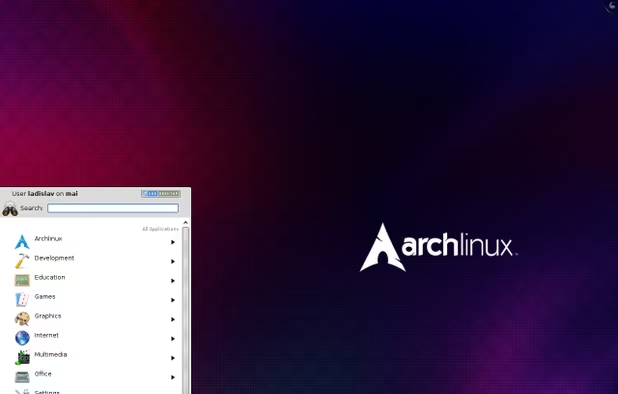
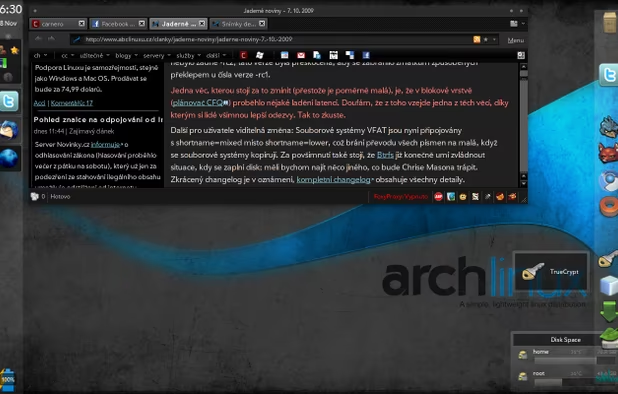
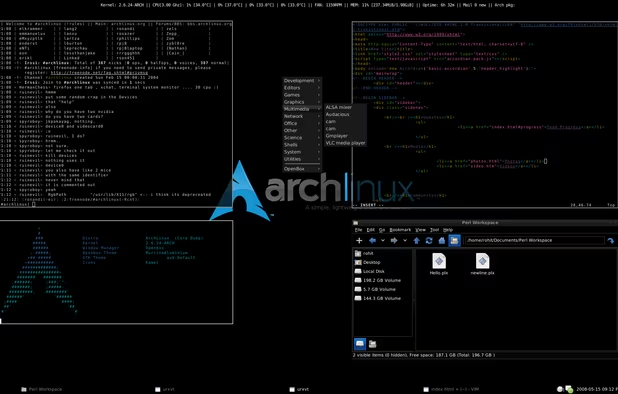
  26. This system is not based on another distro, it really is its own machine. Arch starts out as a bare kernel and a few basic utilities - making a system with a desktop environment (or none) and specific functionally and software that all work together is up to the user. Some distros are already built on preconfigured Arch, but this gives you the power to build your own distribution, lightweight, efficient, and powerful, as long as you have the skill for it!

    Cost / License

    • Free
    • Open Source

    Platforms

    • Linux
    arch with KDE 4.4 desktop
    another arch with KDE 4.3 desktop
    arch for console addict
    +1
    arch with openbox window manager
  27. Gentoo icon
     Like

    Gentoo is similar to Arch, but goes even further in that not only are you responsible for building your own system from base applications, but you are also responsible for building your own applications as well, compiling them from source. It is the next level in ground-zero building of a system.

    Cost / License

    • Free
    • Open Source

    Platforms

    • Linux
    • BSD
    • FreeBSD
    Gentoo screenshot 1
    Gentoo screenshot 1
    Gentoo screenshot 2
  28. This distro is as minimalist as it gets, even compared to the other two. I've never seen a full fledged OS built from it before, but it gives you an idea of being as close to the kernel as one can get. Good for understanding low-level basic operations for how linux really works.

    Cost / License

    • Free
    • Open Source

    Platforms

    • Mac
    • Windows
    • Linux
    Damn Small Linux screenshot 1
    Damn Small Linux screenshot 1
    Damn Small Linux screenshot 2
  29. Live Linux Distros

    These distributions are used by booting directly from a USB drive and staying there. Each has its own use case and all of them are a great option when using a foreign machine when you do not want your fingerprints on it, or for recovering data from a failed computer OS.

  30. Puppy linux is so lightweight, it can run completely from RAM. And by that, I mean you can boot up from the USB, pull the USB when the boot is complete, and it will continue to run like nothing happened until you shut it off. Of course, it is lightweight so limited in its applications, but for doing basic stuff, this cannot be beat as a great option for older computers.

    Cost / License

    • Free
    • Open Source

    Platforms

    • Linux
    Puppy Linux screenshot 1
    Puppy Linux screenshot 1
  31. Knoppix icon
     Like

    Similar to Puppy, but fully stocked with a whole host of application software. The last time I checked, this was about 4.7GB large so it definitely is not lightweight, but if you have to boot into a system with a Live USB and do some actual work, this system will have the tools you need to get the job done. Originally meant to be used as a recovery tool, this distribution can do pretty much everything else too.

    Cost / License

    • Free
    • Open Source

    Platforms

    • Linux
  32. This OS has one specific use-case - it clones other operating systems. I use this to back up my entire computer at the baremetal level when I need to make serious changes, reformat my hard drive, or reinstall/upgrade an operating system. You will need a separate drive, possible portable HD to capture the backup image to use this properly.

    Cost / License

    • Free
    • Open Source

    Platforms

    • Mac
    • Windows
    • Linux
    Choices to save or restore partition or disk in clonezilla
    Device to image or device to device clone
    Enter clonezilla or shell command
    +2
    Setup the clonezilla image home directory
  33. Self-Hosting Server Distros

    For those who want to build their own self-hosted services, whether that be their own Nextcloud private cloud, a Pleroma social networking service, or a Aenigma chat application without the hassle or confusion!

  34. YunoHost icon
     Like

    Probably one of the oldest Operating Systems I know for hosting applications from home, YunoHost is a Debian based system with a full suite of server applications that can be run on a home server.

    Cost / License

    • Free
    • Open Source

    Platforms

    • Linux
    • Self-Hosted
    • Debian
    YunoHost screenshot 1
    YunoHost screenshot 1
    Install your server with ease, you already have everything at home
  35. UBOS icon
     Like

    This software is similar to the above but with two major differences. First, commercial products are available with this software preinstalled, which is pretty cool. Secondly, it is administered on the commandline, and the support site gives very specific details about how to do this. Overall, one of the best operating systems for self-hosted software - I currently run a Nextcloud instance using UBOS!

    Cost / License

    • Free
    • Open Source

    Platforms

    • Linux
    • Online
  36. Similar to the above systems, the FreedomBox is based on Debian and relies on Debian for everything from support and updates to its powerful hardware compatibility portfolio. In addition, commercial products with this system pre-installed are also available. It is one of the best options out there for folks who want to host their own without too much hassle.

    Cost / License

    • Free
    • Open Source

    Platforms

    • Linux
  37. HomelabOS icon
     Like

    Yet another home-based server distribution. This system not only hosts a wide array of software options, but has some of the best documentation out there. There are specific instructions spelled out on how to install, update, make your service private or public, and also how to route your service through TOR. Documentation is also updated on the regular!

    Cost / License

    • Free
    • Open Source

    Platforms

    • Linux
    • Self-Hosted
    HomelabOS screenshot 1
    HomelabOS screenshot 1
    HomelabOS screenshot 2
    +3
    HomelabOS screenshot 3
  38. Similar to above, except that this version of a self-hosted server is based on CentOS.

    Cost / License

    • Free
    • Open Source

    Platforms

    • Linux
    SME Server screenshot 1
  39. Container / Docker Distros

    These distributions are primarily small shells that allow applications to run inside them as Docker application services. A great way to learn about containerization and to run server systems on the same box without worrying that they are interfering with one another.

  40. RancherOS icon
     Like

    RancherOS is a shell OS that is optimized for running Linux containers. It is extremely lightweight, can boot up in an instant and even compartmentalizes basic services into docker containers, making it easy to manage with an orchestration tool.

    Cost / License

    • Free
    • Open Source

    Platforms

    • Linux
    • Kubernetes
    RancherOS screenshot 1
  41. CoreOS icon
     Like

    Maintained by Fedora now, but still a great way to learn how to run containers in an OS that is designed specifically for just that purpose!

    Cost / License

    • Free
    • Proprietary

    Application type

    Platforms

    • Linux
    CoreOS screenshot 1
    CoreOS screenshot 1
    CoreOS screenshot 2
    +2
    CoreOS screenshot 3
  42. Photon OS icon
     Like

    PhotonOS is a free system that is specifically designed to work with VMWare virtual machines and Docker containers. It is well maintained and documented by a corporate sponsor and allows the user to get familiar with both virtual machine and containers!

    Cost / License

    • Free
    • Open Source

    Platforms

    • Linux
    • Self-Hosted
  43. Probably the most popular free OS supporting virtual environments that is free and easy to deploy. This is a debian based distro and while you do have to pay to get access to updates and other bonuses, it is still free and open source for the layperson to get started!

    Cost / License

    • Freemium
    • Open Source

    Application type

    Platforms

    • Windows
    • Linux
    • Android
    • Android Tablet
    Proxmox Virtual Environment screenshot 1
    Proxmox Virtual Environment screenshot 1
    Proxmox Virtual Environment screenshot 2
    +2
    Proxmox Virtual Environment screenshot 3
  44. Free Linux

    If you are a free and open source enthusiast who worships at the church of Richard Stallman, these are the only distros that will work for you. All of these are derived from other distributions, but have had all proprietary drivers, code, and blobs removed from them so everything running under the hood can be examined from the codebase. Run these on a LibreBoot system and you are running a fully free as in freedom system!

  45. As the name suggests, this is a hyperbolic version of Parabola. It combines the stability of Debian with the versatility of Arch

    Cost / License

    • Free
    • Open Source

    Application type

    Platforms

    • Linux
    Hyperbola GNU/Linux-libre screenshot 1
    Hyperbola GNU/Linux-libre screenshot 1
    Hyperbola GNU/Linux-libre screenshot 2
  46. Gaming Distros

    Very specific to gaming, if that is something you are into. Use any of these distributions if you are planning on plugging the box into a big screen, plugging a joypad into the box and either reliving your retrogaming dreams or trying out awesome new stuff straight from Steam!

    Edit: removed SteamOS because it is old and unmaintained.

  47. Lakka icon
     Like

    This distro is built on top of retroarch and is basically a retrogamer dream. It runs pretty much all the emulators that are out there so if you have a collection of ROMs you obviously obtained through legal and fully legit means and cant wait to play, flash this on a box and let the nostalgia flow free! Works great on tons of hardware from real PCs to a Raspberry Pi

    Cost / License

    • Free
    • Open Source

    Application types

    Platforms

    • Mac
    • Windows
    • Linux
    • Cubieboard
    • HummingBoard
    • Raspberry Pi
    • Nintendo Switch
    • Odroid
    Splash screen
    Main view
    Details
    +4
    Game-sorting
Page 1 of 2

Well, that about wraps it! Hopefully people find this useful. I will be adding/removing items as things change as they always do in the Linux world!

Comments

MITCHELL PAYNE
0

Add EndeavourOS as a gamer distro or something. It's a REALLY good Arch-based distro.

Review by a new / low-activity user.
Martin Ligabue
1

(I'd add Garuda in gaming, it does a pretty good job)

appexpertimenter
4

one of the best lists of it's kind here

Gu