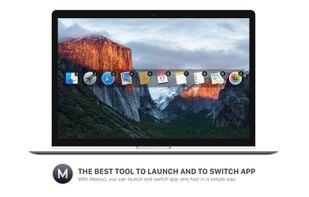
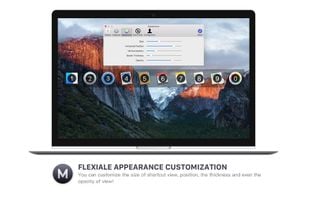
Designed for beginners and professionals alike, Monarch is a command center that makes it easier than ever to switch apps, run calculations, search clipboard history, take notes and more with only a single hotkey. No complicated setup or configuration required.
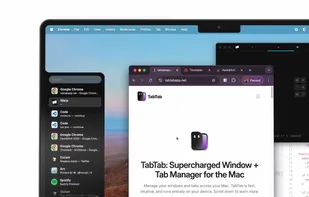
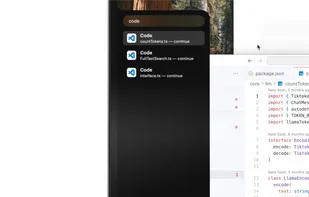
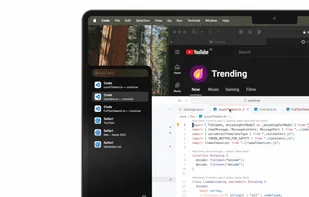
TabTab is a native macOS app that will seriously elevate your window and tab management. Switch seamlessly between windows, navigate to individual tabs in apps like Chrome, VSCode, and Figma, and quickly search for any window or tab with ease.
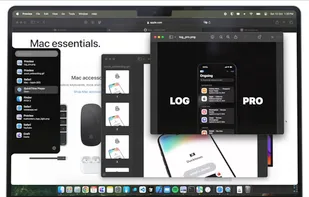
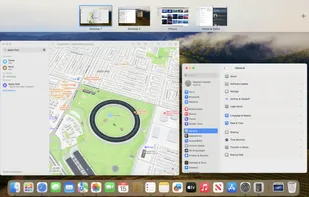
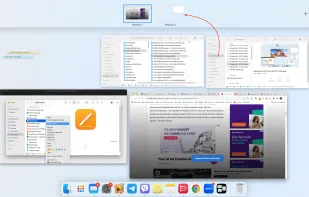
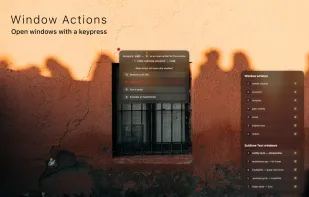
Switch between application windows effortlessly – with a click, a quick gesture, keyboard shortcuts or search; no matter how many of them you have open; even on multiple spaces & multiple displays.
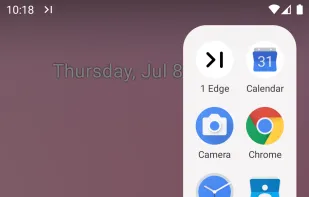
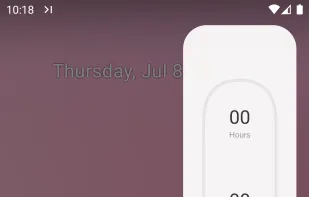
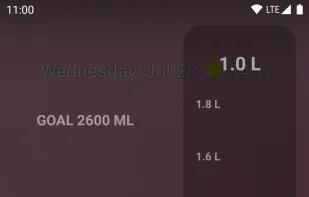
1 Edge is a Floating Window Edge Panels application that provides features such as app shortcuts, countdown day, hydration reminders, and in-app tools, designed to enhance user productivity and experience.
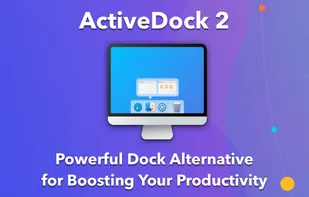
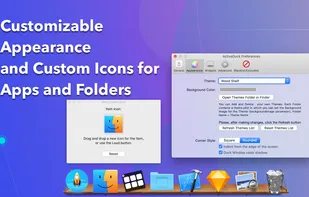
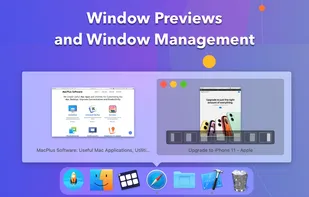
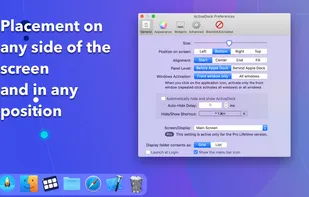
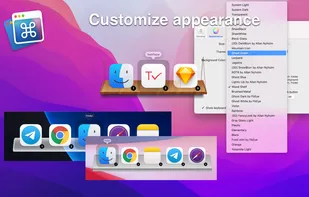
ActiveDock 2 is a customizable alternative to the standard macOS Dock, offering advanced features for app launching, window management, appearance customization, and more. It fully replaces the classic Apple Dock and Launchpad while preserving their familiar look and behavior...
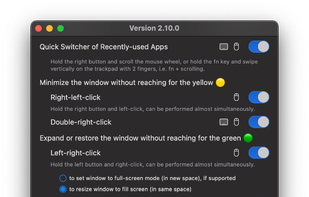
Instantly minimize any macOS window by clicking its title bar. Enjoy the familiar, efficient window management you've been missing. Lightweight, customizable, and privacy-focused.
Command Stick is a floating widget operated by dragging through its four sections. Fluid, patented, gesture-based controls significantly improve on Android’s standard UI by removing the need to reach for the notification shade, creating a far more ergonomic and flexible experience.
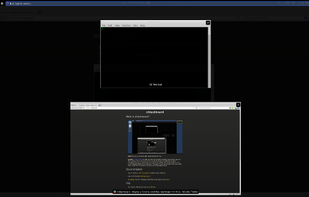
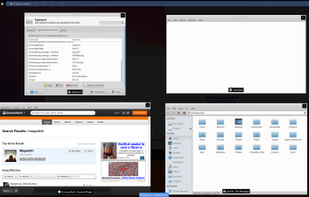
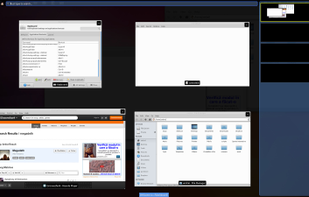
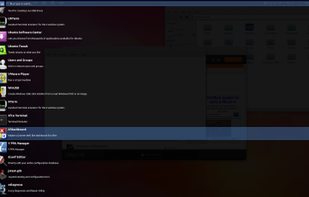
xfdashboard provides a GNOME shell dashboard like interface for use with the Xfce desktop. It can be configured to run to any keyboard shortcut and when executed provides an overview of applications...
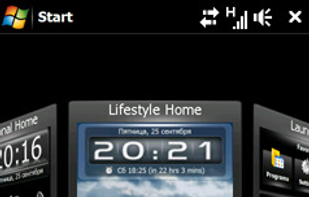
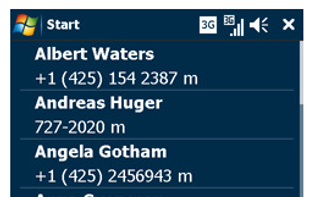
SPB Mobile Shell introduces the next generation user interface while keeping all advantages of a Windows Mobile device. Prize USD 29.95 or as a gift from your phone provider. Cool widgets to customize your Home screen.
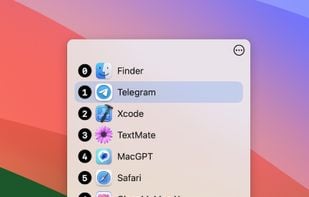
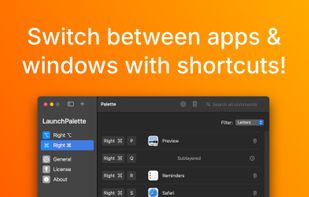
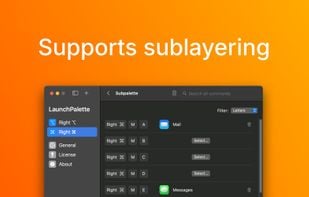
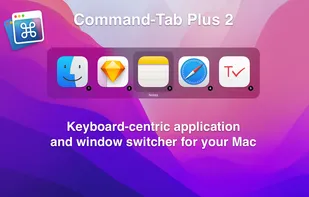
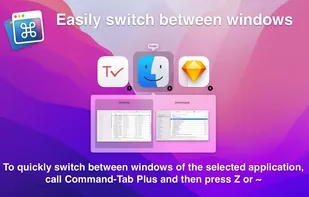
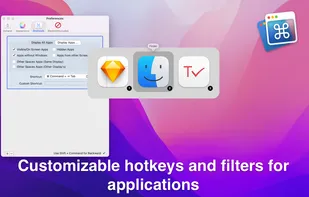
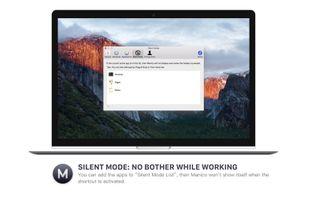
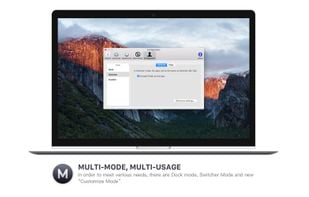
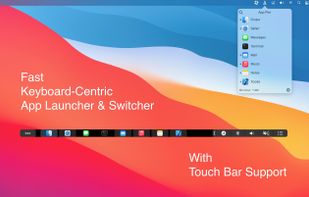
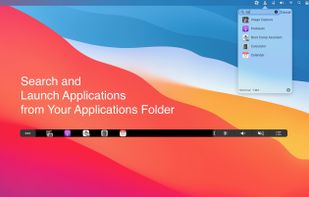
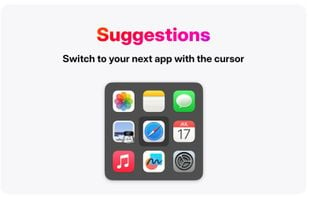
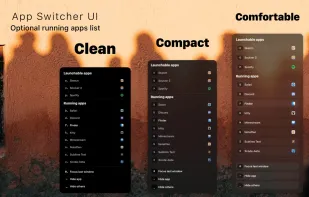
Command-Tab Plus is a keyboard-centric application and window switcher for Mac, offering a powerful alternative to the built-in macOS switcher. It boosts productivity with features like quick app switching, isolated workspaces (Spaces), hiding inactive apps, and customizable ...
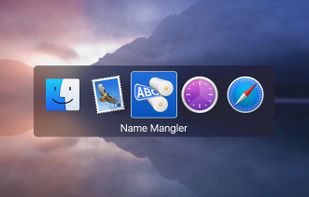
When you press Command-Tab on your Mac, Apple provides you with a simple App Switcher:
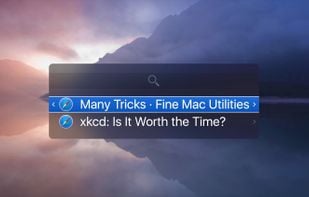
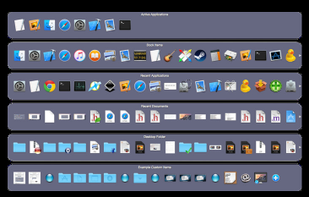
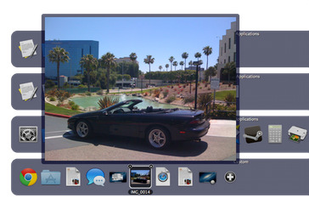
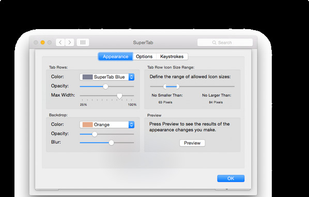
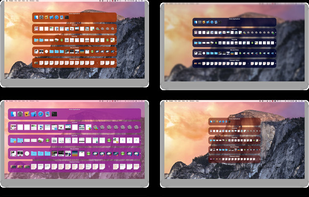
So now, with SuperTab installed, pressing Command-Tab gives you a whole lot more:
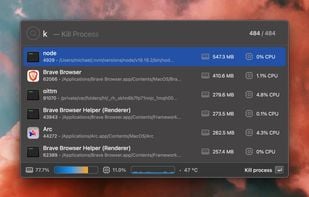
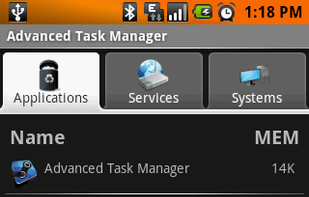
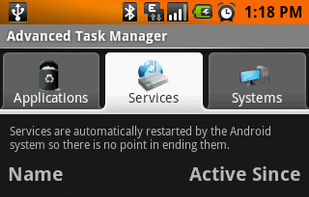
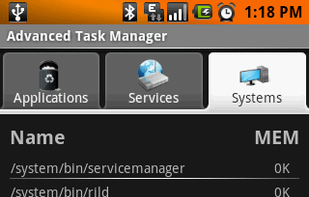
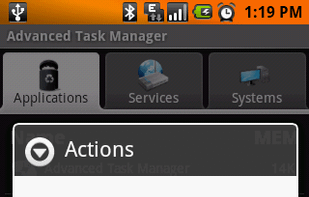
End applications, speed up phone, and save battery.
“Advanced Task Manager” is an Android application created in February 2009. At that time, it was needed mainly to kill running services that a number of applications spawned but never ended. Some of these services would start at.


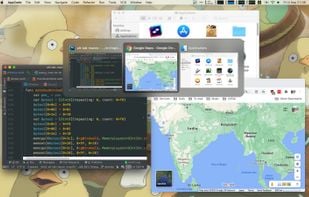
 Macscopeand


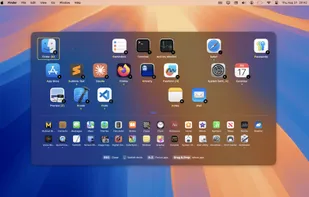
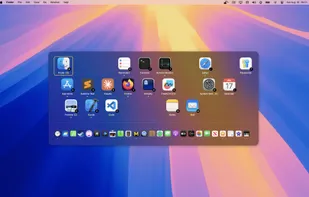
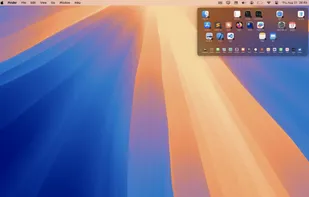


 Flow Launcher






























 China
China
 Ukraine




 United States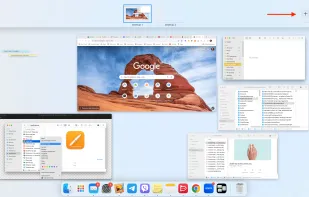


 Romania
 EU
EU

 Austria


 Russia


 Türkiye