Enhance your Windows with customizable skins showcasing system resources, and more. Enjoy privacy-focused features, lightweight performance, and no ads.
Web-based customizable desktop environment for Windows 10/11 with tiling window management, widget personalization, theme adjustments, and taskbar layouts.
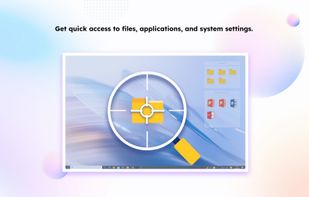
Desktop organizer for Windows 10/11, arranging files in customizable shaded areas. Features include quick access, snapshot layouts, and enterprise tools.
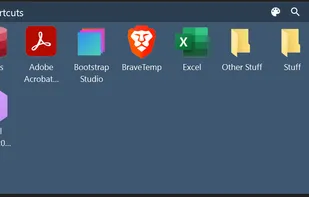
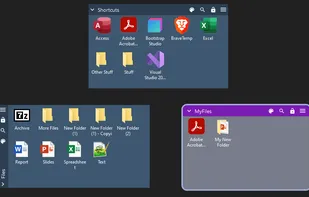
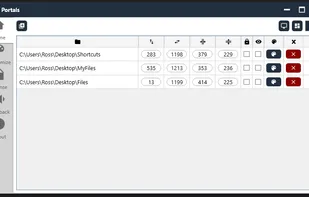
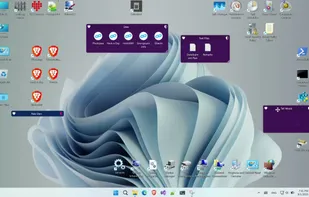
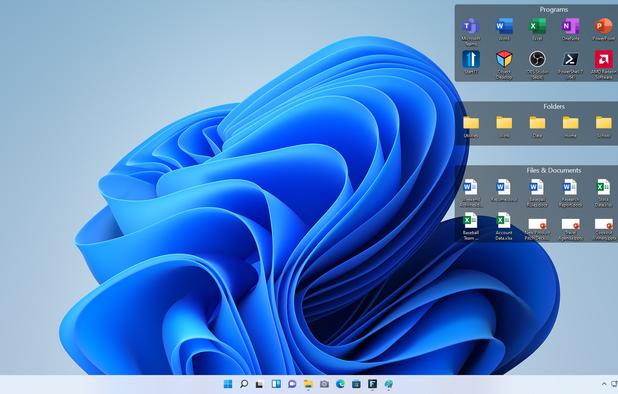
Create containers (aka Portals) on your desktop which show the contents of a specified folder. Divide your desktop into folders then use Portals to display the contents of the folders in an organized fashion - you can even hide the folders away somewhere else.
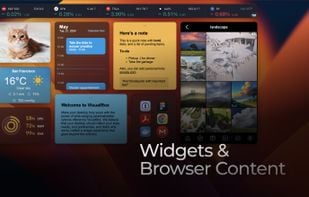
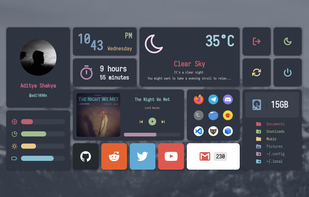
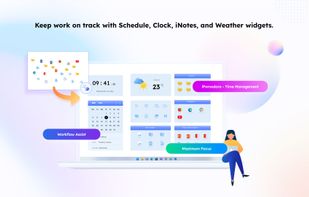
Make your desktop truly yours with the power of wide-ranging personalization options offered by ViBox. We believe that your desktop should reflect your style, needs, and preferences, and that's why we've crafted a widget experience that goes beyond the ordinary.
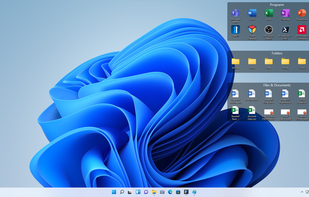
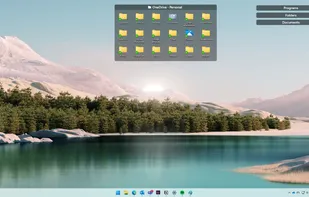
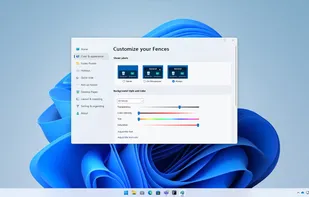
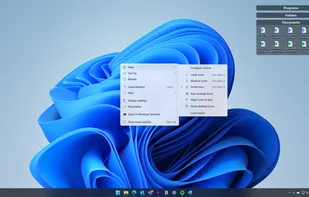
Enables virtual fences for desktop icon organization on Windows, providing enhanced visual effects, right-click customization, portability, and no registration required.
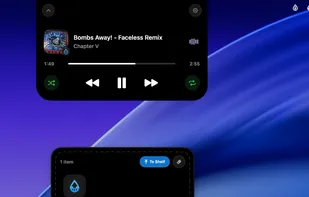
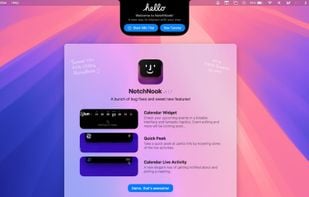
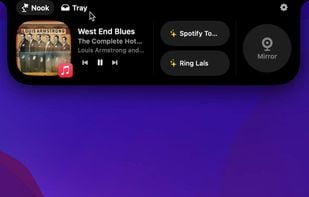
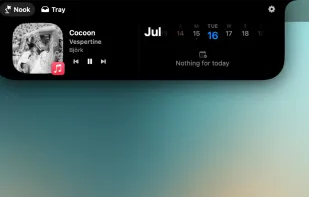
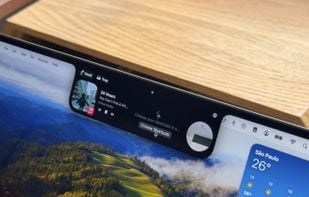
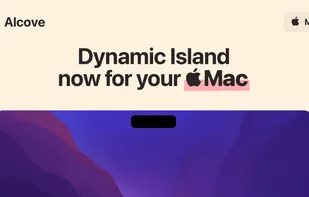
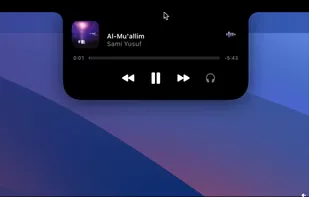
A whole new way of using macos! NotchNook is a new Mac app that transforms your MacBook's notch into a dynamic, functional feature akin to the iPhone's Dynamic Island.
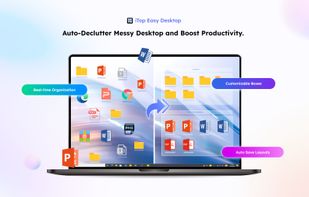
Automates organization of apps, files, and folders on Windows desktops, featuring grouping into boxes, customizable appearance, hotkey shortcuts, and quick search.
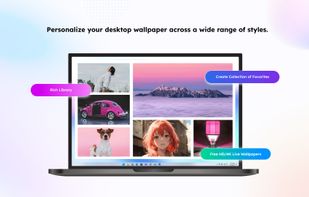
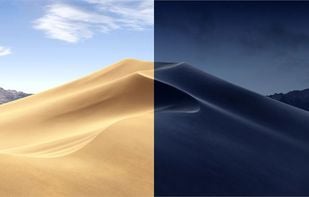
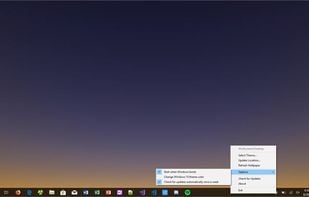
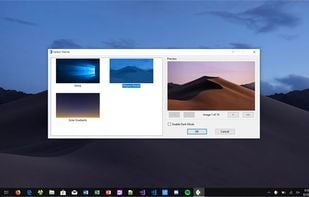
This app ports the Dynamic Desktop feature from macOS Mojave to Windows 10. It uses your location to get the times of sunrise and sunset each day, and rotates through the 16 Mojave wallpaper images throughout the day and night.
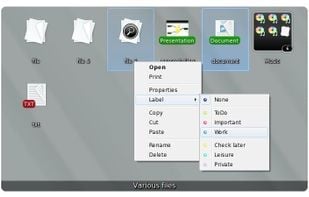
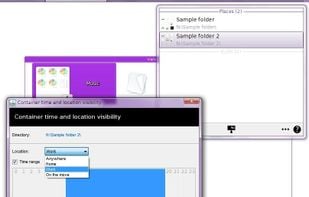
Organizes desktop into customizable containers showing folder contents as icons/thumbnails on a scrollable surface. Has lots of management features: e.g. labelling; sort by category; time & location based settings. Thumbnails are displayed for supported Open Documents, PSD images & PDFs.
Creates realistic animated snowfall on Mac desktops with ultra-low CPU and memory use, seamless multi-monitor support, per-display settings, and full customization.
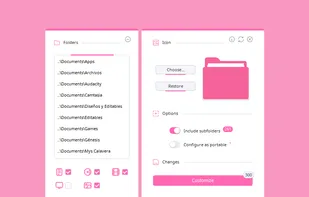
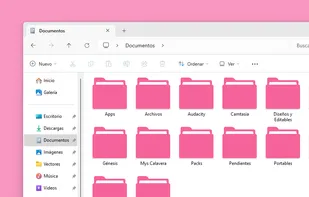
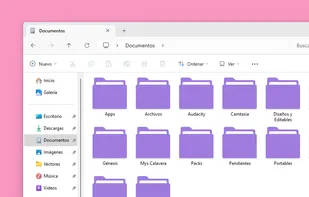
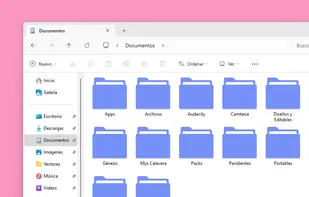
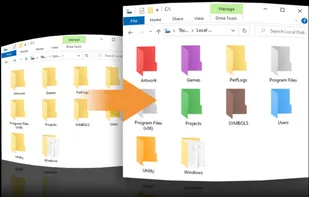
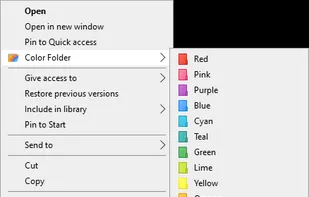
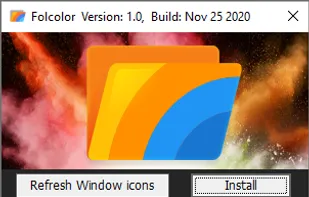
Coloring your Windows folders can help you organize and increase your productivity. Your folders are instantly recognizable by color vs having to pause to read their text label.
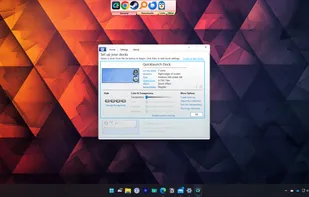
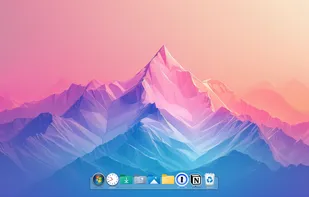
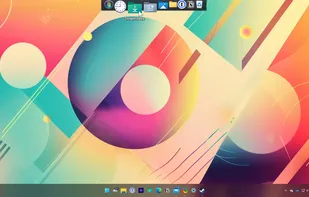
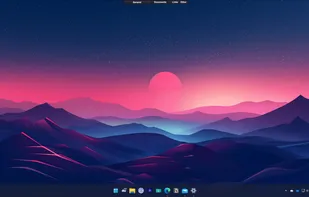
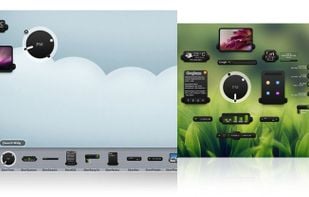
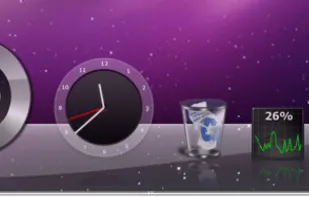
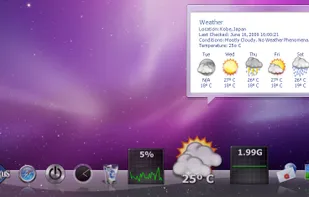
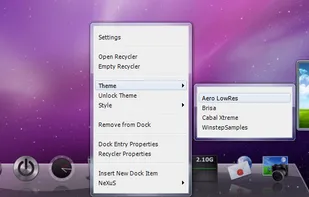
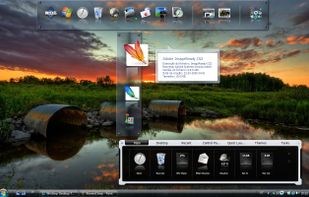
Animated dock for Windows offering fast access to applications, shortcuts and files, with customizable appearance, auto-hide feature, drag and drop launching, and support for multiple docks.
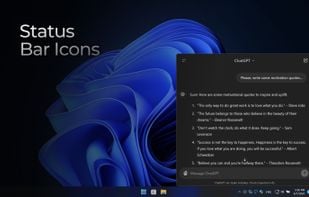
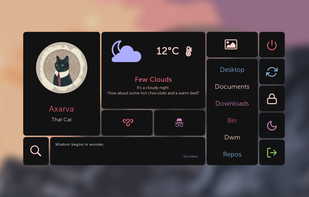
Quickshell is a toolkit for building status bars, widgets, lockscreens, and other desktop components using QtQuick. It can be used alongside your wayland compositor or window manager to build a complete desktop environment.
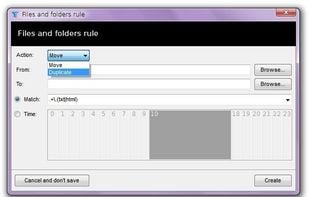
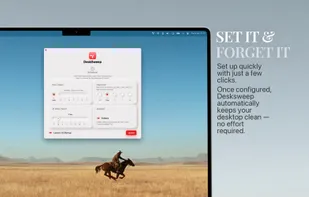
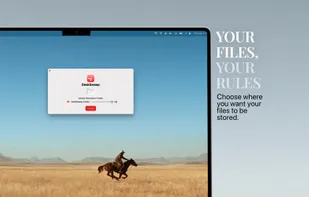
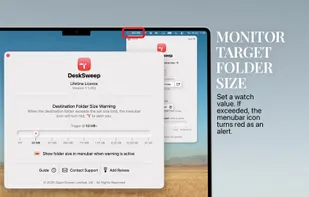
Boost your productivity by eliminating clutter—DeskSweep automatically organizes your desktop by moving files to a designated folder, ensuring a clean and distraction-free workspace.
XWidget is a free desktop customization platform. It’s light, handy with powerful visual widget editor and very subtle animations. The Android page is found here: http://android.xwidget.com/
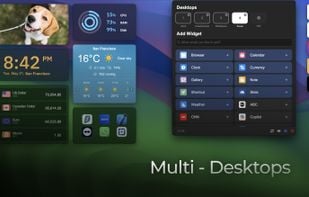
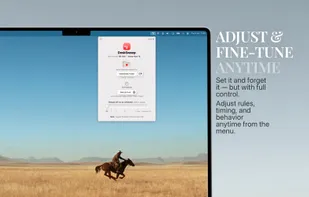
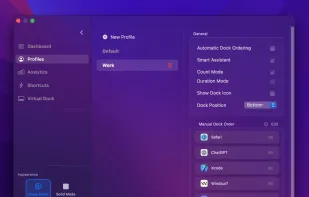
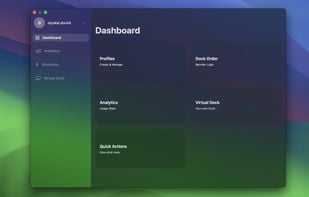
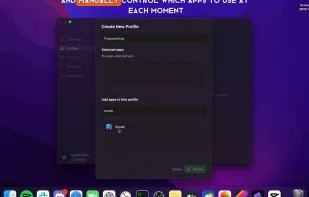
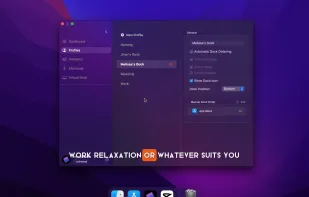
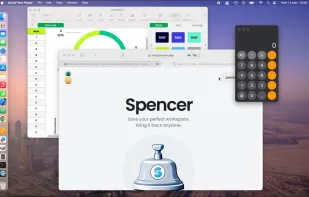
Customize your workspace with profiles for any context or task — whether you’re working, browsing, or creating. Easily return to your favorite window setup anytime.


 United States

































 Cairo-Dock








 Ecuador




 Vietnam


 Germany
 EU
EU


 Hong Kong SAR China
 Sweden

 Portugal


 United Kingdom

 China
China
