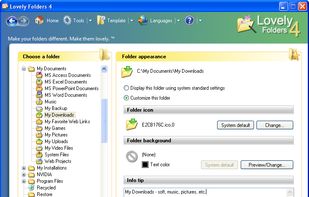
Coloring your Windows folders can help you organize and increase your productivity. Your folders are instantly recognizable by color vs having to pause to read their text label.
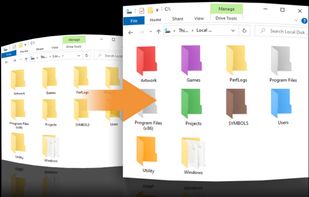




Apps similar to Crystal Folders include Folcolor™, which is free and open source. Other options are Folder Painter, Folder Marker, Folder Colors and Folder Colorizer. In total there are nine Desktop Customization Tools like Crystal Folders for Windows and Mac.
Coloring your Windows folders can help you organize and increase your productivity. Your folders are instantly recognizable by color vs having to pause to read their text label.

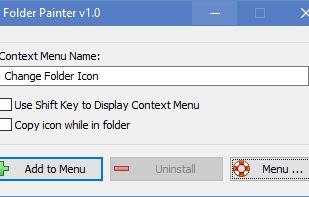
Folder Painter is an easy to use Portable Freeware program, which allows you to change the color of the icon representing a chosen folder to any color you like.
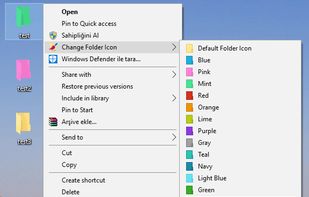
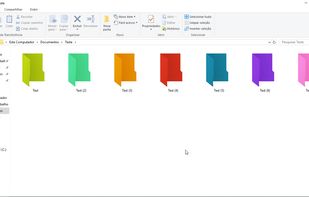


Label folders with color-coded or image-coded icons to indicate status, priority, project completion, or content type, using two-click assignment for efficient visual organization, bulk folder support, Windows integration, and improved work or personal file access.
 Ukraine
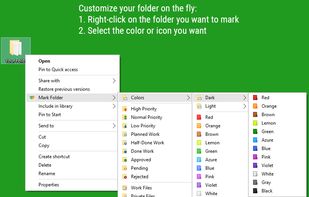
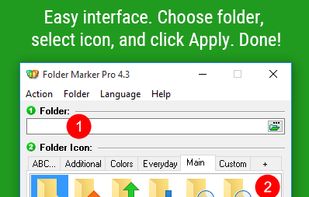
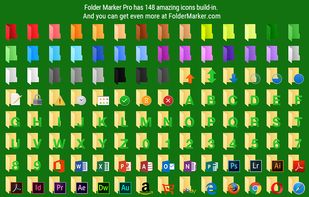
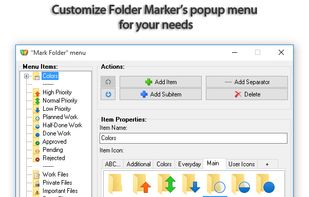


A lightweight Windows shell extension that lets you change folder colors and organize files directly from the right click menu.
 Saudi Arabia
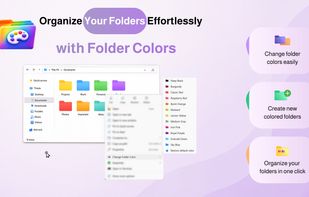
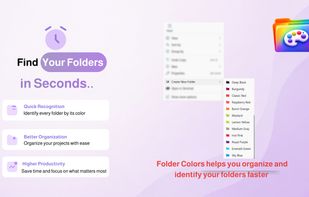
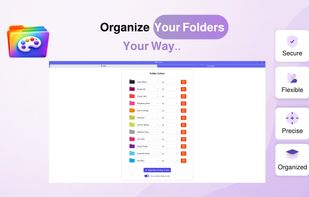
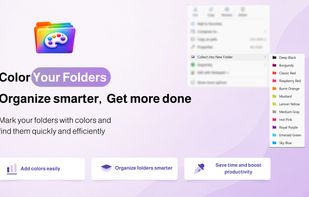


Windows Explorer is too boring? Color it up! Assign any color to any folder – just right-click a folder and choose “Colorize”! Supports your own colors, labels and works seamlessly with any version of Windows.
 United States
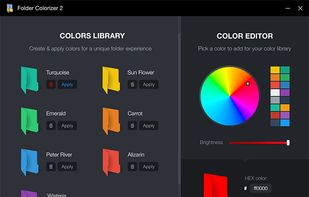


Quickly change the folder icons and restore them back to the original state in one click. Folderico support ICL-files and themes from iColorFolder. It also allows you to change Windows 7 libraries icons
 Cyprus
 EU
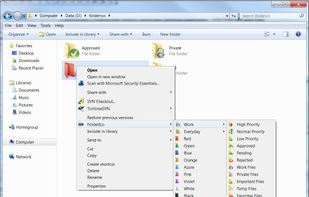
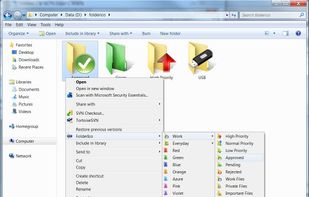
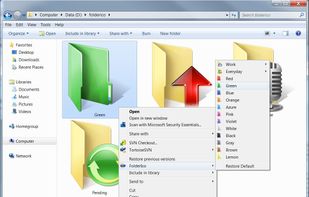
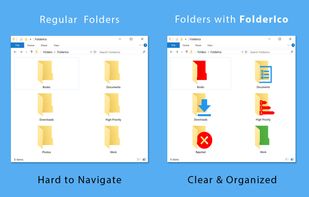


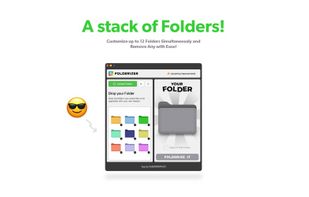
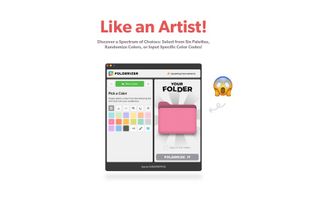
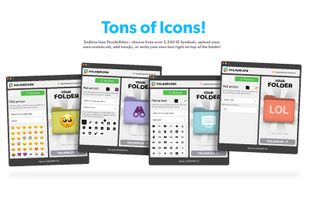
Folderizer is your ultimate solution for adding a touch of personalization to your Mac desktop. With Folderizer, you can easily customize the icons of your folders, making them stand out and reflect your unique style.

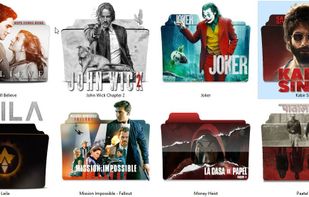
FoliCon is a free, open-source Windows application designed to automatically create and apply custom, high-resolution folder icons for movie, TV show, anime, game, and music collections.


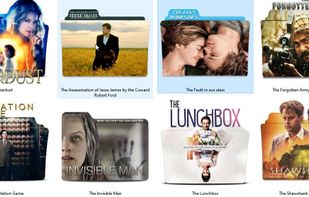


This powerful and handy program allows you to replace the standard folder icon for individual folders with any eye-catching icon you wish, chosen from hundreds of built-in colorful icons or generated automatically by internal IconConverter depending on the content of a folder...
Ukraine