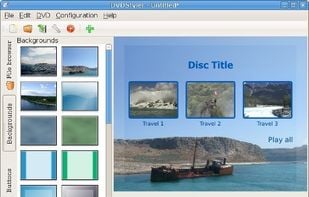
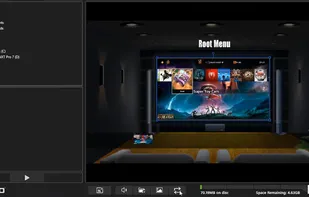
DVDStyler is a cross-platform free DVD authoring application for the creation of professional-looking DVDs. It allows not only burning of video files on DVD that can be played practically on any standalone DVD player, but also creation of individually designed DVD menus.
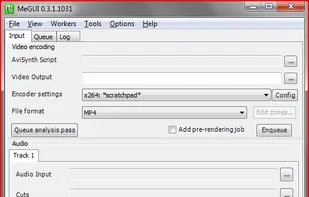
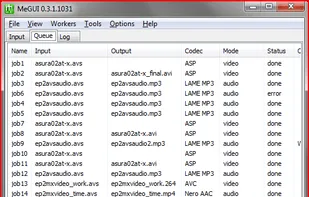
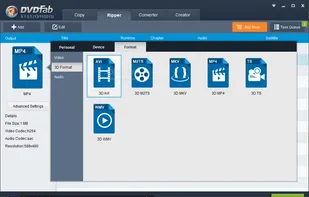
Versatile video converter with DVD ripping, format support for x264, AAC, MP3, and containers like MP4, MKV. Offers user-friendly GUI and batch processing.
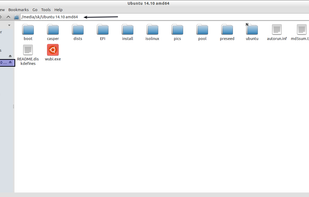
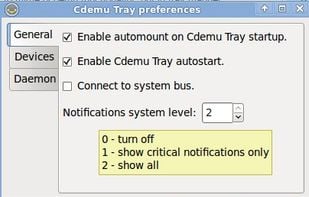
CDEmu is a CD/DVD-ROM device emulator for linux, licensed under GPL v2 or later. It is a from-scratch rewrite of the legacy CDEmu project, which was started by Robert Penz.
Free Studio is an all-in-one package bundling all free multimedia applications developed by DVDVideoSoft. Free Studio Manager has 8 sections for easy access to any application: YouTube programs; MP3 and Audio; CD, DVD and BD; DVD and Video; Photo and Images; Mobiles; Apple...
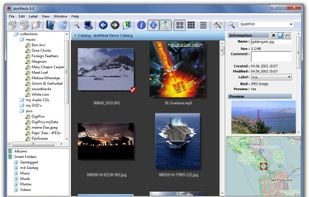
abeMeda is a disk and data library for all your media assets, and almost everything that spins -harddisks, CD's, DVD's, ZIP's... abeMeda creates catalogs of your media and their metadata, and offers them offline for browsing and powerful search operations.
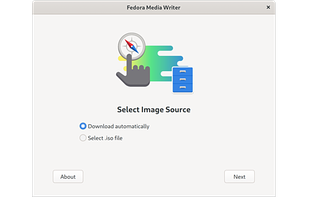
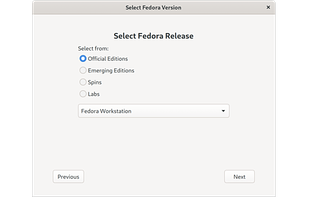
A tool to create a bootable live USB drive with an edition of Fedora. Not only can Fedora Media Writer write an image to your flash drive, it can also download it for you. It offers official editions (Server, Workstation), Fedora spins (KDE Plasma Desktop, Xfce Desktop, Cinnamon...
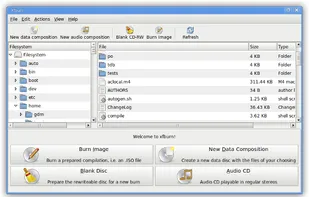
Lightweight CD/DVD burning software designed for Xfce, but it runs on Gnome, KDE etc as well. It can blank CDs and DVDs, burn and create ISO images and burn personal compositions of data. At the moment it is at heavy development.
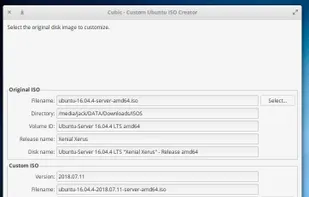
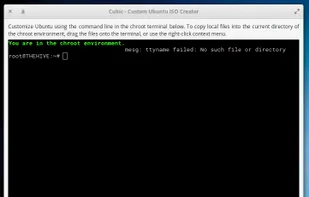
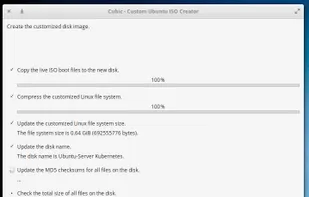
Cubic features an integrated command line chroot environment to make the customizations and permits effortless navigation, backward and forward, through the ISO generation steps. You can create new customization projects or modify existing projects.
A robust multimedia suite with over 200 features for Windows, including media handling, editing, converting, and system optimization in a user-friendly interface.
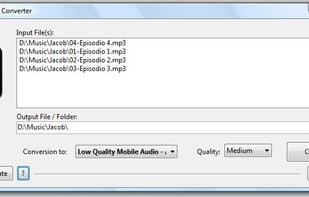
The Mobile Media Converter is a free video and audio converter for converting between popular desktop media formats like MP3, Windows Media Audio (wma), Ogg Vorbis Audio (ogg), Wave Audio (wav), MPEG video, AVI, Windows Media Video (wmv), Flash Video (flv), QuickTime Video (mov)...
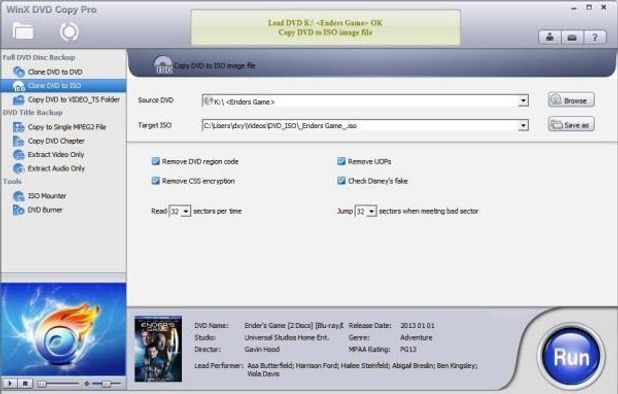
Free tool for removing DVD and most Blu-ray protections, copying discs to hard drive, compressing or splitting titles, and supporting personal backups.
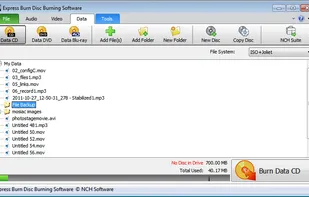
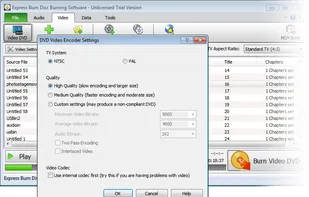
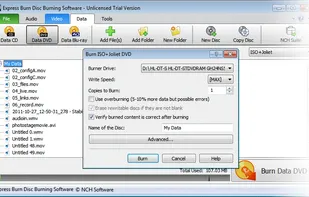
Burns audio, MP3, and data CDs plus data DVDs and Blu-rays. Converts audio formats, re-encodes video for DVD, supports ISO, automation, and chapter management.
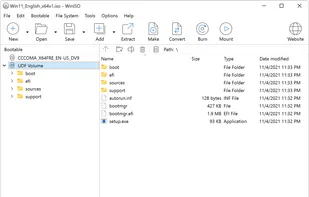
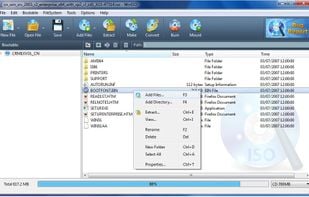
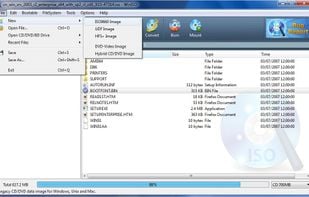
WinISO is a ISO image file editor that can convert BIN to ISO, create, extract, and edit ISO files, and produce bootable CDs. It updates disc images by overwriting only the changed sections, leaving other data intact, which speeds up file saving.
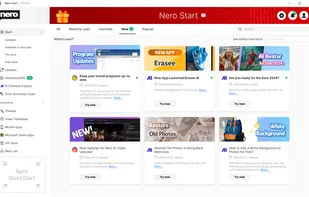
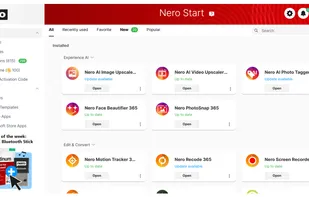
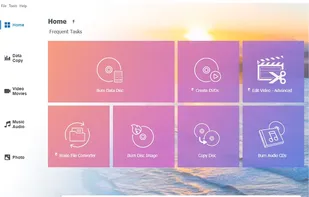
Versatile multimedia suite with over 20 apps, including disc burning, video and photo editing, file conversion, and security features for editing and sharing.
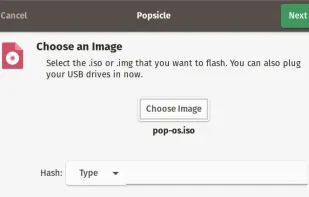
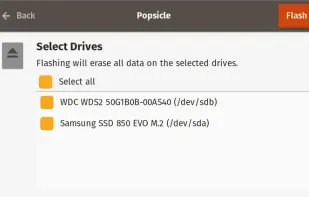
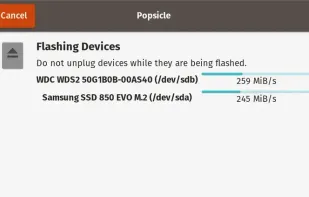
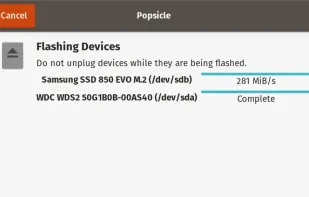
Write an ISO or other image to multiple USB devices all at once. Easily preparing a bunch of flash drives of your favorite OS with just a couple of clicks.
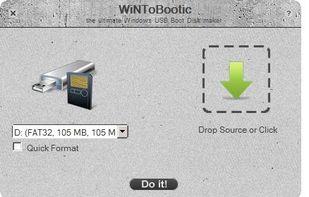
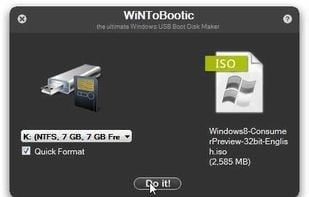
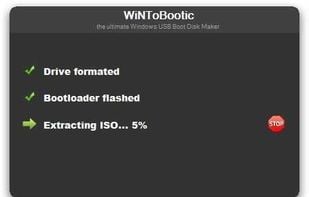
WiNToBootic is free program, has the sole function of creating boot disks using ISO images. It is a standalone small and portable tool of only 600KB. Super User Friendly. Good for use where you do not have CD drive (like laptop) and have to install the OS.
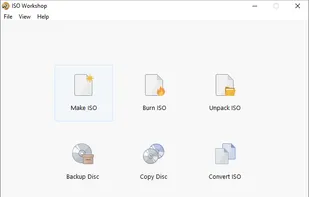
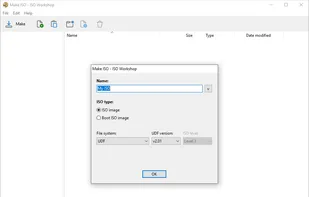
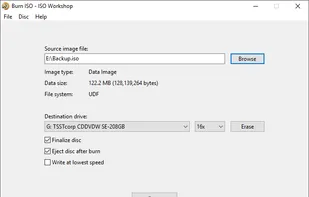
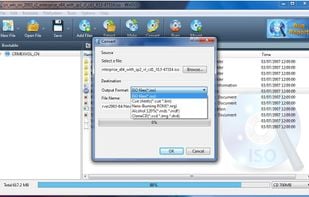
ISO Workshop is a Windows desktop application designed to simplify ISO image management and conversion, along with CD/DVD/Blu-ray disc burning and copying operations.
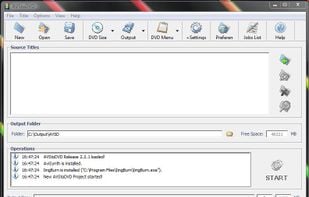
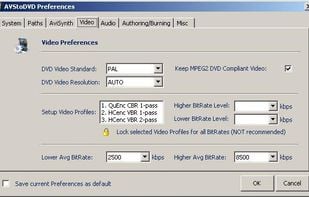
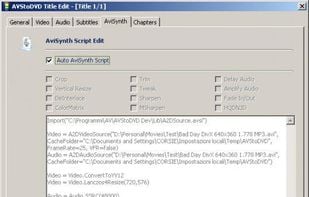
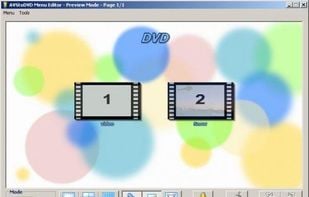
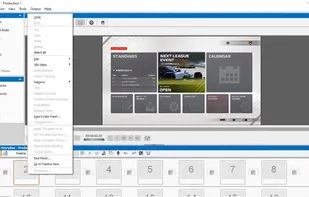
AVStoDVD is a flexible tool to convert various media formats to DVD compliant streams and burn them into a highly compatible multiple tracks DVD. Features: Video/Audio editing, encoding, DVD Authoring and Burning, DVD Menu Editor with customizable menu.




 Germany
 EU
EU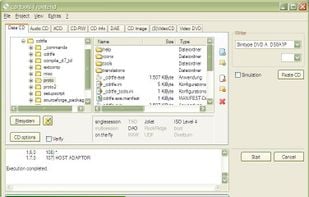








 France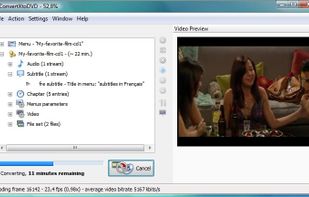



 United States


 United Kingdom








 Ireland








 Cyprus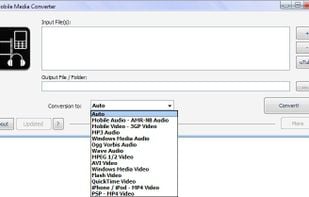





 Hong Kong SAR China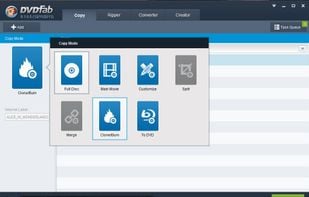


 Australia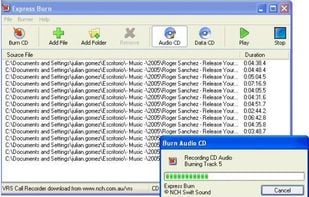












 Russia