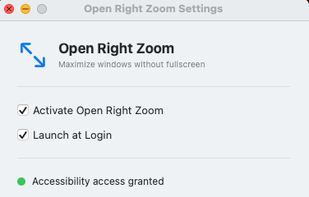
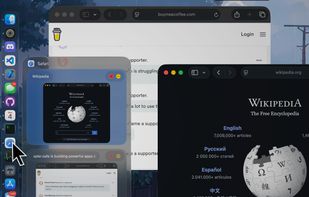
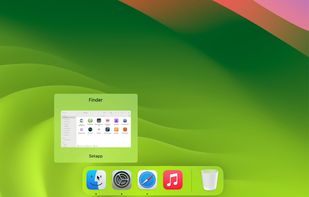
Adds dock-hover previews and a window switcher, letting Mac users select, close, minimize, or quit windows without leaving the current app.


+5


Best alternatives are 

66 alternatives


Adds dock-hover previews and a window switcher, letting Mac users select, close, minimize, or quit windows without leaving the current app.


HyperDock adds Windows 7 like features and more to Mac OS X.
Select individual application windows & tabs just by moving the mouse on a dock item, use mouse clicks to quickly open new windows and many more."
Window Previews Ever wondered how to activate a single wind.
 Germany
 EU
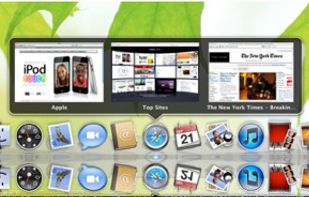



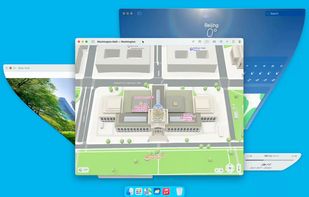
Enhances macOS Dock with customizable Sidebar, offering multi-screen support, window previews, and WindowSnap for managing window positions.
 United States
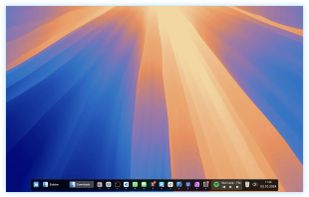
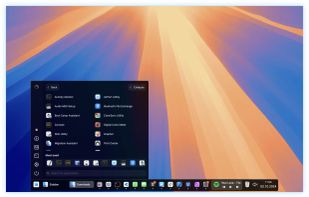
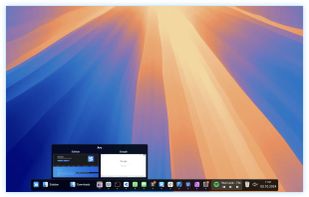
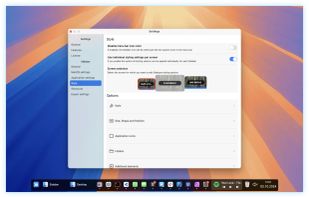


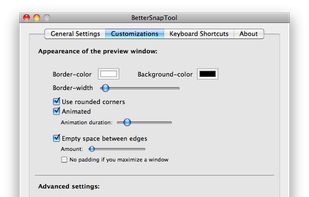
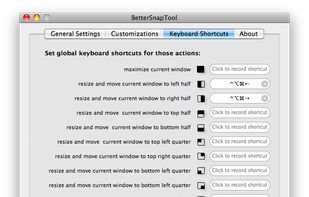
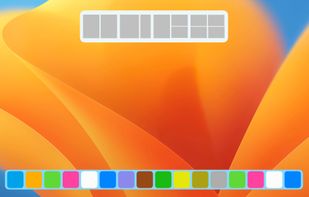
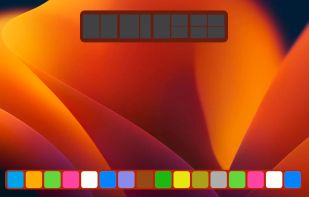
BetterSnapTool is a utility that mimics Windows 7 Aero snap, allowing you to easily manage your window positions and sizes by either dragging them to one of your screens corners or to the top, left or right side of your screen.
GermanyEU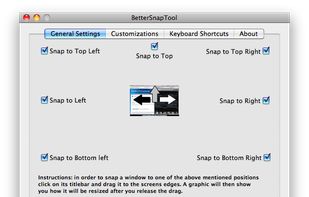


 Microsoft PowerToys
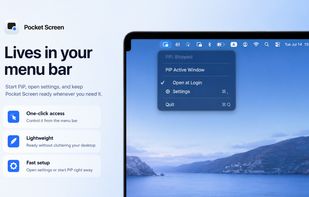
Pocket Screen helps you work with reference material on a single Mac display. Keep a PDF beside your writing, a tutorial beside your editor, or a dashboard in view while you continue your main task. It creates independent live Picture-in-Picture reference views of supported Mac...
 Japan


 United States
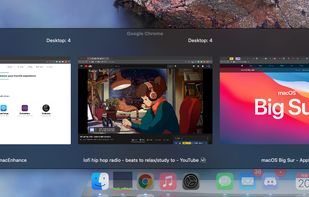
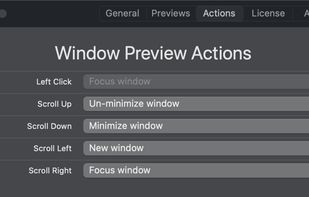
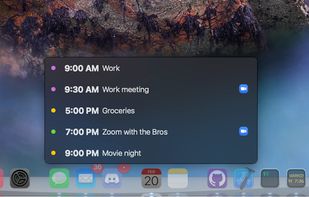



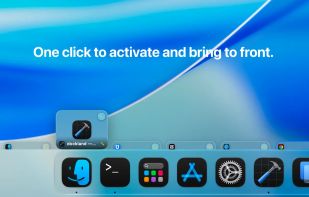
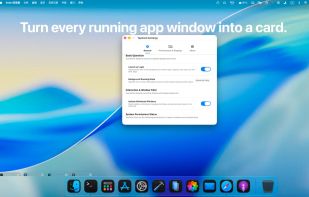
The macOS Dock is built around apps, not windows. Multiple displays and desktops make it hard to track what's open where. boringBar keeps windows organized by desktop, with instant previews, one-click desktop switching, and pinned apps within reach.
United States


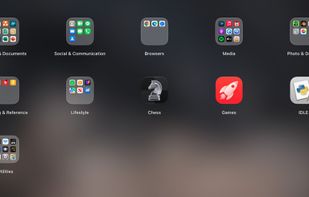
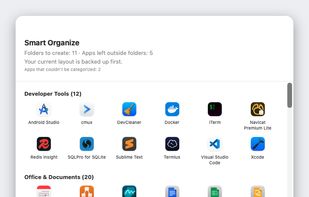
Liftoff is a free, open-source (GPLv3) Launchpad replacement for macOS 26 and later, which replaced the classic Launchpad grid with an "Apps" list.
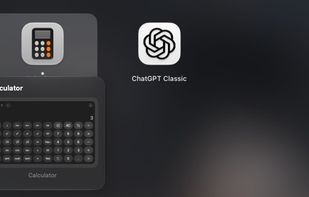

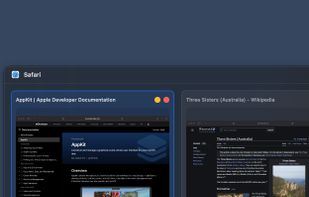
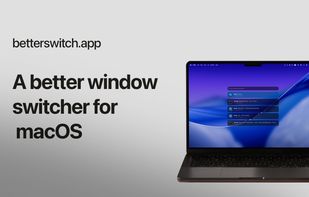
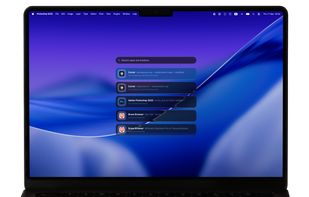
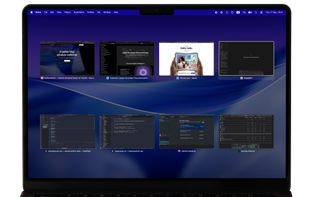
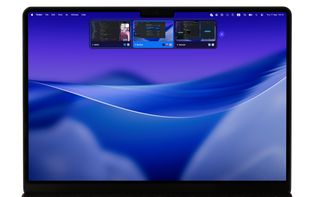
Betterswitch is a fast macOS window switcher that brings every open window into reach. Switch directly between windows, apps, and workspaces.
 Georgia


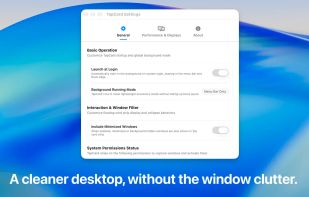

It makes the green zoom button maximize windows instead of going fullscreen. Dock and menu bar stay visible, click again to restore. Works with any app.