Apps tagged with 'Split Desktop'

All apps in Apps tagged with 'Split Desktop' category. Use the filters below to narrow down your search. 
Copy a direct link to this comment to your clipboard
  1. Magnet icon
     33 likes

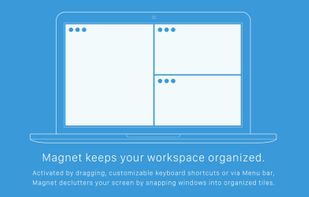
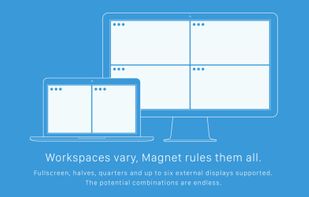
    Every time you multitask with many apps open, you need all the windows arranged accordingly. Magnet makes this process swift and easy.

    Cost / License

    • Pay once
    • Proprietary

    Application type

    Since

    • Since 2016

    Platforms

    • Mac
    • CZ flagCzechia
    • European Union flagEU
    Magnet screenshot 1
    Magnet screenshot 2
    Magnet screenshot 3
    99 alternatives
  2. AquaSnap icon
     93 likes

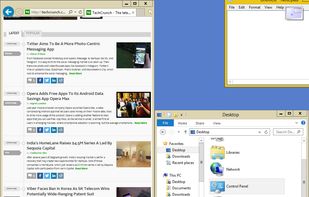
    Improve desktop organization with snapping, docking, and customizable shortcuts for high-resolution and multi-monitor setups.

    Cost / License

    • Freemium (Pay once)
    • Proprietary

    Application type

    Since

    • Since 2010

    Platforms

    • Windows
    • PortableApps.com
    • FR flagFrance
    • European Union flagEU
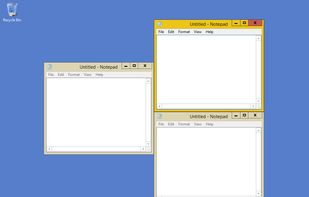
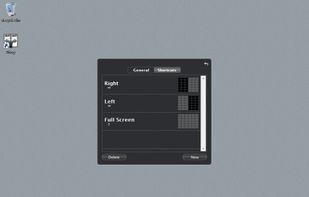
    Dock window to sides or corners
    Snap window to monitor edges or other applications
    Shake a window to make it top-most
    +9
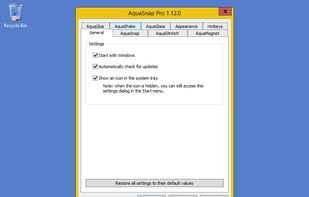
    Settings - General
    3.7
  3. Snap It! icon
     8 likes

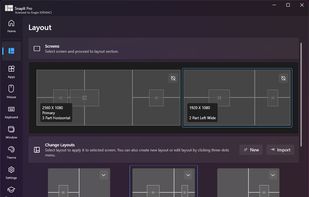
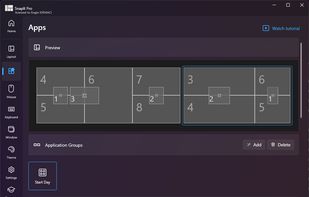
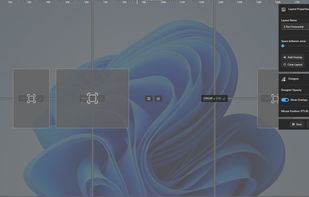
    Keep Organized with an easier and powerful snapping for windows. Create custom layouts, snap windows using customizable keyboard shortcuts or mouse buttons.

    Cost / License

    Application type

    Since

    • Since 2019 (updated Dec 2025)

    GitHub

    • GitHub stars: 74

    Platforms

    • Windows
    • TR flagTürkiye
    Snap It! screenshot 1
    Snap It! screenshot 2
    Snap It! screenshot 3
    +3
    Snap It! screenshot 4
    56 alternatives
  4. WindowGrid icon
     53 likes

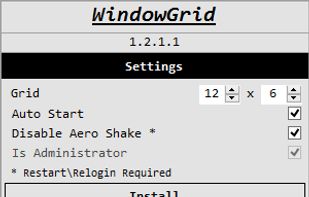
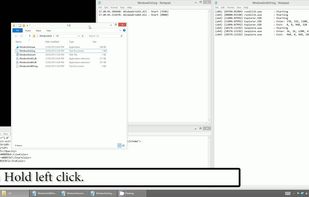
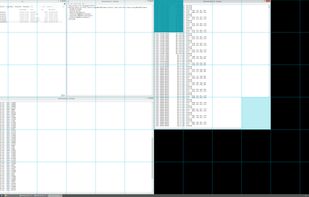
    WindowGrid is a modern window management program that allows the user to quickly and easily layout their windows on a dynamic grid.
    Cost / License

    • Free
    • Proprietary

    Application type

    Since

    • Since 2015

    Alerts

    • Discontinued

    Platforms

    • Windows
    • Global
    WindowGrid screenshot 1
    Example
    System tray menu
    78 alternatives
  5. Divvy icon
     65 likes

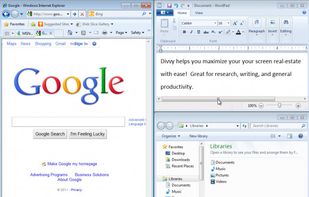
    Divvy is an entirely new way of managing your workspace. It allows you to quickly and efficiently "divvy up" your screen into exact portions.

    Cost / License

    • Pay once
    • Proprietary

    Application type

    Since

    • Since 2010

    Alerts

    • Discontinued

    Platforms

    • Windows
    • Mac
    • US flagUnited States
    Divvy screenshot 1
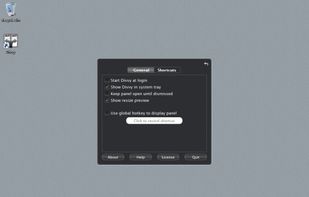
    Divvy screenshot 2
    Divvy screenshot 3
    +3
    Divvy screenshot 4
    109 alternatives
  6. MaxTo icon
     19 likes

    Keyboard-first window manager for Windows. Build your own grid on every monitor, then snap any window into place with one hotkey.

    Cost / License

    • Pay once or Subscription
    • Proprietary

    Application type

    Since

    • Since 2009

    Platforms

    • Windows
    • NO flagNorway
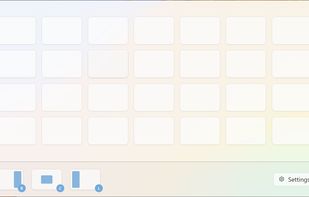
    The resize window
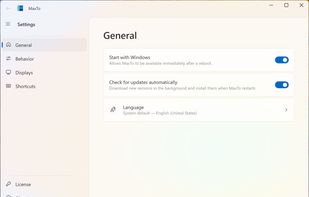
    MaxTo's general settings
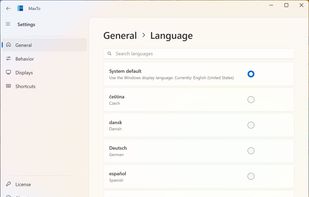
    Language selection screen
    +2
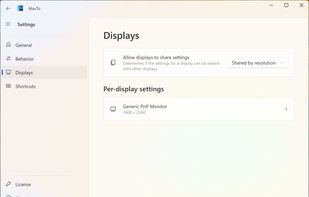
    Display configuration
    27 alternatives
  7. QuickTile icon
     5 likes

    A lightweight utility for allowing you to quickly snap windows to a tiling grid under your existing Linux window manager. Can be triggered via keyboard shortcuts, the command line, or D-Bus calls.

    Cost / License

    • Free
    • Open Source

    Application type

    Since

    • Since 2012

    Platforms

    • Linux
    • X11
    49 alternatives
  8. Windownaut icon
     6 likes

    Windownaut is versatile window management app that let's you define keyboard shortcuts and active areas on your screen to resize an position the windows on your desktop.

    Cost / License

    • Pay once
    • Proprietary

    Application type

    Since

    • Since 2014

    Platforms

    • Mac
    61 alternatives
  9. BentoBox icon
     4 likes

    BentoBox is a versatile window manager for macOS that enhances your productivity by allowing you to snap windows into customizable zones. Inspired by FancyZones on Windows, BentoBox provides a grid-based approach to organizing your workspace, helping you maintain a clean and...

    Cost / License

    • Pay once
    • Proprietary

    Application type

    Since

    • Since 2024

    Platforms

    • Mac
    • US flagUnited States
    BentoBox screenshot 1
    BentoBox screenshot 2
    BentoBox screenshot 3
    28 alternatives
  10. Max3 icon
     2 likes

    A simple shortcut-enabled application to move your windows to specified positions. The script can be customized using AutoHotkey.

    Cost / License

    • Free
    • Open Source (MIT)

    Since

    • Since 2016 (updated May 2017)

    GitHub

    • GitHub stars: 10

    Platforms

    • Windows
    1 alternative
  11. Splitview icon
     Like

    SplitView enables dual monitor usage with Remote Desktop and widescreen monitors.

    Cost / License

    • Paid
    • Proprietary

    Since

    • Since 2011

    Platforms

    • Windows
    Splitview screenshot 1
    37 alternatives
  12. Stack WM icon
     1 like

    Stack is a productivity tool, that helps managing multiple open windows. It is most useful on big screens, very wide screens and multiple monitor configurations.

    Cost / License

    • Pay once
    • Proprietary

    Application type

    Since

    • Since 2018

    Platforms

    • Windows
    • US flagUnited States
    Stack WM screenshot 1
    30 alternatives
  13. Shoji icon
     Like

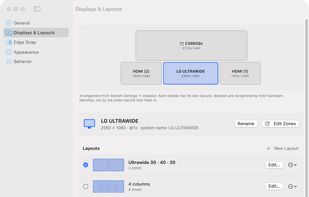
    Shoji is a menu bar app for macOS. In an on-screen editor you draw zones on each of your monitors; then you hold a key while dragging a window, let go over a zone, and the window fills it. Every monitor keeps its own layouts, and they come back when you plug that monitor in...

    Cost / License

    • Pay once
    • Proprietary

    Application type

    Since

    • New

    Platforms

    • Mac
    • AR flagArgentina
    Settings. Each display keeps its own layouts.
    11 alternatives