

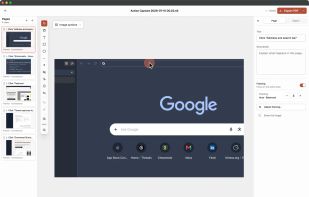
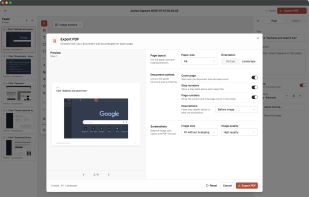
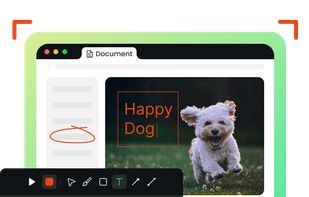
Annotate screenshots using drawing tools, shapes, text, pointer emojis, and export locally in multiple formats with offline support and privacy.
Cost / License
- Free
- Proprietary
Application type
Platforms
- Mac
 Germany
 EU
EU
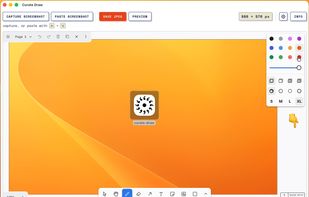


Annotate screenshots using drawing tools, shapes, text, pointer emojis, and export locally in multiple formats with offline support and privacy.
GermanyEU
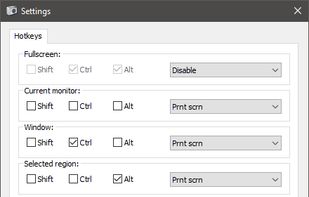
Freeware tool for taking fast and simple screenshots of the entire screen, windows and regions.
 Kazakhstan


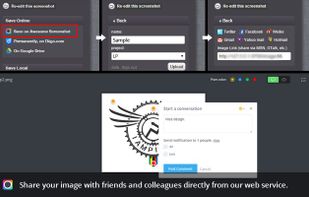
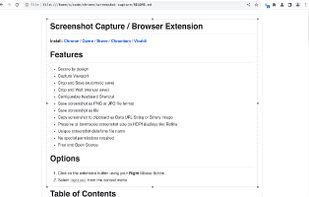
Capture the whole page or any portion, annotate it with rectangles, circles, arrows, lines and text, one-click upload to share.
 United States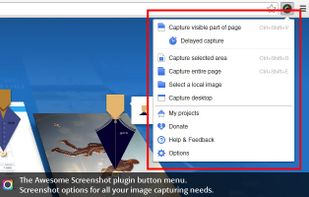



Shots Studio turns your chaotic screenshot gallery into an intelligent, organized archive. Backed by powerful AI, it makes your screenshots searchable, taggable, and easy to browse — all while giving you control.


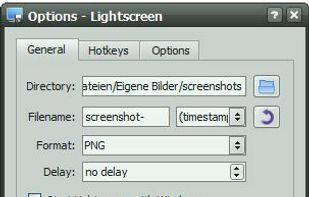
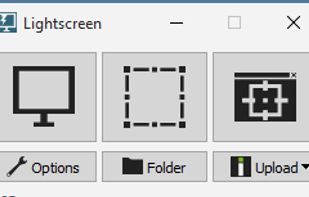
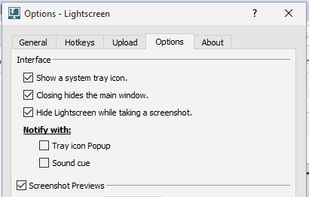
Lightscreen is a lightweight screen shooting application for Windows and linux used to automate the process of saving and cataloging screenshots.
GermanyEU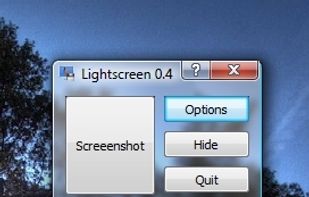



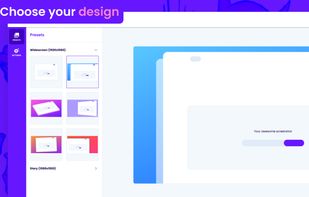
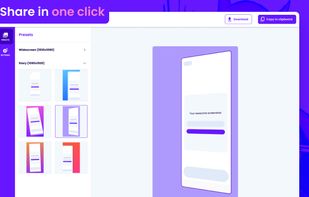

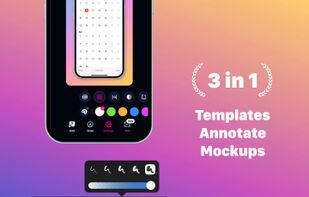
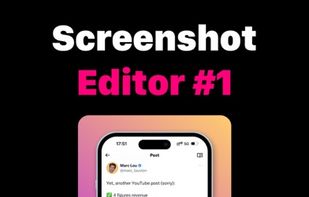
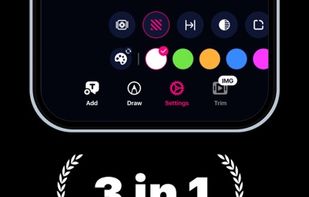
Screencut is useful app for iPhone for creating amazing image for a viral posts. Easily create screenshots in a powerful editor that supports photos and videos, adding notes, overlaying text and GIF animations, and flexible settings for shadows and fillets.
 Peru
Peru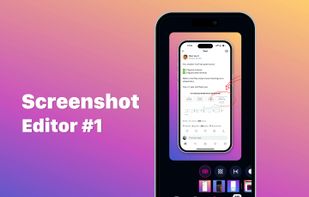
 Gradiaand

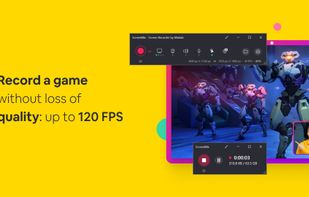
ScreenMix - Screen Recorder provides an easy, uncomplicated way of recording your desktop's screen and webcam sessions. Excellent for games and video stream recording, product demos, tutorials, webcam chats, and more!.
 Ukraine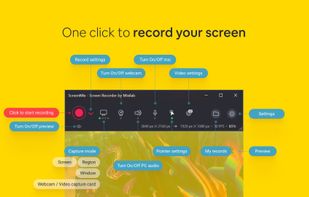

 OBS Studioand
 ShareX
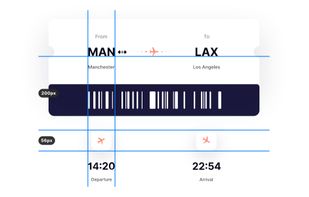
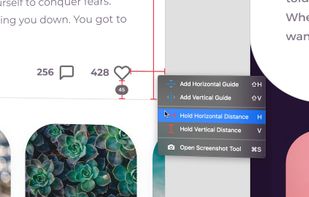
PixelSnap is an app for macOS that makes it easier for designers and web-developers to measure anything on their screens by just clicking and dragging around the cursor.
 SwedenEU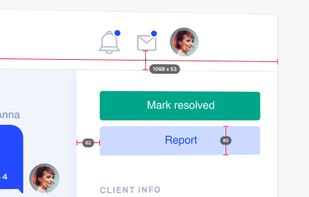

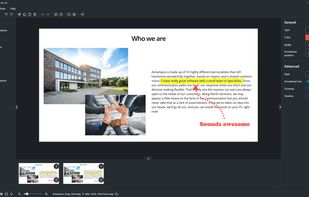
Ashampoo Snap Pro 26 is a software solution for screenshots and video captures on Windows. Screen portions, entire windows, or scrollable content can be captured quickly and then edited in the integrated editor.
GermanyEU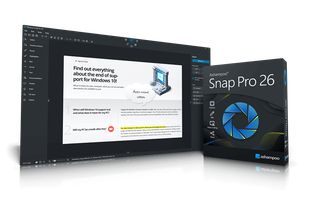

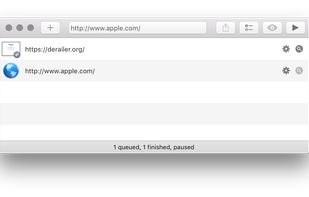
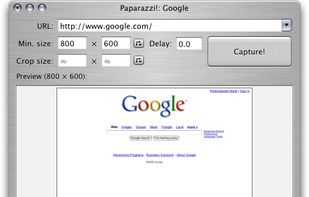
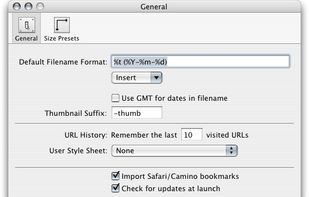
Paparazzi! is a small utility for Mac OS X that makes screenshots of webpages.
It’s written in Objective-C using the Cocoa API and the WebKit framework.
It was inspired by webkit2png which is a commandline tool written by Paul Hammond in pyObjC, so all intellectual credit for t.
United States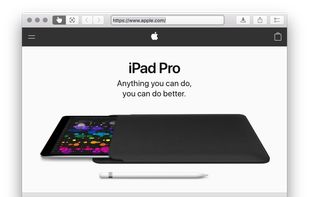

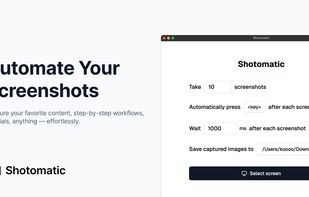
Shotomatic is a Mac app for recording a desktop task as an editable screenshot guide. Action Capture saves the target screen immediately before each accepted click, marks the action, and adds the step to a document.
 South Korea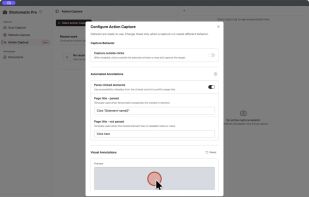

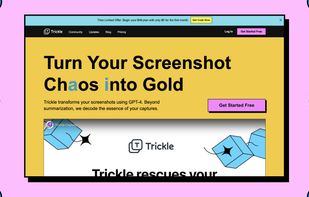
Trickle helps you summarize and organize screenshots, extracting insights for easy search and query. Transform visual chaos into an intelligent archive, allowing you to screenshot anything and effortlessly retrieve and utilize its contents later.



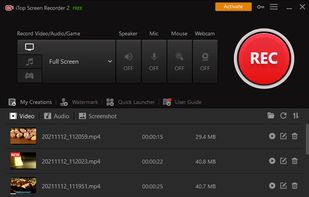
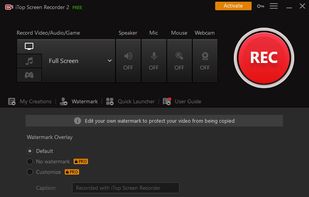
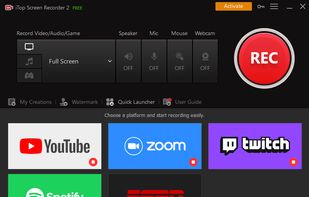
iTop Screen Recorder is a free screen recording software with a built-in video editor. It captures important events and allows the refinement of the recorded video. The software can record video conferences, webinars, lectures, presentations, gaming sessions, and 4K films.
 Hong Kong
 OBS Studioand



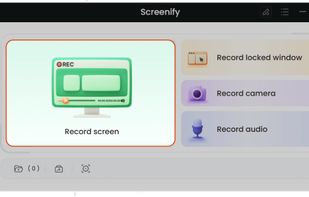
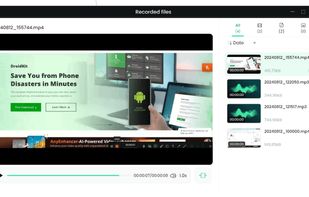
Cost-free software for recording screen activities, audio, and webcam on Windows and Mac. Supports 4K, provides noise reduction, customizable settings.
 China
China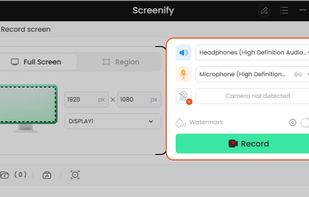
 OBS Studioand
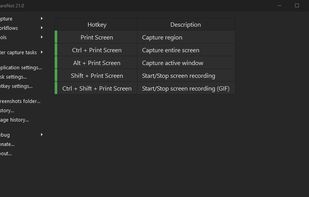
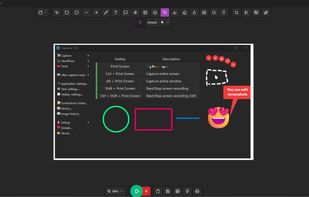
ShareNot is a customized version of ShareX, specifically designed for corporate use to prevent data leakage. With ShareNot, you can safely capture screenshots and screen recordings without any risk of uploading data to external servers.
 ShareXand

This extension is able to capture 100% of both the vertical and horizontal content appearing on any webpage on the Internet.


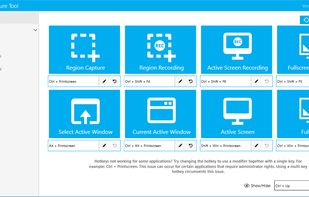
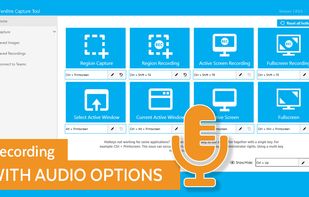
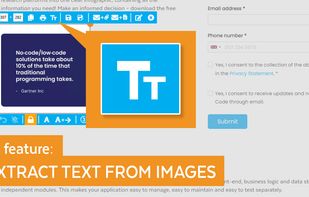
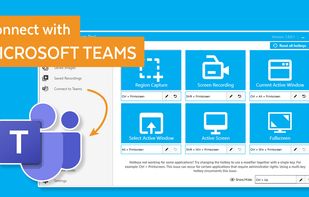
The Fenêtre Capture Tool for making professional screenshots and screen recordings. With advanced functions and abilities that other free capture tools don't offer.

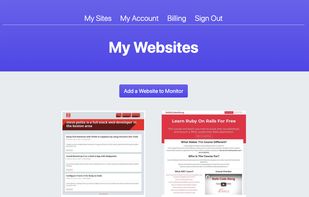
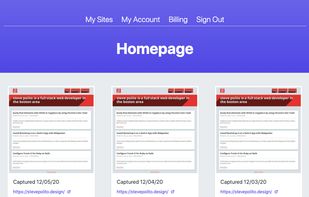
Captures screenshots, downloads source code, and monitors DNS records helping you keep track of changes on your websites without needing to restore from a backup. Think of it like the Wayback Machine on steroids.


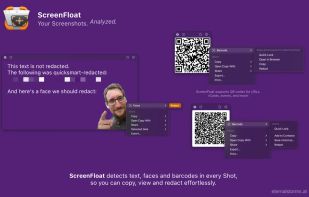
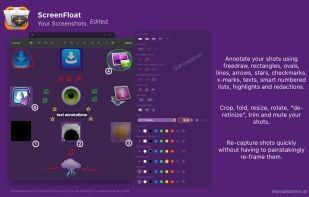
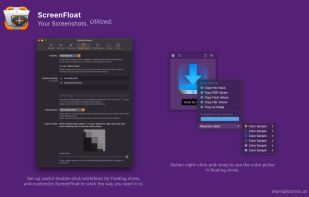
Maximize productivity on Mac with intuitive screen captures, Picture in Picture, and versatile annotation capabilities.
 AustriaEU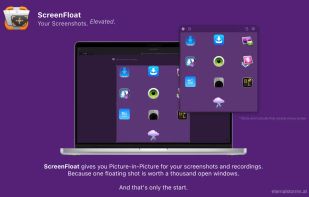

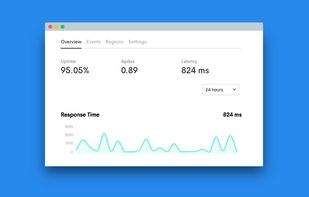
Want to share what you've worked on with friends or co-workers but think a plain screenshot is a bit bland? Screely instantly turns your screenshot into a beautiful image you can share.

Meet MiniSnip, the smallest and fastest way to capture your screen and extract text with OCR on Windows. Open-source, feather-light, uses minimal resources, and stays completely out of your way.
Just one hotkey (Ctrl+Shift+C) is all you need to start.
United States