Apps tagged with 'Docx' Page 3 of 3

All apps in Apps tagged with 'Docx' category. Use the filters below to narrow down your search. 
Copy a direct link to this comment to your clipboard
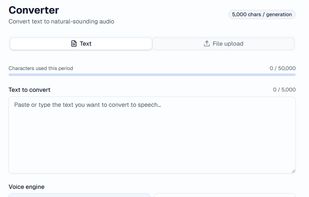
  1. Standard converter converts your documents online.

    Your files are quickly converted by the servers and you don't have to install any extra software on your computer.

    Cost / License

    • Free
    • Proprietary

    Since

    • Since 2012

    Platforms

    • Online
    Standard Converter screenshot 1
    13 alternatives
  2. LeanDoc icon
     Like

    Read Word documents without Word. LeanDoc shows .docx files as pages from a download of about 1 MB, never runs macros and fetches nothing from the internet. Free and open source.

    Cost / License

    • Free
    • Open Source (MIT)

    Since

    • New

    GitHub

    • GitHub stars: 1

    Platforms

    • Windows
    • Mac
    • Linux
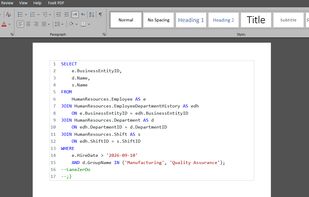
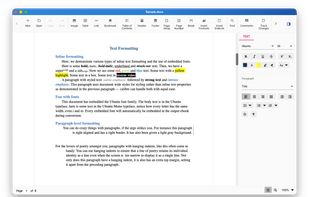
    A Word document in LeanDoc's page view, a .docx shown as pages, without Word.
    The fidelity bar lists anything LeanDoc cannot display, and opens the file in Word or LibreOffice in one click.
    4 alternatives
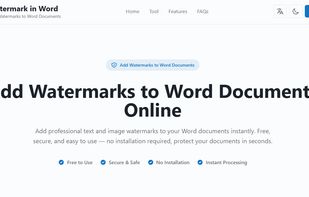
  3. Markdown to Word is a free online tool that converts Markdown files to Microsoft Word documents (.docx) instantly in your browser. All processing happens client-side for maximum privacy and security. No installation, no registration, and no file size limits.
    Cost / License

    • Free
    • Proprietary

    Since

    • Since 2025

    Platforms

    • Online
    • Software as a Service (SaaS)
    watermark in word
    6 alternatives
  4.  Like

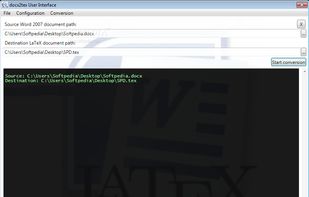
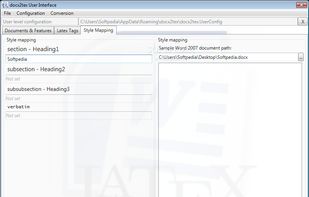
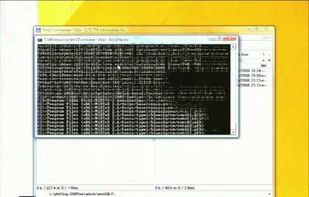
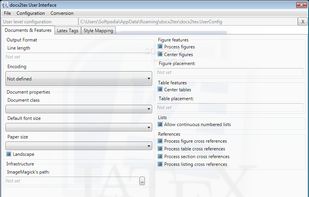
    Docx2tex is a small command line tool that uses standard technologies to help users of Word 2007 to publish publications where typography is relevant or only papers produced by TeX are accepted. Behind the scenes, docx2tex uses common technologies to interpret Word 2007 OOXML...
    Cost / License

    • Free
    • Open Source

    Since

    • Since 2019

    Platforms

    • Windows
    • Mac
    • Linux
    docx2tex screenshot 1
    docx2tex screenshot 2
    docx2tex screenshot 3
    +1
    docx2tex screenshot 4
    1 alternative
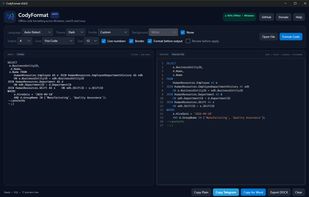
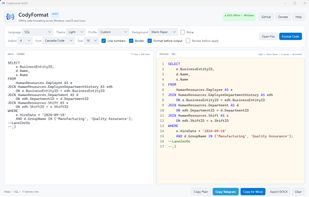
  5. CodyFormat is a free and open-source desktop tool for formatting, syntax highlighting and exporting source code entirely offline.
    Cost / License

    • Free
    • Open Source (MIT)

    Since

    • New

    Platforms

    • Windows
    • Mac
    • Linux
    CodyFormat screenshot 1
    CodyFormat screenshot 2
    CodyFormat screenshot 3
  6. GlossPage icon
     Like

    GlossPage is a translation and bilingual reading app for iPhone and iPad. It recognizes text in photos, screenshots, scanned pages, and comics, then places translations in the context of the original page.

    Cost / License

    • Freemium (Pay once or Subscription)
    • Proprietary

    Application type

    Since

    • New

    Platforms

    • iPhone
    • iPad
    • AT flagAustria
    • European Union flagEU
    Read Japanese manga dialogue translated into English in the original speech bubbles, with the artwork preserved.
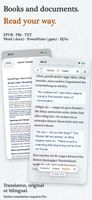
    Translates EPUB, FB2, TXT, Word, PowerPoint, DjVu, PDF documents (online and offline)
    +4
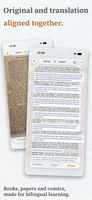
    Read original and translated text together, passage by passage.
    21 alternatives
  7. Incognide icon
     Like

    Incognide unifies chat, code, documents, web browsing, and media into a tileable workspace with intelligent context and composable automations.

    Cost / License

    • Freemium (Subscription)
    • Open Source (MIT)

    Since

    • New

    GitHub

    • GitHub stars: 518

    Platforms

    • Windows
    • Mac
    • Linux
    • Online
    • AppImage
    • US flagUnited States
    Incognide screenshot 1
    Incognide screenshot 2
    Incognide screenshot 3
    +8
    Incognide screenshot 4
  8. PDFLe icon
     Like

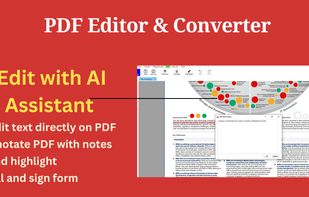
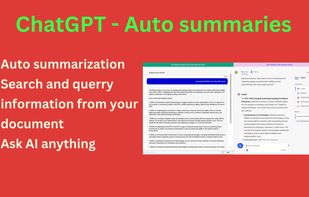
    Every tool you need to work with PDFs in one place. Merge, split, compress, convert, rotate, and edit PDFs for free. Fast, secure, and easy to use.
    Cost / License

    • Free
    • Proprietary

    Application type

    Since

    • Since 2026

    Platforms

    • Windows
    • Online
    PDF Editor
    PDF AI Summarization
    PDF Converter
    PDF Reader
    10 alternatives
  9. Scivelle icon
     Like

    A Mac word processor for long-form writing, with chapters, scenes, corkboard planning, Word compatibility, version history and Focus Mode.

    Cost / License

    • Pay once
    • Proprietary

    Application type

    Since

    • New

    Platforms

    • Mac
    • US flagUnited States
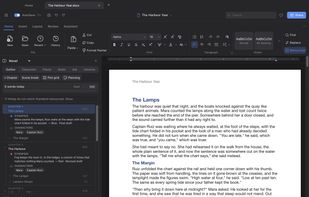
    The manuscript pane: chapters and scenes with synopses, word counts and the characters in each, beside the page.
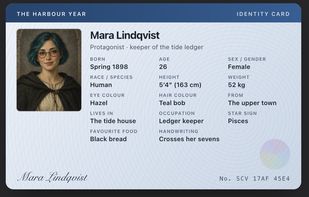
    An ID card for every character: portrait, details and signature.
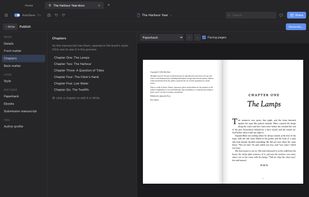
    Publish: the paperback’s facing pages, ready to print through KDP or IngramSpark.
    +5
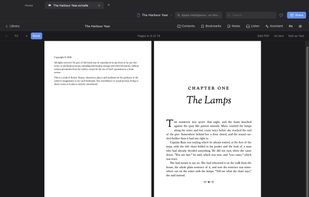
    Any PDF read as printed, two facing pages at a time, like an open book.
    6 alternatives
  10. Docxwise icon
     Like

    Export Obsidian notes to clean, editable Word (.docx) files without Pandoc, with equations, citations, callouts and tables.

    Cost / License

    • Freemium (Pay once)
    • Open Source (MIT)

    Since

    • New

    Platforms

    • Obsidian
    Docxwise screenshot 1
    3 alternatives
  11. Mathfold icon
     Like

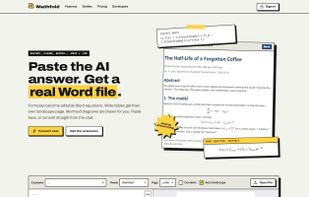
    Mathfold turns AI chat answers and Markdown into Word and PDF files. It has two parts: a Chrome extension that puts a Word / PDF button under each answer in ChatGPT, Claude and Gemini, and a web editor at mathfold.com for any Markdown.

    Cost / License

    • Freemium (Subscription)
    • Proprietary

    Since

    • New

    Platforms

    • Online
    • Google Chrome
    • TR flagTürkiye
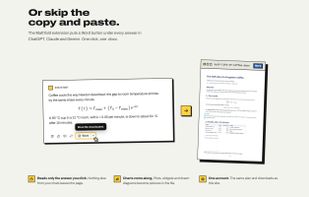
    The Mathfold button under a chat answer, and the Word file it downloads.
    A formula ChatGPT wrote in LaTeX, and the same formula as an equation you can edit in Word.
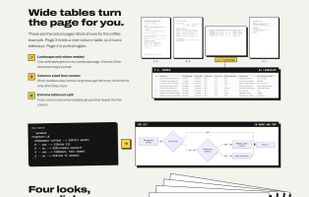
    The four pages of the Word file. Page 3 holds a nine-column table, so it turns landscape, and the Mermaid code below becomes a flowchart.
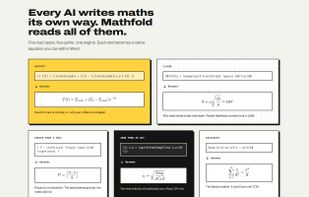
    Five real inputs (ChatGPT, Claude, a chat copy that lost its backslashes, JSON from an API and AsciiMath), each turned into a Word equation.
    5 alternatives
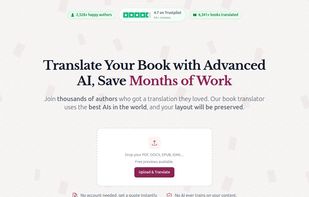
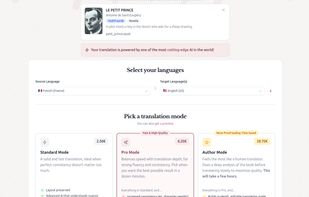
  12. High-quality AI book translation with AI proofreading, trusted by thousands of authors and publishers and rated 4.6+ on Trustpilot.
    Cost / License

    • Freemium (Pay once)
    • Proprietary

    Application type

    Since

    • Since 2025

    Platforms

    • Online
    Homepage
    order form
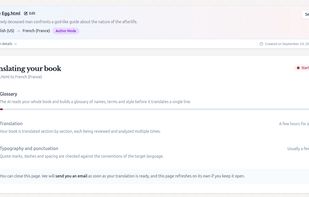
    translation in progress
    5 alternatives
  13. WristDocs icon
     Like

    WristDocs is the easiest way to view your PDF, Word (DOCX), Excel, and text files (TXT) directly on your Apple Watch. Whether it's a quick glance at a presentation, a travel itinerary, or important notes on the go — WristDocs keeps everything just a tap away.

    Cost / License

    • Freemium (Subscription)
    • Proprietary

    Since

    • Since 2026

    Platforms

    • Android
    • iPhone
    • Apple Watch
    • TR flagTürkiye
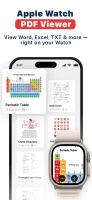
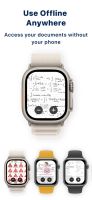
    View PDFs, Word, Excel, and TXT files right on your Apple Watch. WristDocs makes your documents easy to access from your wrist.
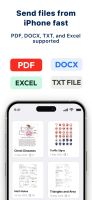
    Send files from your iPhone in seconds. PDF, DOCX, XLSX, and TXT files are all supported.
    +1
    Access your documents offline on Apple Watch. Your files stay available even when your iPhone is not nearby.
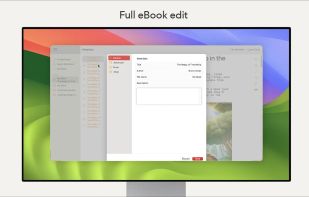
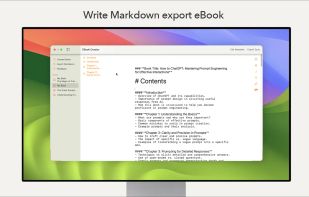
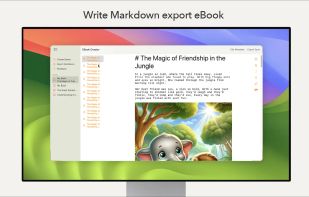
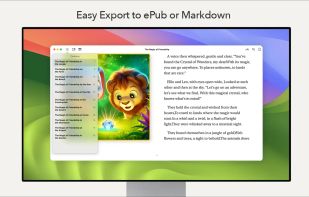
  14. Transform your ideas into professionally formatted eBooks with eBook Design Studio, the comprehensive solution for authors, bloggers, and digital publishers.
    Cost / License

    • Free
    • Proprietary

    Application type

    Since

    • Since 2026

    Platforms

    • Mac
    eBook Creator screenshot 1
    eBook Creator screenshot 2
    eBook Creator screenshot 3
    eBook Creator screenshot 4
    7 alternatives
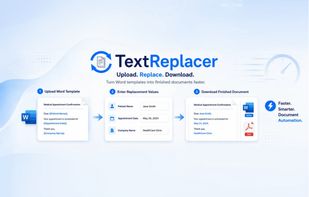
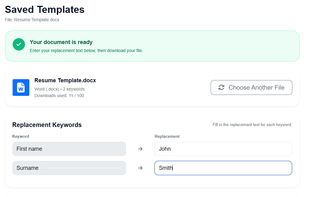
  15. TextReplacer is a Word document automation tool that lets you turn DOCX files into reusable templates using placeholders and generate completed Word or PDF documents.

    Cost / License

    • Subscription
    • Proprietary

    Since

    • New

    Platforms

    • Online
    • GB flagUnited Kingdom
    A banner showing what TextReplacer does.
    Showing the user interface of the tool in use.
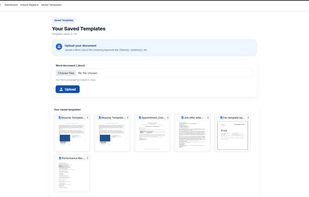
    Showing the Saved Templates page which the user can see all their documents saved in the cloud.
    +2
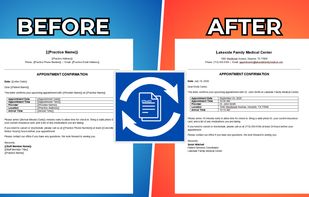
    Before and after using TextReplcer.
    17 alternatives
  16. DocCafe icon
     Like

    DocCafe is a native .docx editor for Mac and Windows that opens, edits, and saves Microsoft Word files offline — no account and no separate subscription. Documents round-trip with Word and Google Docs. DocCafe is included in every getapps.cafe subscription.

    Cost / License

    • Pay once or Subscription
    • Proprietary

    Application type

    Since

    • Since 2026

    Platforms

    • Windows
    • Mac
    • US flagUnited States
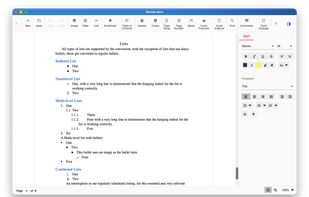
    DocCafe screenshot 1
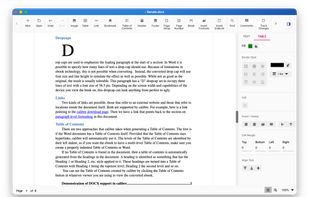
    DocCafe screenshot 2
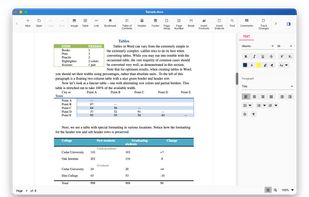
    DocCafe screenshot 3
    DocCafe screenshot 4
    5 alternatives
  17. UwDiff icon
     Like

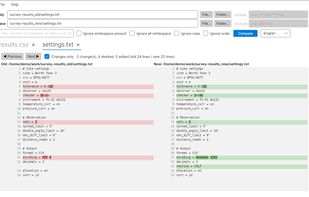
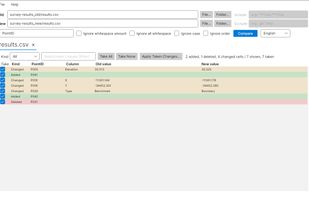
    UwDiff compares two files or two folders and shows what changed. It comes as a GUI (UwDiff) and a CLI (uvd) that share one comparison engine, on Windows (x64, ARM64), macOS (Apple Silicon, Intel) and Linux (x86_64, aarch64). No separate .NET install is needed.
    Cost / License

    • Free
    • Source Available

    Application type

    Since

    • New

    Platforms

    • Windows
    • Mac
    • Linux
    Side-by-side text diff with changed characters highlighted. Previous/Next jumps between changes.
    Comparing two CSV files by a key column (PointID). Rows are in a different order, yet only the changed cells, added rows and deleted rows are listed.
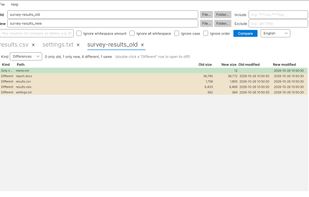
    Folder vs folder: files that are only in one folder or that differ are listed. Double-click a row to open its diff.
    +2
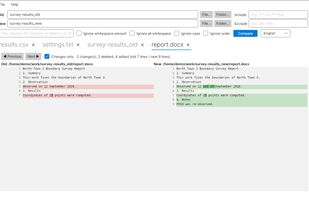
    Two Word (.docx) files compared by their text, without converting them first.
    19 alternatives
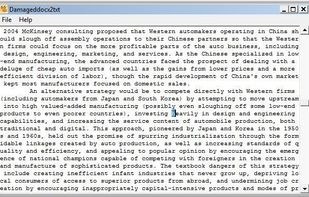
  18. When a Word 2007 file in the new docx format gets corrupt, the program can often recover the file. If nothing else it can salvage your text for avoiding having to retype. However this is not always the case. This freeware fills in that role.

    Cost / License

    • Free
    • Proprietary

    Since

    • Since 2009

    Platforms

    • Windows
    • US flagUnited States
    Showing simple GUI and extracted/salvaged text from a corrupt Word 2007 file.
    1 alternative
  19. A1office is a complete office suite allowing viewing, editing & conversion of documents.

    Cost / License

    • Free
    • Proprietary

    Since

    • Since 2022

    Platforms

    • Online
    • Android
    • IN flagIndia
    A1Office.co screenshot 1
    56 alternatives