

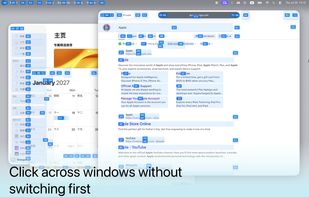
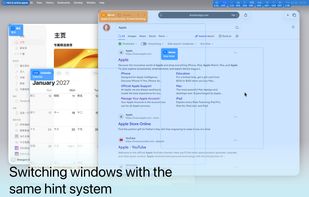
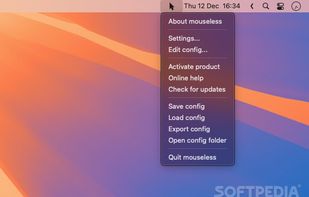
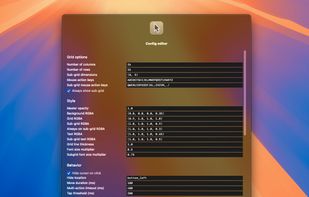
macOS utility using predictable hints to navigate elements and windows, control pointer movement and scrolling, edit text, use OCR, and run scripts.
Cost / License
- Freemium
- Proprietary
Application type
Platforms
- Mac
 China
China



+3
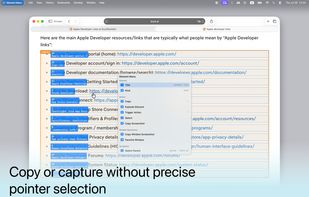


macOS utility using predictable hints to navigate elements and windows, control pointer movement and scrolling, edit text, use OCR, and run scripts.
China
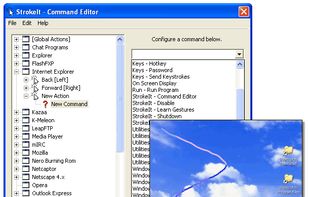
StrokeIt is an advanced mouse gesture recognition engine and command processor. What is a mouse gesture? Mouse gestures are simple symbols that you "draw" on your screen using your mouse. When you perform a mouse gesture that StrokeIt can recognize, it will perform the...


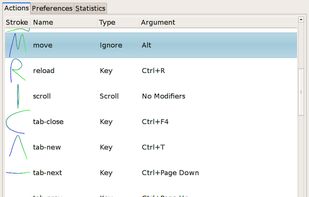
Easystroke is a gesture-recognition application for X11. Gestures or strokes are movements that you make with you mouse (or your pen, finger etc.) while holding down a specific mouse button. Easystroke will execute certain actions if it recognizes the stroke; currently...


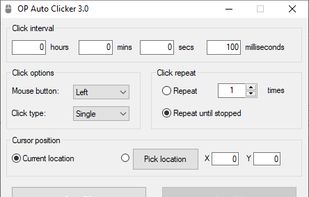
A full-fledged autoclicker with two modes of autoclicking, at your dynamic cursor location or at a prespecified location. The maximum amounts of clicked can also be set (or left as infinite).


A free & simple script in python allow your mouse wheel to scroll smoothly with inertia on Windows 10/11.


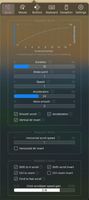
It’s a macOS utility app that gives you smooth mouse scrolling, cursor speed control, and powerful mouse/keyboard bindings.



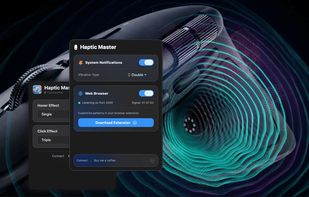
Haptic Master connects your macOS system events (notifications) and web browser interactions directly to your Logitech MX Master mouse's haptic motor.
 Sri Lanka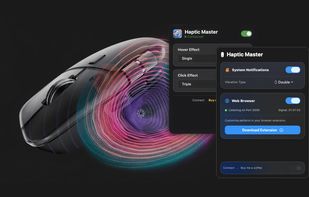

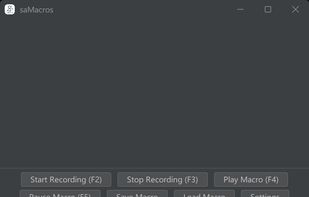
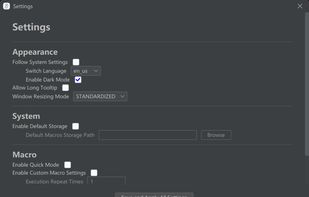
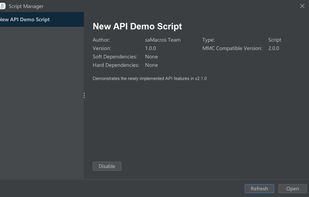
An extensible Java tool for recording and replaying mouse and keyboard macros with substantial & easy-to-use functions and highly customizable settings which others may not include.
 AutoHotkeyand

 Israel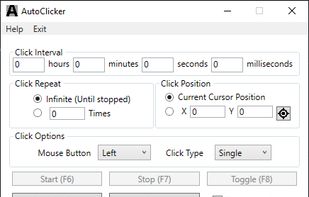


Keyboard-based mouse control offering instant clicks with coordinates, overcoming slow mouse keys while guiding with an on-screen overlay.
 United States


AutoMouse is an automatic mouse clicker and recorder software tool that can quickly simulates automatic mouse clicks or record mouse actions, save and play back.
China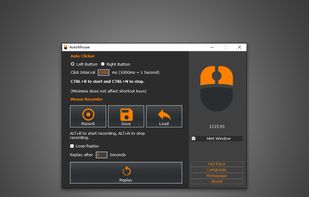


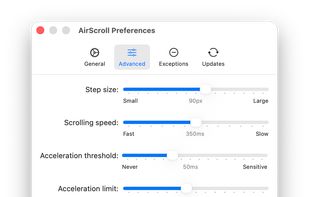
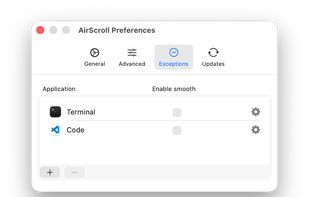
AirScroll brings smooth, customizable trackpad-like scrolling to any mouse on macOS. Fine-tune scroll speed, acceleration, and direction for a more natural and fluid experience.
 Ukraine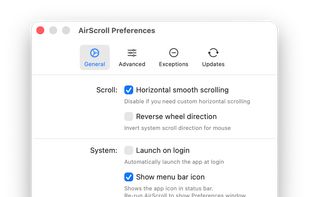

The prime purpose of the KatMouse utility is to enhance the functionality of mice with a scroll wheel, offering universal scrolling: moving the mouse wheel will scroll the window directly beneath the mouse cursor (not the one with the keyboard focus, which is default on Windows...
 Slovenia
 EU
EU

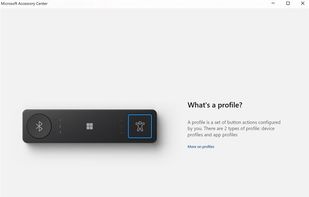
Microsoft Accessory Center is a new all-in-one app to customize settings for your Microsoft accessories to get the most out of them.



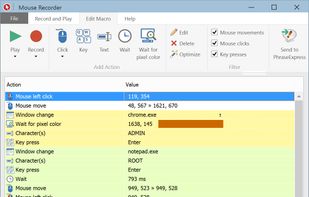
Professional macro recorder freeware to automate repetitive tasks for automation tasks. Like a tape recorder, it records mouse clicks and keystrokes for infinite playback. As easy as pressing "Record" & "Play".
 GermanyEU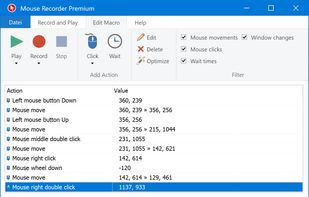
 AutoHotkeyand
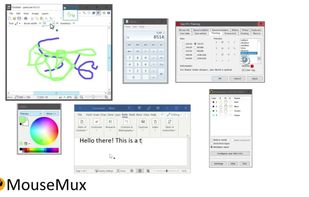
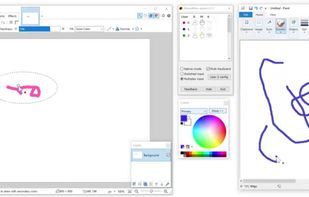
MouseMux simplifies collaboration by transforming PCs into multi-user systems with added pointer devices and optional keyboards. It allows users to interact independently or simultaneously with different programs on the same desktop, fostering non-interfering collaboration.


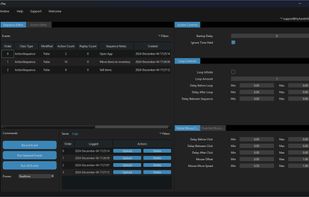
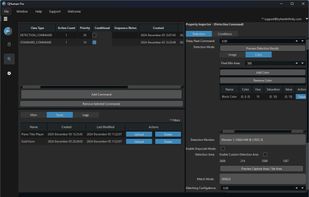
QHuman enables users to automate repetitive tasks by recording mouse movements, keystrokes, and utilizing image/pixel detection with human-like randomness.
 AutoHotkeyand




Rustfly allows users to control their desktop mouse and keyboard using a mobile device. It features two modes: touch and sensor for versatile control.
 Morocco




If you use third-party mice with your Mac, you've surely noticed just how useless the side buttons are. By default, they act as a sort of crippled middle click, consigned to opening new links out from under you when you least expect it.


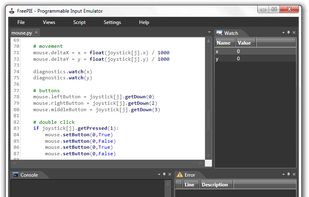
FreePIE (Programmable Input Emulator) is a C# utility for bridging and emulating input devices. It has applications primarily in video gaming but can also be used for VR interaction, remote control, and other applications.


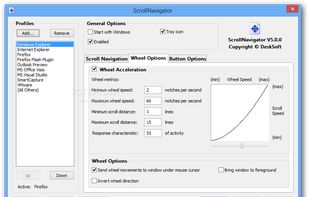
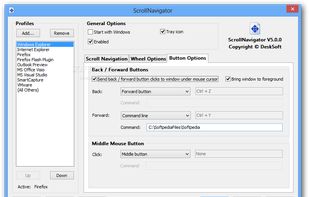
ScrollNavigator helps you to scroll your documents horizontally and vertically. Simply click and hold down the right (or the middle) mouse button anywhere in a window and move the mouse to scroll the window contents.
 AustriaEU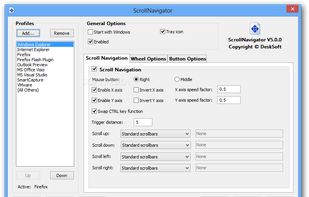


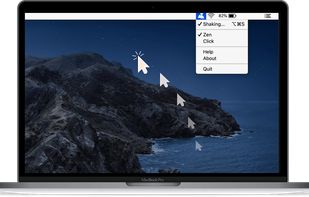
Mouse jiggler macOS app that auto moves your cursor so that you always appear online and active on messaging apps. Ideal if you need to keep your connection to citirix or your VPN active without having to reconnect.