A full-fledged autoclicker with two modes of autoclicking, at your dynamic cursor location or at a prespecified location. The maximum amounts of clicked can also be set (or left as infinite).
Cost / License
- Free
- Open Source
Since
- Since 2020
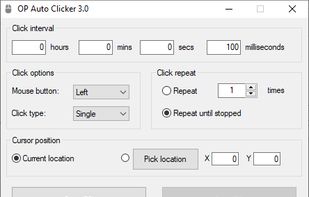

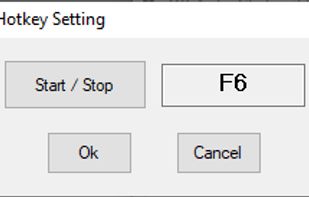


Apps similar to AutoMouse include OP Auto Clicker, which is free and open source. Other options are Osenpa Auto Clicker, Ghost Input, Actus Auto Clicker and The Fastest Mouse Clicker for Windows. You can choose from more than 10 Task Automation Apps like AutoMouse for Windows, Mac, Linux and Android.
A full-fledged autoclicker with two modes of autoclicking, at your dynamic cursor location or at a prespecified location. The maximum amounts of clicked can also be set (or left as infinite).

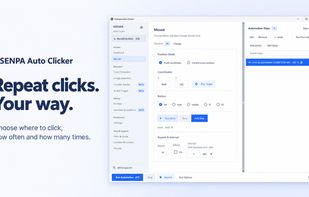
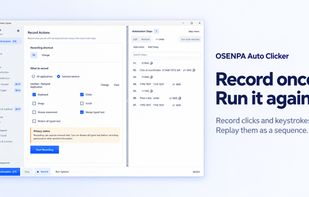
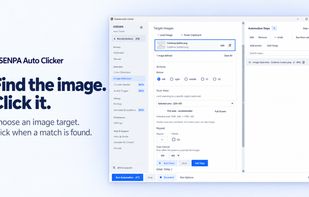
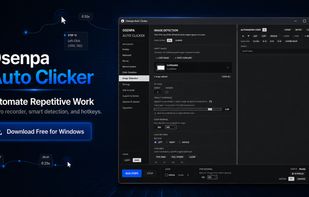
Free Windows auto clicker and macro recorder with editable steps, screen conditions, reusable profiles and scheduling for supervised desktop tasks.


Ghost Input is a handy macOS app that helps you automate tasks by recording and playing back your keyboard and mouse actions.
 Greece
 EU
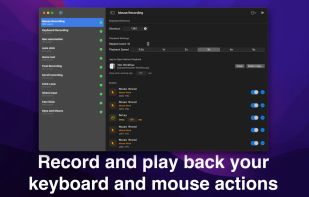
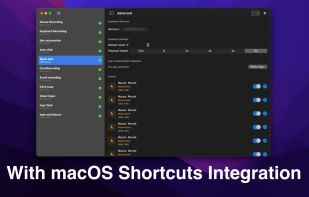
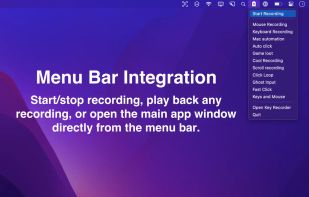


Hover your target and press F8 to start or stop clicking. Extend automation with Record & Replay and Find & Click for repetitive workflows.
 China
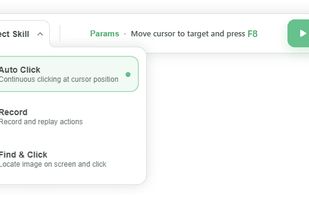
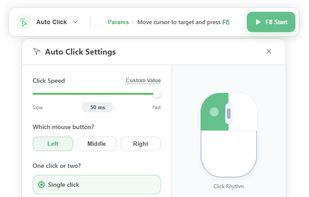
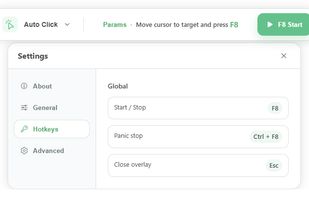
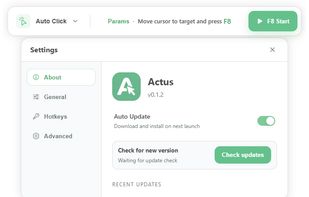


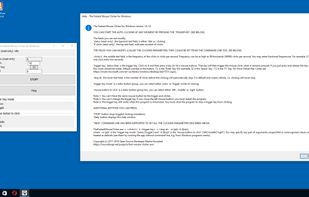
Free and fast, open source, full-featured, statically-linked mouse auto clicker for Windows written in vanilla C++. Supports command line, random clicks and record-play the sequences of clicks.


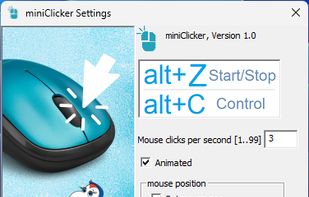
miniClicker is a free, fast, and lightweight auto-clicker built for Windows 10 and Windows 11. Designed with both gamers and productivity power-users in mind, it allows you to automate mouse clicks seamlessly with precise interval controls.
 Israel


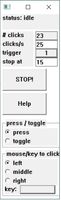
A tool that clicks the mouse extremely quickly. Using keyboard keys (or mouse buttons) as the trigger, you can position the mouse, then hit a key to click up to 9999 times every second.


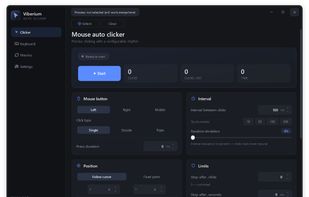
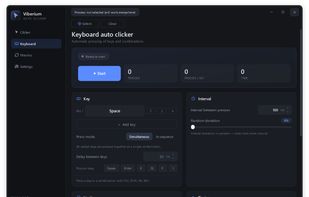
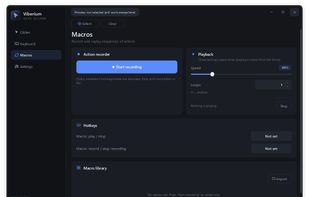
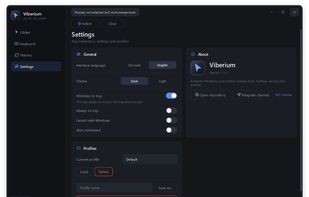
Viberium is a free, open-source auto clicker for Windows 10 and 11 that sends clicks, key presses and macros straight through the system input stack, so every action is precise and smooth.


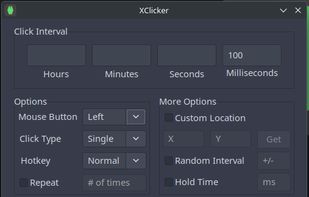


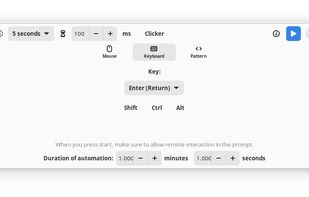
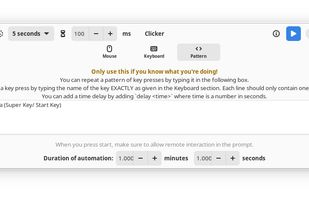
Clicker is an auto clicker - it can simulate user input like mouse clicks and key presses repeatedly at given intervals for a given duration. This is useful in some video games.
 India
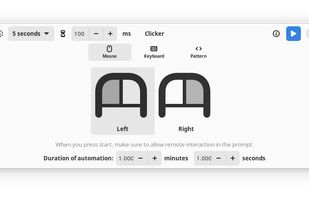


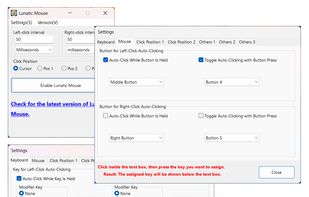
Free Auto Clicker for Windows. Automate mouse clicks with customizable intervals, keyboard and mouse hotkeys, hold-to-click mode, and toggle mode. Lightweight and easy to use.
 Japan

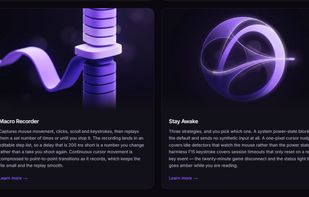
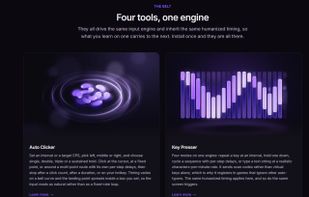
ClickTray is a free Windows tray app that combines an auto clicker, key presser, macro recorder and stay-awake tool. It uses human-like timing instead of fixed intervals, and you can edit your macros instead of re-recording them. It has no ads and needs no account.
 United States