



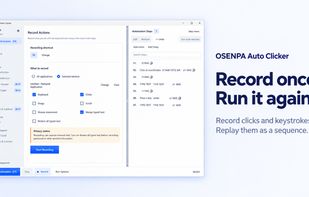
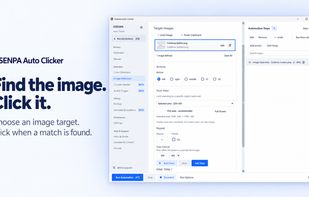
Free Windows auto clicker and macro recorder with editable steps, screen conditions, reusable profiles and scheduling for supervised desktop tasks.
Cost / License
- Free
- Proprietary
Platforms
- Windows




+6
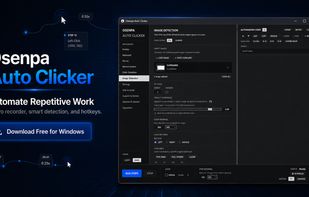


Apps similar to OP Auto Clicker include Osenpa Auto Clicker, which is free. Other options are AutoMouse, XClicker, Fast Mouse Clicker and RapidClick. You can choose from more than 10 Task Automation Apps like OP Auto Clicker for Windows, Linux, Android and Mac.
Free Windows auto clicker and macro recorder with editable steps, screen conditions, reusable profiles and scheduling for supervised desktop tasks.

AutoMouse is an automatic mouse clicker and recorder software tool that can quickly simulates automatic mouse clicks or record mouse actions, save and play back.
 China
China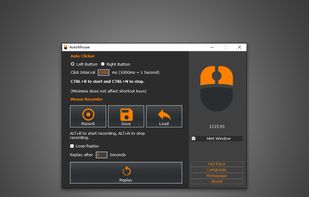


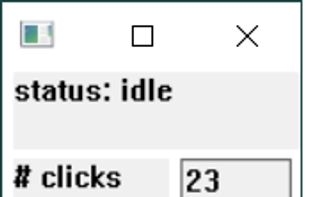
A tool that clicks the mouse extremely quickly. Using keyboard keys (or mouse buttons) as the trigger, you can position the mouse, then hit a key to click up to 9999 times every second.


RapidClick automatically clicks your mouse up to 20 times per second. Use RapidClick to save your hand from getting tired whenever you have to do a lot of clicking.
 United Kingdom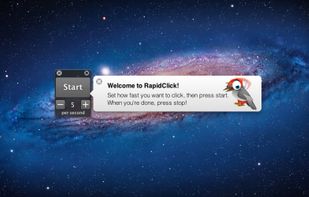


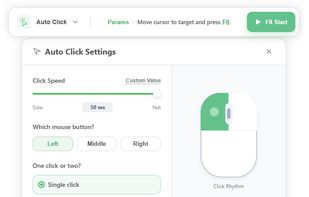
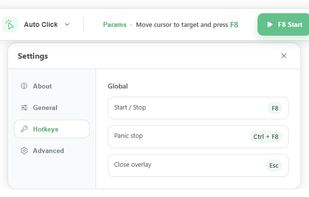
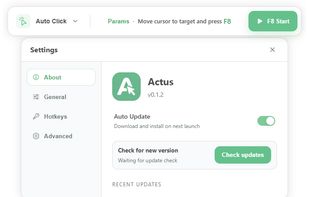
Hover your target and press F8 to start or stop clicking. Extend automation with Record & Replay and Find & Click for repetitive workflows.
China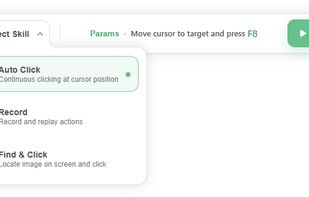


 Israel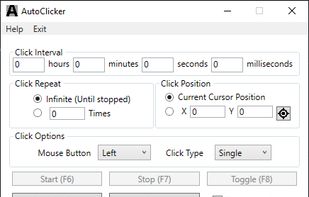


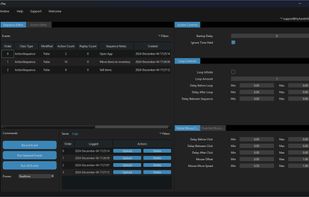
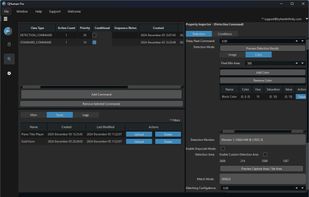
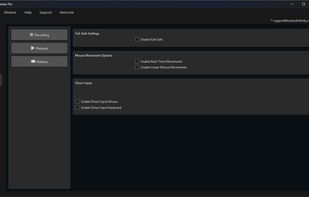
QHuman enables users to automate repetitive tasks by recording mouse movements, keystrokes, and utilizing image/pixel detection with human-like randomness.


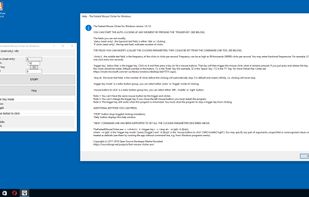
Free and fast, open source, full-featured, statically-linked mouse auto clicker for Windows written in vanilla C++. Supports command line, random clicks and record-play the sequences of clicks.


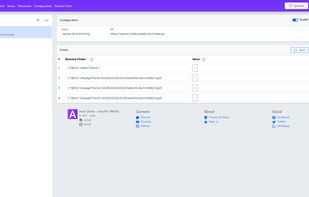
Easily fill input fields, click buttons, or interact with any link anywhere. Configure it in just a few steps.


miniClicker is a free, fast, and lightweight auto-clicker built for Windows 10 and Windows 11. Designed with both gamers and productivity power-users in mind, it allows you to automate mouse clicks seamlessly with precise interval controls.
Israel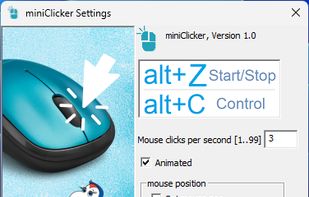


 India
India


