

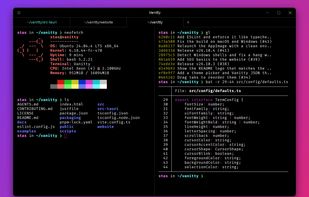
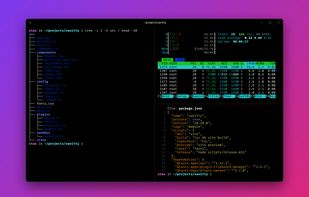
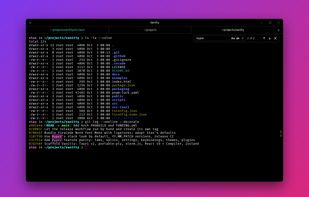
Vanitty is a free, open-source terminal emulator for Windows, macOS and Linux. It started as a port of Hyper, rewritten in Rust with Tauri instead of Electron, so it starts faster and uses far less memory.
 United States







Apps similar to Warp Terminal include Ghostty, which is free and open source. Other options are Tabby, Termux, Windows Terminal and Kitty terminal. Terminal Emulators like Warp Terminal are a crowded field, with more than 100 alternatives for Mac, Linux, Windows, the web and Android.
Vanitty is a free, open-source terminal emulator for Windows, macOS and Linux. It started as a port of Hyper, rewritten in Rust with Tauri instead of Electron, so it starts faster and uses far less memory.
United States
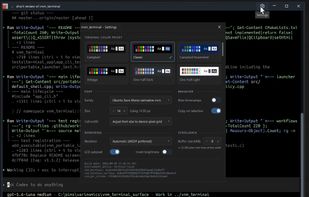
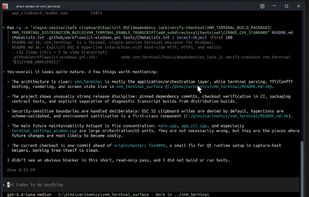
vnm_terminal is a free, open-source terminal emulator for Windows and Linux, with GPU-accelerated rendering and one terminal session per window.
 Cyprus
 EU
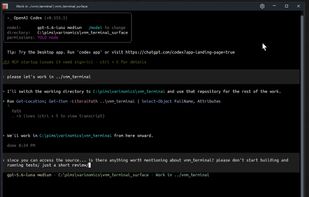


A desktop workspace that groups the sessions of your coding-agent CLIs by repository, with Git history, code review and CI results beside each conversation.
CyprusEU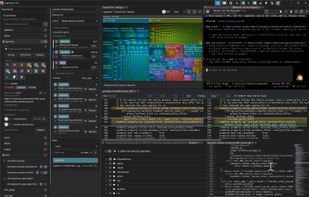
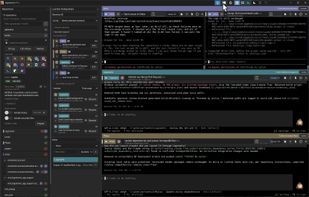
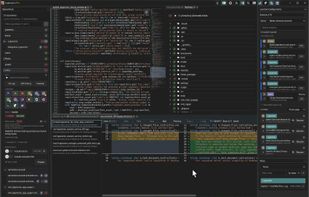
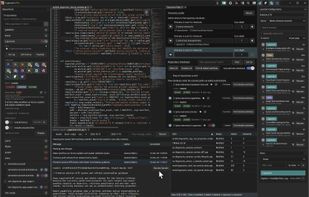

MyShell is a native cross-platform desktop shell workspace for macOS, Windows, and Linux designed to bridge the gap between traditional terminal emulators and modern AI-assisted developer workflows.
United States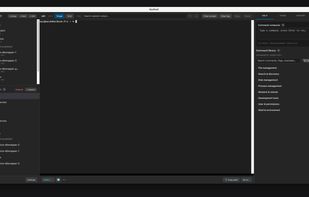
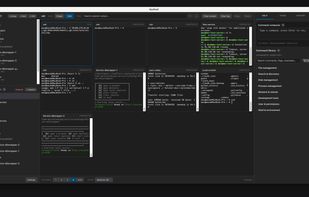
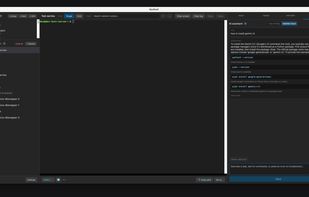
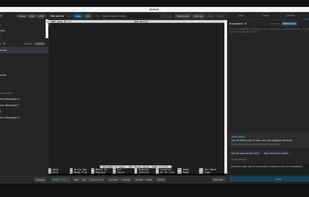


DockTerm is a desktop terminal workspace for Claude Code. Every pane is a real terminal running your own claude session, with tabs, splits and grids.
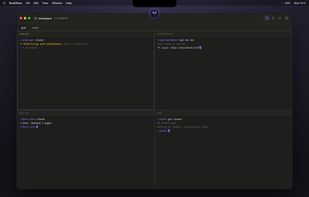



Free, open-source SSH client and terminal for Linux and Windows with AI, SFTP, tunnels, serial and a DEV mode for Claude Code, Codex and OpenCode.
 SpainEU
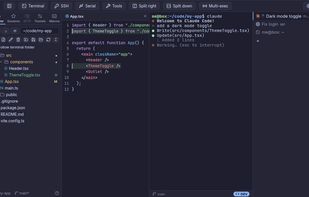
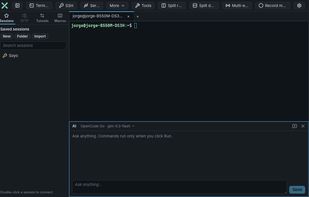
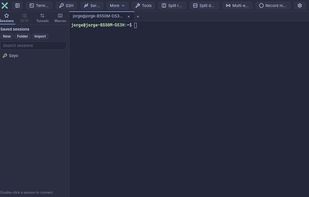


A GPU-rendered terminal emulator with inline 3D graphics. Inspired by TempleOS. Built with Rust & Ratatui.
 Türkiye



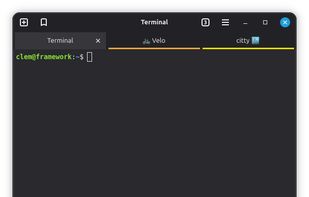
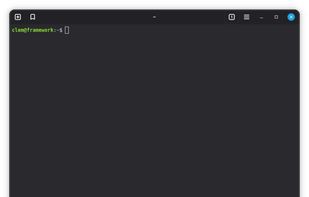
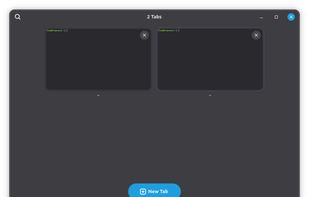
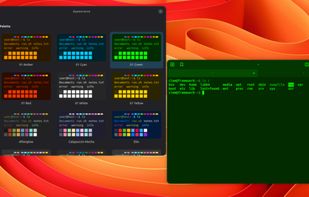


wowTerminal is a free, MIT-licensed terminal for macOS, Windows, Linux, Android and iOS. Its AI assistant reads the current tab (system info and recent output) and suggests commands as cards; you send a card to the terminal and press Enter yourself.
 South Korea
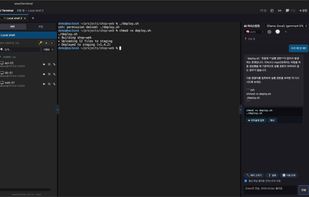
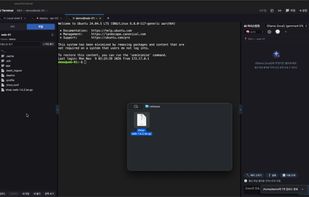
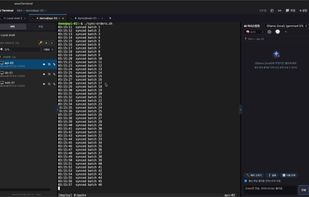


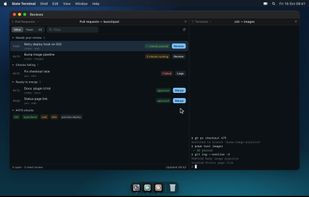
Slate Terminal is a native Mac terminal powered by libghostty. It brings shells, browser panes and your own small tools into one workspace.
 GermanyEU
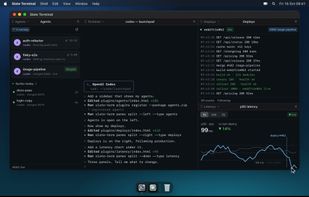
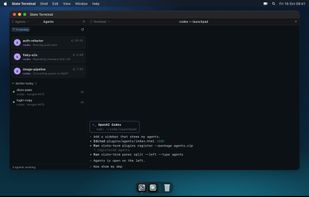


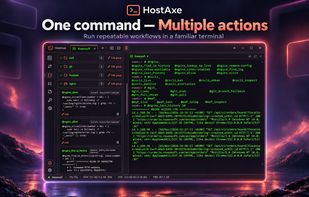
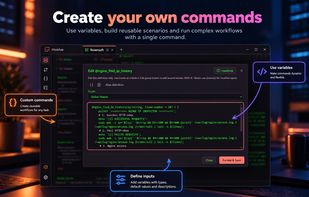
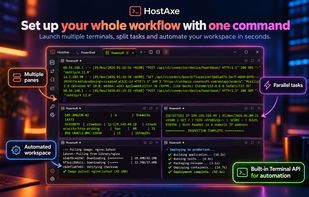
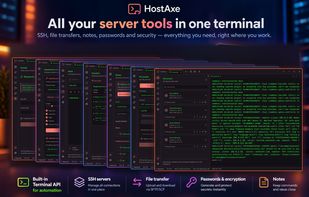
SSH terminal for local and remote sessions provides tabs, split panes, saved commands, aliases, notes, file transfers, and automation scenarios. Use one command to open workspaces, launch SSH connections, run diagnostics, and repeat recovery workflows.
 Ukraine