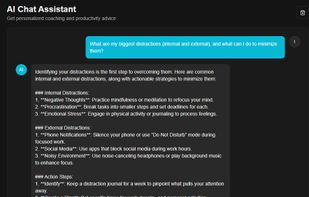
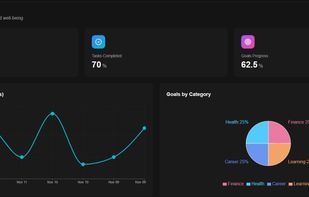
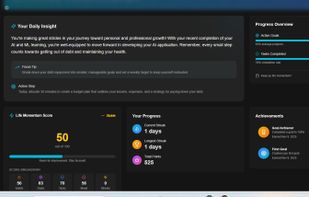
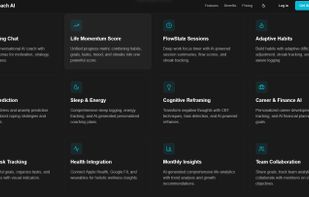
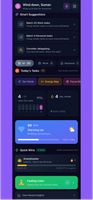
AI-powered life coaching app that helps you set goals, build habits, track mood, and get personalized productivity insights.
Cost / License
- Freemium
- Proprietary
Platforms
- Online



+5


Apps similar to Toodledo include Super Productivity, which is free and open source. Other options are Notion, Trello, Todoist and TickTick. There's no shortage of Todo List Managers like Toodledo, with more than 100 alternatives for the web, iPhone, Android, Mac and Windows.
AI-powered life coaching app that helps you set goals, build habits, track mood, and get personalized productivity insights.
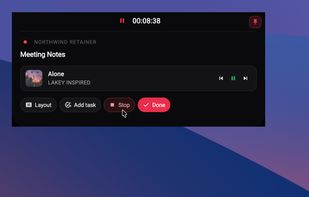
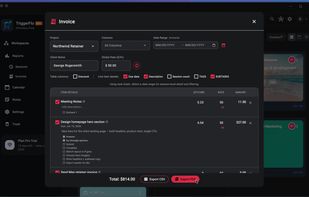
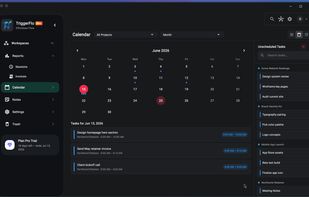
A focused always-on-top time tracker and Kanban task manager for people who want to stay in flow and actually finish things.
 United States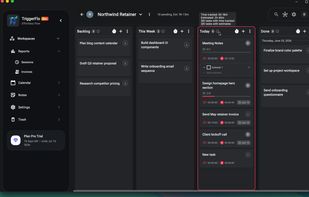

 United States




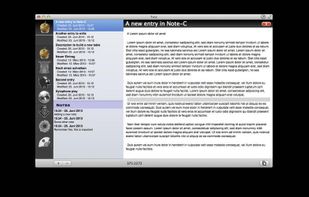
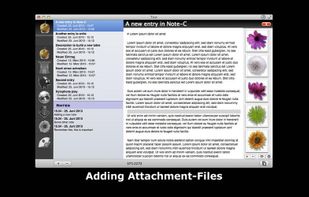
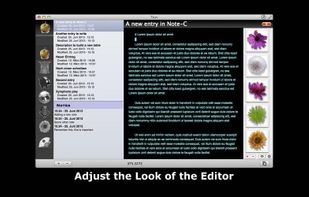
"Note-C" is a very simple application for collecting your notes, snippets and any other piece of text without limiting access to your entries and offering extensive export-features.


ePlanner is your personal assistant designed to help you manage tasks, reminders, and notes—completely offline and privacy-first.
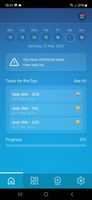

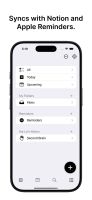
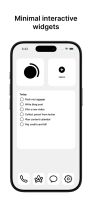
A simpler, more decluttered way to manage your tasks. Sync your tasks from Notion, Apple Reminders, or create new lists with SyncTasks.
 Singapore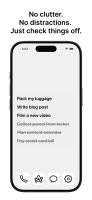


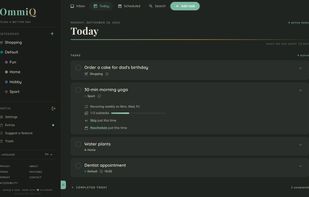
OmmiQ (ommiq.com) is a simple to-do list and day planner, made and hosted in Germany. Free, no ads, no tracking, optional one-time extras.
 Germany
 EU
EU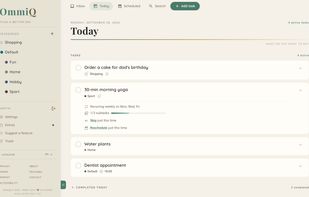

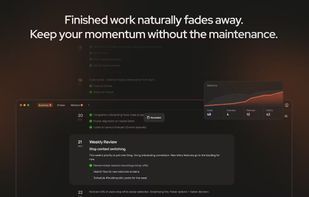
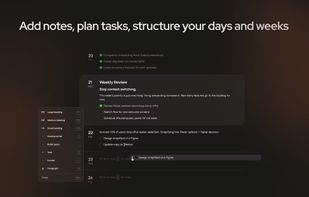
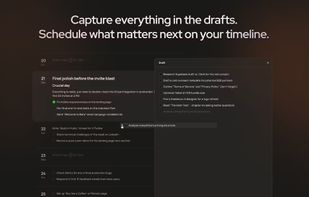
Stay organized with a visual timeline that handles planning, note-taking, and tracking for personal and work projects. Merge tasks, goals, and unstructured ideas, manage long-term progress, avoid clutter, and clarify priorities across all aspects of life.
 PolandEU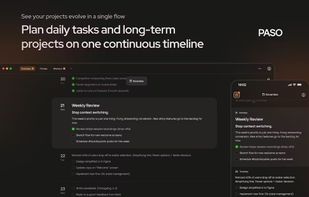


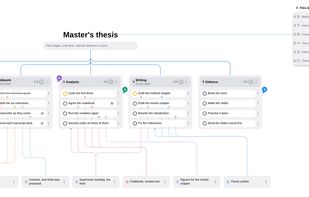
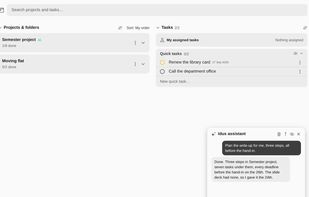
Bring tasks, numbered project steps, notes, goals and team chat together with urgency colors, list, board and map views, a shared calendar with reminders, folders, checklists, tables and images, offline access, time tracking, and an AI assistant that turns emails or documents into plans.
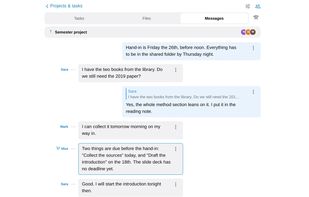
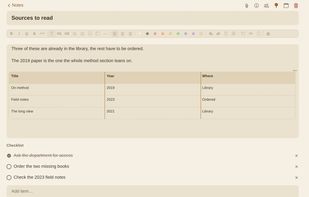


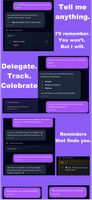
Productivity app designed to reduce mental load and help you stay organised, focused, and connected.
 Australia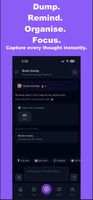


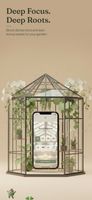
BloomDay is a productivity app that gamifies task management by turning completed tasks into living plants in a virtual garden.
 Türkiye


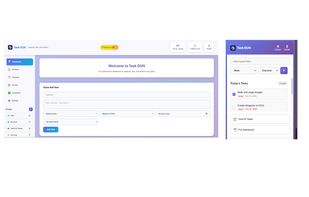
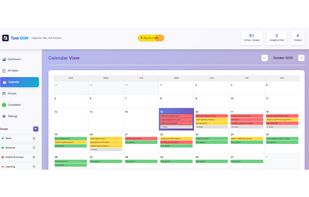
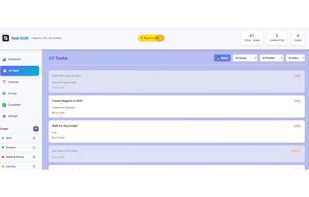
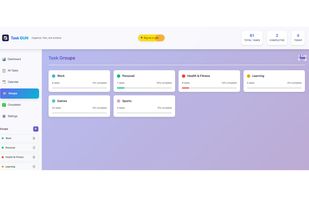
Organize, Plan, and Achieve with Task GUN - Simple yet powerful to-do manager for productivity