

A task and notes app for Mac, Windows, and iPhone, with quick capture from the desktop screen edge and optional cloud sync.
 Canada



+4


Things is not available for Windows but there are plenty of alternatives that run on Windows with similar functionality. The best Windows alternative is Super Productivity, which is both free and Open Source. If that doesn't suit you, our users have ranked more than 100 alternatives to Things and loads of them are available for Windows so hopefully you can find a suitable replacement. Other interesting Windows alternatives to Things are Notion, Trello, Todoist and TickTick.
A task and notes app for Mac, Windows, and iPhone, with quick capture from the desktop screen edge and optional cloud sync.
Canada
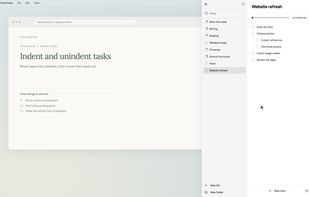
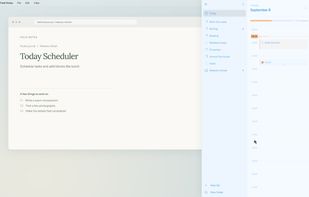
A local-first desktop planner for developers: tasks from GitHub, Jira and 11 more trackers, today's meetings and Markdown notes in one keyboard-driven window.
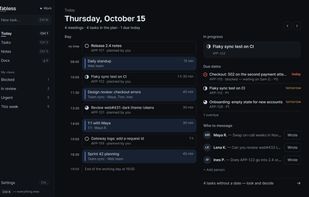
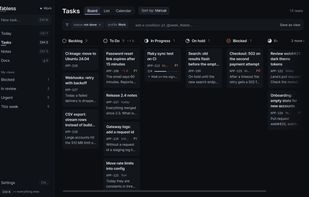
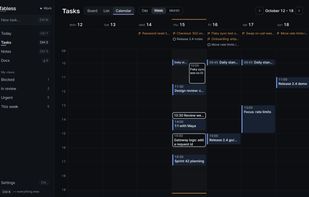
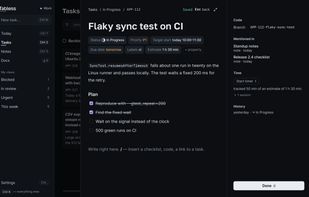


Focus on what matters and get work done without getting locked! Build to work with CalDAV so you can store your data anywhere you like!.
 Netherlands
 EU


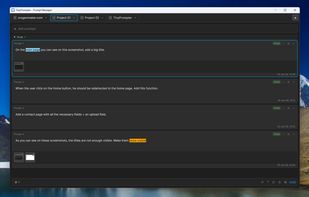
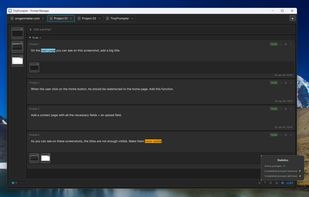
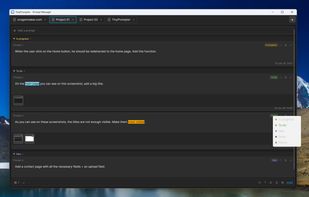
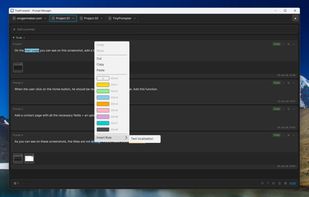
TinyPrompter is a prompt manager for AI tools like ChatGPT, Claude, and Gemini. Organize, save, and reuse prompts by projects, add rules and priorities, track usage, and write efficiently with a productivity-focused editor.
 FranceEU


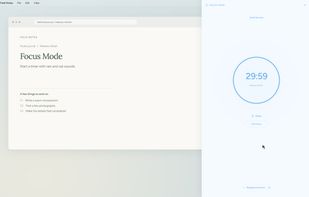
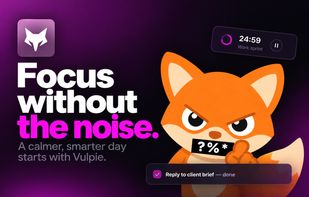
Organize task lists and recurring work, assign time estimates, and start focus sessions from a timer overlay. Reports compare planned and recorded hours; an AI assistant can create tasks, while optional Gmail, Google Calendar, and Notion connections support manual actions.





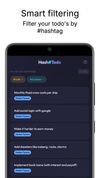
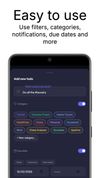
Hash#Todo is a privacy-first todo app that organizes tasks with #hashtags and color-coded categories. No account, no cloud sync, no tracking—your data stays on your device.
NetherlandsEU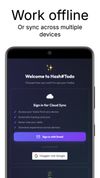


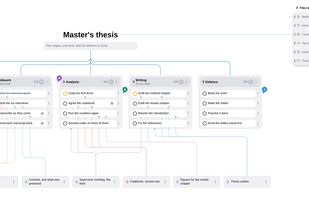
Bring tasks, numbered project steps, notes, goals and team chat together with urgency colors, list, board and map views, a shared calendar with reminders, folders, checklists, tables and images, offline access, time tracking, and an AI assistant that turns emails or documents into plans.
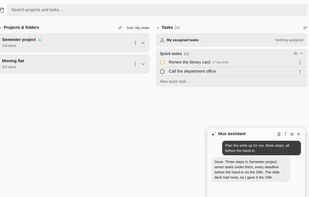
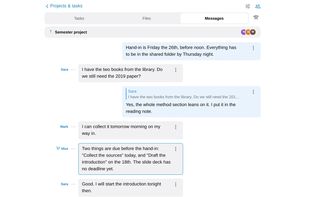
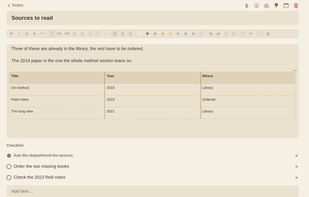


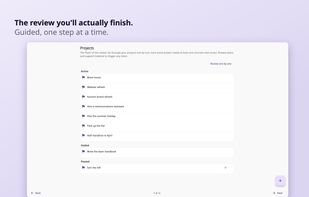
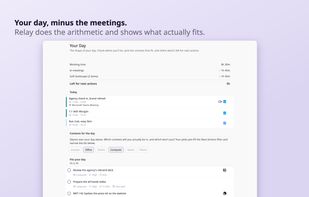
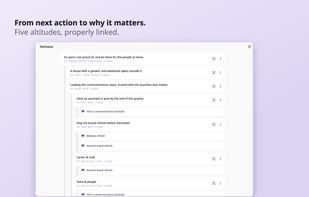
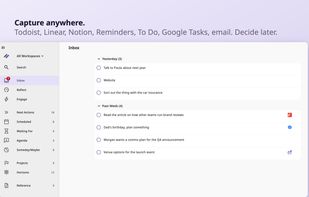
GTD task manager that turns Inbox items into next actions or projects, filters work by context, time, and energy, guides daily and weekly reviews, links projects to goals and areas, flags stalled work, and syncs with calendars and other task tools.
 Switzerland