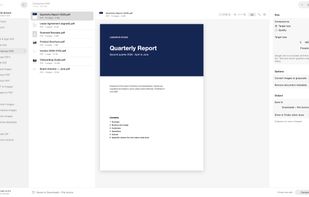
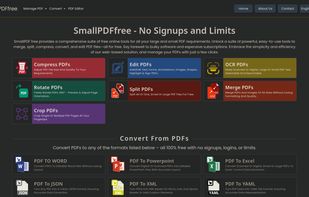
SmallPDFfree offers a free online suite for all your big and small PDF needs. Access a suite of powerful, user-friendly tools that can merge, split, compress, convert, and edit your PDF files.
Cost / License
- Free
- Proprietary
Platforms
- Online


Apps similar to Stirling PDF include SumatraPDF, which is free and open source. Other options are Foxit PDF Reader, PDF Arranger, PDFgear and PDF24 Creator. There's no shortage of PDF Editors like Stirling PDF, with more than 100 alternatives for the web, Windows, Mac, Linux and Android.
SmallPDFfree offers a free online suite for all your big and small PDF needs. Access a suite of powerful, user-friendly tools that can merge, split, compress, convert, and edit your PDF files.

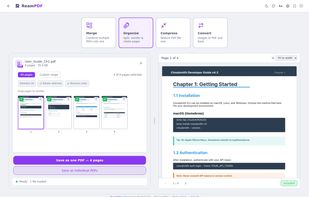
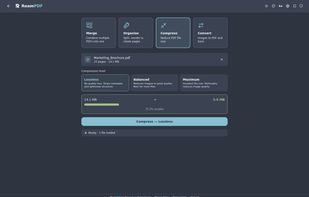
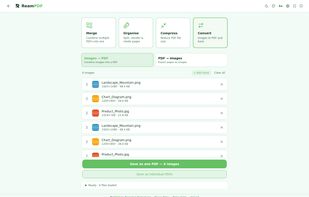
ReamPDF is a desktop PDF toolkit built for speed and simplicity. Merge, split, compress, and convert PDFs without uploading your files to the cloud. The Convert tool accepts images including WebP, a format most PDF tools don't support.
 Australia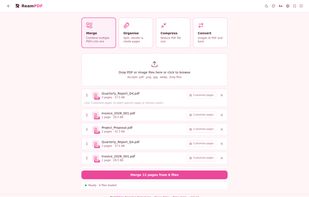


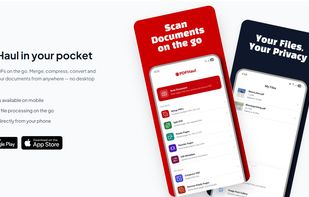
PDFHaul is a free, privacy-first PDF tool suite for web and mobile. Merge, split, compress, convert, annotate, sign, and redact PDFs in seconds. No installation required. Files are automatically deleted within 2 hours, never stored permanently.
 Canada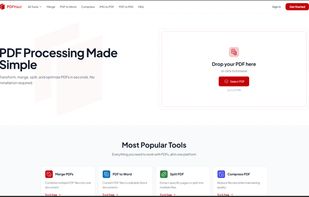
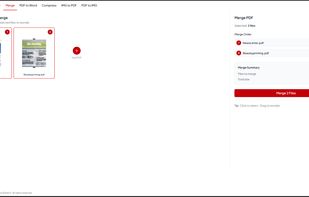
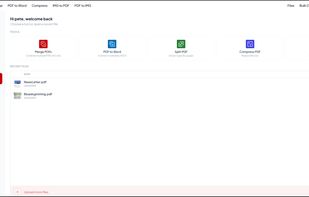


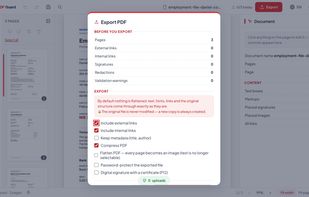
PDF Guard is a PDF editor that runs inside the browser tab and processes documents on your own device instead of uploading them. Files are read from disk into the tab's memory, handled by engines that run locally - pdf.
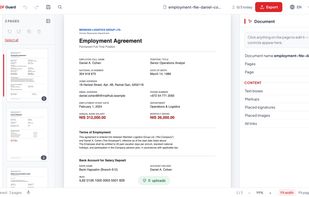
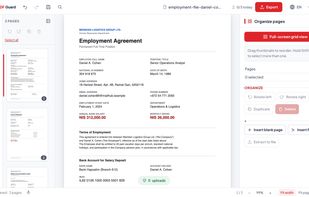
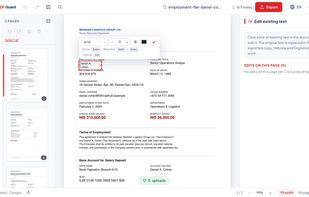


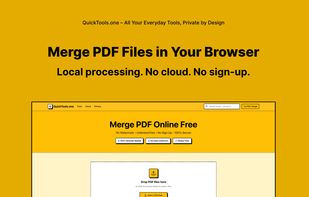
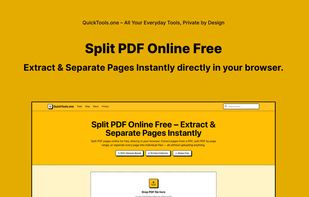
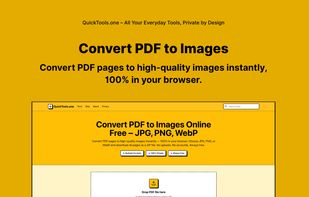
QuickTools.one is a collection of free online tools for PDF and image processing. All tools run 100% in your browser using client-side JavaScript. Your files never leave your device.
 Romania
 EU
EU

A set of free, no-account web tools for everyday PDF and document tasks: adding a digital signature to a PDF, running OCR on scans or photos to make them searchable, and generating QR codes.
 NetherlandsEU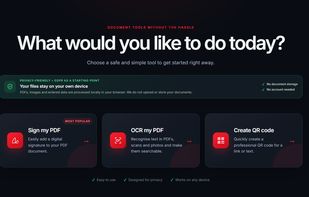

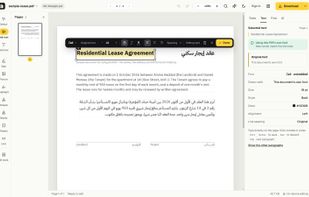
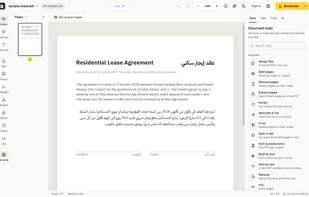
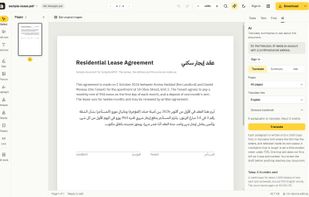
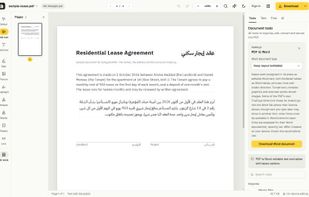
GenPDF is a browser-based PDF editor for editing existing text while retaining the document’s fonts and formatting where possible, with support for Arabic and right-to-left text.


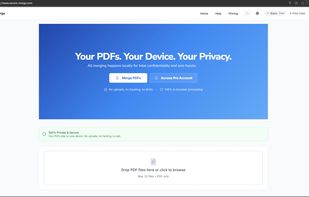
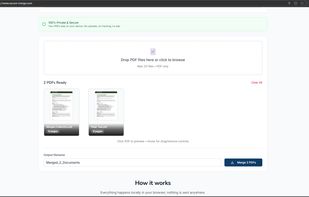
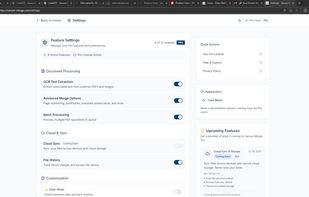
Secure-Merge is a privacy-first PDF merger that runs entirely in your browser. Your files never leave your device—there are no server uploads, no tracking cookies, and no sign-in required for the core tool.


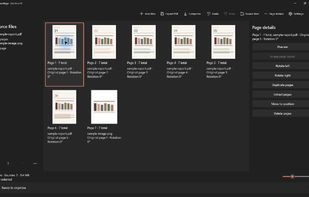
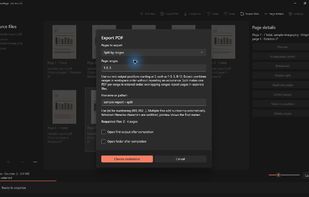
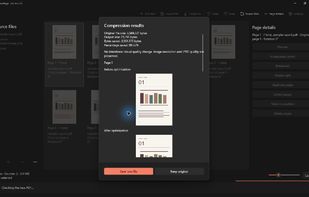
TruePage is a Windows 11 desktop app for assembling PDFs and images in a visual page workspace. Combine files, reorder, rotate, duplicate or remove pages, then extract selected pages or split documents and export new PDFs without changing the sources.
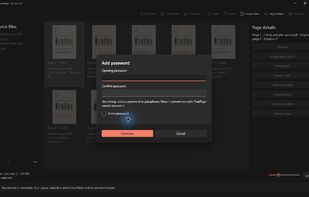

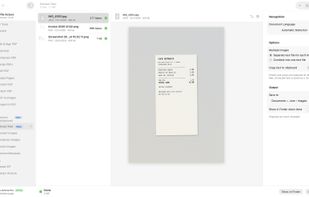
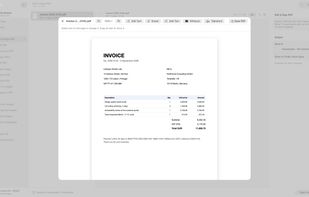
Word, Excel, PowerPoint and images, OCR scanned documents into searchable PDFs, edit existing text, sign, annotate, add watermarks or page numbers, encrypt, unlock, repair and flatten, extract embedded images or plain text, convert a web page to PDF, and scan paper documents...
 Türkiye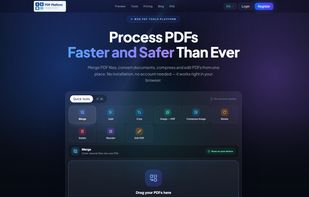





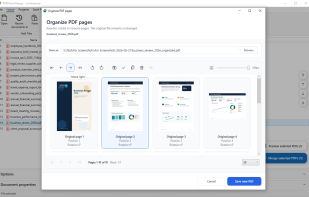
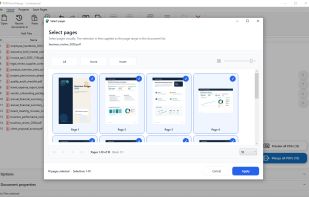
Combine, split and reorganize PDF files locally on Windows with drag-and-drop thumbnails. Reorder, rotate, duplicate, remove or export pages, add page numbers and import images, all offline. No uploading required, making it safe for sensitive documents.
 GermanyEU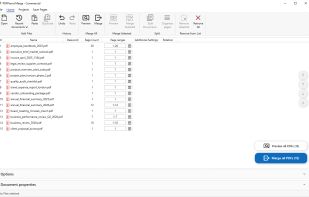
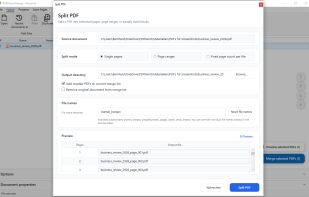

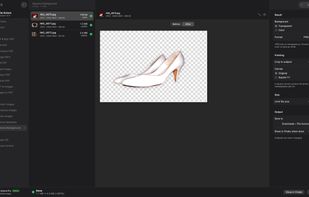
Offline toolbox for PDFs, images and archives on Mac and Windows: compress PDFs to an exact size, convert HEIC, remove backgrounds. Nothing is uploaded.
Türkiye