Free and open source desktop application to split, merge, extract pages, rotate and mix PDF files.


The best alternative to Stirling-PDF is PDFsam, which is both free and Open Source. If that doesn't suit you, our users have ranked more than 100 alternatives to Stirling-PDF and many of them are so hopefully you can find a suitable replacement. Other interesting alternatives to Stirling-PDF are PDF24 Creator, PDFCreator, Sejda and Signature PDF.
Free and open source desktop application to split, merge, extract pages, rotate and mix PDF files.


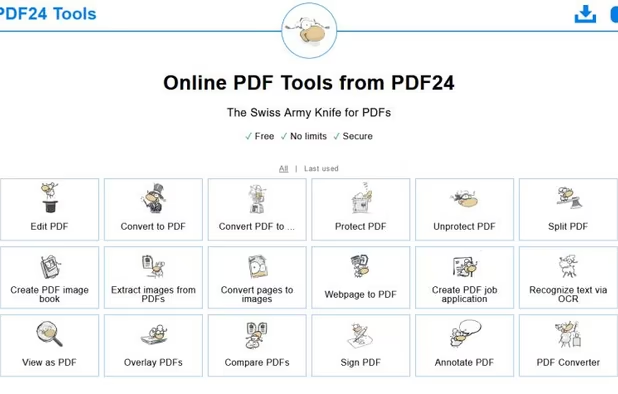
PDF24 Creator is free and feature-filled PDF creation, merging and conversion tool for Windows. Its unique feature among the free PDF printer tools is an editor, which allows to easily assemble, create and modify PDF files with Drag & Drop.


PDFCreator is a virtual PDF printer that converts any printable document into a PDF file. It works with all Windows applications, including Word, Excel, browsers, and design tools.


Sejda helps with your PDF tasks: edit existing text, split, merge, extract, compress, export to other formats and more.


Free open-source web software for signing (alone or with others), organizing (merge, sort, rotate, delete, extract pages, ...), editing metadatas or compressing PDFs.


doPDF allows you to freely convert documents to PDF files. It installs as a printer driver, enabling you to print from any Windows application.


Soda PDF was created with the user in mind. Smart, reliable, and accessible, our software is designed with a focus on giving you the most useful features in an easy-to-use package.


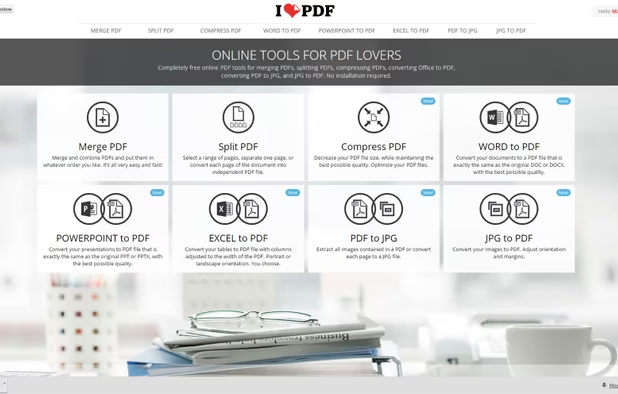
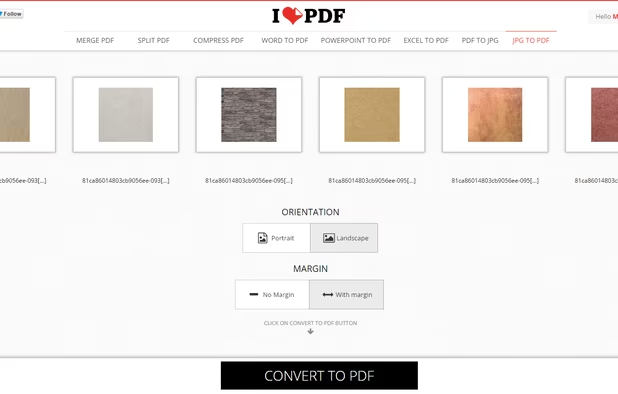
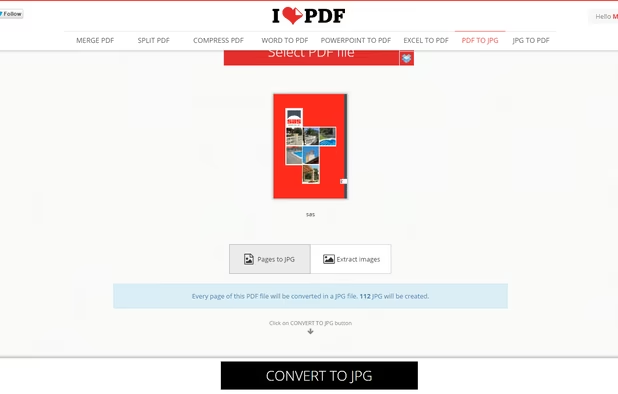
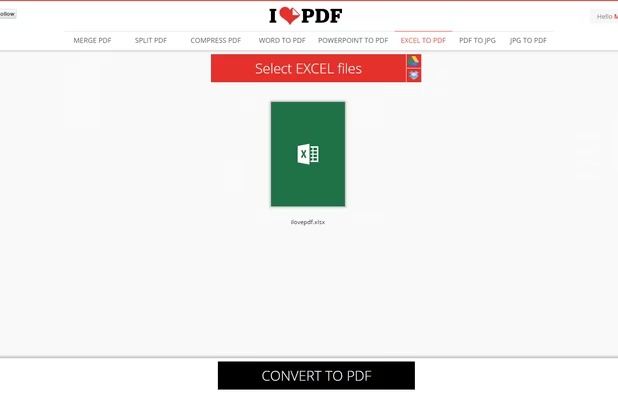
iLovePDF is an online service to work with PDF files completely free and easy to use. Merge PDF, split PDF, compress PDF, office to PDF, PDF to JPG and more!


Yet another PDF Printer? Yes! This PDF Printer has the intention to be completely open source. Print to PDF, PDF/A, PDF/X, PNG, JPEG, TIF and text.


The simplest PDF viewer. Safe (doesn't require permissions), lightweight (just 6,9MB) and modern.

SimplePDF empowers you to edit, fill, sign, and manage PDF documents seamlessly, directly within your browser. Whether you're an individual handling occasional forms or a business streamlining document workflows, SimplePDF offers a robust, user-friendly solution.


Does everything I need, is open source, has no dumb AI features, can be self-hosted.