Pluto is a highly refined and customizable at-a-glance system monitor for your Mac. Keep track of what's going on behind the scenes without dropping what you're currently doing.
Cost / License
- Pay once
- Proprietary
Platforms
- Mac


Stats Panel is described as 'A macOS menu bar app for monitoring system performance' and is a system information utility in the os & utilities category. There are more than 50 alternatives to Stats Panel for a variety of platforms, including Mac, Windows, iPhone, iPad and Linux apps. The best Stats Panel alternative is HWiNFO (32/64). It's not free, so if you're looking for a free alternative, you could try HWiNFO (32/64) or Open Hardware Monitor. Other great apps like Stats Panel are SpeedFan, Sidebar Diagnostics, Stats and iStat Menus.
Pluto is a highly refined and customizable at-a-glance system monitor for your Mac. Keep track of what's going on behind the scenes without dropping what you're currently doing.


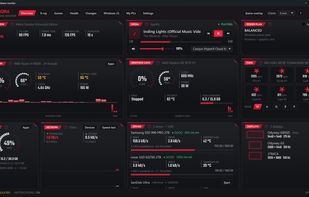
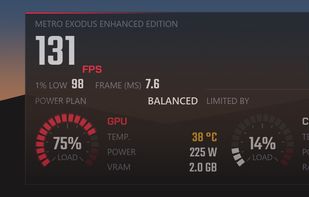
HWRadar is a simple lightweight and customizable hardware monitoring tool that offers real-time, detailed insights into your computer's performance. Our software can track numerous hardware parameters and exports this data in various formats like PNG, PDF, CSV, DOC, and HTML.


AnyBar is a small indicator for your menubar that does one simple thing: it displays a colored dot. What the dot means and when to change it is up to you.

Penteract Taskbar Resource Meter™ lets you keep an eye on your computer's resource usage even when using a program maximized.


Stater is an application that displays system parameters (i.e. CPU, memory, and drive space usage charts), directly in the dock icon. Besides four icon views, the dock menu contains detailed information about CPU, memory, drive space usage, and top processes.


Beaconly is a flexible, easy to use data aggregating menu app that ties relevant information to you, beautifully one click-away in your macOs menu bar. Easily discover status of AWS, your Jira Tickets, and so much more.


Translucent provides detailed real-time information about what is going on inside your Mac. At any given time Translucent displays how much each one of your processors is being utilized, detailed information about how your memory is being used, how much data is being sent and...

Your iPad and iPhone show you when apps are using your network. So why can't your Mac? Sure, there's always the Network section in Activity Monitor, but that's far from ideal. At best you can group by All Processes, Hierarchically, sort by Rcvd Bytes, and check the...