Lightweight screenshot tool offering OCR, exports to Office apps and online storage, integration with external commands, supporting 32 languages and minimal space requirement.
Platforms
- Mac
- Windows
 Germany
 EU
EU

+9


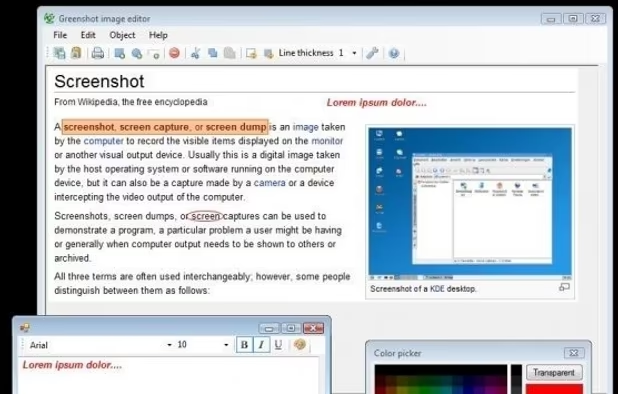
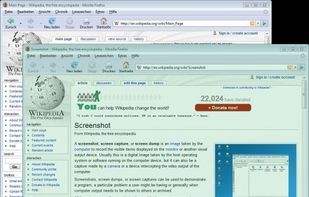
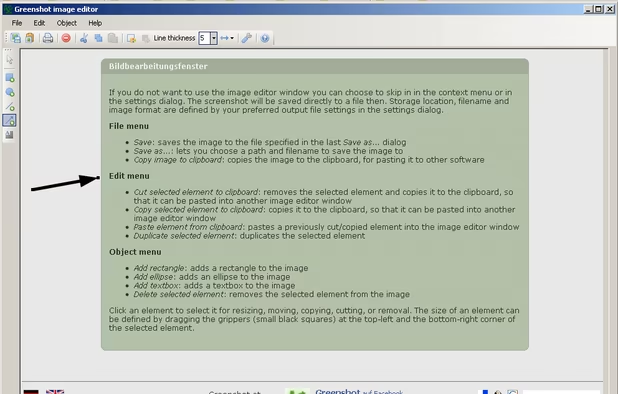
Screenpresso is not available for Mac but there are plenty of alternatives that runs on macOS with similar functionality. The best Mac alternative is Greenshot, which is both free and Open Source. If that doesn't suit you, our users have ranked more than 100 alternatives to Screenpresso and many of them are available for Mac so hopefully you can find a suitable replacement. Other interesting Mac alternatives to Screenpresso are macshot, Snagit, Ksnip and CleanShot X.
Lightweight screenshot tool offering OCR, exports to Office apps and online storage, integration with external commands, supporting 32 languages and minimal space requirement.
GermanyEU
Feature-packed native macOS screenshot tool — annotate, auto-redact PII, record GIFs, OCR + translate, scroll capture, beautify, and more. No Electron, no subscription.
 PortugalEU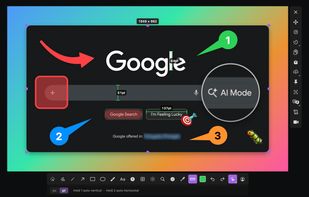

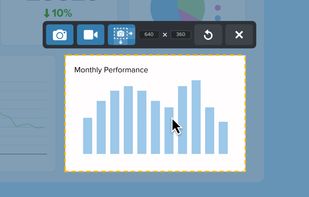
Advanced screen capture and recording tool enabling image or video captures directly from your screen. Includes editing features like callouts, transparency, and effects to enhance visuals. Organize and easily share creations through documents, presentations, or favorite applications.
 United States
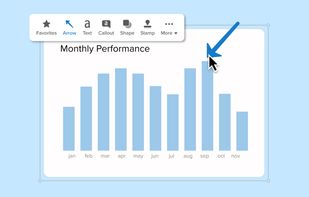
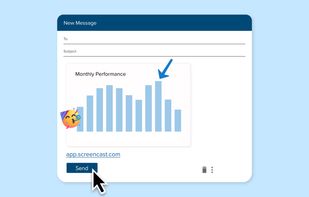


Ksnip is a Qt based cross-platform screenshot tool that provides many annotation features for your screenshots.
GermanyEU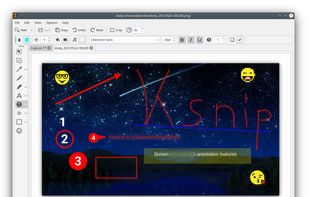
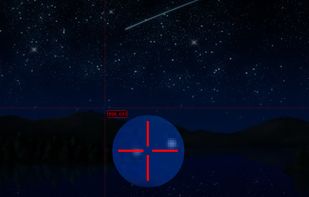




Capture and record screens on Mac with CleanShot X, featuring seamless recording, custom keyboard shortcuts, customizable wallpapers, Quick Access Overlay, and Desktop icon toggle for a tidy user interface.
 SwedenEU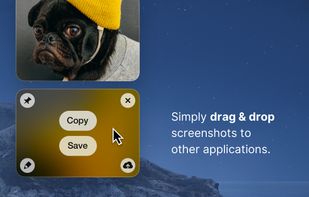
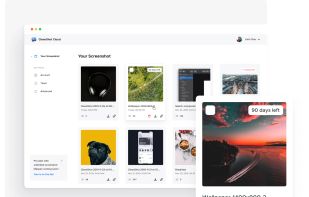
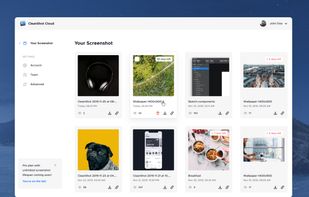
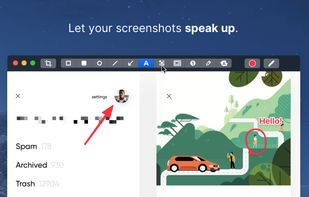


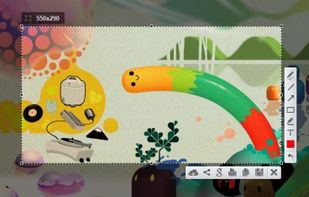
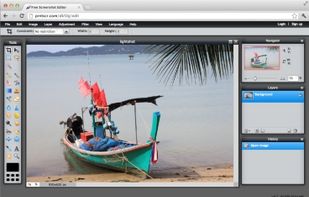
Captures selectable screen regions for Windows and Mac, offers instant uploading, quick editing, and sharing through short URLs, supports saving locally, annotating, clipboard copying, browser add-ons, upload history access, and operates without heavy system use.
 Russia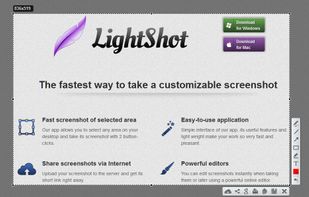


Shottr is a compact screenshot app designed for pixel precision and optimized for macOS Silicon devices.
United States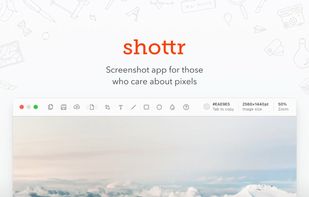
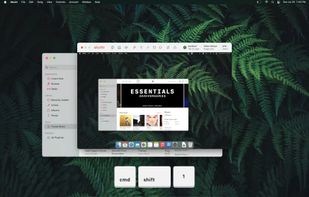
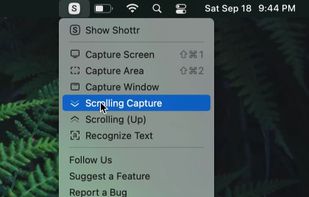


Open-source screenshot solution for macOS featuring region, window, and fullscreen capture, local OCR powered by offline Tesseract.js, fast annotation, customizable backgrounds and effects, menu bar integration, clipboard support, and persistent workflow preferences.
 India
India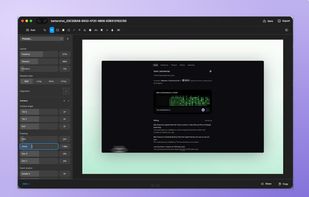
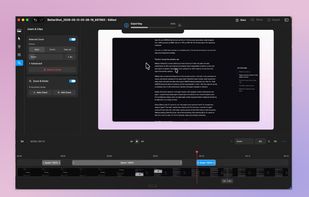
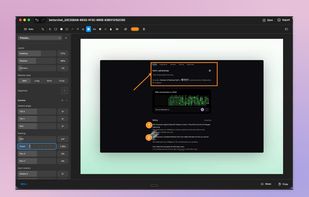
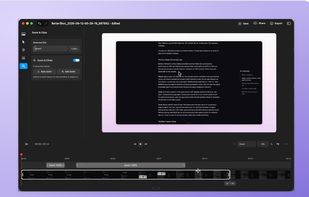

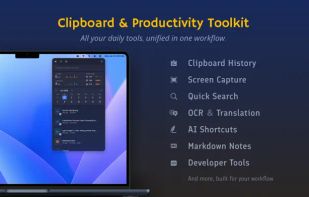
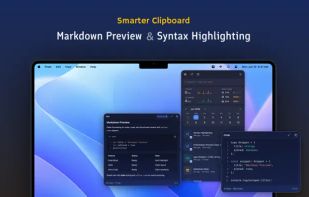
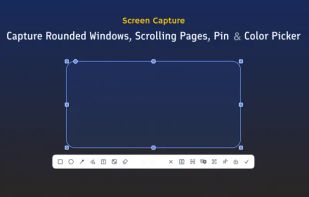
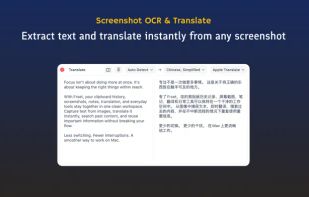
Frset is an all-in-one macOS productivity app combining clipboard management, screenshots, OCR, translation, AI shortcuts, and useful utilities in one place.


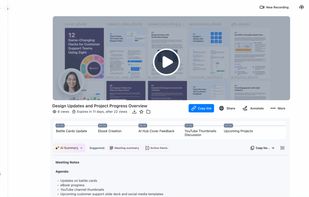
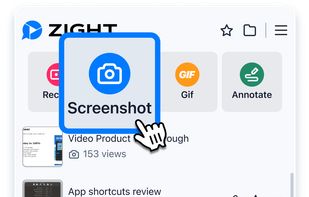
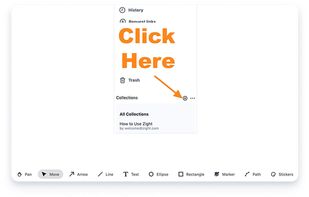
Enables screen and webcam capture, detailed video and screenshot editing, organized meeting notes, AI-powered transcription, and cloud-based instant sharing of annotated visual content via direct links or drag-and-drop integration with communication apps on Windows and Mac.
United States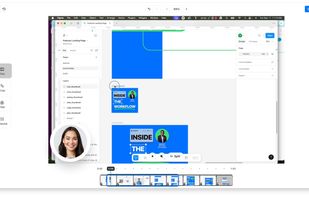


Privacy-focused screenshot utility with local-only storage, capture and post-editing, precision tools like rulers and color picker, grouping, collage and card creation, full history, an intuitive interface, and no cloud or login required for secure offline workflows.
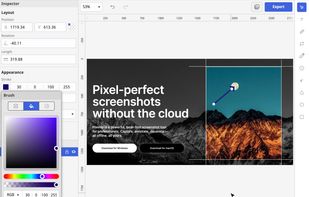
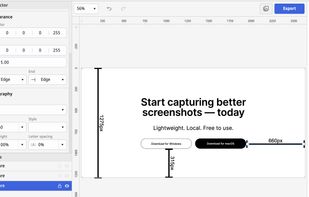
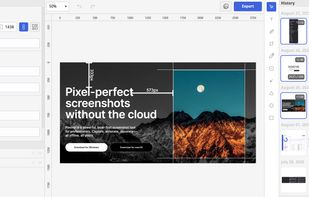
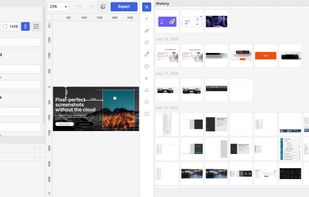

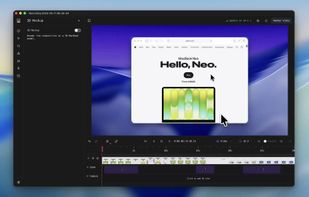
Screenshot and screen recorder app for macOS. One app instead of four. Capture multiple windows, annotate, zoom, add transitions, and drop your recording onto a 3D MacBook with a simulated lens. Everything stays local.
 Australia