


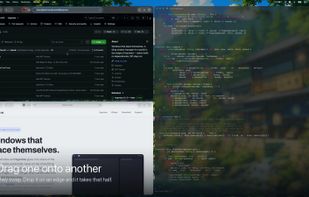
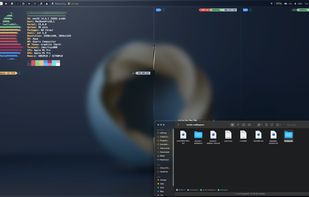
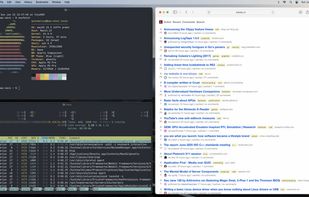
Windows that place themselves. A tiling window manager for macOS in the shape of Hyprland — native Swift, no dependencies, SIP stays on.
Cost / License
- Free
- Open Source (MIT)
Application type
Platforms
- Mac
 United States


Apps similar to Rectangle include Microsoft PowerToys, which is free and open source. Other options are DisplayFusion, BetterTouchTool, AquaSnap and Loop - Window Management. Window Managers like Rectangle are a crowded field, with more than 100 alternatives for Mac, Windows, Linux and Android.
Windows that place themselves. A tiling window manager for macOS in the shape of Hyprland — native Swift, no dependencies, SIP stays on.
United States
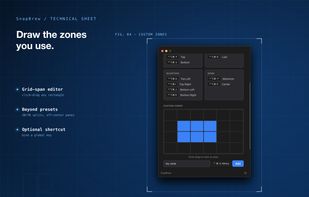
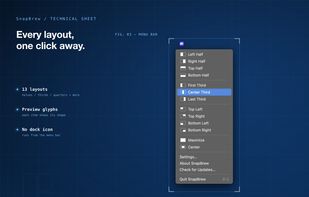
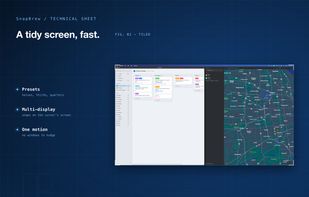
SnapBrew is a menu-bar window manager for macOS with 13 built-in layouts (halves, thirds, quarters, maximize, center) plus custom zones you draw on a grid. It works with any app via Accessibility permissions, supports multiple displays, and stores settings locally with no...
United States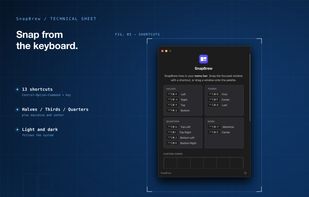

ScreenPlace remembers exactly where every window should be on your Mac and automatically puts it back in its place. Never rearrange or resize a window again because ScreenPlace can handle it for you automatically.
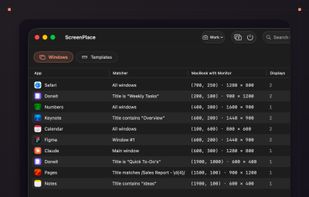
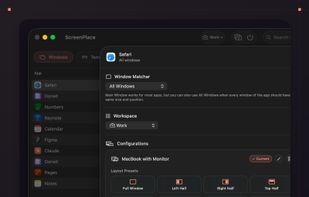
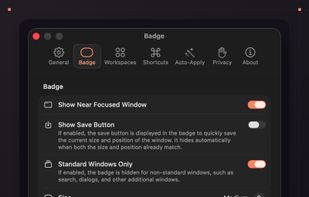
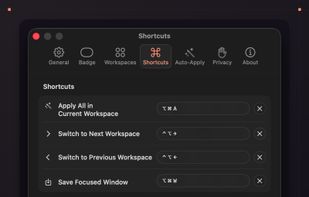


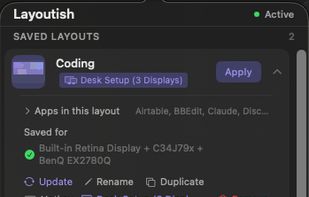
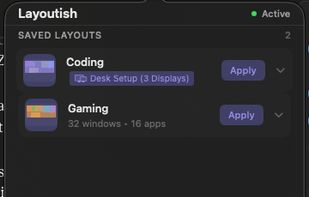
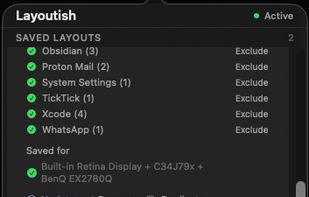
Saves complete macOS window layouts and restores them with one click or hotkey, including multi-monitor and multi-Space setups.
 United Kingdom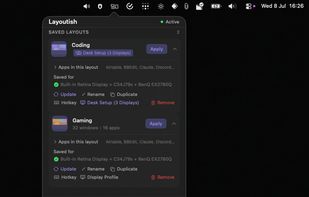


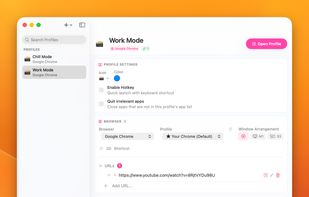
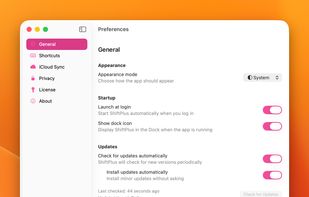
One macOS hotkey to switch entire project contexts: browser profiles (10 browsers), apps, window layouts, terminal env vars, and Spaces - all restored instantly. Native, unsandboxed, with iCloud sync.
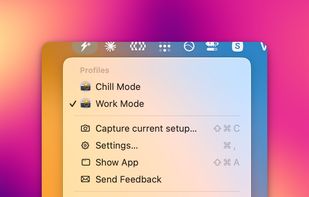


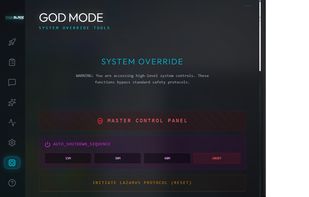
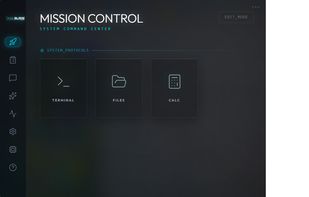
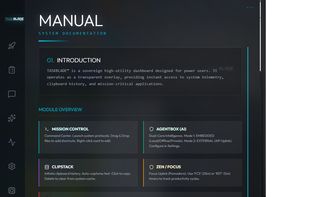
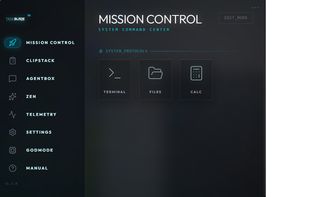
A 'God Mode' desktop manager with a built-in AI agent that runs 100% locally on your machine—no cloud, no data leaks, total sovereignty.


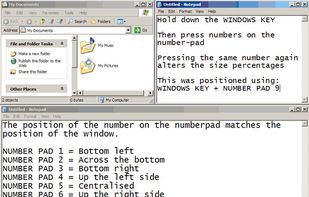
WinNumpad Positioner is a lightweight and snappy Windows management tool that repositions Windows using simple Windows Key + Numpad combinations.


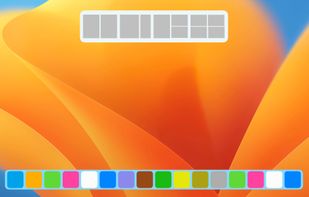
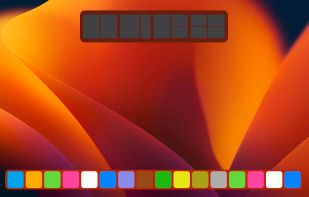
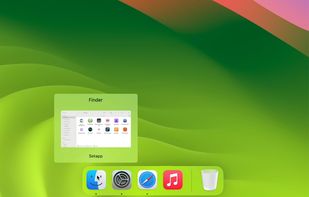
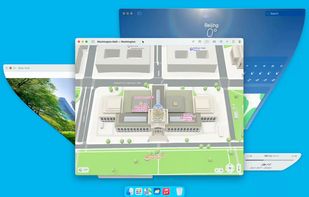


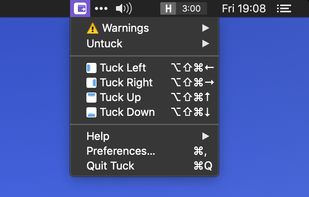
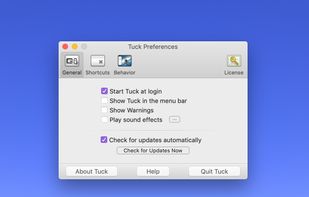
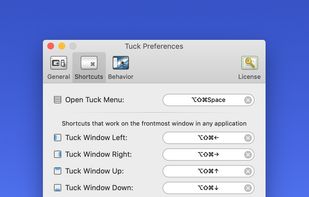
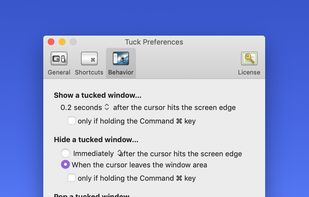
Tuck is a handy menu bar application that allows you to quickly and simply clear multi-window clutter by hiding windows under your screen edges.




Penc is a window manager app for macOS designed for use with the trackpad. It lets you use trackpad gestures along with the Command key to move, resize and snap windows to the screen.
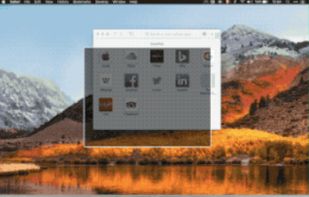


Sometimes a lot of deskop clutter can hide a window (eg, open file, programs, files-explorer, dialogs)
United States


