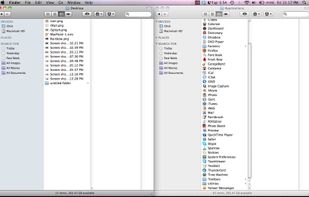
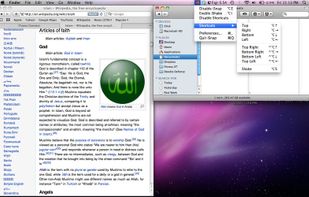
Stack is a productivity tool, that helps managing multiple open windows. It is most useful on big screens, very wide screens and multiple monitor configurations.
Cost / License
- Paid
- Proprietary
Application type
Platforms
- Windows
 United States
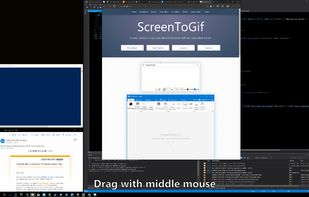


Apps similar to Rectangle include Microsoft PowerToys, which is free and open source. Other options are DisplayFusion, BetterTouchTool, AquaSnap and Loop - Window Management. Window Managers like Rectangle are a crowded field, with more than 100 alternatives for Mac, Windows, Linux and Android.
Stack is a productivity tool, that helps managing multiple open windows. It is most useful on big screens, very wide screens and multiple monitor configurations.
United States
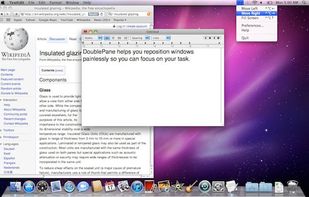
Have you ever wasted time repositioning application windows so you can see two windows simultaneously? DoublePane effortlessly repositions application windows to maximize your screen space for easy side-by-side viewing.
United States


Preme is a free software for Windows which lets you add cool desktop features and enhances the desktop functionality.
 Thailand

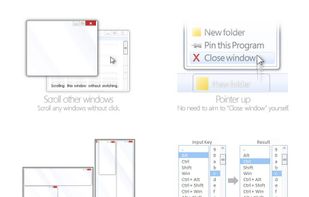
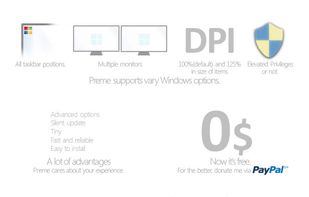


Windownaut is versatile window management app that let's you define keyboard shortcuts and active areas on your screen to resize an position the windows on your desktop.


Window Collage is free menubar app that can split the screen into your favorite layout, placing several windows in the best way to fit your work habits when you multitask.
 China
China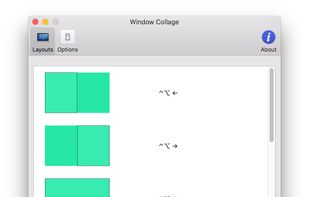


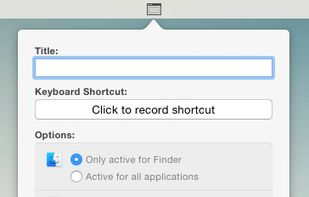
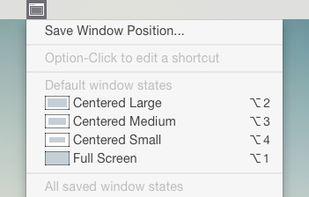
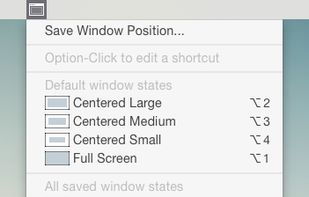

Keypad Layout is an easy to use, open source window layout manager for Mac that lets you control windows using using Ctrl + Numeric Keypad combinations.
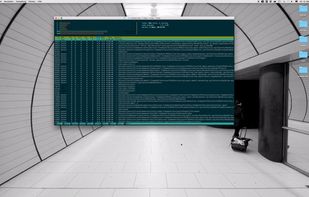

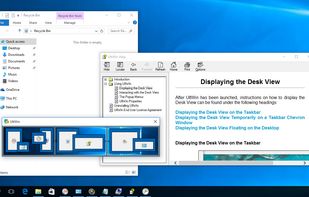
DeskScope is an easy-to-use window manager with the Desk View™, an interactive view of the desktop. DeskScope creates mini-windows on the Desk View to represent desktop applications and Windows 11 apps.


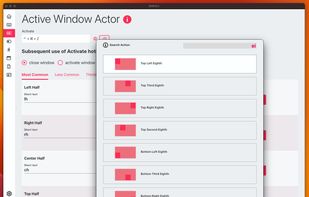
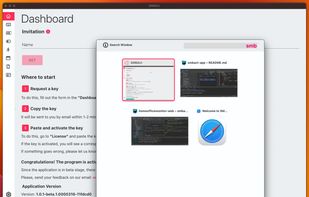
SMBAct is the all-in-one cross-platform solution that allows you to keep your windows and applications well-organized and significantly simplify the process of interaction with them.
United States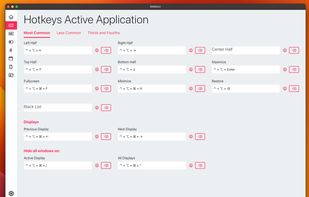


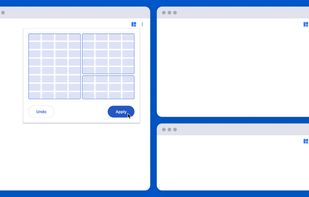
Tiled is a Chrome extension that lets you arrange your windows using a grid-based interface.
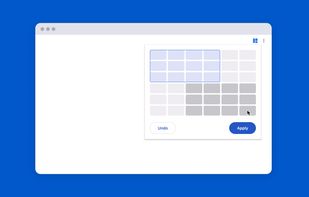
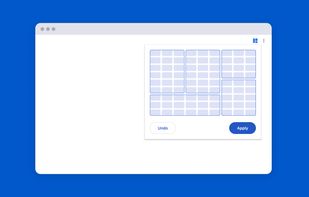
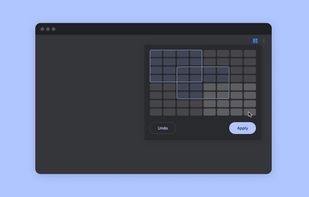





Managing the windows on your computer has become a snap! With the iSnap app, you can organize various windows to fit perfectly on your screen and access them simultaneously!