

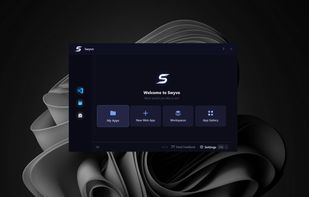
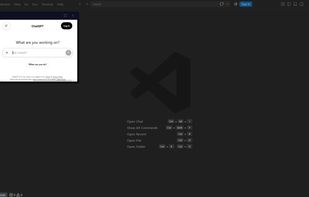
Swyvo is a keyboard-driven app launcher for Windows that runs in the background. Press Alt+Q to instantly bring up your apps and sites right over your current window — press it again to send them away just as fast.




+1



Apps similar to Raycast include Microsoft PowerToys, which is free and open source. Other options are Vicinae, Flow Launcher, Vorssaint and Alfred. You're spoiled for choice with Application Launchers like Raycast: we list more than 100 alternatives for Mac, Windows, Linux, iPhone and iPad.
Swyvo is a keyboard-driven app launcher for Windows that runs in the background. Press Alt+Q to instantly bring up your apps and sites right over your current window — press it again to send them away just as fast.
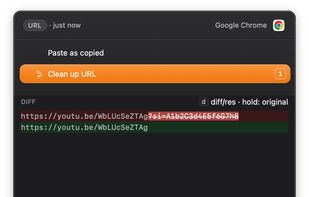
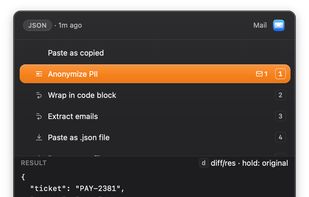
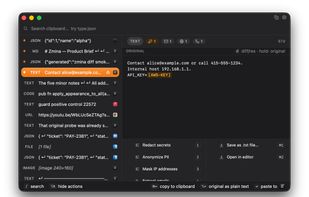
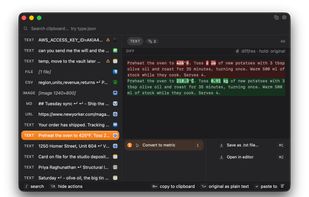
Zmina is a clipboard for people who copy and paste all day. Instead of just storing history, it sees what you copied and which app you're pasting into, then offers a short list of relevant actions.
 Canada

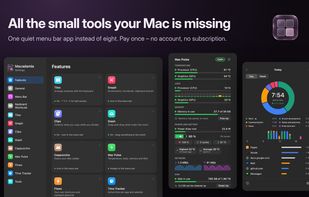
All-in-one menu bar app for Mac with custom shortcuts and automations, window tiling, a notch shelf, clipboard tools and screenshots.


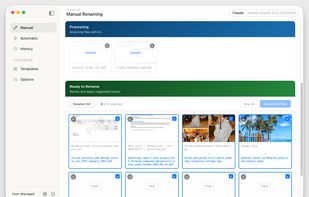
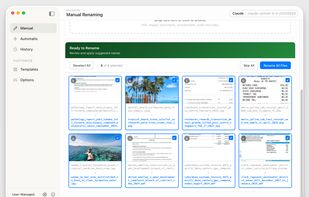
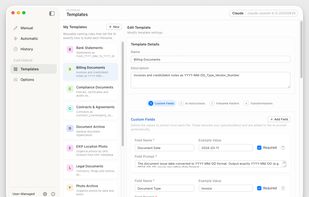
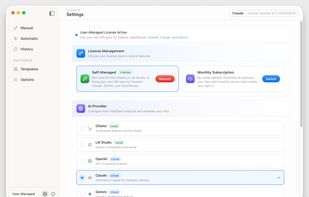
FilesDesk is an AI-powered file renaming app that automatically analyzes and renames your documents based on their actual content, turning messy folders into organized, searchable clarity.
 India


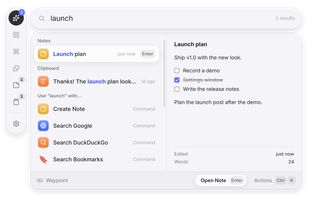
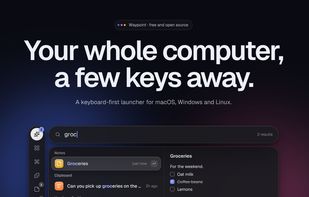
Waypoint is a free, open-source launcher for macOS, Windows and Linux, in the spirit of Raycast. Press Option+Space (Alt+Space), type a few letters and press Enter.
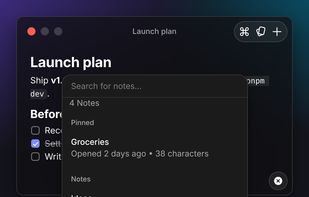


Local-first AI workspace for Mac, Windows and Linux by Sparcle. Free for individuals, works offline, masks PII before any model call. Self-hosted for teams.
 United States
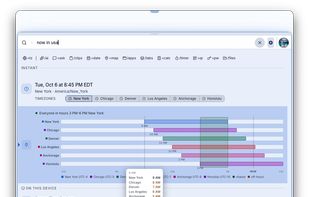
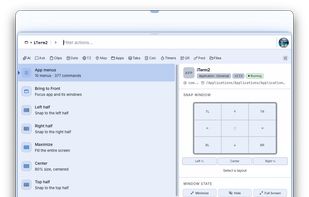
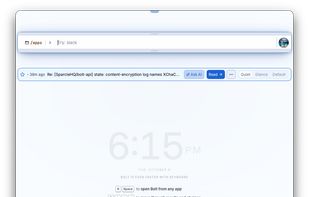
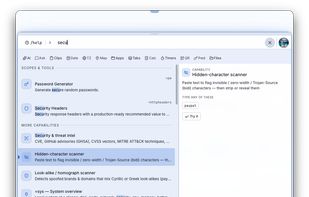


AI-powered desktop search for Windows that finds files by meaning, not just keywords. Search across 59 file types with semantic search.
 United Kingdom

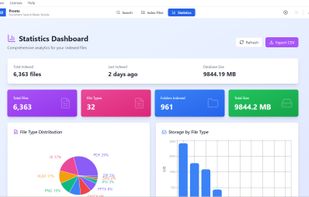


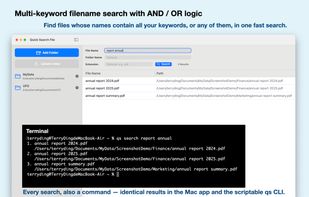
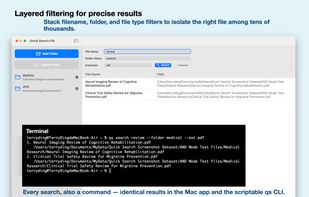
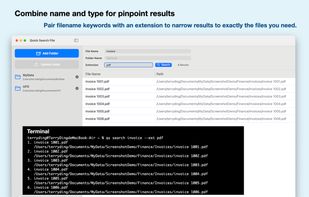
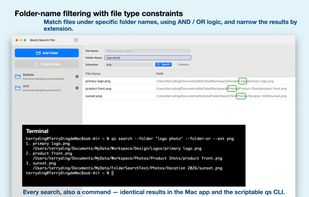
Fast file search for Mac. Index the folders you choose, including OneDrive, Google Drive, Dropbox, and iCloud Drive, and find files by name, folder, or extension. Press ⌥⌘S in any app for a quick search panel. No sign-in required. Pro adds a CLI for AI and automation workflows.

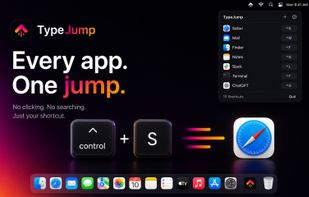
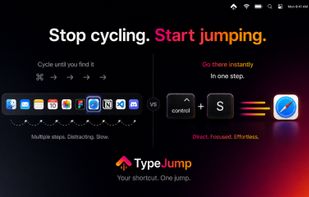
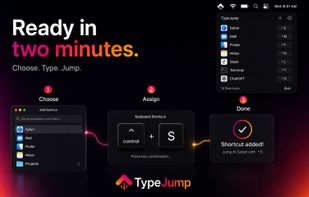
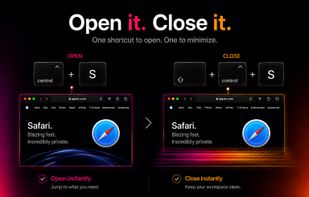
Keyboard- and voice-driven launcher for macOS: jump to any app, file, folder, or browser tab with a dedicated hotkey or a spoken word.


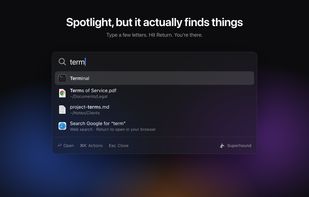
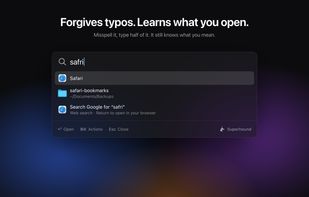
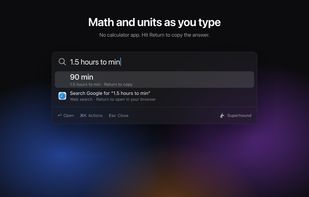
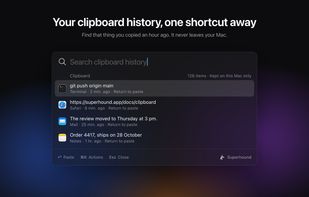
A simple Spotlight replacement for Mac that opens apps, files, and settings, does quick math, finds emoji, and keeps your clipboard history.
 Japan


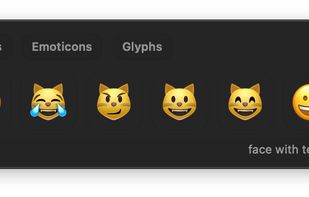
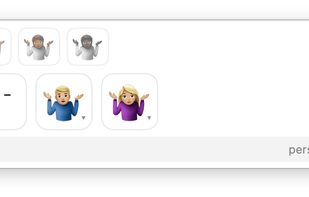
Emoji Picker for macOS is built for keyboard flow: type, filter, and insert quickly. It supports pins, custom shortcodes, emoji packs, and a dedicated Glyphs tab for arrows, math, and layout symbols. Built native in Swift to stay local and fast.
 Switzerland


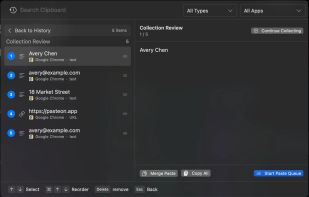
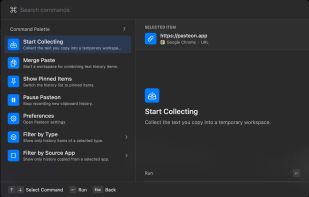
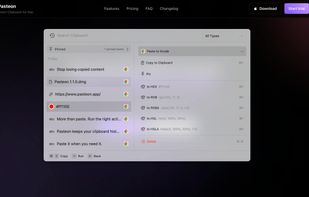
Clipboard history remains searchable and actionable with local network sync, no cloud, content-aware actions, OCR, previews, batch copy, merge, split, paste queue, keyboard controls, URL cleanup, metadata inspection, color conversions, and privacy.
 China