


R-Wipe & Clean
2 likes
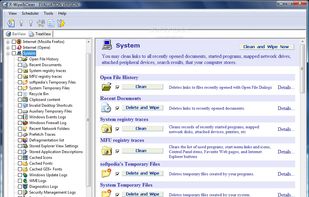
Removes unneeded files, erases browser history, cookies and cached data, wipes sensitive information, supports scheduled tasks, prevents data recovery, cleans third-party app traces, offers customizable settings and secures privacy across offline and online activity.

Cost / License
- Pay once
- Proprietary
Since
- Since 2012


Features
Highlights All activities
R-Wipe & Clean News & Activities
Recent News
No news, maybe you know any news worth sharing?
Share a News Tip
Recent activities
 Czopp added R-Wipe & Clean as alternative to Disk Drive Cleaner Pro
 Sanket-Thakkar added R-Wipe & Clean as alternative to PersonalCleaner
 Paul added R-Wipe & Clean as alternative to WipeCert
 Yonas Abeselom added R-Wipe & Clean as alternative to REDACT
 TheEmperorArt added R-Wipe & Clean as alternative to Sparkle
 Appshines added R-Wipe & Clean as alternative to WinDriveSpace
 TheEmperorArt added R-Wipe & Clean as alternative to BitBroom Cleaner
- Fla updated R-Wipe & Clean
 Paul added R-Wipe & Clean as alternative to Cache Out
 Paul added R-Wipe & Clean as alternative to Sifty


Developed by
 R-Tools Technology
Licensing
Proprietary and Commercial product.Pricing
One time purchase (perpetual license) that costs $29.Alternatives
90 alternatives listedBadge
Get an embeddable badge for R-Wipe & CleanSupported Languages


Comments and Reviews
Total trash. A year or so ago there was a bug where R-Wipe&Clean deleted a couple critical system files under \System32. Multiple users reported the issue on their forum, only to have their posts deleted. It took THREE WEEKS for them to fix the bug, and they never mentioned it in release notes.