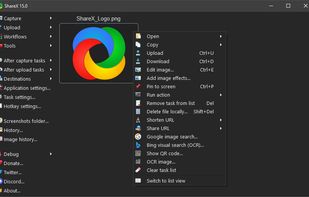
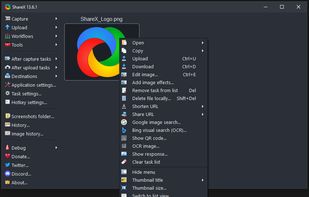
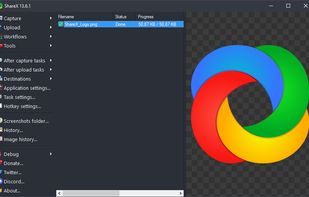
Open-source screen capture and file sharing tool with recording, editing, and annotation features. Supports 4K, dark mode, theming, offline use, and offers a lightweight, ad-free experience without tracking user data.


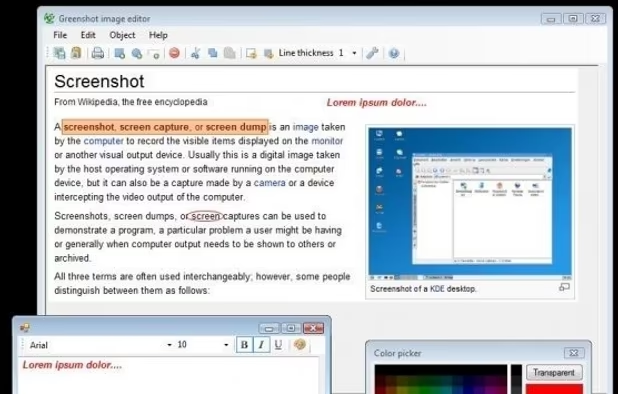
Pixtel Capture is described as 'Windows screen capture app combining 12+ capture modes, annotation, and one-click sharing to Google Drive, OneDrive, Dropbox, Jira, and Office — all in one place. Free plan available; paid plans from $25/yr' and is a screenshot capture tool in the photos & graphics category. There are eight alternatives to Pixtel Capture for a variety of platforms, including Windows, Mac, PortableApps.com, Trello and Wine apps. The best Pixtel Capture alternative is ShareX, which is both free and Open Source. Other great apps like Pixtel Capture are Greenshot, PicPick, FastStone Capture and Snagit.
Open-source screen capture and file sharing tool with recording, editing, and annotation features. Supports 4K, dark mode, theming, offline use, and offers a lightweight, ad-free experience without tracking user data.


Lightweight screenshot tool offering OCR, exports to Office apps and online storage, integration with external commands, supporting 32 languages and minimal space requirement.


Provides versatile screen capture options, built-in image annotation, color picking and palette, precision measurement tools like ruler and protractor, hotkey customization, clipboard and multi-format support, simple tray access, sharing, and portable operation.


A powerful, lightweight, yet full-featured screen capture tool that allows you to easily capture and annotate anything on the screen including windows, objects, menus, full screen, rectangular/freehand regions and even scrolling windows/web pages.


Advanced screen capture and recording tool enabling image or video captures directly from your screen. Includes editing features like callouts, transparency, and effects to enhance visuals. Organize and easily share creations through documents, presentations, or favorite applications.


Captures selectable screen regions for Windows and Mac, offers instant uploading, quick editing, and sharing through short URLs, supports saving locally, annotating, clipboard copying, browser add-ons, upload history access, and operates without heavy system use.


Enables screen and webcam capture, detailed video and screenshot editing, organized meeting notes, AI-powered transcription, and cloud-based instant sharing of annotated visual content via direct links or drag-and-drop integration with communication apps on Windows and Mac.


Screenshot and screen recording tool for Windows designed for fullscreen, area, or window captures, with audio recording, advanced annotation editor, and text-based search. Pro features add scrolling capture, text extraction, webcam, replays, and cloud sharing.