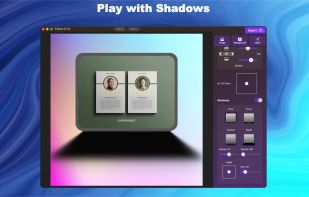
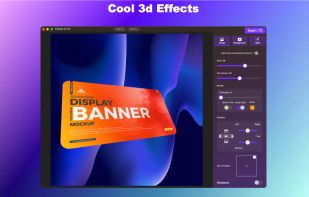
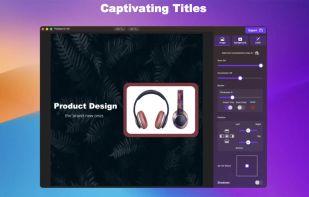
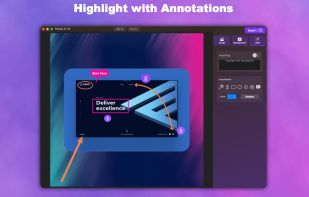
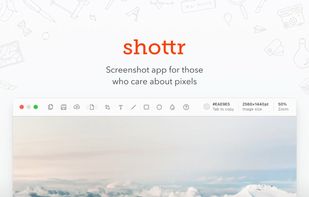
Shottr is a compact screenshot app designed for pixel precision and optimized for macOS Silicon devices.
Cost / License
- Freemium
- Proprietary
Application type
Platforms
- Mac
 United States




One of the most popular alternatives to PicPick is ShareX, which is free and open source. Other popular alternatives are Flameshot, Greenshot, FastStone Capture and Snipping Tool. There's no shortage of Screenshot Capture Tools like PicPick, with more than 100 alternatives for Windows, Mac, the web, Linux and iPhone.
Shottr is a compact screenshot app designed for pixel precision and optimized for macOS Silicon devices.
United States
Save anything you see online - including text, links and images - into your Evernote account with a single click.
United States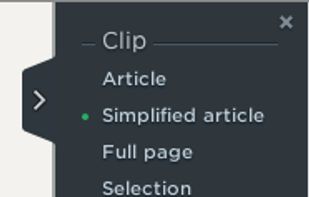


Comprehensive screenshot and screencast tool offering full-screen, window, or region captures with a built-in editor. Supports cropping, resizing, labels, and effects, with integration for popular services. Free version includes some branding and is limited to 15s screen casts.
 France
 EU
EU

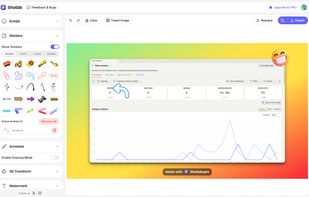
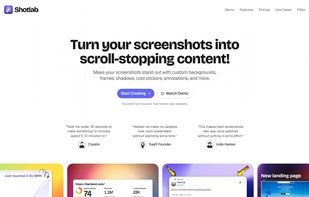
ShotLab is a lightweight screenshot editor built for creators, indie hackers, and marketers who want better engagement without spending hours on design.
 India
India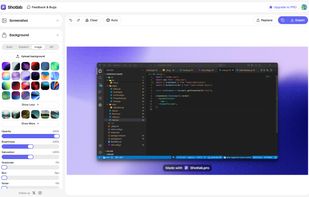


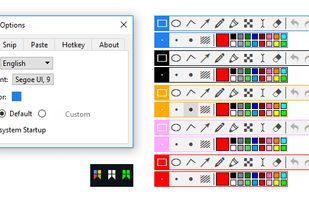
Snipaste is a simple but powerful snipping tool, and also allows you to pin the screenshot back onto the screen. Snip. Then paste. Free. Customizable. Portable.
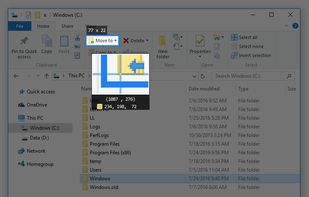
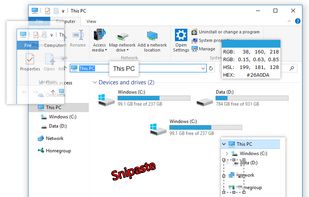
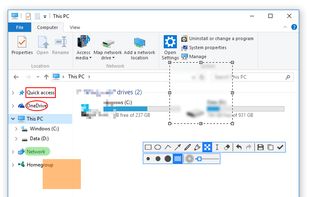


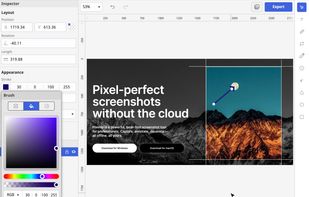
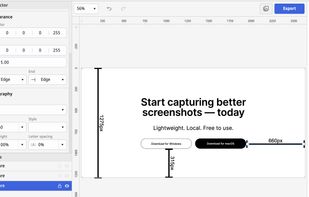
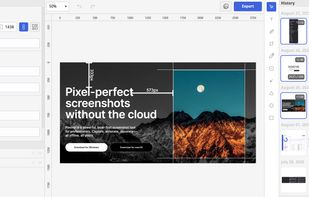
Privacy-focused screenshot utility with local-only storage, capture and post-editing, precision tools like rulers and color picker, grouping, collage and card creation, full history, an intuitive interface, and no cloud or login required for secure offline workflows.
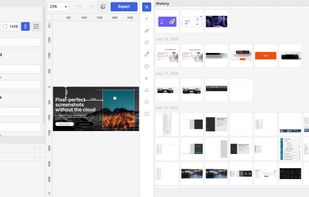


Capture full web page screenshots in Firefox, Chrome, Opera, Pale Moon or Internet Explorer Quick screenshots and annotations!
 Russia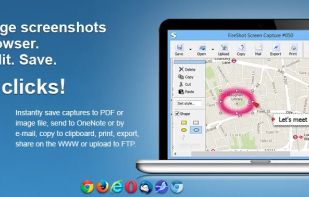
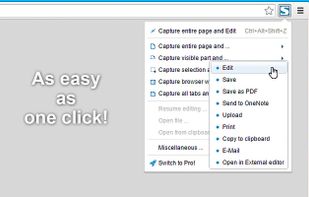


Capture screenshots or record videos with Ashampoo Snap’s efficient tools. Enjoy easy editing, multi-display support, OCR for 180 languages, and instant sharing capabilities. Revamp your projects with video cutting, annotations, and custom capture options.
 GermanyEU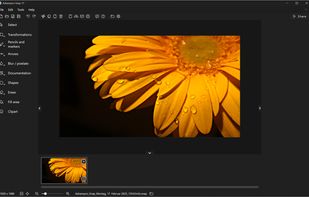

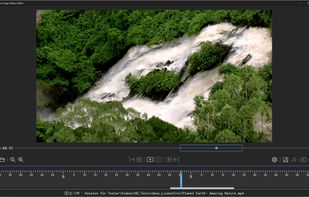
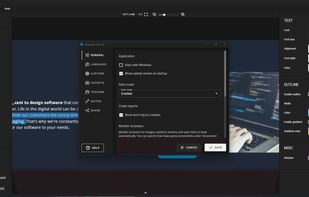

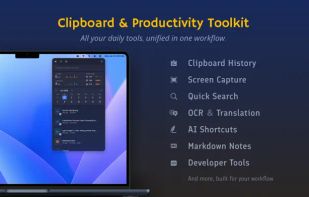
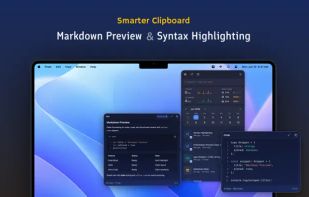
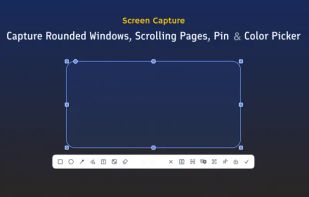
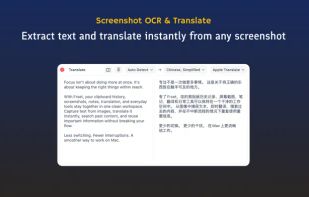
Frset is an all-in-one macOS productivity app combining clipboard management, screenshots, OCR, translation, AI shortcuts, and useful utilities in one place.


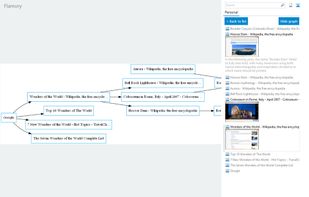
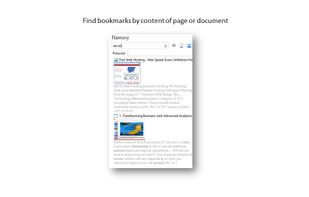
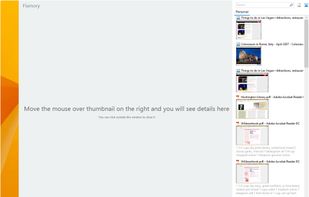
Flamory remembers things, so you don't have to. Make snapshots of web pages, files and desktop apps. You can find snapshots later using full-text search and thumbnails. Paste them anywhere as links or screenshots.
United States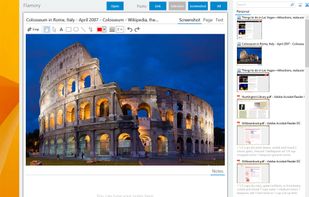


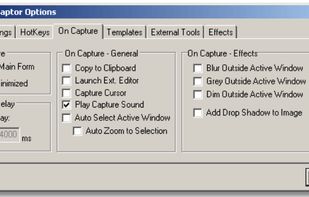
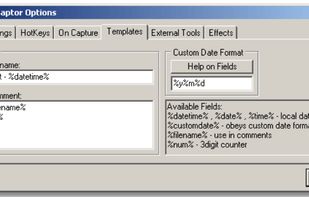
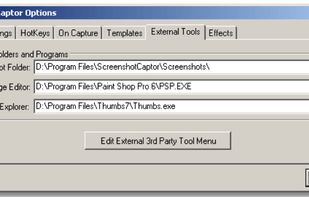
Screenshot Captor is a program for taking screenshots on your computer. Its different from other screenshot utilis in several notable ways:
United States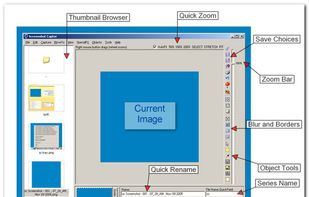


Capture, Customize, and Share Effortlessly with PixEase. We understand the value of your time, which is why we've designed our app to make the process of creating stunning visuals quick and seamless.