Paint.NET Alternatives

Paint.NET is described as 'Free image editor for Windows, offering layer support, plugins, special effects, and portable use without installation. Lightweight and ad-free' and is a leading digital painting tool in the photos & graphics category. There are more than 100 alternatives to Paint.NET for a variety of platforms, including Windows, Mac, Web-based, Linux and iPhone apps. The best Paint.NET alternative is Krita, which is both free and Open Source. Other great apps like Paint.NET are Pinta, GIMP, Adobe Photoshop and Pixelmator.

filter to find the best alternatives

Paint.NET alternatives are mainly Image Editors, but if you're looking for Digital Painting Tools or Photo Editors you can filter on that. Other popular filters include Linux, Android, Mac, Online, iPhone, Windows and Android Tablet. You can also filter by region, for example EU-based alternatives if you prefer software developed in the European Union. These are just examples - use the filter bar below to find more specific alternatives to Paint.NET.
Copy a direct link to this comment to your clipboard
Paint.NET alternatives page was last updated

Alternatives list

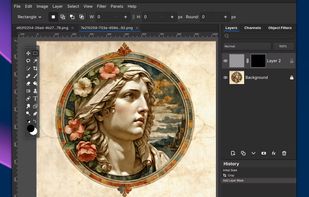
  1. Pixelitor icon
     28 likes

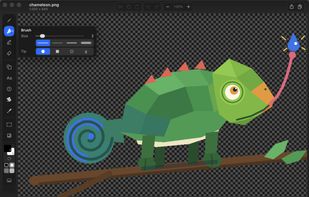
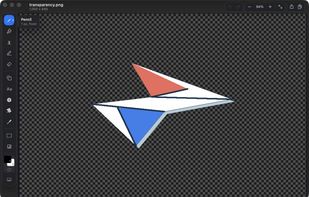
    Open source image editor with non-destructive editing, 110+ filters, adjustment and text layers, support for smart objects and adjustment layers, cross-platform compatibility, and layer-based editing for flexible image composition.

    117 Pixelitor alternatives

    Cost / License

    Platforms

    • Mac
    • Windows
    • Linux
     
    |
    1
    Pixelitor vs Paint.NET Comments
    nlacaria
    Positive
    0

    not a similar GUI, but similar speed and basic functionality. closest "base" program to Paint.Net on Linux. Paint.Net is much more expandable with extensions. But Pixelitor is much more accurate in things like cropping than Pinta

    • Pixelitor is Free and Open SourcePaint.NET is Free and Proprietary
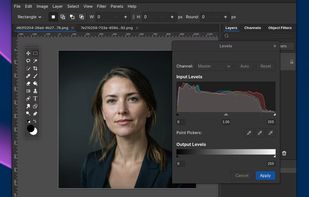
  2. Acorn icon
     75 likes

    Image editor for macOS offering AI-powered background removal, live text detection, non-destructive filters, unlimited layers, vector shapes, collage creation, extensive file support including PSD and RAW formats, and tools for both designers and hobbyists.

    Cost / License

    • Paid
    • Proprietary

    Application types

    Platforms

    • Mac
     
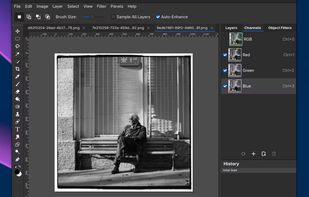
  3. Pixen icon
     18 likes

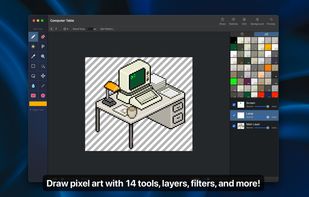
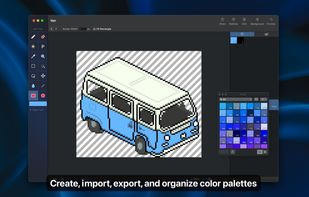
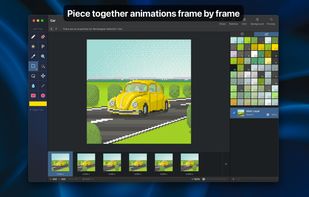
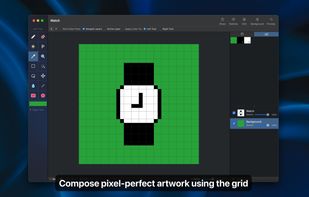
    Pixen is a pixel art editor designed for working with low-resolution raster art, such as those 8-bit sprites found in old-school video games. With innovative features like a color palette system, patterns, and high-zoom support, Pixen packs all the tools pixel artists need in an...

    Cost / License

    • Free
    • Proprietary

    Platforms

    • Mac
    • iPad
     
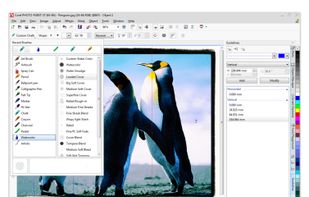
  4. Comprehensive tool for image editing, retouching, bitmap creation, digital painting, and RAW editing. Streamlined web exporting makes it ideal for professionals seeking to enhance visual elements efficiently.

    17 Corel Photo-Paint alternatives

    Cost / License

    • Paid
    • Proprietary

    Platforms

    • Windows
     
  5. AzPainter icon
     22 likes

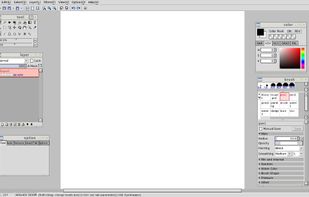
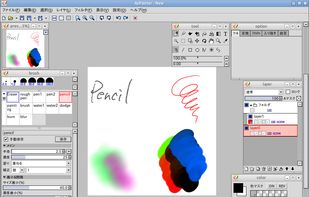
    AzPainter is a full color painting program for Linux. It's a lightweight tool with tablet pressure support, and provides basic functions such as selection, layers, filters. you can use it for painting, image editing, or pixel art making.

    35 AzPainter alternatives

    Cost / License

    Platforms

    • Linux
    • AppImage
     
  6. Photoline icon
     61 likes

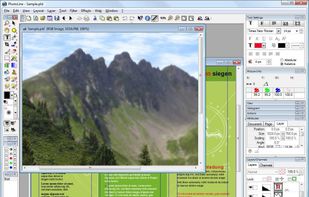
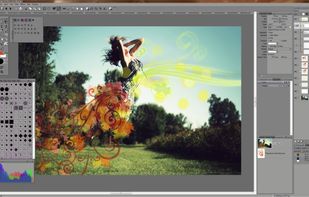
    Photoline is a professional image editor which offers creatives a mostly non-destructive workflow for 8/16/32bpc image processing and compositing in RGB, CMYK, and Lab modes.

    Full vector editing, DTP features, and a HSV/HIS workflow are supported.
    Cost / License

    • Paid
    • Proprietary

    Application types

    Platforms

    • Mac
    • Windows
    • Wine
     
  7. Photomator icon
     6 likes

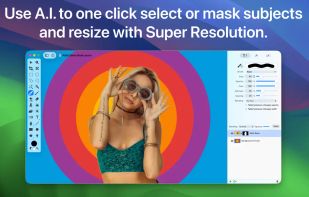
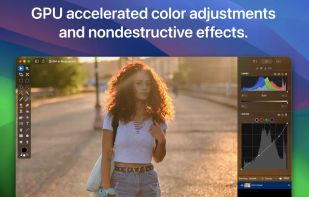
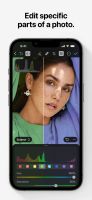
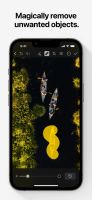
    Mobile editor offers 30+ color adjustments, AI upscaling, smart selection, noise removal, object eraser, RAW and Apple ProRAW support, film-style presets, batch edits, real-time histograms, deep Photos and iCloud integration, plus LUT export and pro-level features.

    66 Photomator alternatives

    Cost / License

    • Freemium
    • Proprietary

    Application types

    Platforms

    • Mac
    • iPhone
    • iPad
     
  8. PicMonkey icon
     50 likes

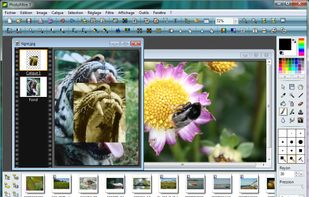
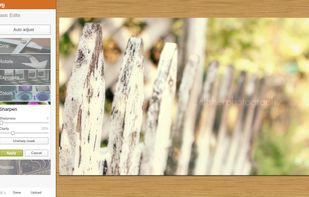
    PicMonkey is a feature-rich online photo editor that works right in your browser; no downloads necessary. Touch-up tools like Teeth Whiten, Blemish Fix, Weight Loss. Effects like Orton, Cross Process, Color Boost, with drag and drop ease.

    Cost / License

    • Paid
    • Proprietary

    Application types

    Platforms

    • Online
    • Android
    • iPhone
     
  9. Pocket Paint icon
     21 likes

    Pocket Paint is a paint editor that, among others, allows setting parts of pictures to transparent and zooming up to pixel level.

    Cost / License

    • Free
    • Open Source

    Platforms

    • Android
    • F-Droid
     
    |
    2
    Pocket Paint vs Paint.NET Comments
    Guest
    Positive
    0

    Simple, intuitive and easy to use whith robust and versatile tools, privacy focus

    Guest
    Negative
    0

    Barely has any feature comparing to Paint.net

    • Pocket Paint is Free and Open SourcePaint.NET is Free and Proprietary
    • Pocket Paint is a Digital Painting Paint.NET is an Image Editor
    • Pocket Paint is Privacy focusedPaint.NET is not according to our users
  10. Sumo Paint icon
     74 likes

    Sumo Paint is a powerful image editor with a long-standing history as a fully capable Photoshop clone in the browser. Being designed for the browser, it's accessible on practically any system and loads much faster than most comparable desktop tools while still providing core...

    Cost / License

    • Freemium
    • Proprietary

    Platforms

    • Online
     
  11. KolourPaint icon
     43 likes

    KolourPaint is a simple painting program to quickly create raster images. It is useful as a touch-up tool and for simple image editing tasks.

    Cost / License

    • Free
    • Open Source

    Platforms

    • Linux
    • KDE Plasma
    • Snapcraft
    • Flathub
    • Mac
     
    |
    3
    KolourPaint vs Paint.NET Comments
    Guest
    Negative
    2

    Lacks layers and transparency support.

    Josh Shannon
    Positive
    2

    KolourPaint is one of the simplest and most responsive options. It is more like MS Paint, but still gets the job done.

    Guest
    Positive
    0

    It has the same interface as Paint.NET, The same tools, the same ease of use....But for Linux !

    • KolourPaint is Free and Open SourcePaint.NET is Free and Proprietary
    • KolourPaint is a Digital Painting Paint.NET is an Image Editor
You are at page 3 of Paint.NET alternatives