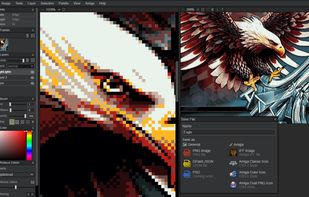
Webbased image editor modeled after the legendary Deluxe Paint with a focus on retro Amiga file formats.
Cost / License
- Free
- Open Source (MIT)
Application typeApplication types
Platforms
- Online
 Belgium
 EU
EU




One of the most popular alternatives to Paint.NET is GIMP, which is free and open source. Other popular alternatives are Krita, Adobe Photoshop, Affinity and Photopea. Image Editors like Paint.NET are a crowded field, with more than 100 alternatives for Windows, Mac, the web, Linux and iPhone.
Webbased image editor modeled after the legendary Deluxe Paint with a focus on retro Amiga file formats.
BelgiumEU
NeoPaint is a full featured artist's studio for Windows that's easy-to-learn, powerful and affordable! It's simple enough for beginners yet packed with powerful features and advanced tools. NeoPaint makes it easy for business and home users to touch up photographs...
 United States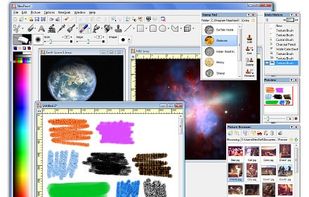


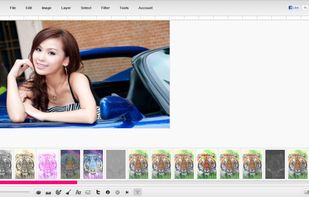
Picozu Editor is a drawing and photo retouching application built on Javascript, HTML 5 and CSS3. Make sure you use a modern browser if you want to play with it.


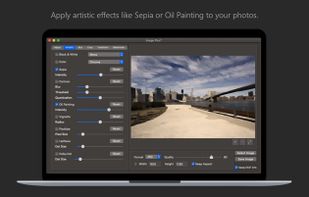
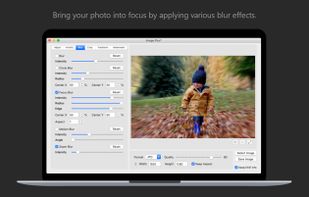
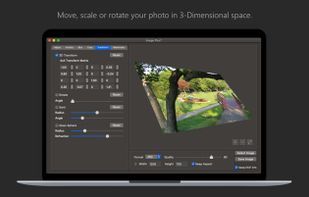
Fine-tune, watermark, resize, rotate, crop, convert and apply artistic effects to your photos using Image Plus. If you have photos on your Mac that need to be adjusted and watermarked then you are in luck.
 ItalyEU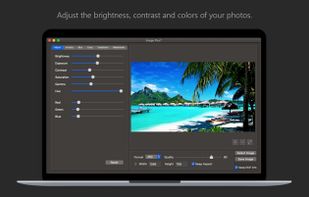


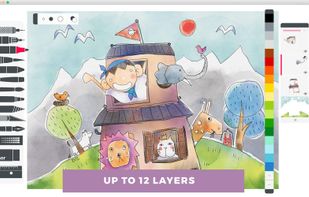
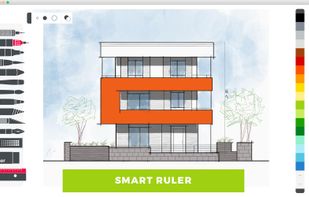
Sketches is a perfect mix of beauty, simplicity and power, a truly unique combination you won't find anywhere else.
 FranceEU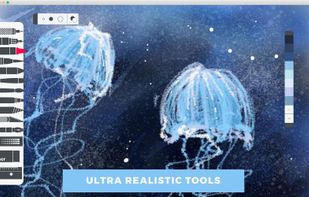



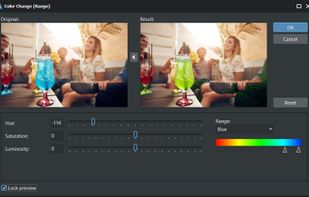
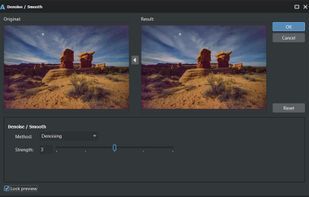
AlterPhoto is powerful photo editor and image manipulation tool for Windows. It combines ease of use with powerful editing features powered by computer vision and generative AI. This program will become an indispensable tool for both photographers and graphic designers.
 CyprusEU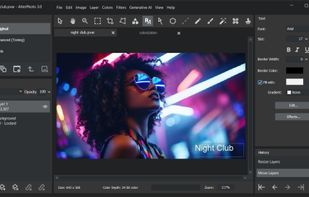



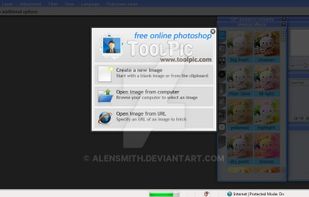
Photoshop Online Free Alternative Photo Editor By Toolpic, Turn your Pictures into Living Being by Using our Online Web based Photoshop Alternative


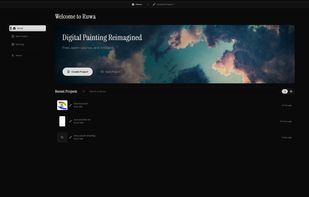
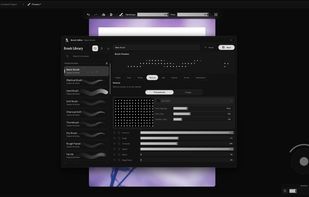
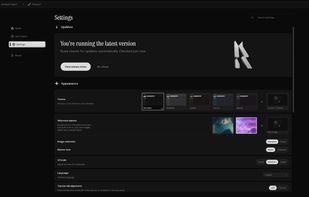
Ruwa is a free and open-source desktop application for digital painting and illustration on Windows. It combines a focused, customizable interface with a flexible brush system designed for both simple sketching and more detailed artwork.
 Russia


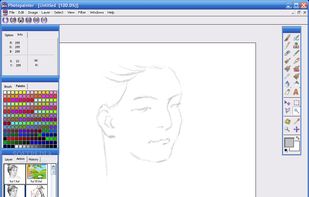
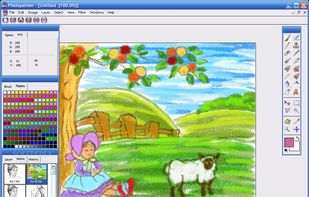
Photopainter is both a natural-media painting software and an image processing system at the same time.
 United Kingdom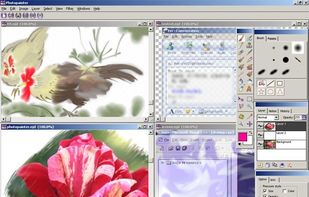


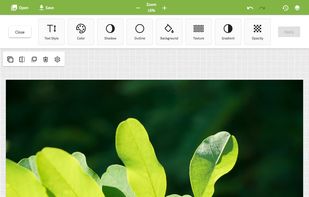
Pixel•OnlineCreation is a unique website where you can edit and create anything as easily as clicking on buttons.
FranceEU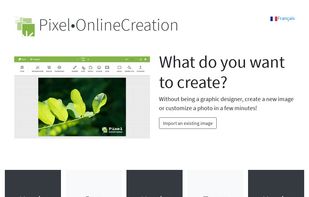

Patchy is a free, open-source image editor for Windows, macOS, and Linux, built for accurate PSD and PSB editing and round trips with Adobe Photoshop. It supports editable text and vectors, masks, layer styles, Smart Objects and Smart Filters, legacy 8BF plug-ins, JavaScript...