Intuitive screenshots baked right into the browser. Capture, save and share screenshots as you browse the Web using Firefox.
Cost / License
- Free
- Open Source (MPL-2.0)
Application type
Platforms
- Firefox


Apps similar to Onde Screen Capture include ShareX, which is free and open source. Other options are Greenshot, Snipping Tool, PicPick and FastStone Capture. Screenshot Capture Tools like Onde Screen Capture are a crowded field, with more than 50 alternatives for Windows, Mac, Linux, the web and Android.
Intuitive screenshots baked right into the browser. Capture, save and share screenshots as you browse the Web using Firefox.

Capture full and partial screenshots, record screen or webcam videos with extensive editing tools, including annotations, video conversion to gif/mp4, and sharing options. Create step-by-step guides enhanced by AI, save in multiple formats, and utilize cloud storage integration.
 United States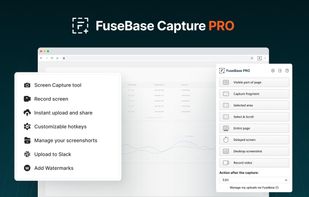
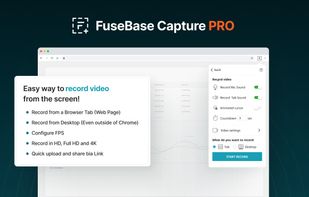
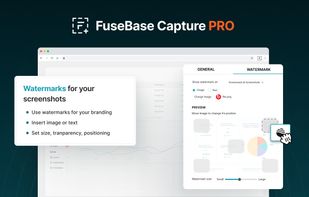
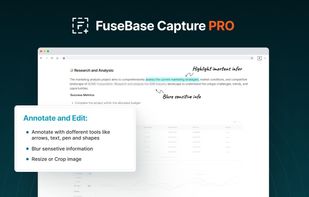


Gyazo lets you instantly grab the screen and upload the image to the web. You can easily share on Chat, Social, Email, or anywhere!
United States


Enables screen and webcam capture, detailed video and screenshot editing, organized meeting notes, AI-powered transcription, and cloud-based instant sharing of annotated visual content via direct links or drag-and-drop integration with communication apps on Windows and Mac.
United States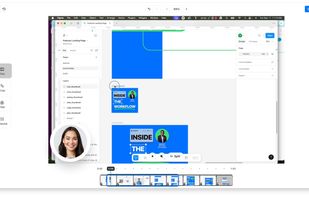

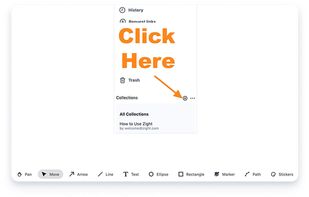


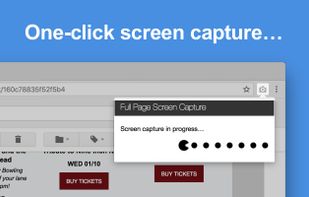
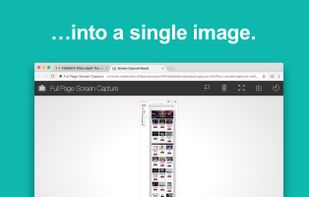
The simplest way to take a full page screenshot of your current browser window. Click on the extension icon (or press Alt+Shift+P), watch the extension capture each part of the page, and be transported to a new tab of your screenshot where you can download it as an image or PDF...
United States


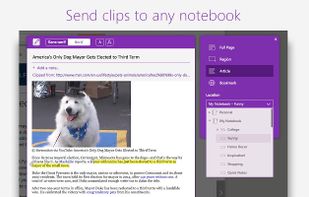
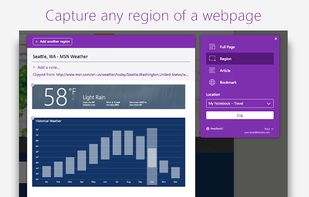
You're busy. OneNote Web Clipper lets you quickly clip all or part of a web page to OneNote, and save it for later. Clip images, pdfs, videos, or a visual bookmark of a page. Best of all, you can access them from any computer, tablet, or phone - even when you're offline.



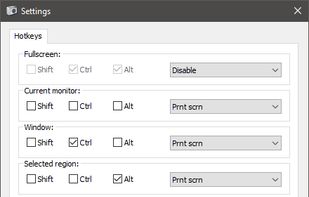
Freeware tool for taking fast and simple screenshots of the entire screen, windows and regions.
 Kazakhstan


Capture screenshots or record videos with Ashampoo Snap’s efficient tools. Enjoy easy editing, multi-display support, OCR for 180 languages, and instant sharing capabilities. Revamp your projects with video cutting, annotations, and custom capture options.
 Germany
 EU
EU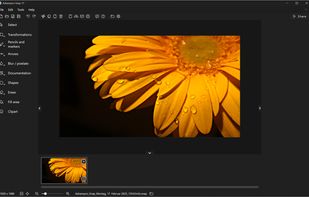



This extension is able to capture 100% of both the vertical and horizontal content appearing on any webpage on the Internet.


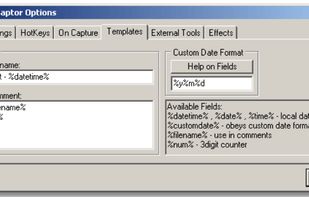
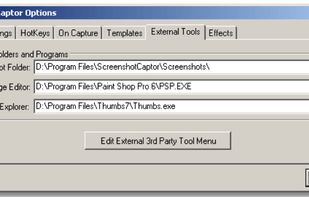
Screenshot Captor is a program for taking screenshots on your computer. Its different from other screenshot utilis in several notable ways:
United States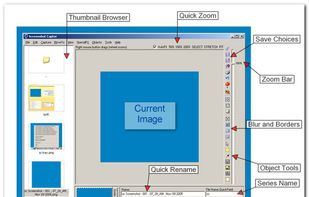
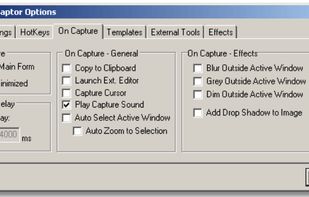


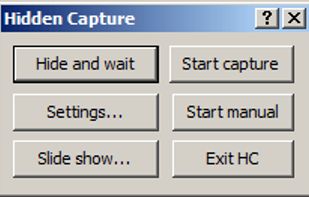
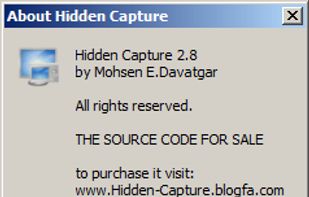
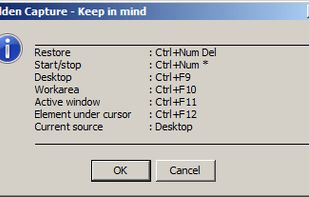
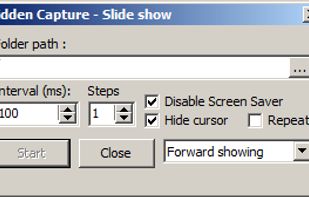
Grab screenshots in a stealth mode, and start the capturing process at a user-defined time with the help of this simple to use and efficient software tool.


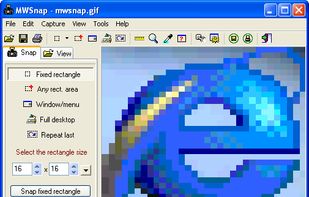
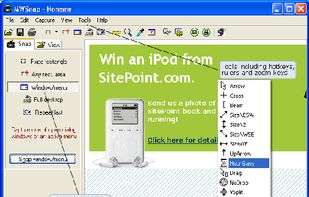
MWSnap is a small yet powerful Windows program for snapping (capturing) images from selected parts of the screen.
 PolandEU