NightPDF Alternatives

NightPDF is described as 'Dark Mode PDF reader' and is a PDF Reader in the office & productivity category. There are more than 50 alternatives to NightPDF for a variety of platforms, including Windows, Mac, Android, iPhone and Linux apps. The best NightPDF alternative is SumatraPDF, which is both free and Open Source. Other great apps like NightPDF are Okular, Foxit PDF Reader, Xournal++ and Evince.

Copy a direct link to this comment to your clipboard
NightPDF alternatives page was last updated

Alternatives list

  1. LEKTRA icon
     14 likes

    High-performance viewer for documents and images offering split tabs, customizable single or book layouts, portals for side-by-side sections, instant search, line highlight, annotation tools, link hints, searchable highlights, session management, and TOML config.

    Cost / License

    Application types

    Platforms

    • Mac
    • Windows
    • Linux
     
  2. Skim icon
     96 likes

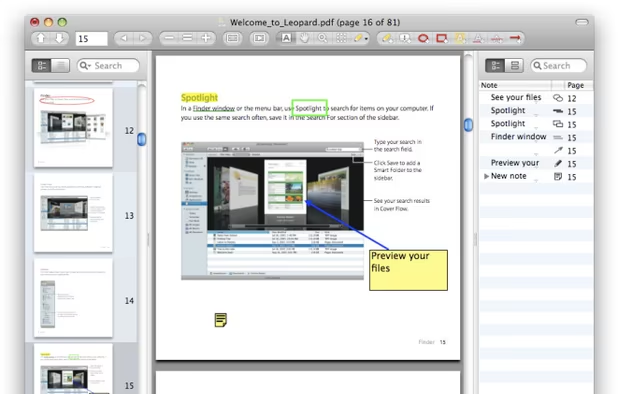
    PDF viewer for macOS supports scientific papers, annotations, highlights, bookmarks, split view, exporting notes, AppleScript, multiple annotation types, bibliography integration, full-screen, search, and compatibility with various macOS versions.

    99 Skim alternatives

    Cost / License

    • Free
    • Open Source

    Application type

    Platforms

    • Mac
     
  3. xournal icon
     74 likes

    Xournal is an application for notetaking, sketching, keeping a journal using a stylus. It is free software (GNU GPL) and runs on Linux (recent distributions), Windows and other GTK+/Gnome platforms.

    54 xournal alternatives

    Cost / License

    • Free
    • Open Source

    Application type

    Alerts

    • Discontinued

    Platforms

    • Windows
    • Linux
     
  4. Xodo icon
     72 likes

    Xodo is the ultimate cross-platform PDF viewer and annotator. Powerful, fast, and optimized for all phones and tablets, Xodo makes it easy to access, edit, share, sync, manage, sign, and more.

    127 Xodo alternatives

    Cost / License

    • Paid
    • Proprietary

    Application types

    Platforms

    • Windows
    • Online
    • Android
    • iPhone
    • Chrome OS
    • Android Tablet
    • iPad
    • Google Chrome
     
  5. PDF Expert icon
     39 likes

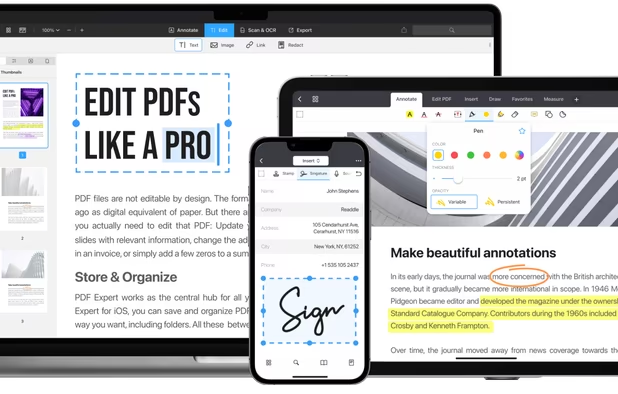
    Read, annotate, and highlight PDFs, fill interactive forms with saved input, underline or strike through text, manage bookmarks, sync files from cloud services, and share documents. Compatible with Preview and Adobe Acrobat annotations, supporting extensive iOS features.

    138 PDF Expert alternatives

    Cost / License

    • Paid
    • Proprietary

    Application types

    Platforms

    • Mac
    • iPhone
    • iPad
     
  6. doPDF icon
     87 likes

    doPDF allows you to freely convert documents to PDF files. It installs as a printer driver, enabling you to print from any Windows application.

    90 doPDF alternatives

    Cost / License

    • Free
    • Proprietary

    Application type

    Platforms

    • Windows
     
  7. KDAN PDF icon
     187 likes

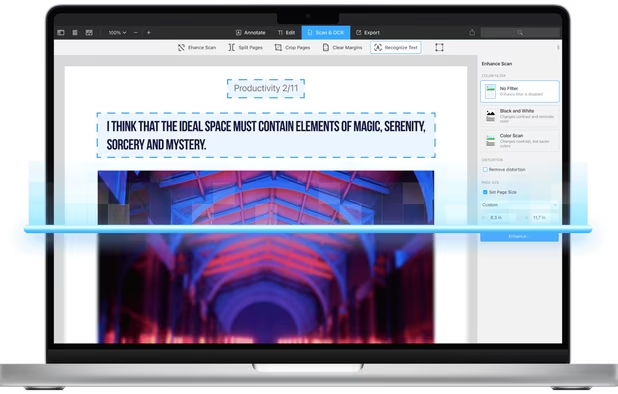
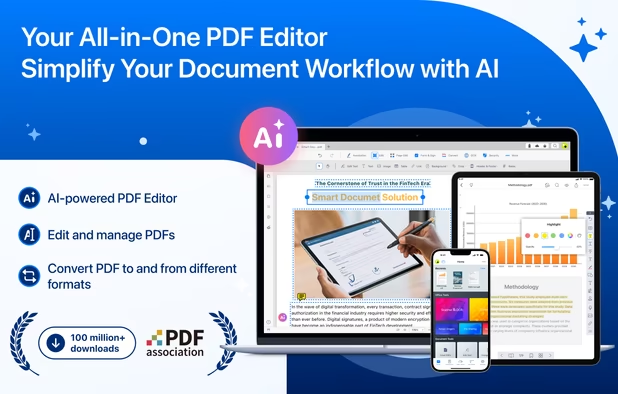
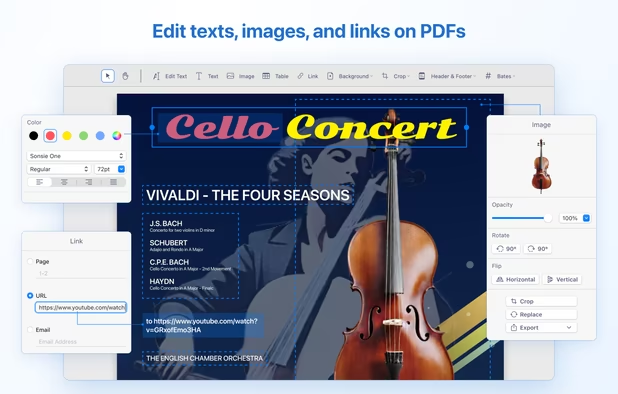
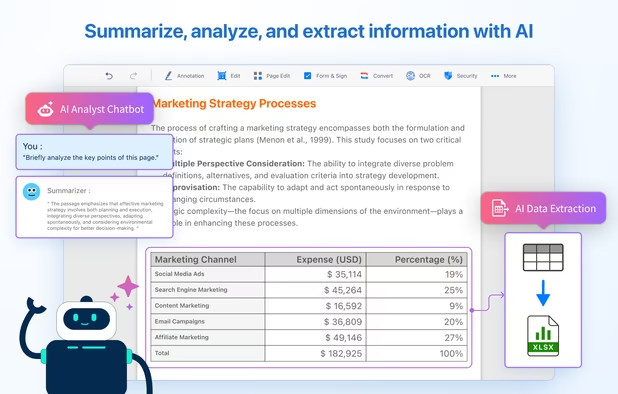
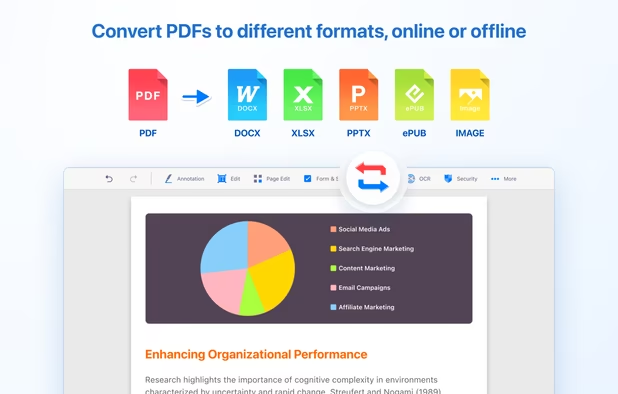
    Comprehensive solution for editing, signing, form filling, OCR scanning, commenting, converting, and redacting PDFs, with AI-driven analysis and content extraction, data export to spreadsheets, text-to-speech, seamless use across desktop and mobile, and batch processing.

    273 KDAN PDF alternatives

    Cost / License

    • Freemium
    • Proprietary

    Application types

    Platforms

    • Mac
    • Windows
    • Android
    • iPhone
    • Android Tablet
    • iPad
     
  8. A privacy-first, client-side PDF editor that runs in your browser. Edit, annotate, merge/split, compress to target sizes, OCR scanned PDFs, and convert files—no signup, no watermark.

    Cost / License

    • Free
    • Proprietary

    Application type

    Platforms

    • Online
    • Software as a Service (SaaS)
     
  9. SpeedyNote icon
     3 likes

    SpeedyNote is a fast, open-source note-taking application designed for stylus users who need iPad-quality annotation on budget hardware. Built with native C++ and Qt, it delivers 360Hz stylus input on hardware as modest as an Intel Celeron N4000 at 1.

    Cost / License

    Application type

    Platforms

    • Mac
    • Windows
    • Linux
    • Android
    • Android Tablet
    • Flathub
    • Flatpak
    • iPad
     
You are at page 2 of NightPDF alternatives