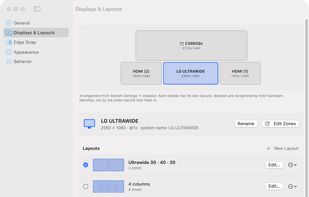


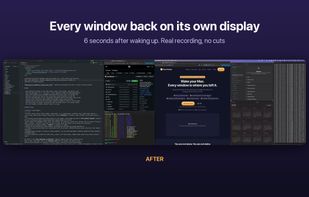
Menu bar app that puts every window back on its display after your Mac wakes, unlocks or reconnects external monitors, identical ones included.



+2


Apps similar to Moom include Microsoft PowerToys, which is free and open source. Other options are Rectangle, BetterTouchTool, ClickFit and Loop - Window Management. Window Managers like Moom are a crowded field, with more than 100 alternatives for Mac, Windows, Linux and Android.
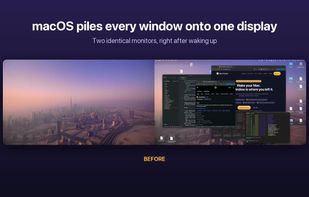
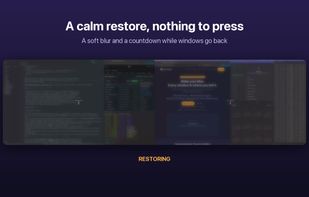
Menu bar app that puts every window back on its display after your Mac wakes, unlocks or reconnects external monitors, identical ones included.



OmniWM is a free, open-source, Developer ID-signed and Apple-notarized tiling window manager for Apple Silicon Macs running macOS 26 or later. It combines Niri-style orientation-aware scrolling containers and Hyprland-style Dwindle BSP layouts, selectable per workspace, with...


Snip2Field is a Windows utility for anyone who copies data off invoices and PDFs. Press a hotkey, drag a box over an IBAN, amount, date or invoice number, and it runs OCR on just that region and copies the result — no retyping.
 Taiwan



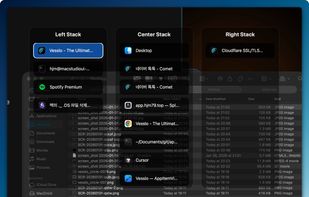
Window management utility on macOS enabling window snapping, 2- and 3-zone layouts, app rotation, keyboard and trackpad gesture controls, plus overview mode for fast app assignment and switching, offering efficient multitasking in customizable zones.
 South Korea
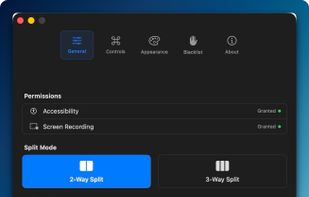
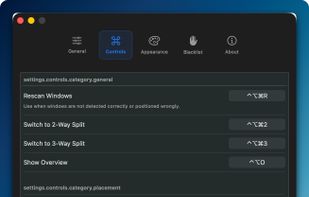


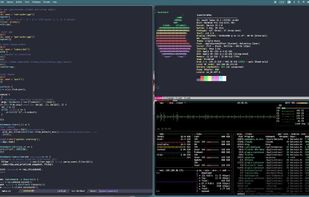


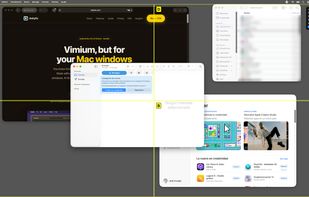
Ankylix brings Vimium-style keyboard hints to macOS window management. Hit a hotkey and a letter appears on every window and tiling zone — press it to instantly focus, move, resize, or tile, without ever touching the mouse.
 Spain
 EU
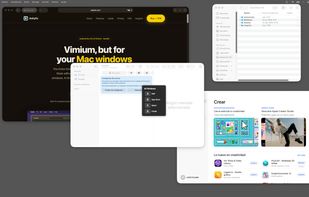
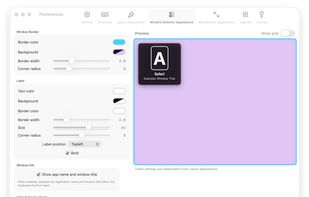
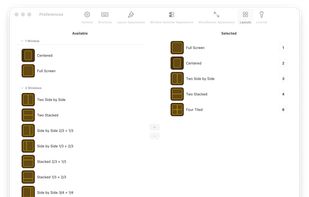

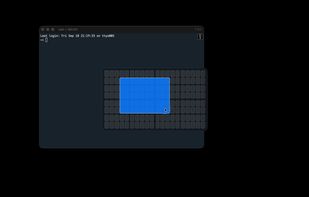
An open source alternative to Divvy for macOS. Press a shortcut, a grid appears, drag across the cells you want, and the window snaps there. Save a region as a preset and it becomes a one-keystroke snap.
 PolandEU


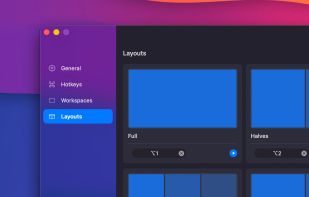
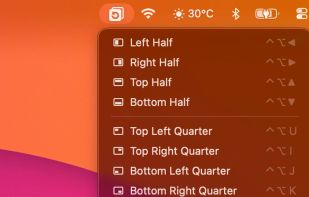
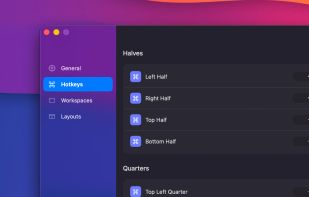
Free macOS window manager that saves and restores your entire workspace layout with one keystroke. Every app, every window position, every display. Includes window snapping, drag-to-snap, and unlimited named workspaces.
 Mexico


 Brazil
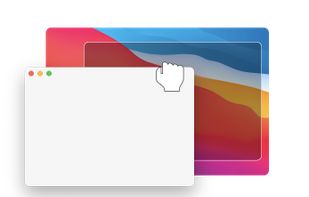
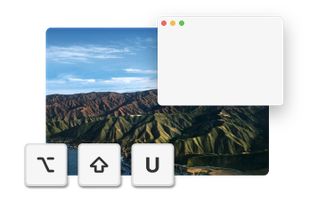
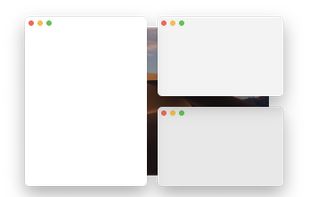
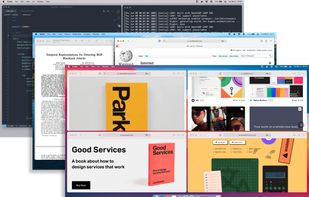


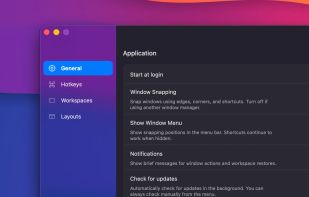
Shoji is a menu bar app for macOS. In an on-screen editor you draw zones on each of your monitors; then you hold a key while dragging a window, let go over a zone, and the window fills it. Every monitor keeps its own layouts, and they come back when you plug that monitor in...
 Argentina