





Many Displays
Like
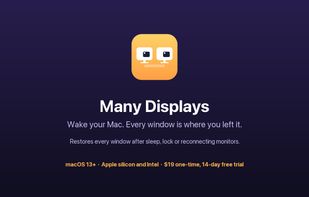
Menu bar app that puts every window back on its display after your Mac wakes, unlocks or reconnects external monitors, identical ones included.

Cost / License
- Pay once
- Source Available (FSL-1.1-MIT)
Application type
Platforms
- Mac


Features
Highlights All activities
Many Displays News & Activities
Recent activities
- Martin-Acu-a added Many Displays
- Martin-Acu-a updated Many Displays
 Martin-Acu-a added Many Displays as alternative to Stay, Display Maid, Putback, Moom and 1 more

Developed by
Martín Acuña LledóLicensing
Source Available (FSL-1.1-MIT) and Commercial product.Pricing
One time purchase (perpetual license) that costs $19.Written in
Alternatives
5 alternatives listedBadge
Get an embeddable badge for Many DisplaysSupported Languages

AlternativeTo Category
OS & UtilitiesGitHub repository
- 0 Stars
- 0 Forks
- 0 Open Issues
- Updated


No comments or reviews, maybe you want to be first?