


+2
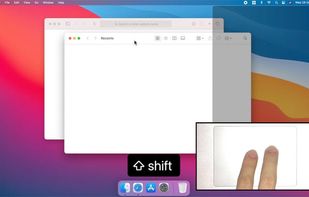


Apps similar to Moom include Microsoft PowerToys, which is free and open source. Other options are Rectangle, BetterTouchTool, ClickFit and Loop - Window Management. Window Managers like Moom are a crowded field, with more than 100 alternatives for Mac, Windows, Linux and Android.

Keyboard window manager for large and multiple displays, with grid placement, moves and swaps between displays, one-key undo, and rules that rearrange windows when a display connects.
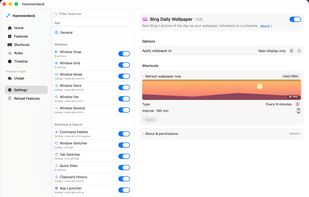
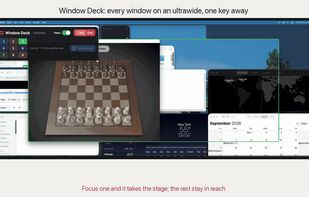
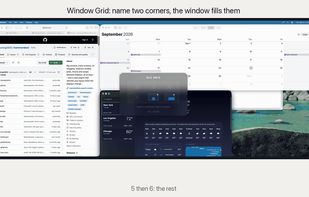


Arrange macOS windows into halves, thirds, quarters, or custom grid layouts using live previews, drag actions, or fully remappable shortcuts. Restore positions with one key, move windows across displays, manage layouts via the menu bar, and customize every action.
 Japan
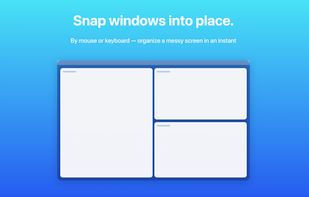

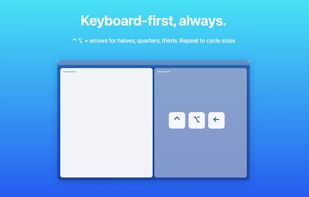
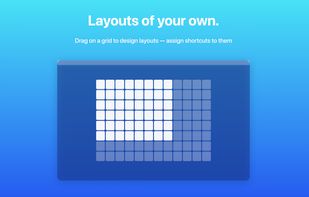


Defines zones on each display, assigns apps to fixed positions, and restores saved workspaces after restarts, crashes, docking, or monitor changes. It includes unlimited layouts, hotkeys, undo and move history, AI suggestions, ultrawide support, and team layout sharing.
 Ireland
 EU


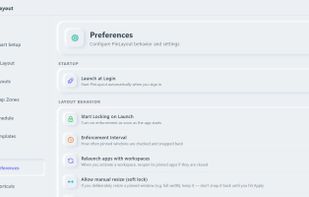



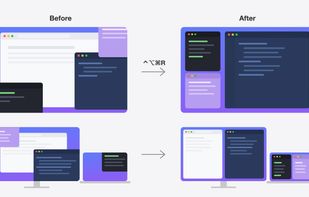
Save your Mac window layout and restore it with a keyboard shortcut, or automatically when you plug in or unplug a monitor.


 United States
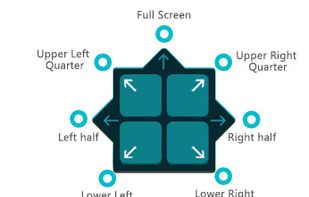
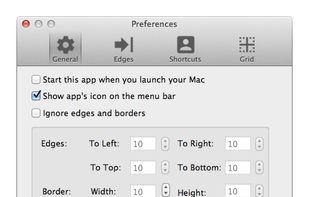
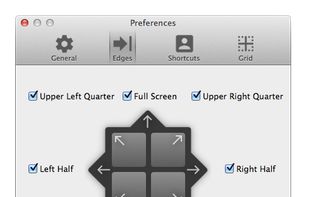
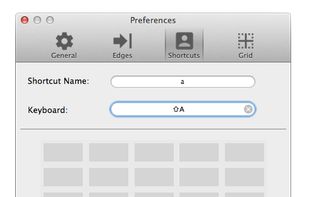

A small utility which allows you to easily organize your open windows by tiling, resizing and positioning them to make the best use of your desktop real estate. It's easy to configure and supports multiple monitors.